

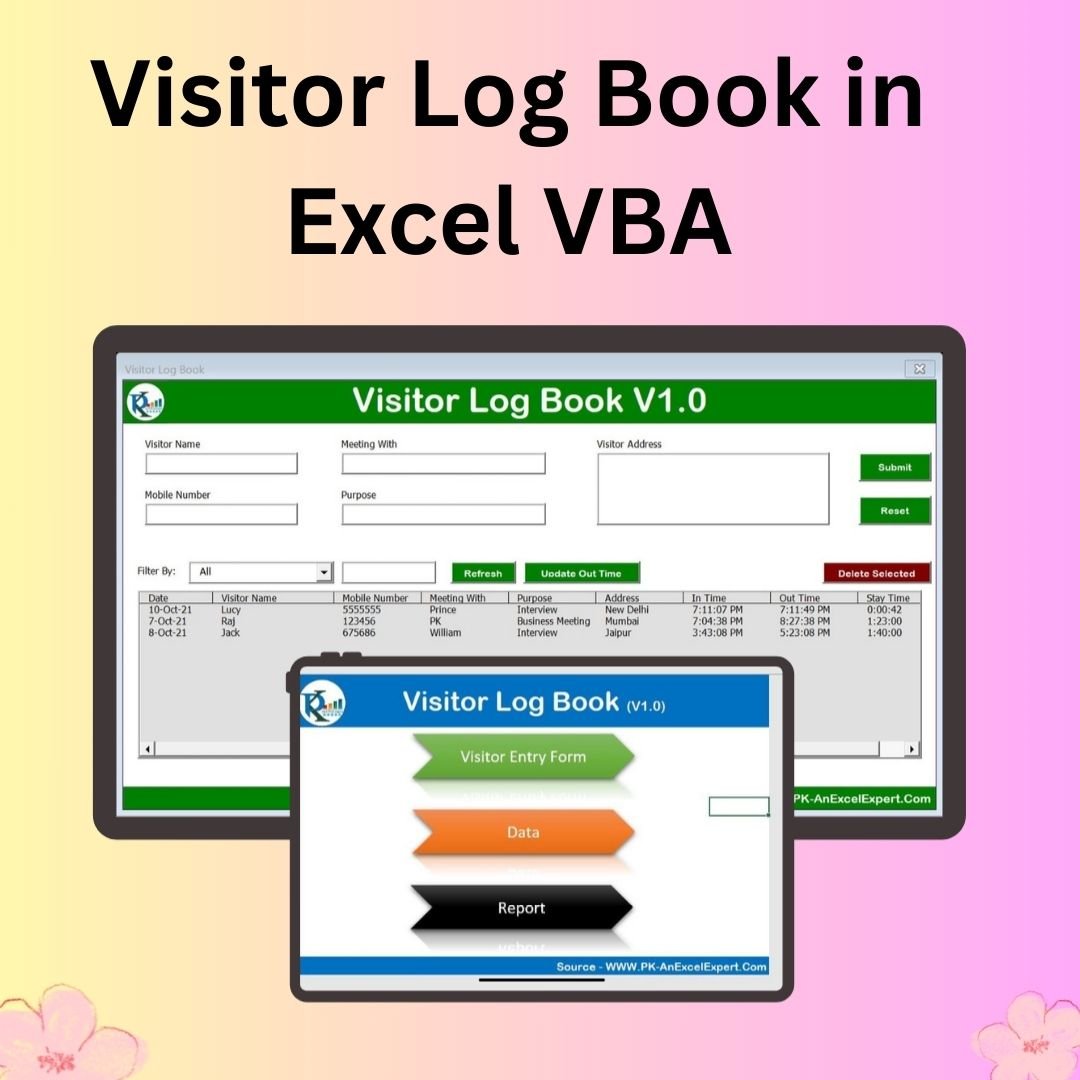

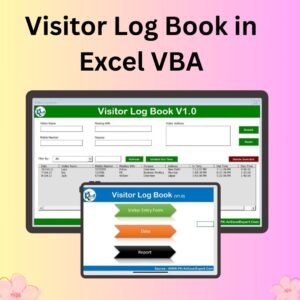
The Visitor Log Book in Excel VBA is a ready-made, macro-powered tool that automates visitor entry, tracks visitor details and generates reports, all inside Microsoft Excel. It is built for offices, hospitals, schools, hotels and security desks that need an organised visitor record without buying extra software. You get a pre-built entry form, a structured data sheet and a pivot-based report tab, all reached from one Index sheet.
You may need to log guest visits, track meeting details or produce reports for official records. This visitor log book in Excel gives you a structured, efficient way to do all three. It is built with VBA (Visual Basic for Applications), which simplifies data entry and improves accuracy compared with a paper register.
Key Features of the Visitor Log Book in Excel VBA
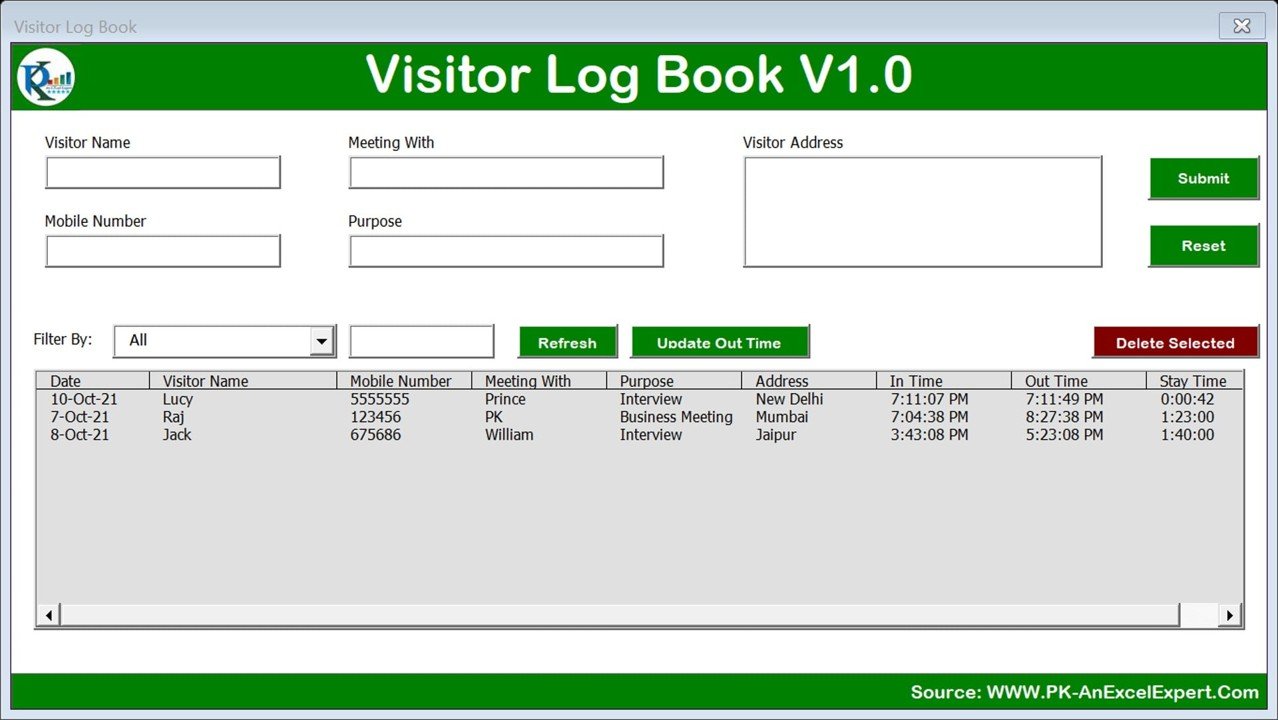
Automated Visitor Entry Form
- Enter visitor details through a pre-built VBA user form.
- Capture essential information: Visitor Name, Mobile Number, Meeting With, Purpose, Address and Time In/Out.
- Automatic timestamp recording logs the in-time and out-time accurately.
Dynamic Data Storage
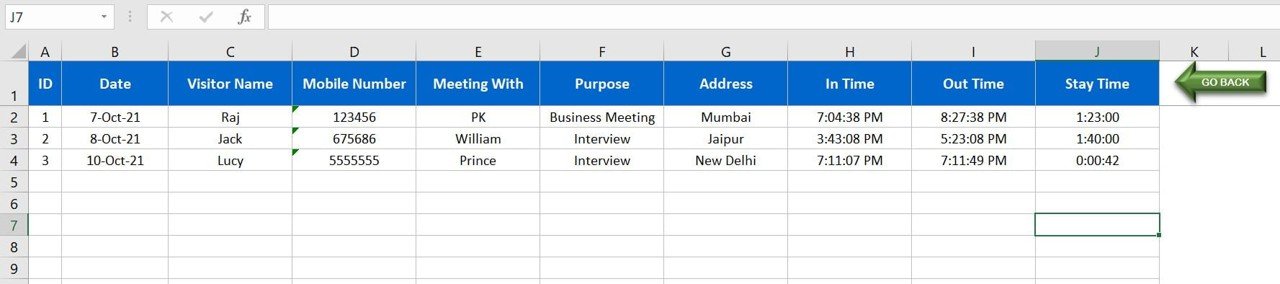
- All visitor records are stored in a structured Data Sheet.
- Built-in search functionality makes it easy to look up visitor history.
- Filter data by criteria such as date, visitor name or meeting purpose.
Real-Time Reports and Analytics
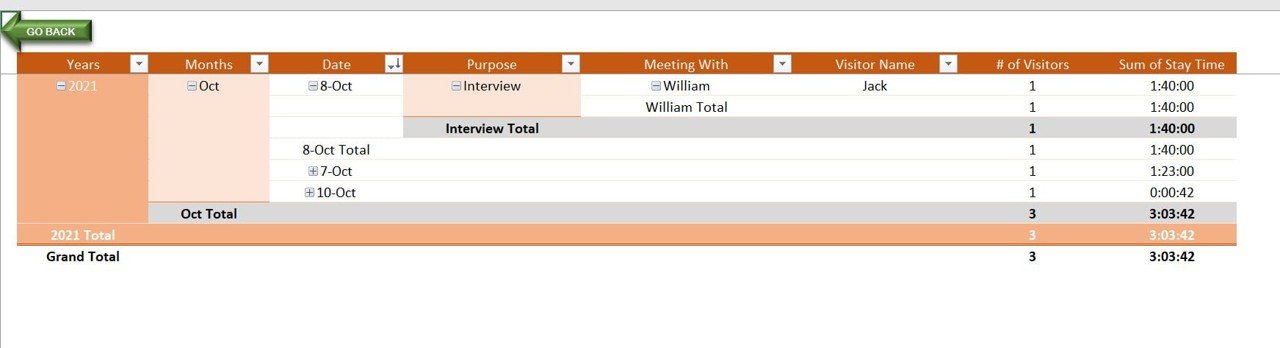
- Generate automated reports from a pivot-based report tab.
- Summarise visitor data by date, purpose or person met.
- See total visits, visit durations and stay time analysis.
Centralized Navigation
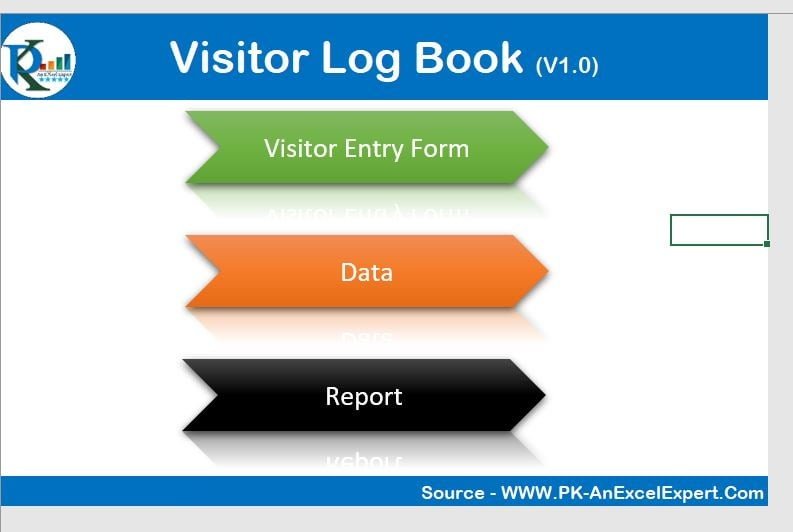
- The Index Sheet gives one-click access to the Visitor Entry Form, the Data Storage Sheet and the Report Summary.
- The workflow stays streamlined for quick visitor tracking and reporting.
Auto-Sorting and Filtering
- Visitor records are sorted automatically by date and time.
- Filter by department, purpose or time duration for instant analysis.
- A built-in search bar retrieves specific visitor details in seconds.
Excel-Based and Customizable
- The tool is built entirely in MS Excel, so no external software is required.
- It is fully customizable. You can modify fields, add new columns or adjust formatting to suit your business.
- You can export or print reports for official records.
What’s Inside the Workbook
| Sheet / Component | What It Does |
|---|---|
| Index Sheet | Central navigation to the entry form, data sheet and reports |
| Visitor Entry Form (VBA user form) | Captures Visitor Name, Mobile Number, Meeting With, Purpose, Address and Time In/Out with automatic timestamps |
| Data Storage Sheet | Structured database of all visitor records, with sorting, filtering and search |
| Report Summary (pivot-based) | Summaries by date, purpose or person met, including total visits, visit durations and stay time |
Who Can Use This Visitor Tracking System?
- Corporate Offices: manage guest visits and track meeting attendees with an office visitor log.
- Hospitals and Clinics: log patient visits and track consultation times.
- Educational Institutions: record student and guest visits efficiently.
- Hotels and Hospitality: keep a log of guest check-ins and durations.
- Government and Security: strengthen visitor monitoring and access control.
Why Choose This Excel VBA Log Book?
- Saves time: automated entries and reports reduce manual work.
- Error-free logging: helps prevent data duplication and keeps records accurate.
- Secure and organized: all data is stored centrally with controlled access.
- No extra software needed: it works in MS Excel.
- Customizable for any business: adapt it to your own requirements.
How to Use It
- Download and unzip the file, then enable macros in Excel. Our step-by-step tutorial on enabling macros is at: https://www.pk-anexcelexpert.com/4-easy-ways-to-enable-macros-in-excel-vba/
- Enter visitor details in the automated visitor entry form.
- Track entry and exit. The system records the in-time and out-time automatically.
- Store and manage data. Every entry is saved in the database sheet, where you can sort, filter and search it.
- Generate reports in the dynamic report tab to view visitor logs and analyse trends.
- Export and print data or reports for official records.
Watch the step-by-step video tutorial: Visitor Log Book in Excel
Click here to read the detailed blog post on the Visitor Log Book in Excel.
Visit our YouTube channel for step-by-step video tutorials: Youtube.com/@PKAnExcelExpert
Frequently Asked Questions
Do I need any software besides Excel?
No. The Visitor Log Book in Excel VBA is built entirely in MS Excel and needs no external software. Macros must be enabled for the VBA features to work.
What visitor details can I record?
The entry form captures Visitor Name, Mobile Number, Meeting With, Purpose, Address and Time In/Out. Timestamps for entry and exit are recorded automatically.
Can I generate reports on visitor activity?
Yes. The pivot-based report tab summarises data by date, purpose or person met. It shows total visits, visit durations and stay time analysis.
Can I search or filter past visitor records?
Yes. Records are sorted automatically by date and time. You can filter by date, visitor name, department, purpose or time duration, and the built-in search finds specific visitor details quickly.
Can I customize the fields?
Yes. The tool is fully customizable. You can modify fields, add new columns or adjust formatting to fit your requirements.
Why doesn’t the form work after I open the file?
Macros are probably disabled. After unzipping the file, enable macros in Excel using the tutorial link in the steps above.
Also check our Download Attachments from Multiple Emails Automatically using VBA.
Last updated: October 2026
Compatibility and Requirements
- Needs Microsoft Excel desktop on Windows with macros enabled, because the file runs on VBA.
- It does not work in Excel for the web, Google Sheets or the Excel mobile apps. Microsoft explains macro settings in Enable or disable macros in Microsoft 365 files.
- Reports use a pivot table in the same workbook, so no add-ins are needed.
Related Visitor Management Templates
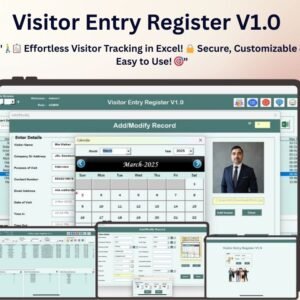
- Visitor Entry Register V1.0 in Excel: a fuller visitor register system
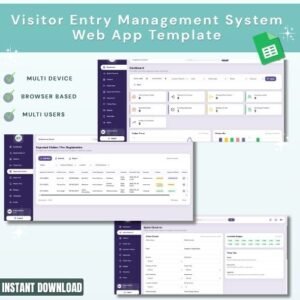
- Visitor Entry Management System Web App: visitor entry in a browser app
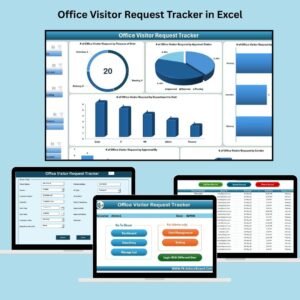
- Office Visitor Request Tracker in Excel: approve visits before they happen
- Visitor Feedback Tracker in Excel: collect feedback after each visit
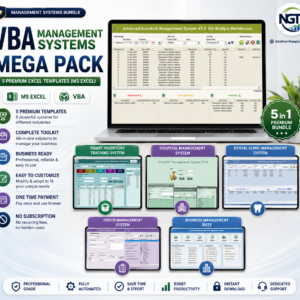
- VBA Management Systems Mega Pack: 5 premium Excel VBA systems in one bundle
Browse all Excel VBA tools.



Reviews
There are no reviews yet.