

Templates for your team
Manufacturing Dashboard Templates
Turn production records into a clearer view of output, quality and downtime. Explore manufacturing dashboards, planning tools and KPI templates for Excel, Power BI and Google Sheets.
Start with the task you need to solve
Production performance
Start with a manufacturing dashboard to compare output, efficiency and quality across your reporting periods.
Planning and delays
Use the Production Planning Dashboard to review planned versus actual quantities, delayed orders and planner performance.
Targets and improvement
Choose a KPI dashboard for actual-versus-target comparisons, or a management system when you need structured production data entry.
Selected Manufacturing templates
Compare the application, purpose and current price, then open a product for its full details.
MS Excel
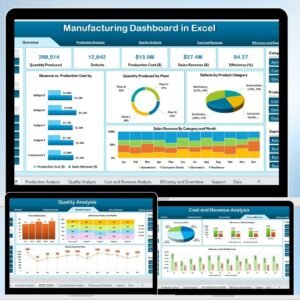
Manufacturing Dashboard in Excel
Production, efficiency, quality and downtime reporting in Excel.

Power BI
Manufacturing Efficiency Dashboard in Power BI
Interactive production and machine-efficiency analysis in Power BI.
MS Excel
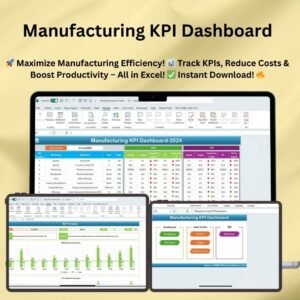
Manufacturing KPI Dashboard
Manufacturing actuals, targets and prior-year KPI comparisons.
MS Excel
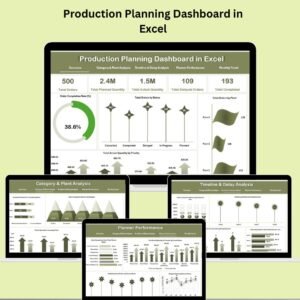
Production Planning Dashboard in Excel
Planned versus actual quantities, order delays and planner performance.
Google Sheets
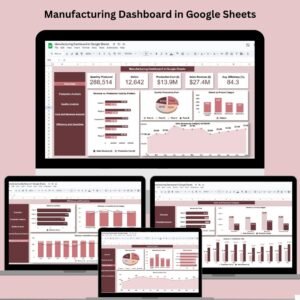
Manufacturing Dashboard in Google Sheets
Production, quality and cost reporting in Google Sheets.
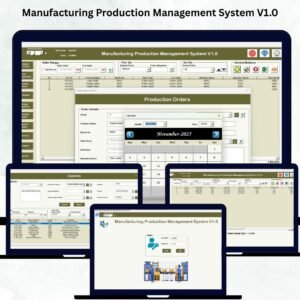
MS Excel
Manufacturing Production Management System V1.0
Structured manufacturing production management in Excel.
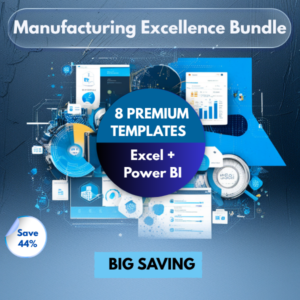
MS Excel, Power BI
Manufacturing Excellence Bundle – 8 Premium Templates (Excel + Power BI)
Compare the eight included manufacturing tools before buying.
Individual products include only the files and formats listed on their product pages. Prices are loaded from the store.
Choose your software
Excel
A familiar workbook workflow for data entry and reporting. Check the required Excel version; VBA products may require desktop Excel and macro support.
Power BI
Interactive reporting for teams using Power BI. Check the product’s source data and refresh steps. Microsoft licensing may be required for sharing reports.
Google Sheets
A browser-based spreadsheet workflow for teams. Follow the included instructions to make your own copy, then set appropriate sharing permissions.
Check before you buy
- Open the product page and review its screenshots, demo and exact file contents.
- Confirm the application, software version and any macro or setup requirements.
- Match your data fields and reporting needs to the template’s input structure.
- For a bundle, compare its included products with templates you already own.
- Read the terms and refund policy before checkout.
Frequently asked questions
Which manufacturing template should I choose?
Choose the Excel Manufacturing Dashboard for an overview of production, quality and downtime. Choose the Production Planning Dashboard for order and quantity planning, or the Power BI Efficiency Dashboard for interactive performance analysis.
Can I use my own factory data?
Yes. Review the selected product’s input structure and demo, then replace the sample data with your own records. Data sources, refresh steps and supported Excel versions depend on the template.
Does one purchase include every platform?
An individual product includes the format stated on its product page. For multiple tools, compare the Manufacturing Excellence Bundle and check its exact contents before buying.