

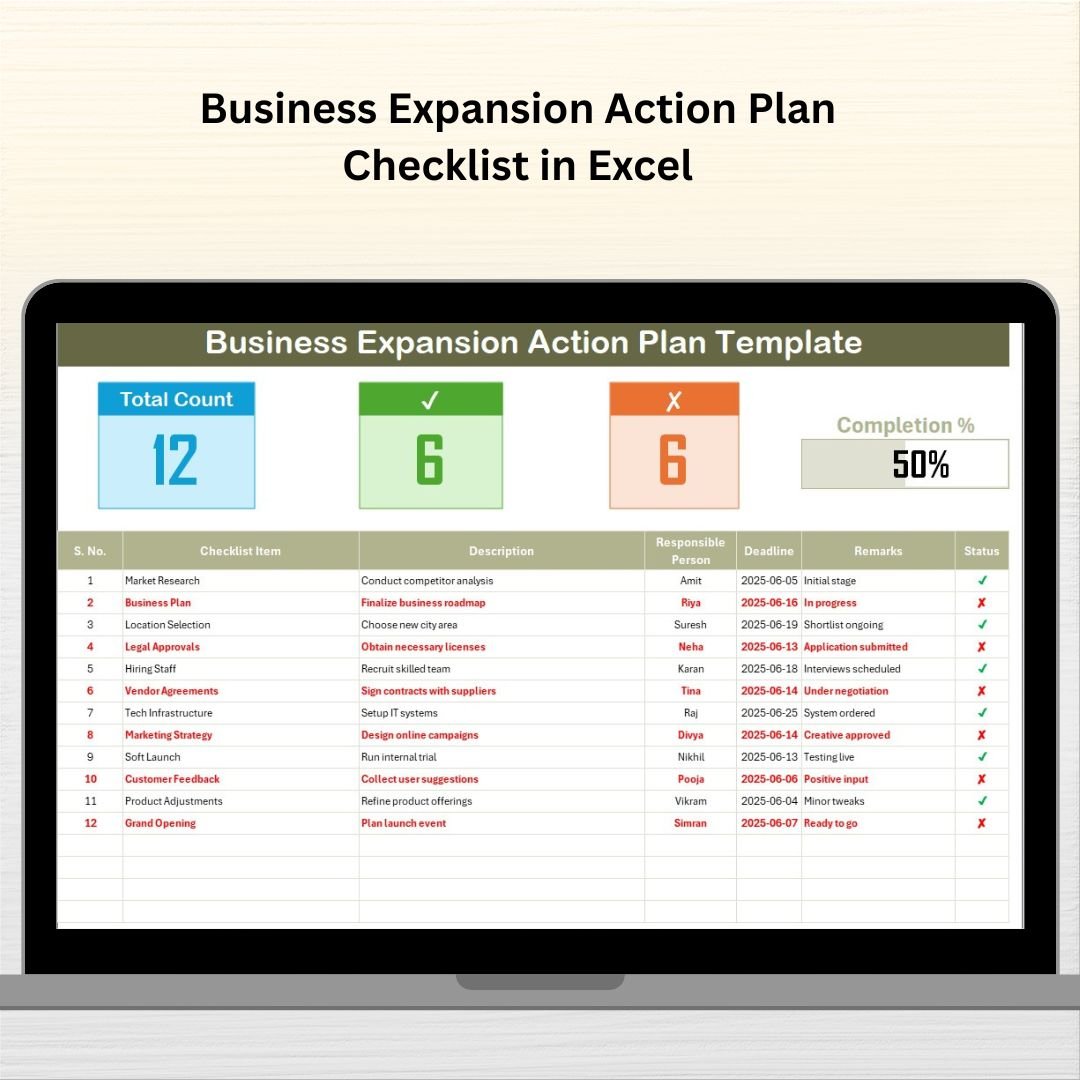
Growing your business is an exciting milestone—but without the right plan, it can quickly turn into chaos. That’s where the Business Expansion Action Plan Checklist in Excel comes in. This professionally designed Excel tool gives you a structured way to plan, manage, and execute your business expansion strategies—without missing a beat. 🧠📊
Whether you’re entering a new market, opening a new location, or scaling operations, this template ensures every task is captured, deadlines are set, responsibilities are clear, and progress is easy to track—all in one central dashboard.
✨ Key Features of Business Expansion Action Plan Checklist
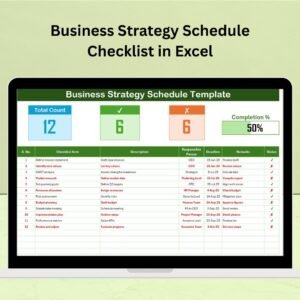
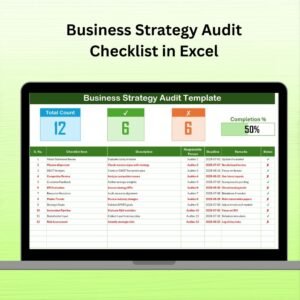
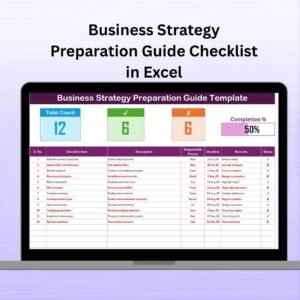
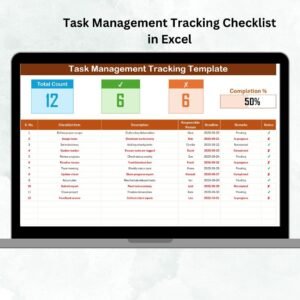
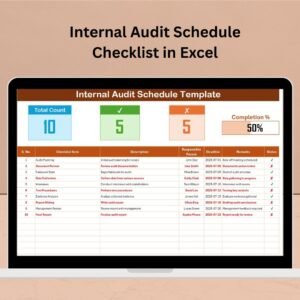
📌 Top Summary Cards
Get instant visibility into:
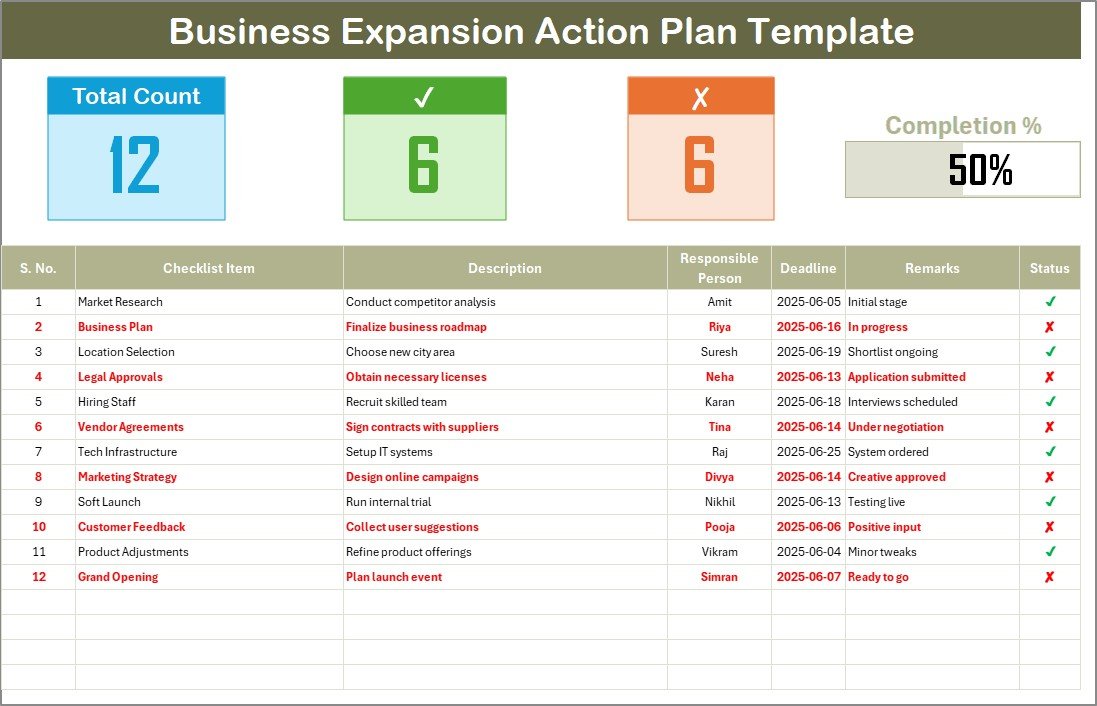
✅ Total checklist items
✔ Completed tasks
❌ Pending/cancelled tasks
📈 Progress bar showing completion percentage
📋 Structured Checklist Table
Each row is auto-numbered and includes:
Checklist Item
Description
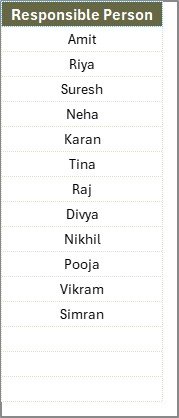
Responsible Person (dropdown)
Deadline
Remarks
Status (✔ or ✘)
🧑💼 Dynamic Responsible Person Dropdown
Assign tasks efficiently using a clean dropdown menu powered by a separate List sheet.
🔧 Fully Editable & Flexible
Add new tasks, team members, or columns. Duplicate the sheet for different expansion projects.
🧩 List Sheet Integration
Manage team names or departments from one place. Changes update across the entire template automatically.
📊 Auto-Calculating Progress Tracker
Your dashboard updates automatically as you mark tasks ✔ or ✘—no manual calculations required!
📂 What’s Inside the Action Plan Checklist
This Excel file includes:
1️⃣ Action Plan Checklist Sheet
The main tab where you manage your expansion steps, assign responsibilities, and track progress visually.
2️⃣ List Sheet
A backend list where you can easily update the Responsible Person dropdown with new team members.
This 2-tab system makes planning and collaboration seamless.
⚙️ How to Use the Business Expansion Checklist
🟢 Step 1: Download and open the Excel file
🟢 Step 2: Enter your checklist items in the main table
🟢 Step 3: Assign team members using the dropdown
🟢 Step 4: Set realistic deadlines
🟢 Step 5: Mark tasks as ✔ (done) or ✘ (pending) to auto-update the dashboard
🟢 Step 6: Track your progress with the visual bar at the top!
It’s that easy—no formulas to worry about!
👩💼 Who Can Benefit from This Product?
This template is perfect for:
✅ Small Business Owners – Plan expansion confidently
✅ Startups – Bring structure to rapid scaling
✅ Operations Teams – Execute strategy efficiently
✅ Consultants – Manage client expansion projects
✅ Project Managers – Monitor timelines and deliverables
✅ Retail Chains & Franchises – Launch new outlets or regions
If you’re growing your business, this checklist helps you do it smarter.
🔗 Click here to read the Detailed blog post
🎥 Visit our YouTube channel to learn step-by-step video tutorials

























Reviews
There are no reviews yet.