

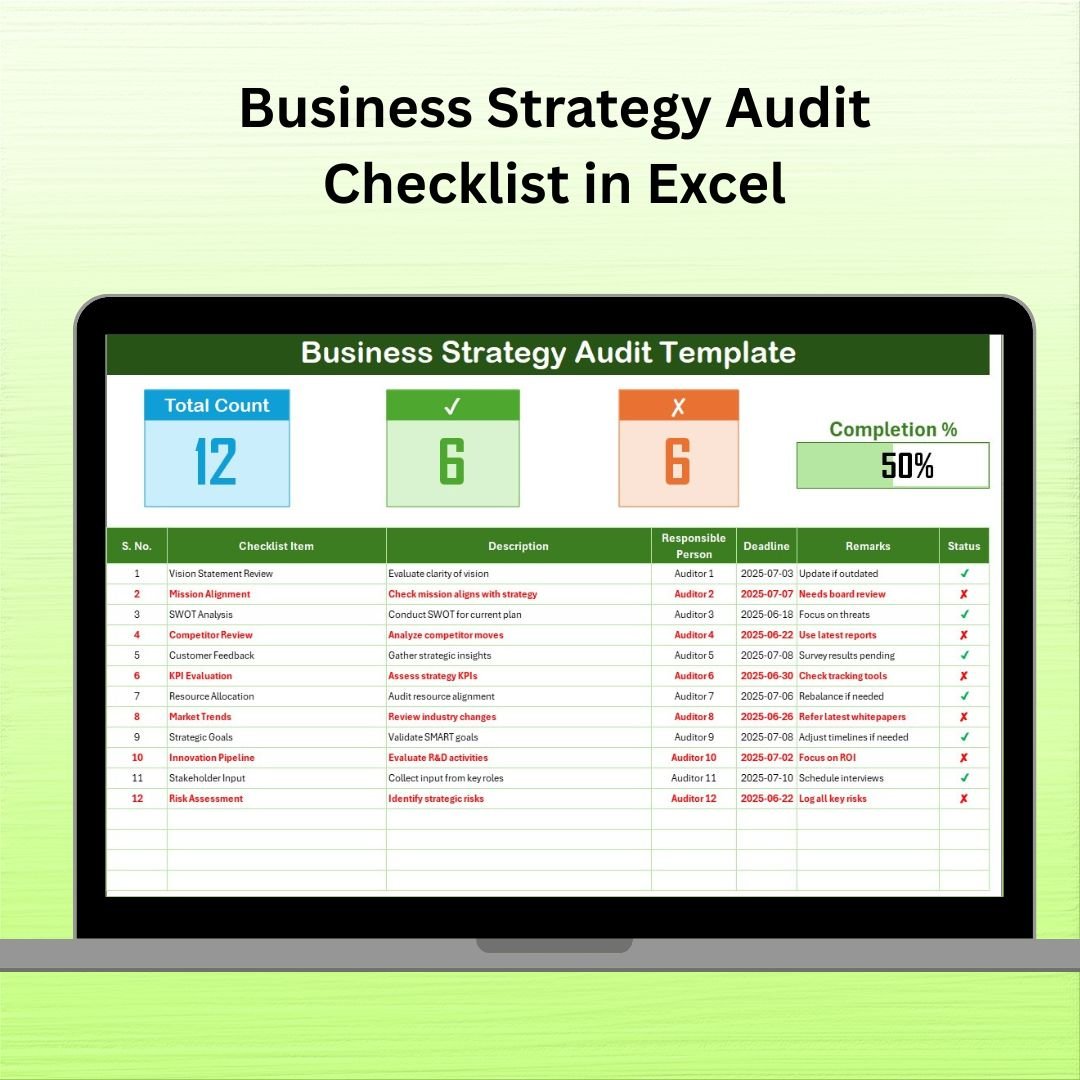

The Business Strategy Audit Checklist in Excel is a smart, ready-to-use template designed to help organizations audit their strategic actions against long-term goals. With intuitive progress tracking, drop-down controls, and dynamic status markers, this checklist empowers teams to review, adjust, and improve strategy execution in one central file.
Whether you’re reviewing quarterly initiatives or conducting a full-scale strategic review, this template keeps your process consistent, transparent, and results-driven.
🧩 What’s Inside the Template?
✅ Business Strategy Audit Checklist Sheet
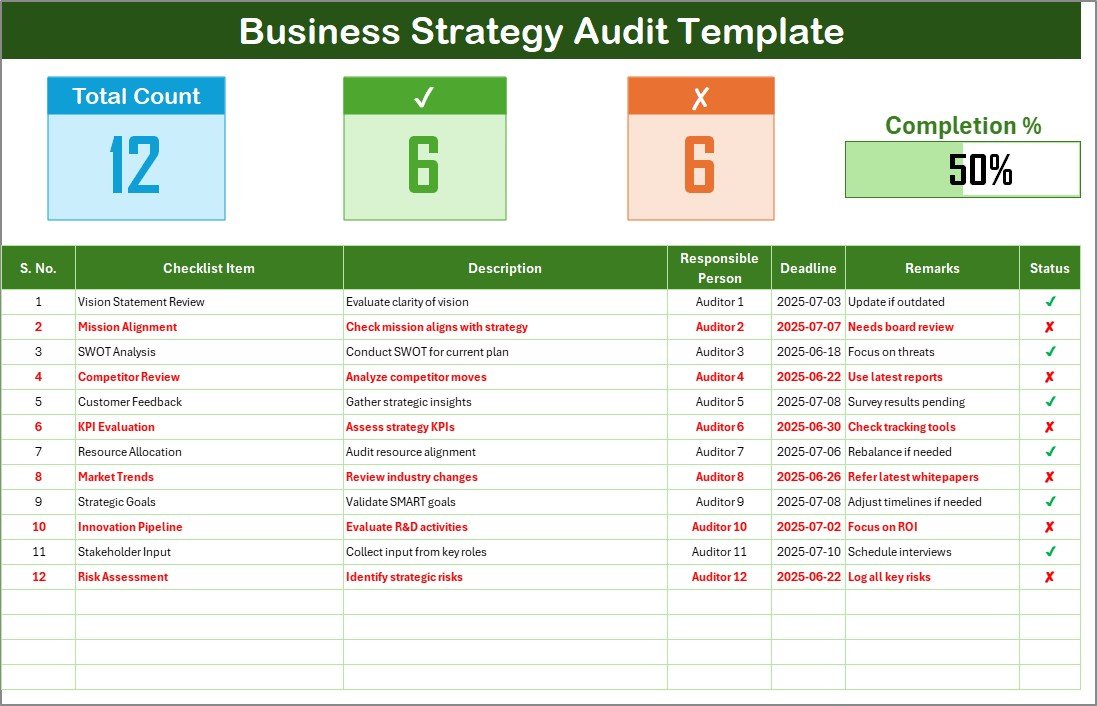
This is your main tracking interface. It includes:
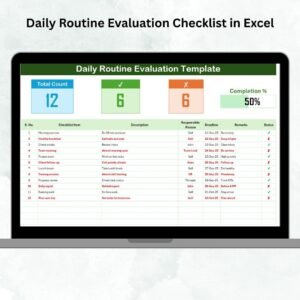
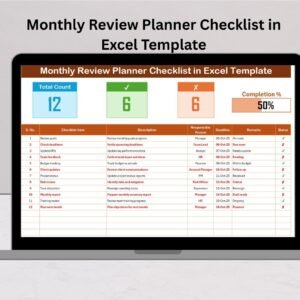
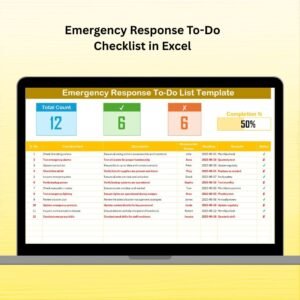
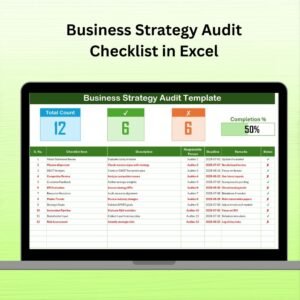
Checklist Table: Columns for Serial No., Checklist Item, Description, Responsible Person (drop-down), Deadline, Remarks, and Status (✔/✘).
Top Section KPIs:
Total Count
Checked Count (✔)
Crossed Count (✘)
Progress Bar (auto-updating)
💡 Simply change the Status cell to ✔ or ✘ and see the metrics update instantly.
✅ List Sheet
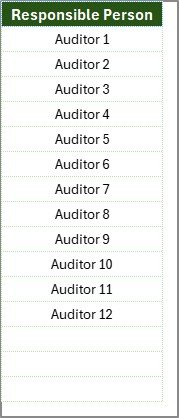
To avoid duplicate or inconsistent names, the List Sheet holds a single-column master list of responsible persons.
Update this list at any time.
Drop-downs in the main sheet reflect these names automatically.
⚙️ Key Benefits
🎯 Centralized Oversight
Store all strategy audit tasks in a single file—no more email chains or scattered spreadsheets.
🔄 Real-Time Progress Monitoring
See your progress update instantly as you change status values.
👥 Enhanced Accountability
Each task is assigned clearly—no more vague ownership.
🖱️ Easy to Use
Built with Excel’s native features: drop-downs, date pickers, and conditional formatting.
🎨 Fully Customizable
Add columns like Priority, Risk Level, or Department. Create Pivot summaries. Extend it as your process grows.
👨💼 Who Should Use It?
Business Consultants
Strategy Teams
Project Management Offices
Executive Leaders
Operations Managers
Internal Auditors
🚀 How to Use It in 6 Simple Steps
Download the Excel file and open it in Microsoft Excel.
Go to the “List” sheet and enter team members under “Responsible Person”.
Switch to the Checklist tab, enter your action items, assign owners, and set deadlines.
Update Status to ✔ when a task is done or ✘ when not applicable.
Watch the progress bar and counters auto-update.
Use Remarks for audit notes or follow-up reminders.
That’s it—your audit process is now visible, accountable, and easy to manage.
🔒 Pro Tips & Best Practices
🟥 Use conditional formatting to color overdue items red.
📅 Archive completed audits by saving copies with date labels (e.g., “Q2-Audit.xlsx”).
📊 Create a summary dashboard with pivot tables and pie charts.
📥 Add columns like Priority or “Risk Level” for further segmentation.
📢 Train your team—host a 15-minute walkthrough or create a one-page user guide.
📈 Real Business Impact
✅ Reduce missed audit deadlines
✅ Improve clarity across departments
✅ Spot bottlenecks quickly
✅ Ensure compliance & readiness for reviews
✅ Enable continuous strategy improvement
🎥 Need a Demo?
Visit our YouTube channel for a full video walkthrough:
👉 youtube.com/@PKAnExcelExpert
Watch the step-by-step video tutorial:
Compatibility and Requirements
- Works in Microsoft Excel desktop (Excel 2016 or later, or Microsoft 365).
- You pick the responsible person for each task from a dropdown. Microsoft explains dropdowns in Create a drop-down list.
Frequently Asked Questions
Which sheets are included?
Two sheets: the Business Strategy Audit Checklist sheet and the List sheet, which holds the names of responsible persons.
How do I add team members to the responsible person dropdown?
Enter the names in the single column on the List sheet. The dropdowns on the checklist sheet pick them up automatically.
How does the progress bar update?
Set the Status cell of a task to ✔ or ✘. The Total Count, Checked Count, Crossed Count and progress bar at the top update right away.
What columns does the checklist have?
Serial No., Checklist Item, Description, Responsible Person, Deadline, Remarks and Status.
Can I add my own columns?
Yes. You can add columns such as Priority, Risk Level or Department, and build pivot summaries from the checklist data.
Related Strategy and Audit Templates
- Business Strategy Checklist in Excel: a general checklist for your strategy tasks
- Business Strategy Evaluation Checklist in Excel: for reviewing how well a strategy is working
- Business Strategy Action Plan Checklist in Excel: turns strategy goals into action items
- Internal Audit Checklist in Excel: a checklist for internal audits
- Business Strategy Alignment Checklist in Google Sheets: an alignment checklist in Google Sheets
Browse all Excel checklist templates.






























Reviews
There are no reviews yet.