

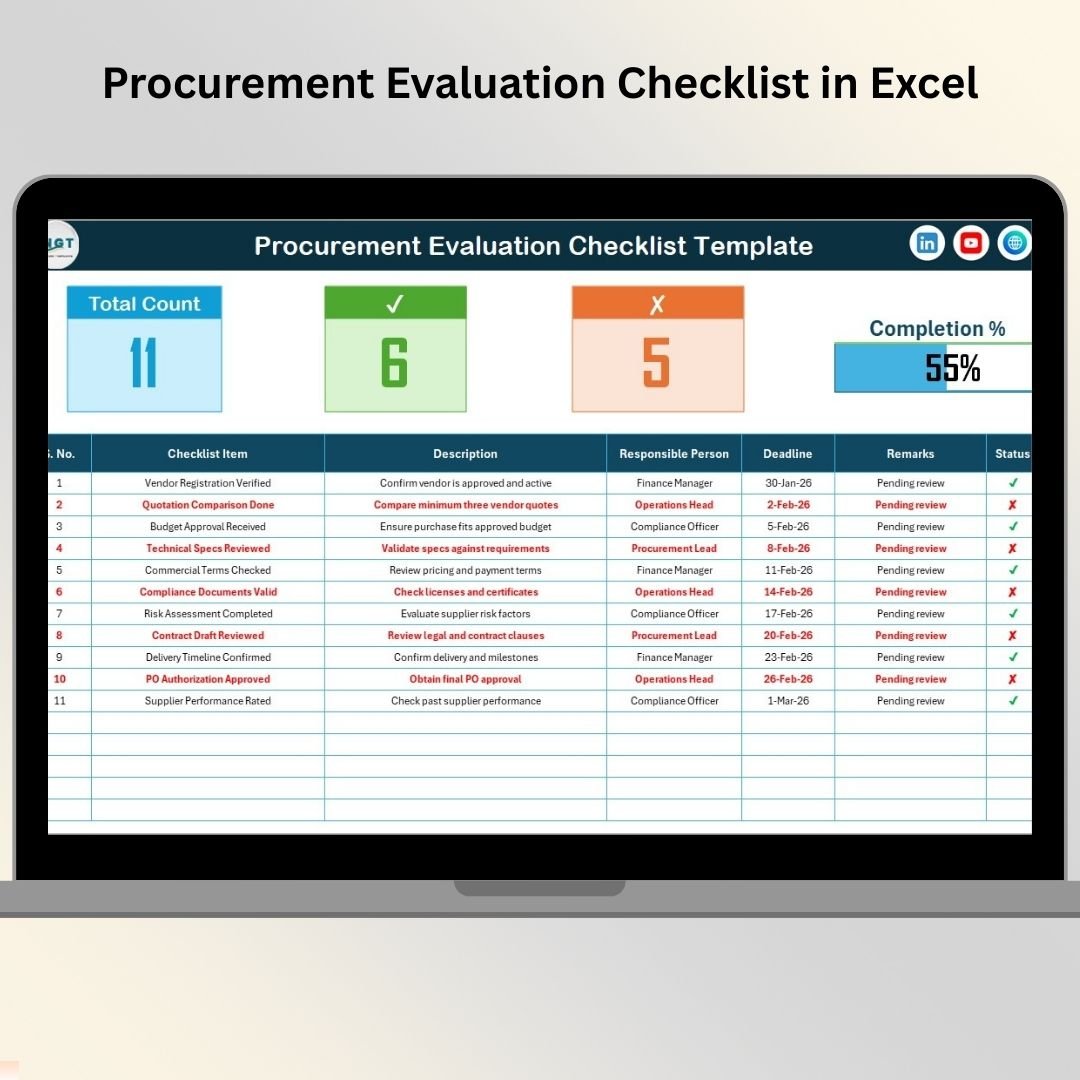

Procurement decisions directly impact cost, quality, compliance, and operational efficiency. Whether your organization is evaluating vendors, reviewing contracts, or approving purchases, even a small mistake in procurement evaluation can lead to delays, financial loss, or compliance issues.
That is exactly where the Procurement Evaluation Checklist in Excel becomes a powerful and practical solution.
This ready-to-use Excel checklist helps procurement teams follow a structured evaluation process, track progress visually, assign accountability, and ensure nothing is missed. Instead of relying on emails, memory, or unstructured sheets, teams gain a clear, standardized, and transparent procurement evaluation workflow—all inside Excel.
Designed for simplicity and control, this checklist transforms procurement evaluations from a messy manual task into a clean, professional, and auditable process.
✅ Key Features of Procurement Evaluation Checklist in Excel
📋 Standardized Procurement Evaluation Process – Follow consistent steps for every procurement
👤 Clear Responsibility Assignment – Assign owners to each checklist item
⏰ Deadline Tracking – Ensure timely completion of evaluation tasks
✔️✘ Easy Status Updates – Mark tasks as completed or pending instantly
📊 Automatic Progress Tracking – View completion percentage at a glance
📈 Visual Progress Bar – Instantly understand evaluation status
🔽 Drop-Down Lists – Reduce errors and maintain consistency
⚙️ 100% Excel-Based – No additional software or licenses required
📦 What’s Inside the Procurement Evaluation Checklist in Excel
This ready-to-use template includes two structured worksheets; each designed for clarity and efficiency.
📄 Procurement Evaluation Checklist Sheet – Main Working Area
This is the core sheet where procurement evaluations are managed.
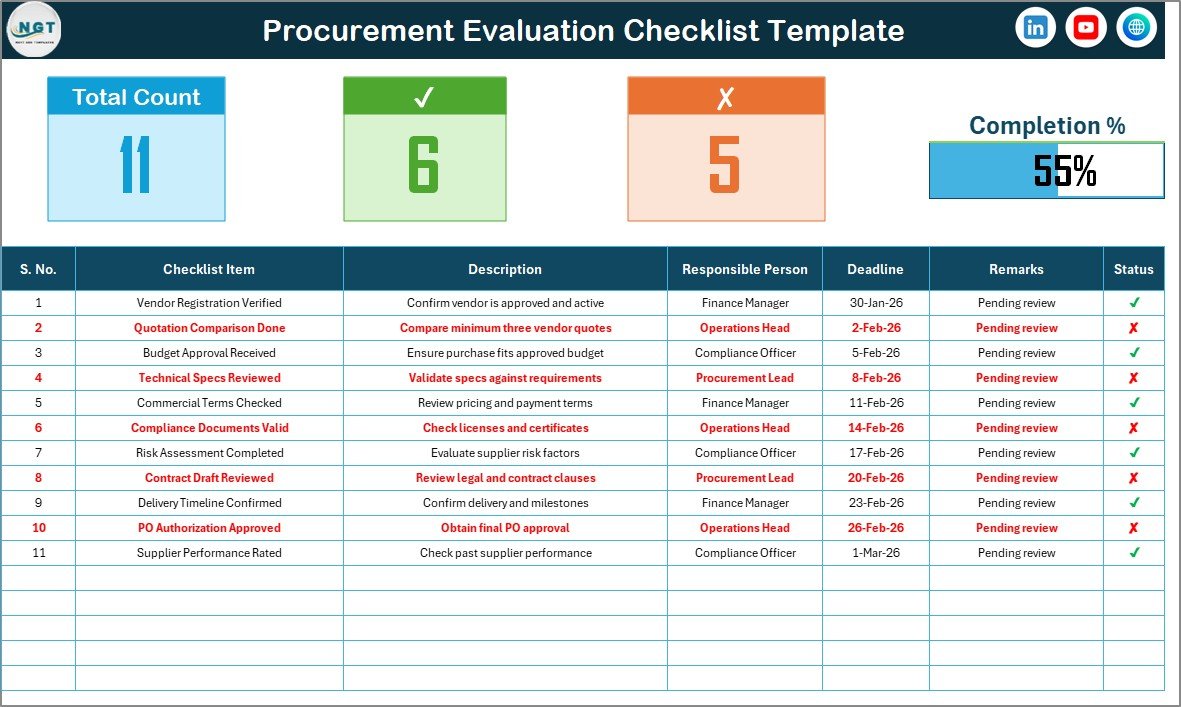
🔹 Top Summary Section
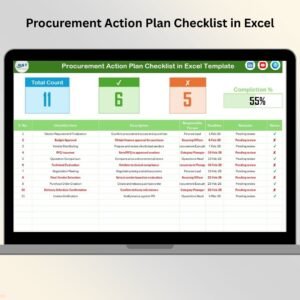
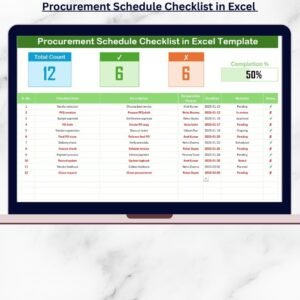
At the top of the sheet, you get instant visibility into progress with:
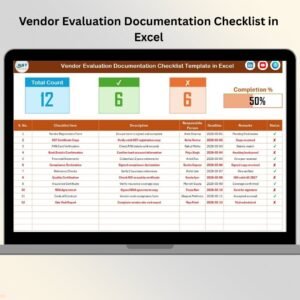
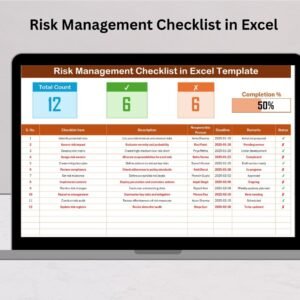
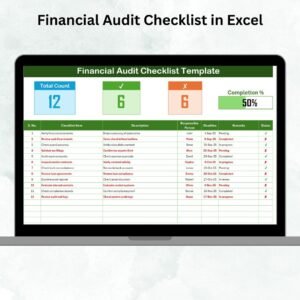
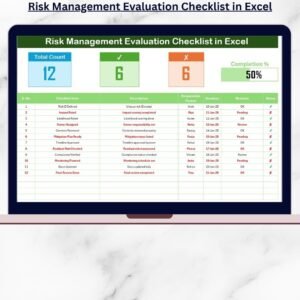
Total Count – Total checklist items
Checked Count – Completed items (✔)
Crossed Count – Pending items (✘)
Progress Bar – Visual completion percentage
This summary allows managers to understand procurement status instantly—without reading the entire table.
🔹 Checklist Table Section
Below the summary, the main checklist table includes:
Serial No. – Unique identifier for each step
Checklist Item – Procurement evaluation activity
Description – Short explanation of the task
Responsible Person – Task owner (drop-down based)
Deadline – Due date for completion
Remarks – Notes or observations
Status – ✔ (Completed) or ✘ (Pending)
As soon as users update the Status column, Excel automatically updates counts and progress visuals.
📄 List Sheet – Data Validation & Control
The List sheet ensures clean and consistent data entry.
What it does:
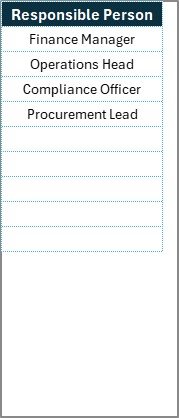
Stores unique names of Responsible Persons
Feeds drop-down lists in the main checklist
Prevents typing errors and duplicates
Improves reporting accuracy
This separation keeps the checklist clean and professional.
🛠️ How to Use the Procurement Evaluation Checklist in Excel
Using the checklist is simple and requires only basic Excel knowledge.
1️⃣ Open the Excel template
2️⃣ Update the List sheet with responsible person names
3️⃣ Define procurement checklist items and descriptions
4️⃣ Assign owners and deadlines using drop-downs
5️⃣ Update status using ✔ or ✘
6️⃣ Monitor progress using summary counts and progress bar
No formulas, no setup, no learning curve.
👥 Who Can Benefit from This Procurement Evaluation Checklist
This Excel checklist is ideal for:
🧾 Procurement Managers
🚚 Supply Chain Teams
💰 Finance Departments
📋 Audit & Compliance Teams
🏢 Operations Managers
🏭 Small & Medium Businesses
🏦 Large Enterprises
It adapts easily to vendor evaluation, supplier onboarding, contract reviews, IT procurement, and compliance checks.
🚀 Why This Checklist Improves Procurement Efficiency
✔ Eliminates missed evaluation steps
✔ Improves accountability and ownership
✔ Reduces follow-ups and confusion
✔ Centralizes procurement evaluation data
✔ Improves compliance and audit readiness
✔ Saves time and manual effort
Instead of chasing updates, teams focus on making better procurement decisions.
📖 Click here to read the Detailed
Watch the step-by-step video tutorial:
Compatibility and Requirements
- Works in Microsoft Excel desktop (Excel 2016 or later, or Microsoft 365).
- The counts and progress bar update as soon as you mark a task ✔ or ✘.
- Want to change the status colors? See Microsoft’s guide to conditional formatting.
Frequently Asked Questions
What does the summary section show?
Total count of checklist items, checked count, crossed count and a progress bar for completion.
Which columns does the checklist have?
Serial number, checklist item, description, responsible person, deadline, remarks and status.
Where do the owner names come from?
From the List sheet. Add your team’s names there and they appear in the responsible person dropdown.
What kinds of procurement work does it suit?
Vendor evaluation, supplier onboarding, contract reviews, IT procurement and compliance checks.
Related Procurement Templates
- Procurement To-Do List Checklist in Excel: day-to-day procurement tasks
- Procurement Dashboard in Excel: charts for spend and supplier performance
- Procurement Tracker and Dashboard in Google Sheets: track purchases online
- Vendor Risk Assessment Outline Checklist in Excel: check vendor risk before you buy
- Procurement and Vendor Management Kit: 7 procurement templates in one download
Browse all Excel checklists or the Google Sheets checklists.
























Reviews
There are no reviews yet.