

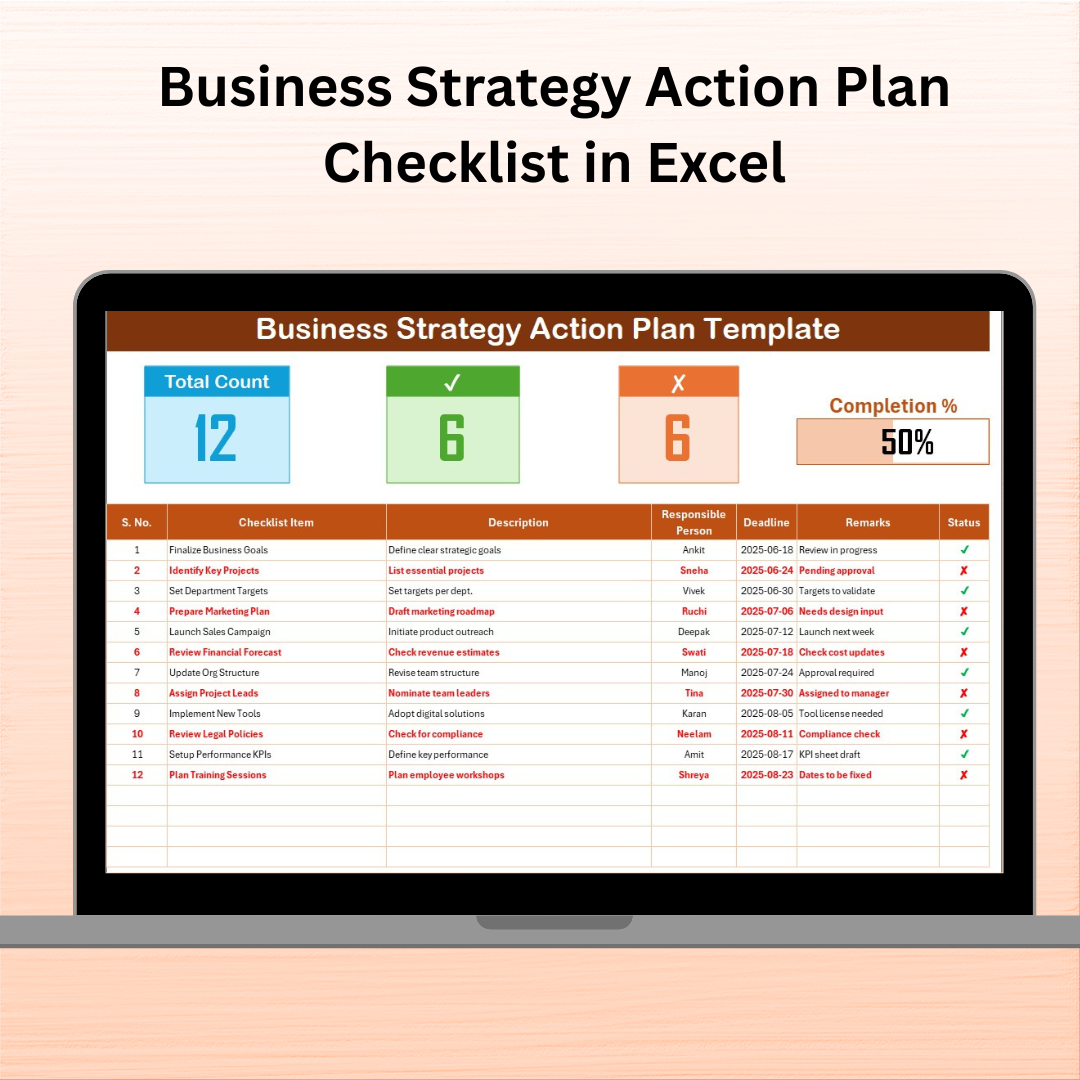

Are you tired of ambitious plans that never get executed? Struggling to keep your strategy team aligned? The Business Strategy Action Plan Checklist in Excel is the ultimate productivity tool you need to transform your goals into actionable steps, while ensuring full team accountability.
Whether you’re running a startup, managing a project launch, or leading an enterprise-wide strategy rollout, this Excel-based checklist is simple, powerful, and designed for results. Track tasks, assign team members, monitor progress, and stay on top of deadlines—all in one place!
✨ Key Features of Business Strategy Action Plan Checklist
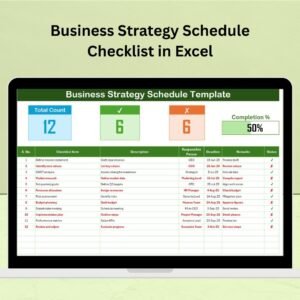
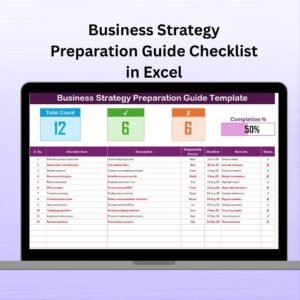
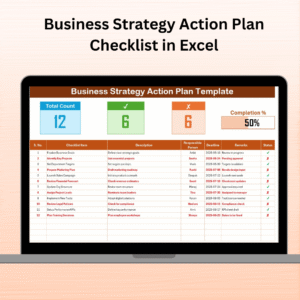
📋 Fully Structured Checklist Table
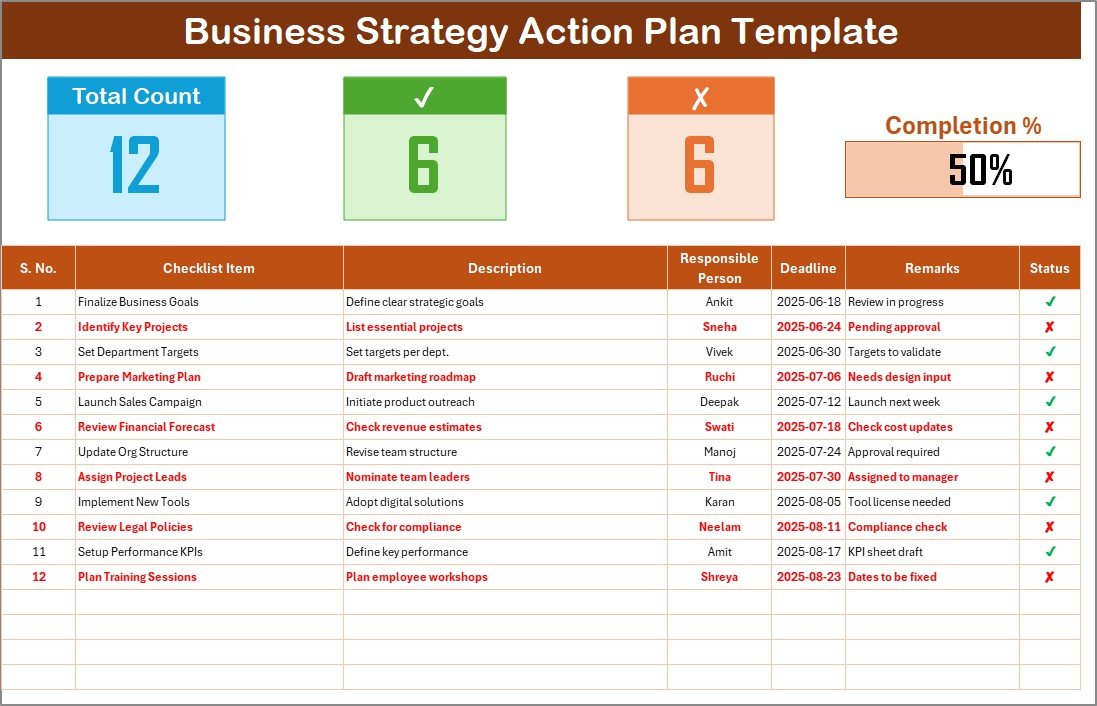
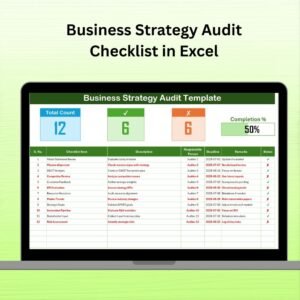
Organize your strategy with these pre-built fields:
Serial No. 🔢
Checklist Item 🧩
Description 📑
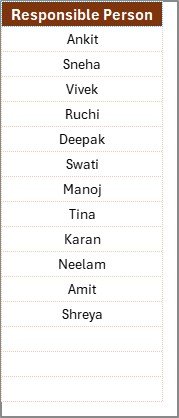
Responsible Person (Dropdown) 👤
Deadline (Date Format) 📆
Remarks 🗨️
Status (✔ or ✘) ✅❌
📈 Automated Progress Tracking
Real-time progress bar
Total, completed, and pending task counters
Instant visual updates with each change
📂 Supportive List Sheet
Maintain your team or department list in one tab and use it across the template for error-free dropdowns.
🎯 Built-in Conditional Formatting
Red for overdue tasks
Green for completed items
Yellow for approaching deadlines
📦 What’s Inside the Template?
This download includes:
🎯 1 Checklist Worksheet: Your strategic planning workspace
📋 1 List Worksheet: Manage team member names used in dropdowns
✔ Automated status updates (✔ or ✘)
📊 Live visual progress bar
🖱 Dropdown assignment for responsibilities
🧠 Clean, editable structure
🛠 100% Excel-based (no external tools needed)
🧠 How to Use the Checklist
📥 Step 1: Download and open the Excel file
🧩 Step 2: Fill in strategic tasks under “Checklist Item”
👥 Step 3: Assign the task to a person from the dropdown
📅 Step 4: Add deadline, remarks, and set status
📊 Step 5: Watch the dashboard auto-update in real-time
🔁 Step 6: Review weekly and update status as you go
🎯 Who Can Benefit from This Tool?
👨💼 Business Leaders & Founders – Track quarterly goals and strategic OKRs
📦 Project Managers – Keep cross-functional initiatives organized
🧑🤝🧑 HR & Ops Teams – Execute organizational transformation with precision
📈 Consultants – Deliver client strategies with clarity and structure
🏢 Startups & SMEs – Simplify your annual strategic planning process
No matter your team size or industry, this Excel tool brings clarity, structure, and discipline to any business strategy.
🔗 Click here to read the Detailed blog post
🔗 Visit our YouTube channel to learn step-by-step video tutorials
h3>Watch the step-by-step video tutorial:
Compatibility and Requirements
- Works in Microsoft Excel desktop (Excel 2016 or later, or Microsoft 365).
- The Responsible Person column uses a dropdown fed by the List sheet. Microsoft explains dropdowns in Create a drop-down list.
Frequently Asked Questions
Which worksheets are included?
Two worksheets: a Checklist sheet for your strategy tasks and a List sheet that holds the team member names used in the dropdowns.
What fields does each checklist item have?
Serial No., Checklist Item, Description, Responsible Person (dropdown), Deadline (date format), Remarks and Status (✔ or ✘).
How do I assign a task to someone?
Add the person’s name to the List sheet, then pick it from the Responsible Person dropdown on the Checklist sheet.
How does the template show progress?
A progress bar and counters for total, completed and pending tasks update as you change the status of each item. Conditional formatting shows overdue tasks in red, completed items in green and approaching deadlines in yellow.
Is there a Google Sheets version of a similar checklist?
Yes. See the Business Strategy Alignment Checklist in Google Sheets.
Related Business Strategy Templates
- Business Strategy Checklist in Excel: a general checklist for strategy tasks
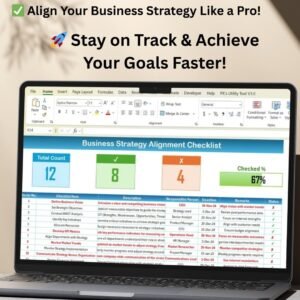
- Business Strategy Alignment Checklist in Excel: check that goals and teams line up
- Business Strategy Schedule Checklist in Excel: a schedule-focused version
- Business Expansion Action Plan Checklist in Excel: an action plan for growth projects
- Business Strategy Alignment Checklist in Google Sheets: the alignment checklist for Google Sheets
Browse all Excel checklists.

















Reviews
There are no reviews yet.