

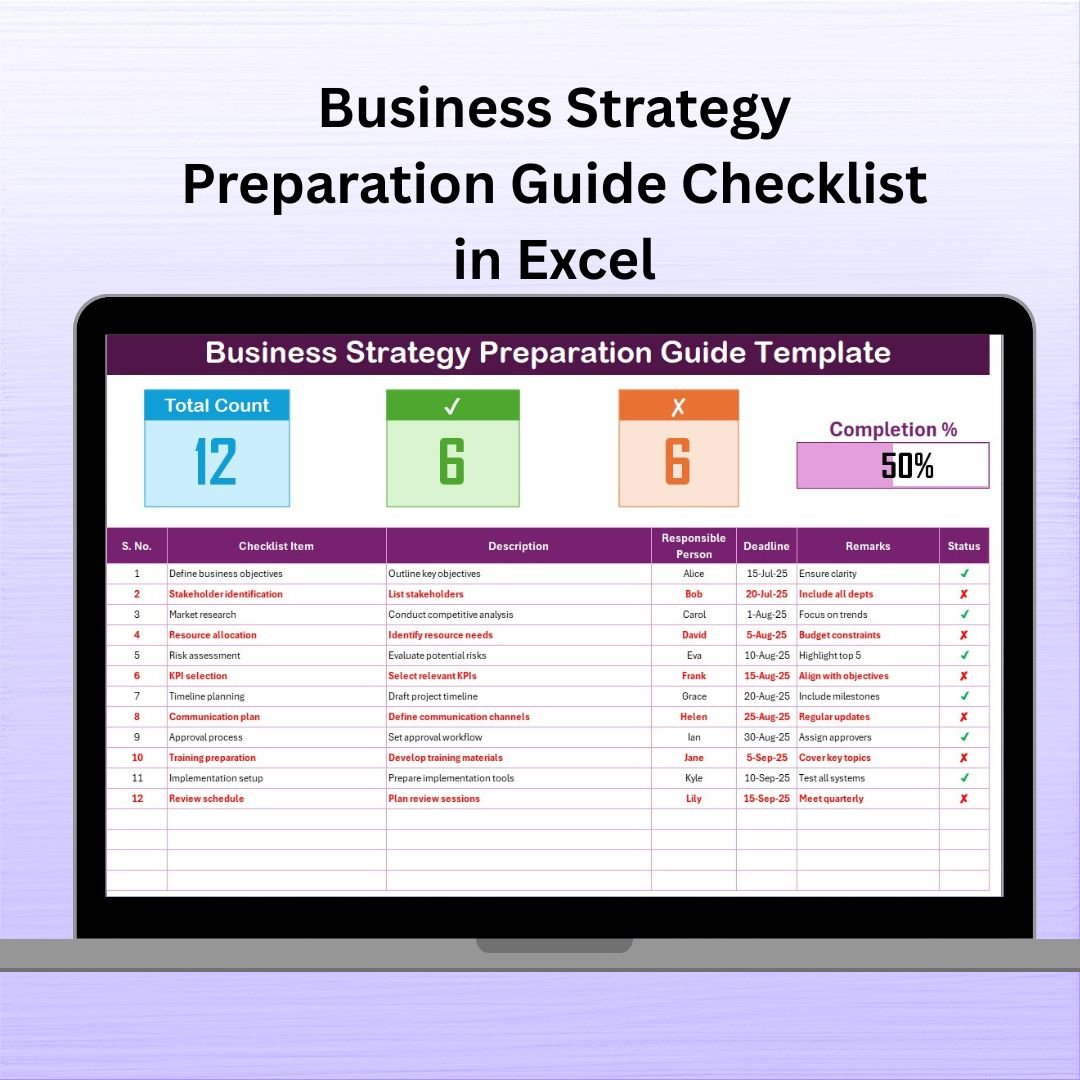

Is your team struggling to translate bold business goals into daily action? 💡 Our Business Strategy Preparation Guide Checklist in Excel is the ultimate planning tool to bridge that gap! Whether you’re a CEO, strategist, or project manager, this ready-to-use Excel template ensures your strategy is organized, actionable, and accountable — all in one place.
Designed with simplicity and power in mind, this checklist makes it easy to assign responsibilities, set deadlines, and track execution progress using smart dropdowns, a dynamic progress bar, and real-time status updates.
✨ Key Features of the Checklist Template
📋 Checklist Sheet Tab – Your Strategy Command Center

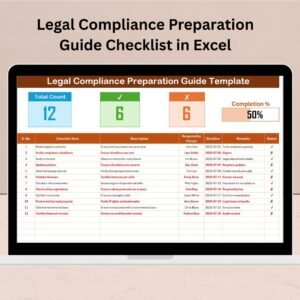
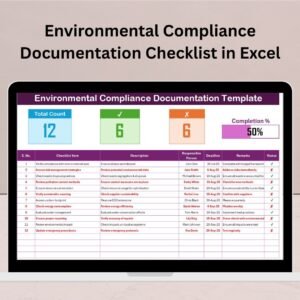
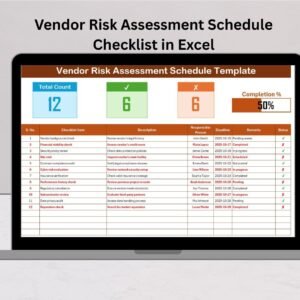
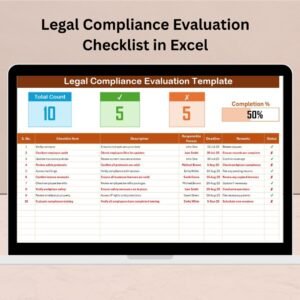
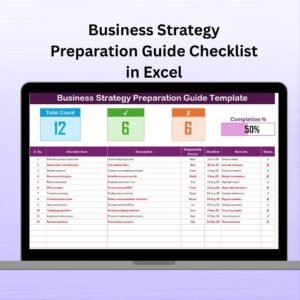
✅ Interactive checklist with columns for:
Task Name
Description
Responsible Person (drop-down)
Deadline
Remarks
Status (✔ / ✘)
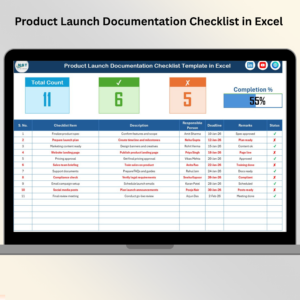
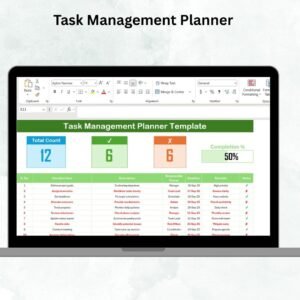
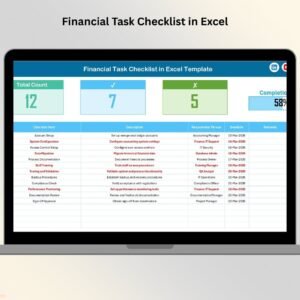
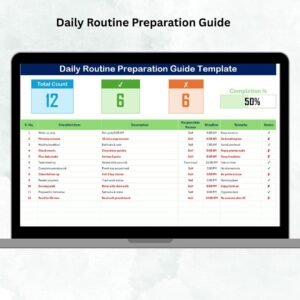
📊 Auto-updating top panel showing:
Total Tasks
Completed (✔)
Pending (✘)
Progress bar (% completion)
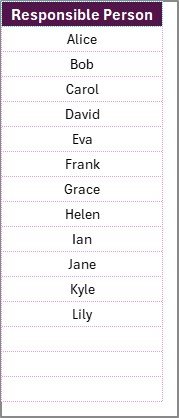
👥 List Sheet Tab – Centralized Team Assignment
📌 Maintain a unique list of stakeholders or team members
🔄 Integrated with drop-down menus in the checklist for consistency
🚦 Status Indicators for Instant Clarity
Just switch between ✔ or ✘ to mark tasks
🎯 Progress bar reflects real-time execution status
🔔 Conditional formatting to highlight delays or priority
🛠️ Easy to Customize & Expand
Add new columns like:
📈 Priority Level
💸 Budget Estimate
🔗 Resource Links
Fully editable with no coding required
📦 What’s Inside the Product
✅ Excel workbook with 2 sheets: “Checklist” and “List”
✅ Built-in formulas to auto-calculate progress
✅ Drop-downs for responsible person selection
✅ Editable deadline columns with date validation
✅ Color-coded formatting for visual cues
📘 How to Use the Product
Set up your List Sheet 👥
Add all responsible persons – this fuels the drop-down in the checklist.Enter your strategic tasks 📋
Define goals like “Conduct market analysis,” “Set KPIs,” or “Draft budget.”Assign roles & deadlines 🗓️
Choose a responsible person and assign a target date.Track progress with ✔ / ✘ ✅
Update statuses and watch your progress bar grow.Filter, review, and improve 🔍
Use filters or slicers to track by person, status, or deadlines.
🎯 Who Can Benefit from This Template?
🧑💼 Executives & Business Leaders
Structure and monitor high-level initiatives with clarity🧠 Strategy Consultants
Guide clients with a repeatable, trackable planning model👩💻 Project Managers
Convert big-picture objectives into daily deliverables🧑🏫 Team Leads
Assign work, avoid overlaps, and boost team accountability🧾 Operations Teams
Monitor long-term priorities and eliminate execution gaps
🧠 Why This Excel Checklist Works
🧩 Low Learning Curve – No new software, just Excel!
🛠️ Fully Customizable – Add columns, rules, formatting, and visuals
🔌 Integrate Easily – Link with Power BI, Outlook, or Google Sheets
🗂️ Version Control – Archive and track strategies over time
💸 Cost-Effective – No licenses or ongoing fees
📎 Click here to read the Detailed Blog Post
🎥 Visit our YouTube channel to learn step-by-step video tutorials
👉 Youtube.com/@PKAnExcelExpert
Watch the step-by-step video tutorial:
Compatibility and Requirements
- Works in Microsoft Excel desktop (Excel 2016 or later, or Microsoft 365).
- The Responsible Person column uses dropdowns fed by the List sheet. Microsoft explains them in Create a drop-down list.
Frequently Asked Questions
Which sheets are included?
Two sheets: Checklist and List. The Checklist sheet holds the tasks and the progress panel. The List sheet holds the names of your team members.
How do I assign a task to someone?
Add the person’s name to the List sheet. It then appears in the Responsible Person dropdown on the Checklist sheet, so you pick the name for each task.
How is progress calculated?
You mark each task with a tick or a cross in the Status column. The top panel counts total, completed and pending tasks and shows the completion percentage in a progress bar.
Can I add my own columns?
Yes. The sheet is fully editable, so you can add columns such as Priority Level, Budget Estimate or Resource Links. No coding is needed.
Is there a similar strategy checklist I can compare?
Yes. The Business Strategy Checklist in Excel and the Business Strategy Alignment Checklist in Google Sheets cover related ground.
Related Strategy Checklists
- Business Strategy Checklist in Excel: a general strategy checklist
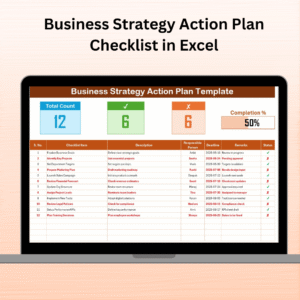
- Business Strategy Action Plan Checklist in Excel: turns strategy into action steps
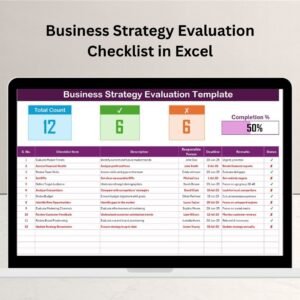
- Business Strategy Evaluation Checklist in Excel: for reviewing how the strategy is going
- Business Strategy Alignment Checklist in Google Sheets: the alignment checklist on Google Sheets
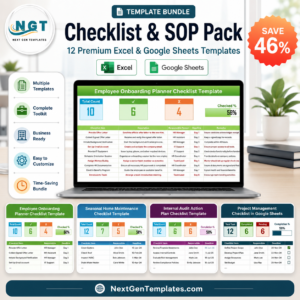
- Checklist & SOP Pack: 12 checklist templates in one download
Browse all Excel checklists.





Reviews
There are no reviews yet.