
Managing financial projects without structure can easily lead to missed deadlines, confusion, and costly mistakes. When multiple financial tasks, approvals, and compliance activities are involved, even small oversights can create major risks. That is exactly why a structured checklist system becomes essential.
The Financial Project Checklist in Excel is a ready-to-use template designed to help finance teams organize tasks, assign responsibilities, monitor deadlines, and track progress in one centralized system. Instead of relying on scattered emails, notes, or manual reminders, this template provides a clear and visual way to manage every financial project step.
Whether you are working on budget planning, tax preparation, audit projects, financial system implementation, or investment analysis, this Excel checklist allows you to stay organized and in control. With automated progress tracking and simple status updates, you can instantly see what is completed and what still needs attention.
Because the template is built in Excel, it is easy to use, customizable, and accessible for finance professionals without requiring any additional software.
🚀 Key Feature of Financial Project Checklist in Excel
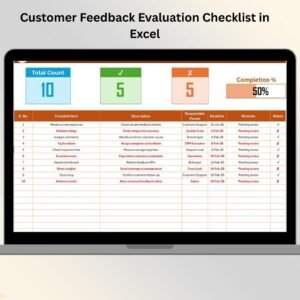
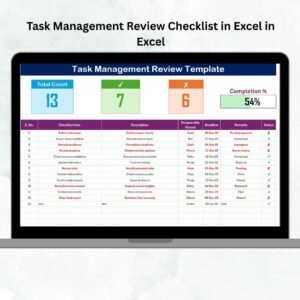
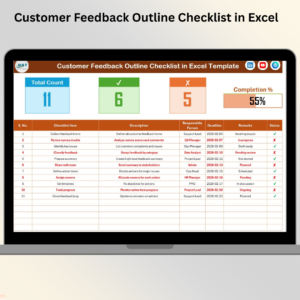
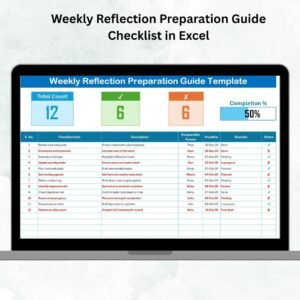
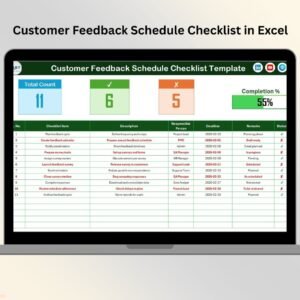
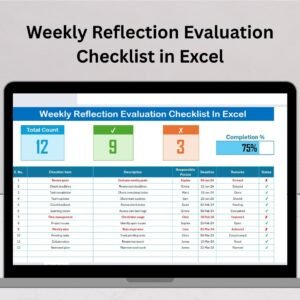
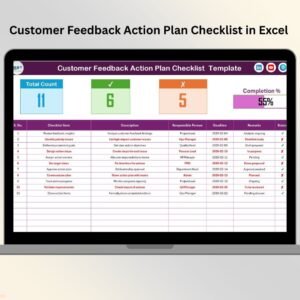
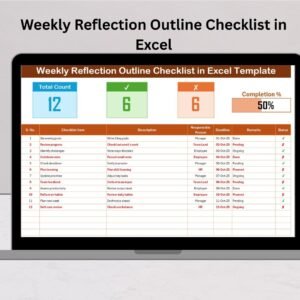
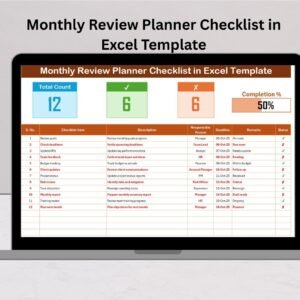
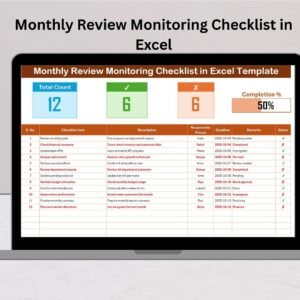
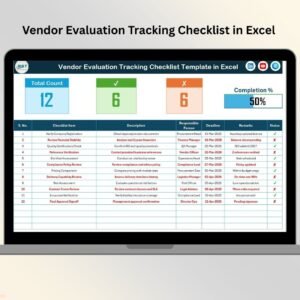
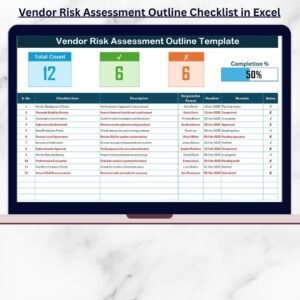
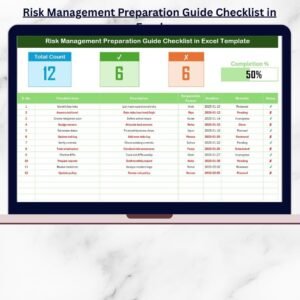
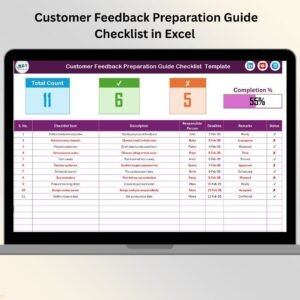
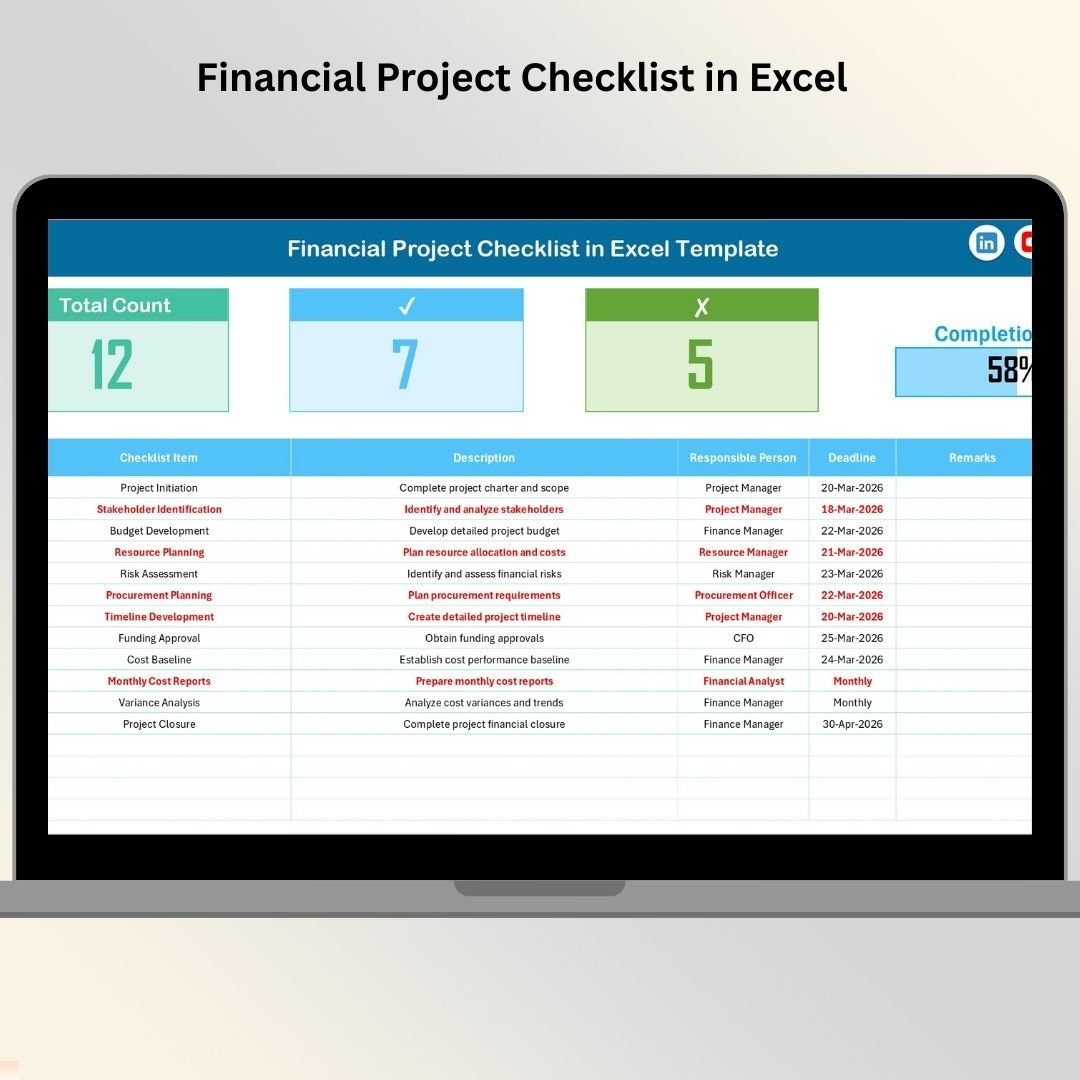
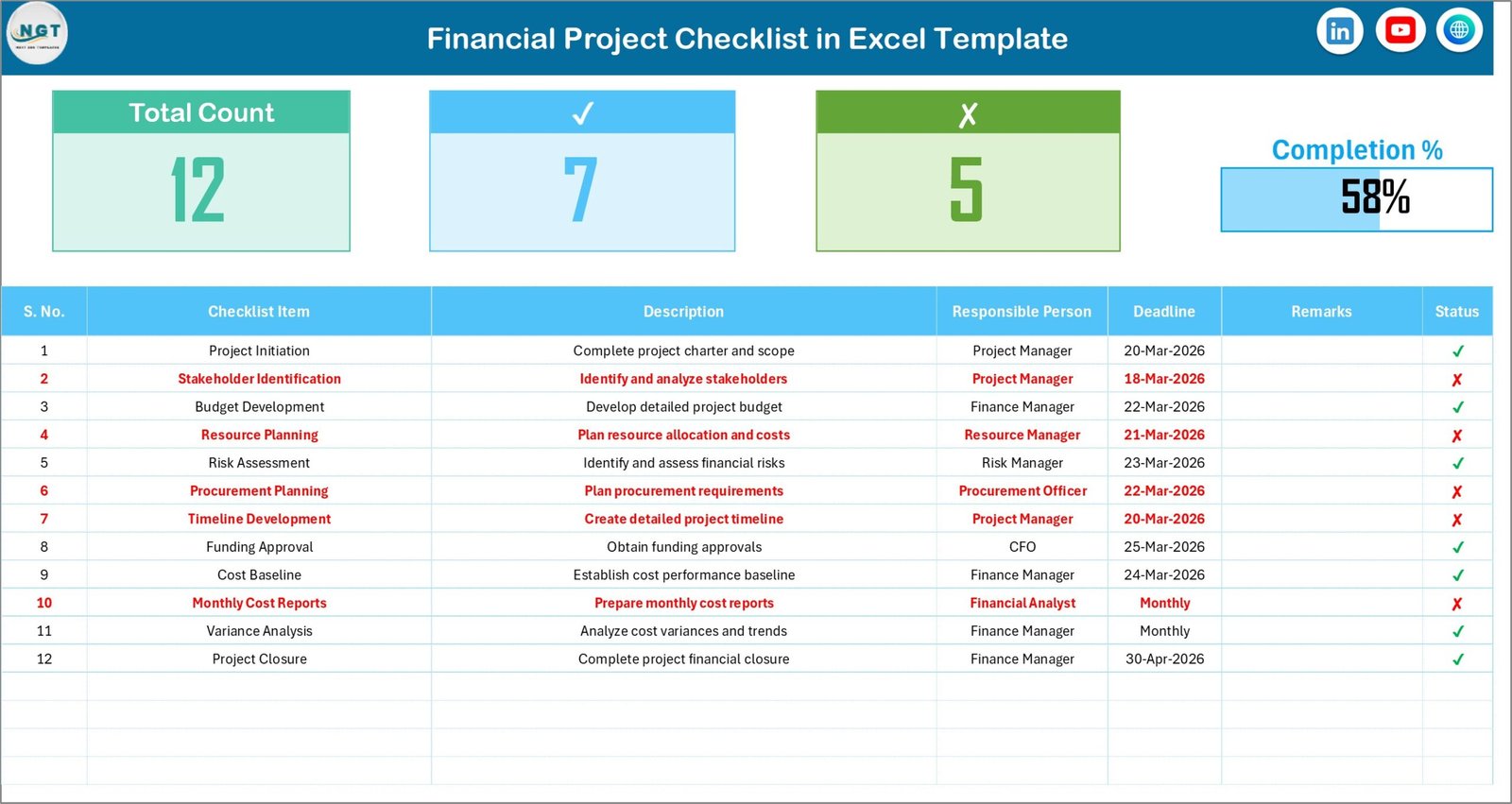
📊 Project Summary Dashboard – The template includes a smart summary section that instantly displays total tasks, completed tasks, pending tasks, and overall project progress.
✅ Automated Progress Tracking – When you update the status of tasks using ✔ or ✘, the progress bar and summary indicators update automatically.
👤 Responsible Person Assignment – Assign a specific team member to every task to improve accountability and ownership.
📅 Deadline Monitoring – Track due dates for every checklist item to ensure financial tasks are completed on time.
📝 Detailed Task Descriptions – Add detailed descriptions to each checklist item so team members clearly understand their responsibilities.
📋 Centralized Task Management – Manage all financial project tasks in one structured Excel sheet instead of scattered documents.
⚡ Easy Status Updates – Simply mark tasks as ✔ Completed or ✘ Pending to instantly update the project progress.
🔄 Real-Time Progress Visibility – The template automatically calculates completion percentage, helping managers monitor project status instantly.
📈 Clean and Professional Layout – The structured design keeps the project checklist easy to understand and visually organized.
📦 What’s Inside the Financial Project Checklist in Excel
This ready-to-use template includes 2 well-structured worksheets designed to manage financial project tasks efficiently.
1️⃣ Financial Project Checklist Sheet (Main Sheet)
This is the primary working sheet where all checklist activities are captured and monitored.
Top Section – Project Summary Dashboard
At the top of the sheet, you will find a summary dashboard that provides instant project insights:
Total Count – Total checklist tasks
Checked Count – Completed tasks
Crossed Count – Pending tasks
Progress Bar – Visual completion percentage
This section automatically updates as task statuses change.
Checklist Table – Main Working Area
Below the summary section, the main checklist table allows you to track project tasks with the following columns:
Serial No.
Checklist Item
Description
Responsible Person
Deadline
Remarks
Status (✔ Completed / ✘ Pending)
Because of this structured format, project progress becomes easy to manage and monitor.
2️⃣ List Sheet Tab
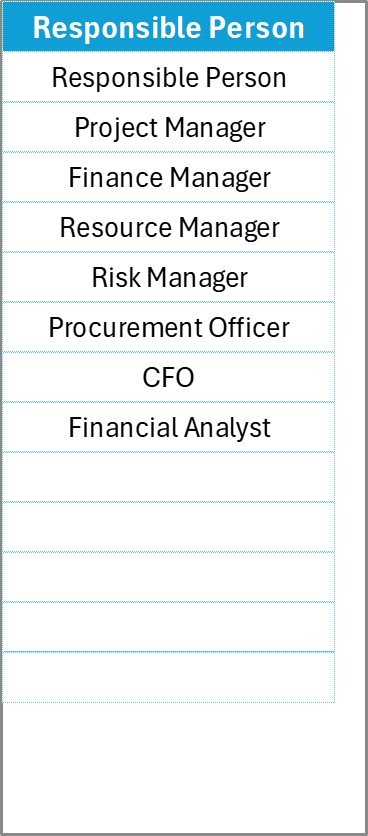
The second worksheet stores the database of responsible persons used in the checklist.
This sheet helps create a dropdown list in the main table, ensuring:
Consistent naming
Faster task assignment
Clean data entry
Improved reporting accuracy
⚙️ How to Use the Financial Project Checklist in Excel
Using this template is simple and requires only basic Excel knowledge.
Step 1: Define your financial project tasks.
Step 2: Enter each task in the checklist table.
Step 3: Assign the responsible person from the dropdown list.
Step 4: Set a deadline for each activity.
Step 5: Add remarks or notes if needed.
Step 6: Update the status as ✔ Completed or ✘ Pending.
Step 7: Monitor the progress bar and summary dashboard.
Within minutes, you will have a fully organized financial project tracking system.
👥 Who Can Benefit from This Financial Project Checklist in Excel
This template is useful for many professionals and organizations, including:
💼 Finance Managers managing budgeting and financial planning projects.
📊 Accountants handling reporting, documentation, and compliance tasks.
🏢 Corporate Finance Teams coordinating financial projects across departments.
🧾 Audit Teams tracking audit preparation and documentation activities.
📉 Investment Analysts managing financial evaluation projects.
📅 Project Managers overseeing financial operations and deadlines.
🏦 Financial Consultants working on multiple client financial initiatives.
🏢 Small Business Owners organizing financial planning and reporting tasks.
Because the template is flexible, it can be used across different financial environments and industries.
Click here to read the Detailed blog post
Visit our YouTube channel to learn step-by-step video tutorials
Watch the step-by-step video tutorial:
Compatibility and Requirements
- Works in Microsoft Excel desktop (Excel 2016 or later, or Microsoft 365).
- You pick the responsible person from a dropdown on the main sheet. Microsoft explains dropdowns in Create a drop-down list.
Frequently Asked Questions
How many sheets does the template have?
Two sheets: the Financial Project Checklist sheet and a List sheet that holds the names of responsible persons.
How do I mark a task as done?
Set the Status column to ✔ for completed or ✘ for pending. The summary and progress bar at the top update automatically.
What does the summary section show?
It shows the total count of tasks, the checked count, the crossed count and a progress bar with the completion percentage.
Can I assign tasks to different people?
Yes. Add names to the List sheet and choose a responsible person for each task from the dropdown in the checklist table.
Is there a Google Sheets version?
This template is built for Excel. For a similar tool in Google Sheets, see the Project Management Checklist in Google Sheets.
Related Financial and Project Templates
- Financial Audit Preparation Checklist in Excel: a checklist for audit preparation tasks
- Annual Financial Review Checklist Template in Excel: a yearly review checklist
- Financial Project Calendar in Excel: a calendar view for financial project dates
- Project Progress Tracker in Excel: track progress across a project
- Project Management Pro Bundle: 9 project templates in one download
Browse all Excel checklist templates.