


Staying on top of your goals and performance becomes effortless with the Monthly Review Checklist in Excel . Whether you’re managing a business, leading a team, or reviewing your personal achievements, this ready-to-use Excel template ensures every task is tracked, completed, and reviewed with precision.
With built-in automation, progress visualization, and dropdown-enabled accountability, this checklist makes monthly reviews simple, efficient, and data-driven.Monthly Review Review Checklist in Excel
🧩 Key Features of Monthly Review Checklist in Excel
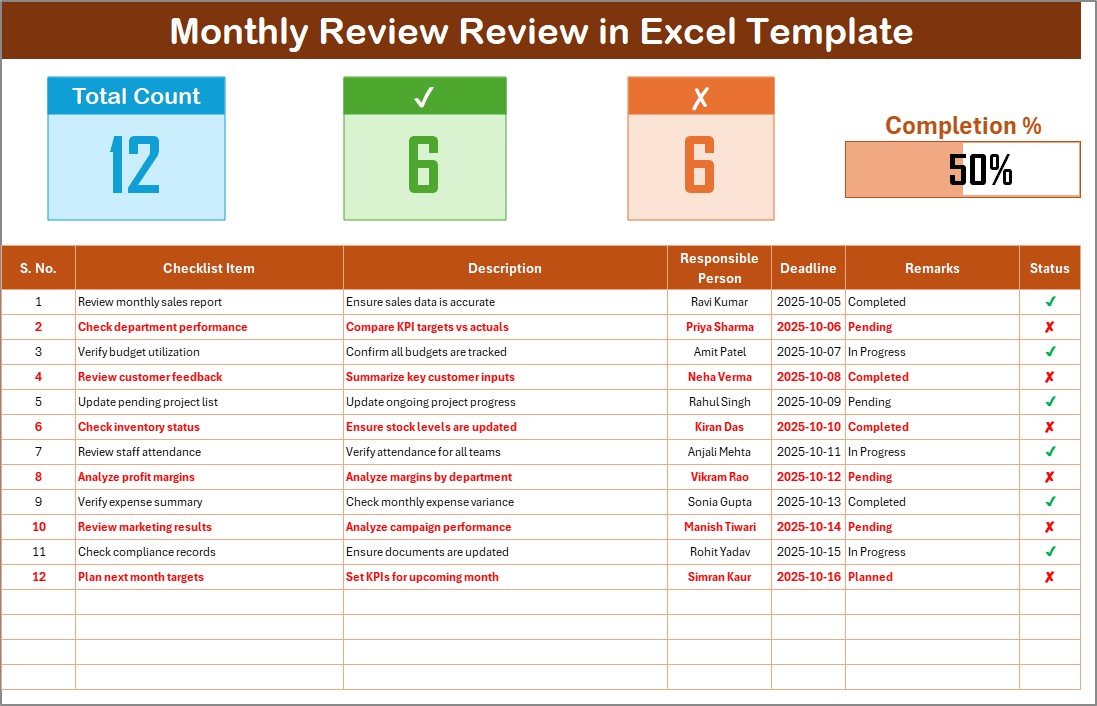
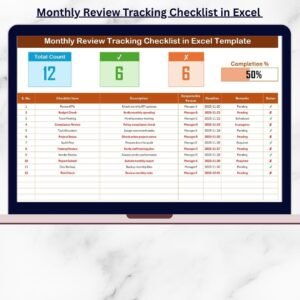
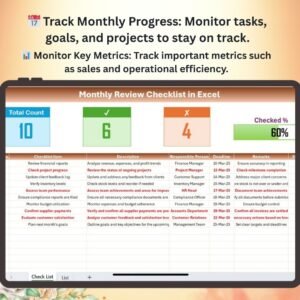
✨ Interactive Dashboard View – Instantly view total, completed, and pending tasks through smart cards and a dynamic progress bar that updates automatically.
📋 Dual Sheet System – Includes a main checklist sheet for tracking and a List sheet to manage responsible persons seamlessly.
⚙️ Automatic Progress Calculation – As you update the status column with ✔ or ✘, the dashboard recalculates completion percentages automatically.
📅 Deadline Tracking – Keep your monthly goals on time by adding clear due dates and responsible persons.
🔍 Filter & Sort Options – Focus on specific team members, due dates, or incomplete tasks with Excel’s built-in filters.
🎨 Customizable Layout – Add your own fields, apply conditional formatting, or change colors to match your reporting style.
📈 Pivot Table Compatible – Create your own charts or monthly summaries directly from the checklist for presentations and reports.Monthly Review Review Checklist in Excel
💾 Reusable Template – Reset and reuse every month for continuous performance improvement.
📂 What’s Inside the Monthly Review Checklist in Excel
Your download includes two professional worksheet tabs designed for clarity and control:
1️⃣ Main Sheet – Monthly Review Table:
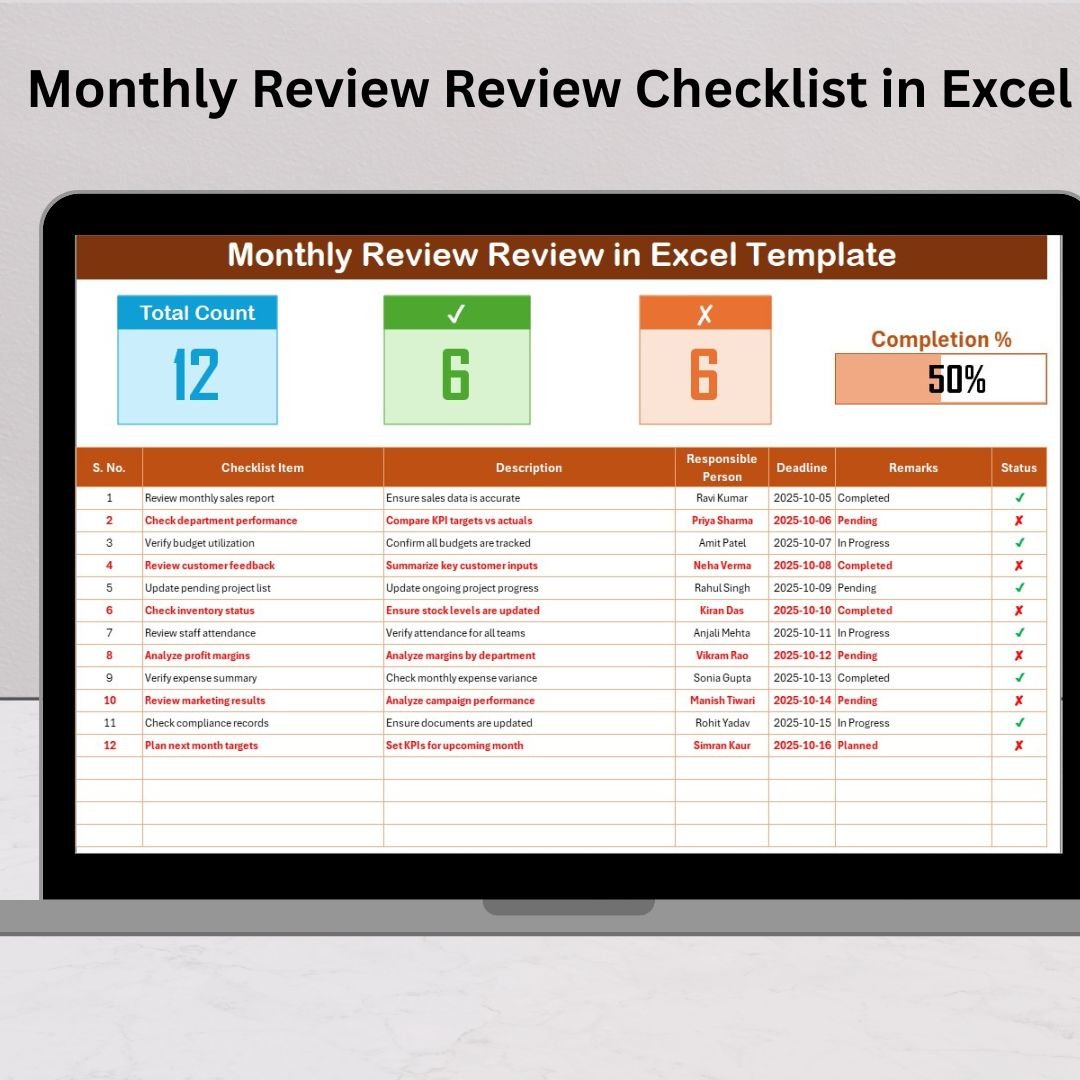
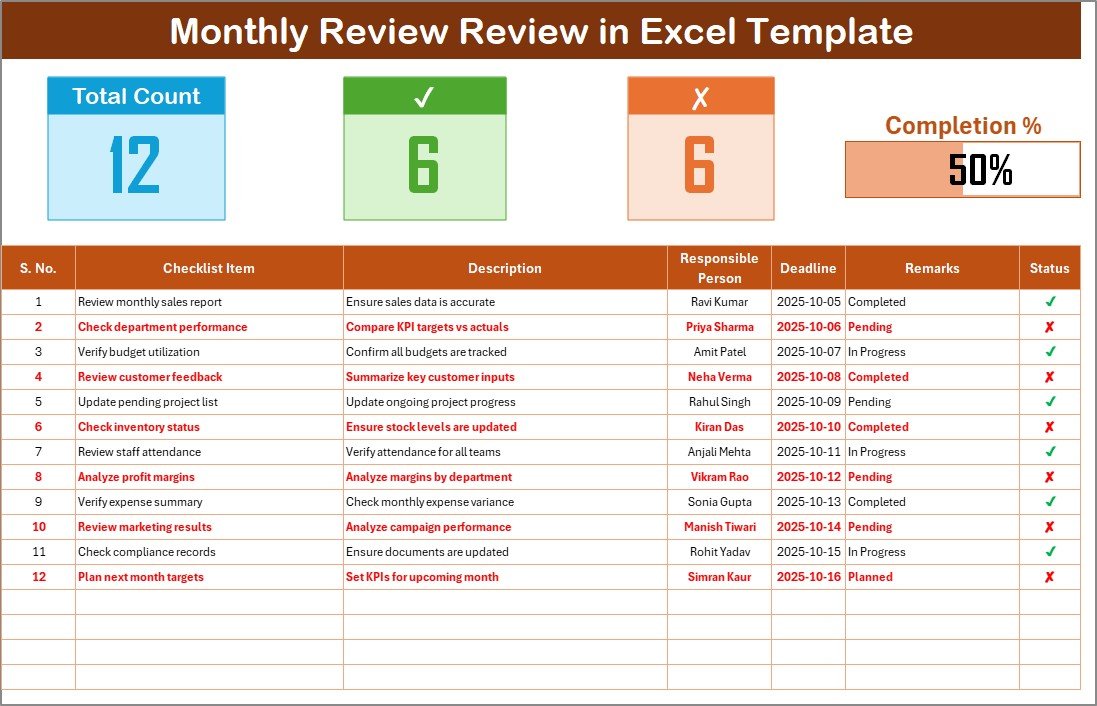
This sheet is your command center. It includes columns for Serial No., Checklist Item, Description, Responsible Person, Deadline, Remarks, and Status. The top section contains live cards for Total, Completed, and Pending Tasks, alongside a real-time Progress Bar.
2️⃣ List Sheet – Responsible Person Management:
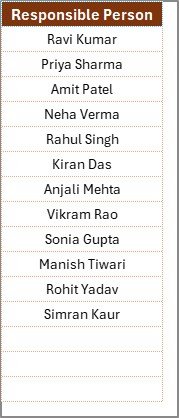
A supportive backend sheet that holds all responsible persons’ names. It powers the dropdown menu in the main checklist, ensuring data accuracy and eliminating spelling errors.
Together, these two sheets create a structured, efficient, and error-free review system that works perfectly for both personal and business use.Monthly Review Review Checklist in Excel
⚙️ How to Use the Monthly Review Checklist in Excel
💡 Using this checklist is incredibly easy — no advanced Excel skills required!
1️⃣ Download and open the Excel file.
2️⃣ Go to the List sheet and add all responsible persons’ names.
3️⃣ Head to the Monthly Review sheet and enter your checklist items, descriptions, and deadlines.
4️⃣ Assign responsible persons using the dropdown list.Monthly Review Review Checklist in Excel
5️⃣ Update each task’s status using ✔ for completed and ✘ for pending.
6️⃣ Watch the top cards and progress bar update automatically.
7️⃣ At month-end, review the completed vs pending tasks and use PivotTables for quick summaries.
This simple workflow keeps your monthly reviews consistent, measurable, and goal-oriented.
👥 Who Can Benefit from This Monthly Review Checklist in Excel
🎯 Business Owners & Managers: Monitor department goals, identify missed deadlines, and enhance accountability.
📊 Team Leaders: Evaluate employee performance and track team productivity effortlessly.
📚 Educators & Administrators: Review academic performance, attendance, and administrative activities.
💼 Finance Professionals: Track audits, reconciliations, and monthly reports systematically.
📣 Marketing Teams: Evaluate campaign results and ROI every month.
⚙️ Operations Staff: Monitor maintenance schedules, process improvements, and task completions.
🏠 Individuals & Freelancers: Track personal goals, project milestones, or monthly routines.Monthly Review Review Checklist in Excel
No matter your role or industry, this Excel checklist adapts to your review style and keeps you organized, consistent, and productive.
📍 Why Choose This Template?
Save hours of manual tracking ⏱️Monthly Review Review Checklist in Excel
Eliminate confusion with dropdown-based responsible person management
Visualize progress instantly with built-in cards and progress bars
Perfect for teams or individuals who love structured reviews
Fully editable and reusable month after month
Click here to read the Detailed Blog Post
Watch the step-by-step video tutorial:
Visit our YouTube channel to learn step-by-step video tutorials YouTube.com/@PKAnExcelExpert
Compatibility and Requirements
- Works in Microsoft Excel desktop (Excel 2016 or later, or Microsoft 365).
- Microsoft’s guide Create a drop-down list explains the Excel feature this file is built on.
Frequently Asked Questions
What do the cards at the top show?
Total, Completed and Pending Tasks, plus a progress bar that updates as you mark tasks.
How do I mark a task as done?
Set the Status to ✔ for completed or ✘ for pending. The cards and progress bar recalculate automatically.
Where do I add team members?
Add names on the List sheet. They then appear in the Responsible Person dropdown on the main sheet.
Can I reuse the checklist every month?
Yes. Reset the statuses at the start of each month and reuse the same file.
Related Monthly Review Checklists
- Monthly Review Checklist in Excel: a general monthly review list
- Monthly Review Tracking Checklist in Excel: track review actions over time
- Monthly Review To-Do List Checklist in Google Sheets: a shared version in Sheets
- Monthly Review Monitoring Checklist in Google Sheets: monitor follow-ups in Sheets
- Checklist & SOP Pack: 12 Excel and Google Sheets checklists in one bundle
Browse all Excel checklist templates or the Google Sheets checklists.
































Reviews
There are no reviews yet.