


Data privacy is no longer a luxury—it’s a legal obligation. Whether you’re a small business, startup, or large enterprise, compliance with the GDPR (General Data Protection Regulation) is essential for avoiding penalties and building customer trust. 📑🔐
Introducing the GDPR Compliance To-Do Checklist in Excel — your ready-to-use, easy-to-navigate template that makes compliance tracking practical and stress-free. Say goodbye to complex platforms and hello to a simplified compliance journey—all in a powerful Excel file!
Let’s take a closer look at why this checklist is a must-have for any business managing personal data:
🛠️ Key Features of GDPR Compliance To-Do Checklist in Excel

📋 Comprehensive To-Do Checklist
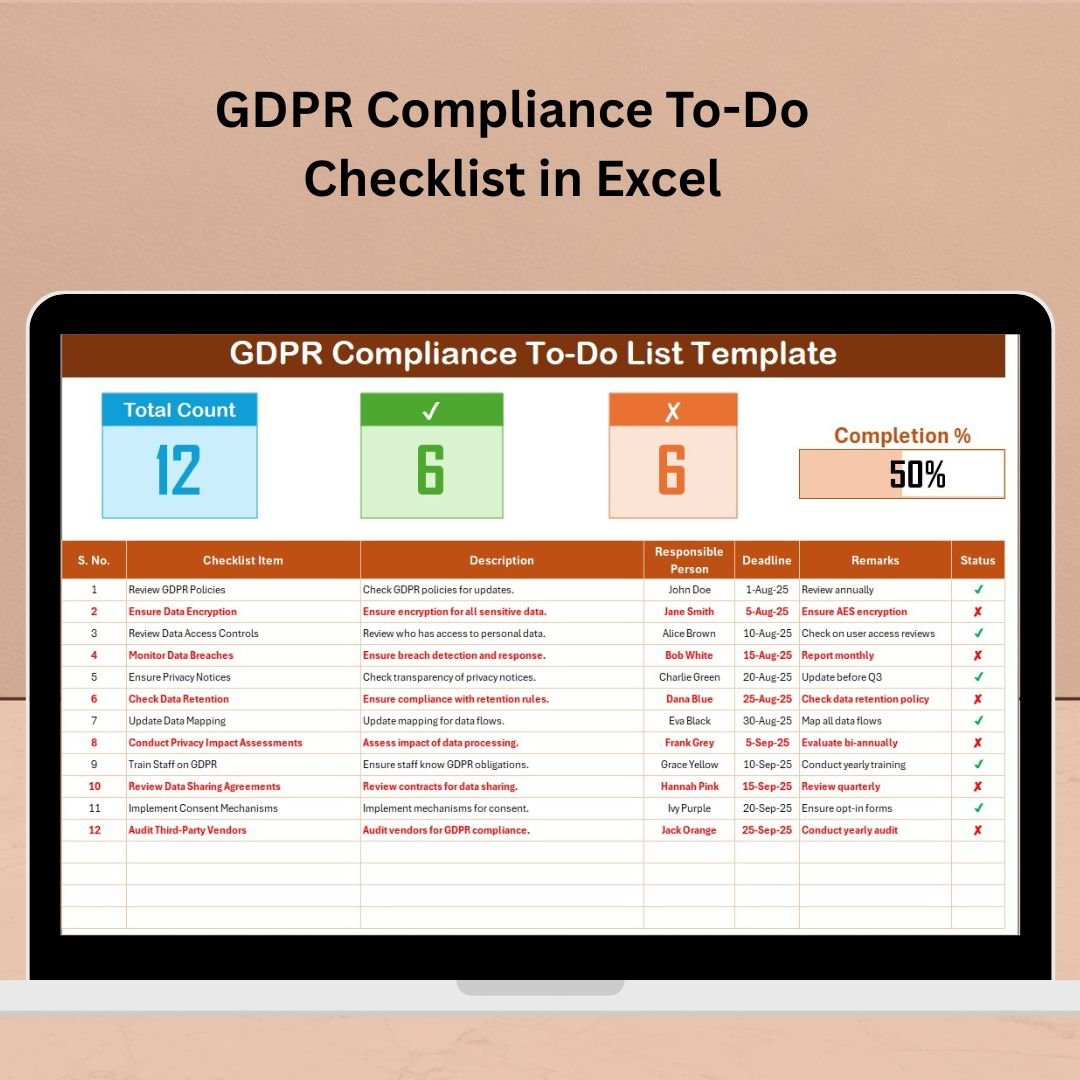
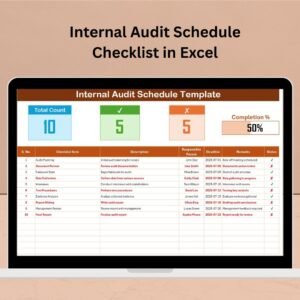
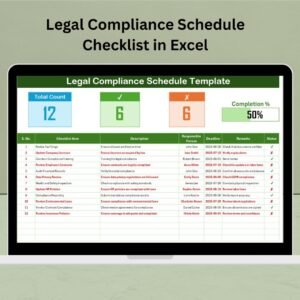
A well-structured task list with columns for checklist items, descriptions, deadlines, status, and responsible persons.
✅ Status Tracking with ✔ / ✘
Mark each item as compliant (✔) or non-compliant (✘) and stay visually updated on task completion.
📊 Live Progress Bar
Track how much of your compliance work is complete with an automated, color-coded progress bar.
📌 Top Section Summary
Get real-time stats on:
Total number of tasks
✔ Completed (Compliant) tasks
✘ Not Compliant / Incomplete tasks
🧾 Customizable Columns
Each task includes:
Serial No.
Checklist Item
Description
Responsible Person
Deadline
Remarks
Status (✔/✘)
📑 List Sheet for Role Assignment
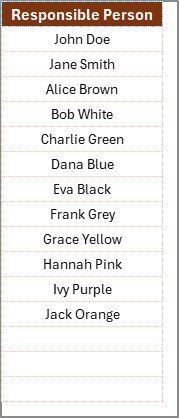
Maintain a dropdown list of responsible persons to ensure accurate task assignment and reporting.
🖱️ Fully Click-and-Go Format
No macros, no coding. Just click, select, and track compliance effortlessly.
📦 What’s Inside the GDPR Compliance Checklist Template
This Excel template includes two main worksheets:
1️⃣ GDPR Compliance To-Do List Sheet
Your operational hub! This is where all compliance tasks are listed. For each task, assign responsibility, track status, add remarks, and update deadlines. A visual progress bar on top keeps you instantly informed of completion rates.
2️⃣ List Sheet
This sheet is used to manage and update the dropdown list of responsible persons. It helps maintain consistency in data entry and allows easy team collaboration.
Together, these sheets provide a comprehensive view of your GDPR readiness.
📌 How to Use the Template
✔️ Step 1: List your GDPR tasks in the checklist (or use the pre-filled ones)
✔️ Step 2: Assign a responsible person using the dropdown
✔️ Step 3: Set deadlines and add comments if needed
✔️ Step 4: Mark tasks as compliant (✔) or not (✘)
✔️ Step 5: Monitor the progress bar and update regularly
👥 Who Can Benefit from This Checklist?
✅ Small Businesses – Navigate GDPR without expensive software
✅ Data Protection Officers (DPOs) – Monitor and assign compliance tasks
✅ Compliance Teams – Coordinate work and stay on top of responsibilities
✅ Startups – Lay a strong GDPR foundation early on
✅ Consultants – Use it with clients for audits and training
✅ IT & Security Managers – Track infrastructure-related compliance
🎯 Whether you’re just starting your compliance journey or reviewing existing practices, this Excel checklist ensures you’re always on track!
🔒 Why You Need This Tool
✔ Ensures you meet regulatory requirements
⏱ Saves hours of manual tracking
📈 Improves accountability across teams
💰 Avoids costly GDPR non-compliance fines
🧠 Helps create a data-aware culture in your organization
🔗 Click here to read the Detailed blog post
🎥 Visit our YouTube channel to learn step-by-step video tutorials
Watch the step-by-step video tutorial:
Compatibility and Requirements
- Works in Microsoft Excel desktop (Excel 2016 or later, or Microsoft 365).
- It uses no macros or coding. Responsible persons are picked from a dropdown list. Microsoft explains dropdowns in Create a drop-down list.
Frequently Asked Questions
What sheets are in the file?
Two sheets: the GDPR Compliance To-Do List sheet, where you track every task, and the List sheet, which holds the names for the responsible person dropdown.
Which columns does each task have?
Serial No., Checklist Item, Description, Responsible Person, Deadline, Remarks and Status.
How do I mark a task as done?
Set its status to compliant (✔) or not compliant (✘). The summary at the top counts total, compliant and not compliant tasks.
How do I see overall progress?
A color-coded progress bar at the top shows how much of the compliance work is complete.
Can I add my own GDPR tasks?
Yes. You can list your own tasks or use the pre-filled ones, then assign owners and deadlines.
Related GDPR and Data Privacy Templates
- GDPR Compliance Checklist in Google Sheets: a GDPR checklist in Google Sheets
- GDPR Compliance Tracking Checklist in Excel: tracks compliance status over time
- GDPR Compliance Checklist Template in Excel: a general GDPR checklist
- Data Privacy Checklist Template in Excel: wider data privacy tasks
- Checklist & SOP Pack: 12 checklist templates in one download
Browse all Excel checklists or the Google Sheets checklists.






























Reviews
There are no reviews yet.