


Expanding a business is an exciting yet challenging process that requires careful planning, organization, and execution. The Business Expansion Checklist Template in Excel is designed to help you streamline your expansion strategy, track progress, and ensure every critical task is completed on time. Whether you are opening a new location, launching a new product, or expanding your team, this template will keep you organized and on track.
Why Do You Need a Business Expansion Checklist?
A business expansion involves multiple steps, from conducting market research to finalizing vendors and training staff. Without a structured checklist, important tasks can be overlooked, causing delays and mismanagement. Our Business Expansion Checklist Template ensures you have a structured, step-by-step approach to achieving your growth goals.
Key Benefits of Using This Template
✔ Organized Growth Strategy – Ensures every aspect of your expansion is well-planned and executed.
✔ Accountability & Responsibility – Assign tasks to specific team members and track their progress.
✔ Real-Time Progress Tracking – Monitor the status of each task with visual indicators.
✔ Deadline Management – Avoid last-minute issues with clearly defined deadlines.
✔ Customizable & Easy to Use – Modify the template to fit your specific business expansion needs.
What’s Included in the Business Expansion Checklist Template?
Our Business Expansion Checklist Template in Excel consists of two key worksheets:
1. Business Expansion Checklist Sheet
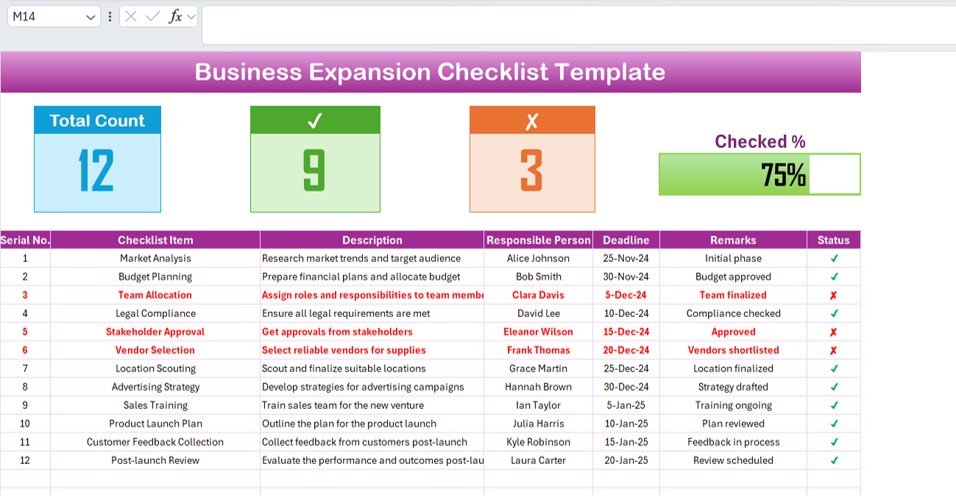
This is the main sheet where all the planning and tracking takes place. It includes a structured table with the following sections:
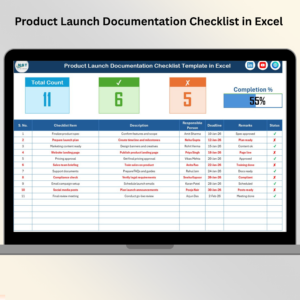
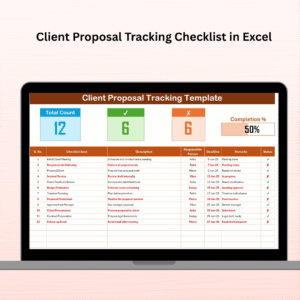
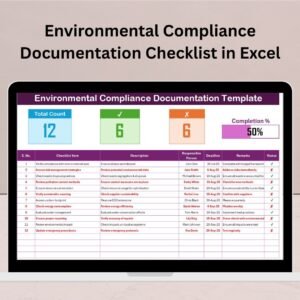
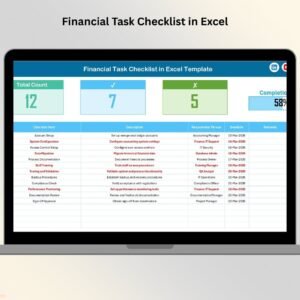
✔ Top Summary Section
At the top of the sheet, you’ll find a progress overview with essential metrics:
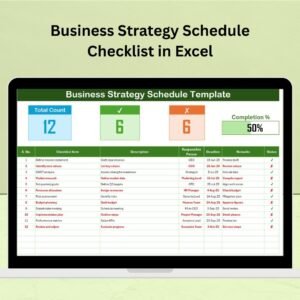
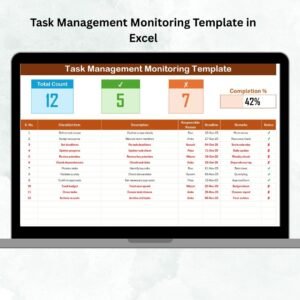
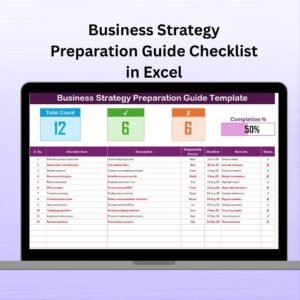
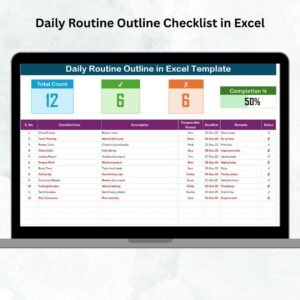
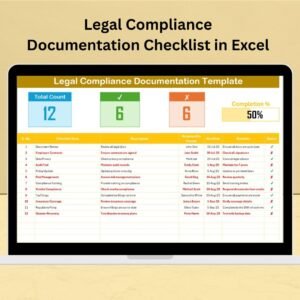
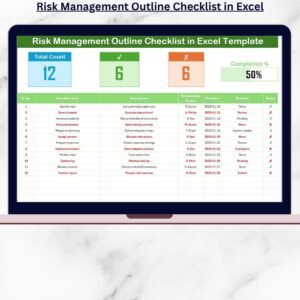
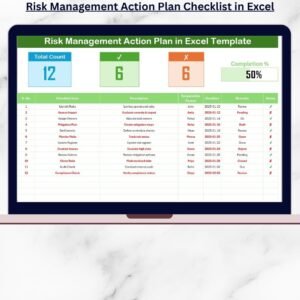
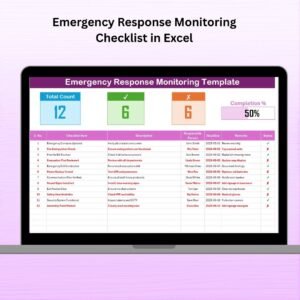
- Total Count: Displays the total number of tasks in the checklist.
- Checked Count: Shows how many tasks have been completed.
- Crossed Count: Indicates the number of pending tasks.
- Progress Bar: A visual representation of the checklist completion percentage.
These features allow you to instantly assess your progress and identify areas that need attention.
✔ Detailed Checklist Table
The checklist table provides a step-by-step guide to executing a successful business expansion. It includes:
- Serial No.: A unique number assigned to each task for easy reference.
- Checklist Item: The specific task required for expansion (e.g., Market Research, Budget Planning, Team Allocation).
- Description: A brief explanation of the task.
- Responsible Person: The team member assigned to complete the task.
- Deadline: The due date for task completion.
- Remarks: Notes for additional details or task updates.
- Status: A clear indicator of whether the task is completed (✔) or pending (✘).
2. List Sheet
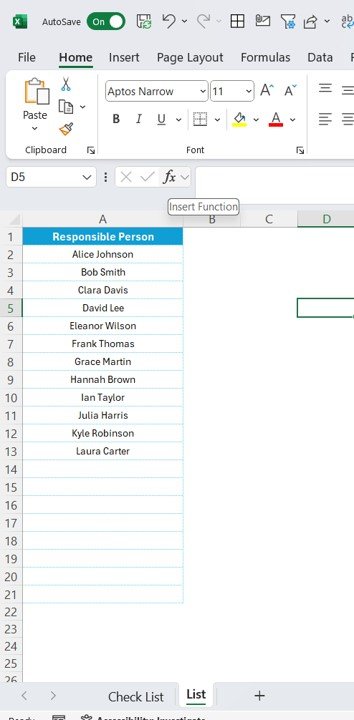
This sheet serves as a data validation tool, storing the list of responsible team members.
- Allows for quick task assignments using drop-down menus.
- Reduces manual errors and ensures uniformity.
- Saves time by making team member selection more efficient.
How to Use the Business Expansion Checklist Template
Using the template is straightforward. Follow these steps:
- Enter Your Business Expansion Tasks – Populate the checklist with the necessary tasks and details.
- Assign Team Members – Use the dropdown list to allocate responsibilities.
- Set Deadlines – Define clear deadlines for each task to ensure timely completion.
- Update Status Regularly – As tasks progress, update the status to reflect completion.
- Monitor Progress – Use the progress summary and visual indicators to track overall expansion progress.
Best Practices for Business Expansion Success
✔ Regularly Review & Update the Checklist – Ensure all critical tasks are included and stay up to date.
✔ Set Clear Goals & Deadlines – Avoid bottlenecks by keeping everyone on schedule.
✔ Communicate Effectively – Keep your team informed about their responsibilities.
✔ Use Visual Indicators – Quickly identify pending tasks and focus on critical activities.
✔ Analyze & Improve – Learn from past expansion projects to refine your strategy.
Who Can Use This Business Expansion Checklist?
- Entrepreneurs & Startups – Plan and execute business growth strategies.
- Small Business Owners – Manage the expansion of locations, teams, or product lines.
- Corporate Executives – Oversee expansion projects with structured task management.
- Retail & Franchise Owners – Ensure smooth multi-location business expansion.
Why Choose This Business Expansion Checklist Template?
🔹 Easy to Use & Fully Customizable – Adjust columns, tasks, and assignments to match your needs.
🔹 Excel-Based for Maximum Flexibility – No need for complex software; manage expansion with a simple spreadsheet.
Click hare to read the Detailed blog post
Visit our YouTube channel to learn step-by-step video tutorials
Compatibility and Requirements
- Works in Microsoft Excel desktop (Excel 2016 or later, or Microsoft 365).
- You pick the responsible person for each task from a dropdown list. Microsoft explains how in Create a drop-down list.
Frequently Asked Questions
How many worksheets does the template have?
Two: the Business Expansion Checklist sheet and the List sheet.
How do I assign a task to a team member?
Add the names of your team members to the List sheet. Then pick a name from the dropdown in the Responsible Person column on the checklist sheet.
How do I track progress?
The top of the checklist sheet shows the Total Count, Checked Count and Crossed Count, plus a progress bar. Mark each task as completed (✔) or pending (✘) in the Status column and the figures update.
Can I add my own tasks?
Yes. Enter your own checklist items, descriptions, deadlines and remarks in the table. You can also change the columns to fit your expansion plan.
Is there a Google Sheets version?
Yes. See the Business Expansion Checklist in Google Sheets.
Related Business Expansion Templates
- Business Expansion Checklist in Google Sheets: the same checklist for Google Sheets
- Business Expansion Action Plan Checklist in Excel: a checklist built around an action plan
- Business Expansion Schedule Checklist in Excel: a checklist focused on timing
- Business Expansion Evaluation Checklist in Excel: for reviewing an expansion
- Small Business Owner Essentials: 12 templates for owners in one download
Browse all Excel checklist templates.











Reviews
There are no reviews yet.