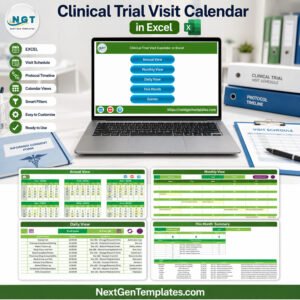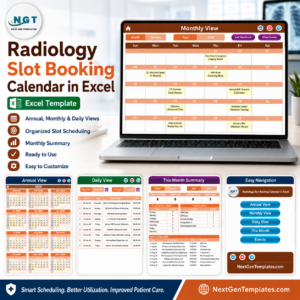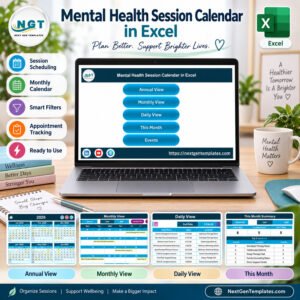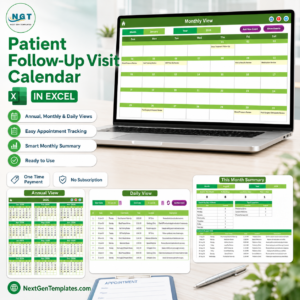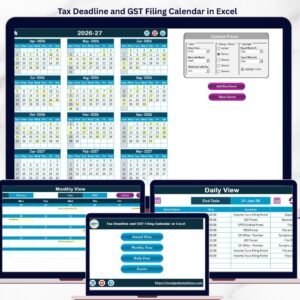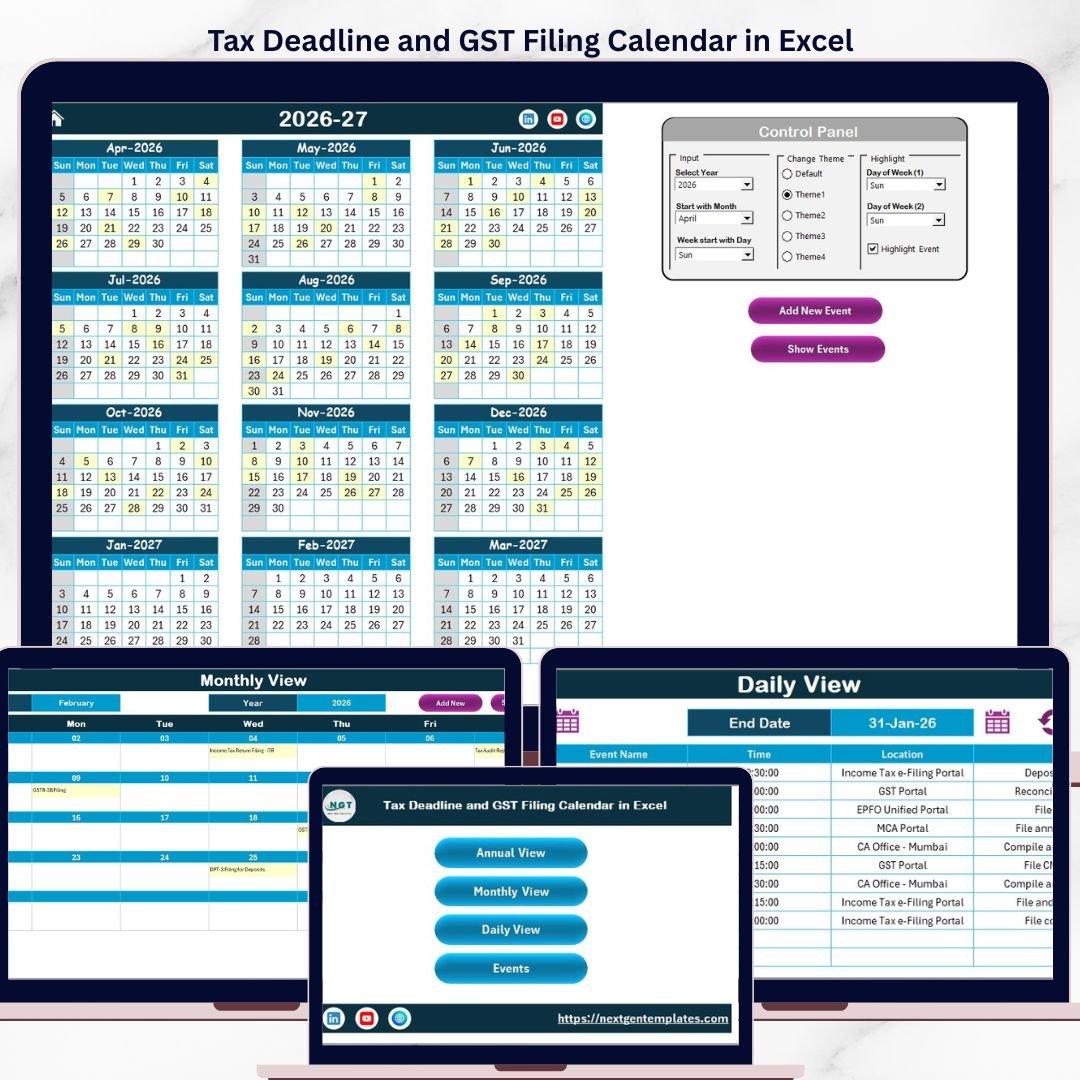
The Tax Deadline and GST Filing Calendar in Excel manages 12 months of tax deadlines across 5 interactive worksheets, with annual, monthly, and daily views plus a built-in event database. Setup takes under 10 minutes — just enter your filing dates and every calendar view updates automatically.Tax Deadline and GST Filing Calendar in Excel
🌍 Join 8,400+ teams in 40+ countries using NextGenTemplates to replace paid SaaS tools with one-time-purchase Excel, Google Sheets, Power BI, and HTML templates.Tax Deadline and GST Filing Calendar in Excel
✅ Instant download · One-time payment · No subscription · No per-user fees · Lifetime access
🔑 Key Features of Tax Deadline and GST Filing Calendar in Excel
This calendar tracks tax filing dates, GST return deadlines, and compliance events across 5 dedicated worksheets. It includes 5 built-in color themes, customizable week start days, and event highlighting that marks filing deadlines in yellow directly on the annual calendar grid.
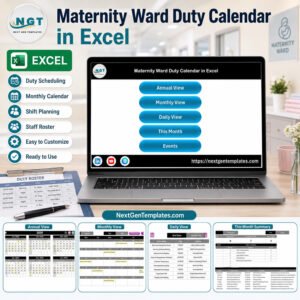
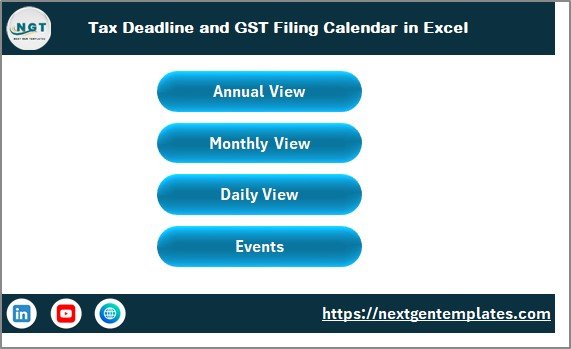
📌 Home Sheet — A central index page with 4 navigation buttons (Annual View, Monthly View, Daily View, Events) for quick access to each section of the calendar.Tax Deadline and GST Filing Calendar in Excel
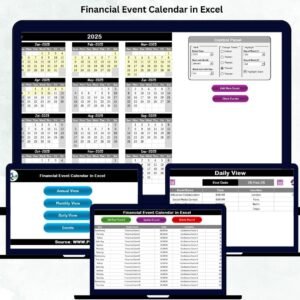
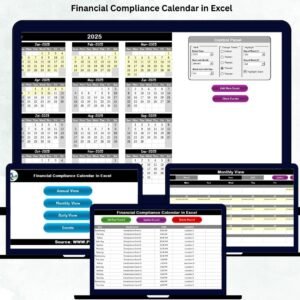
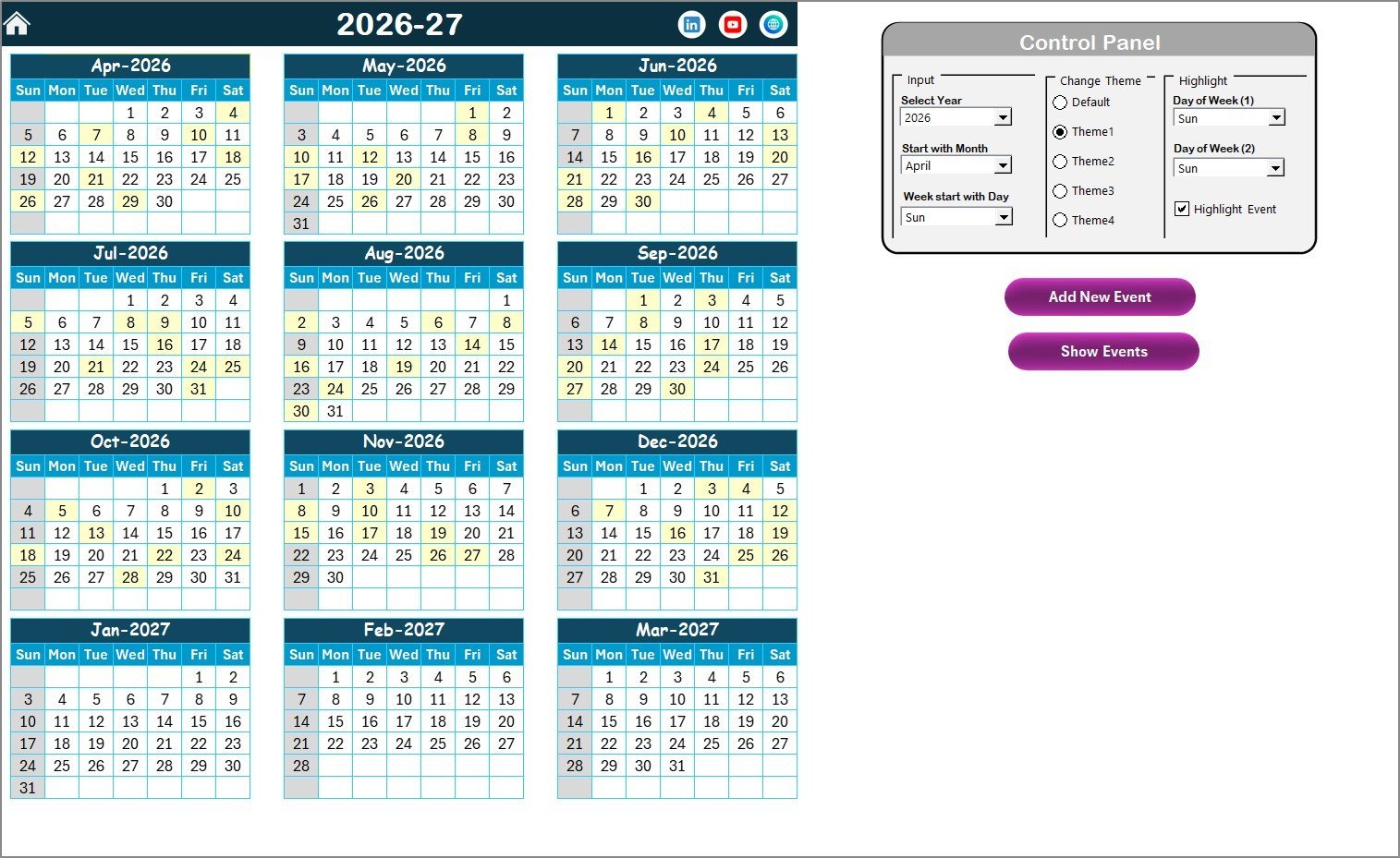
📌 Annual View — Displays all 12 months on a single screen. Select the year, starting month, and starting day of the week from the control panel. Highlight specific weekdays (e.g., Saturday and Sunday in grey) and toggle event highlighting to mark tax deadlines in yellow. Add or view events directly using the built-in buttons.Tax Deadline and GST Filing Calendar in Excel
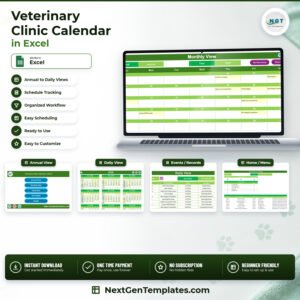
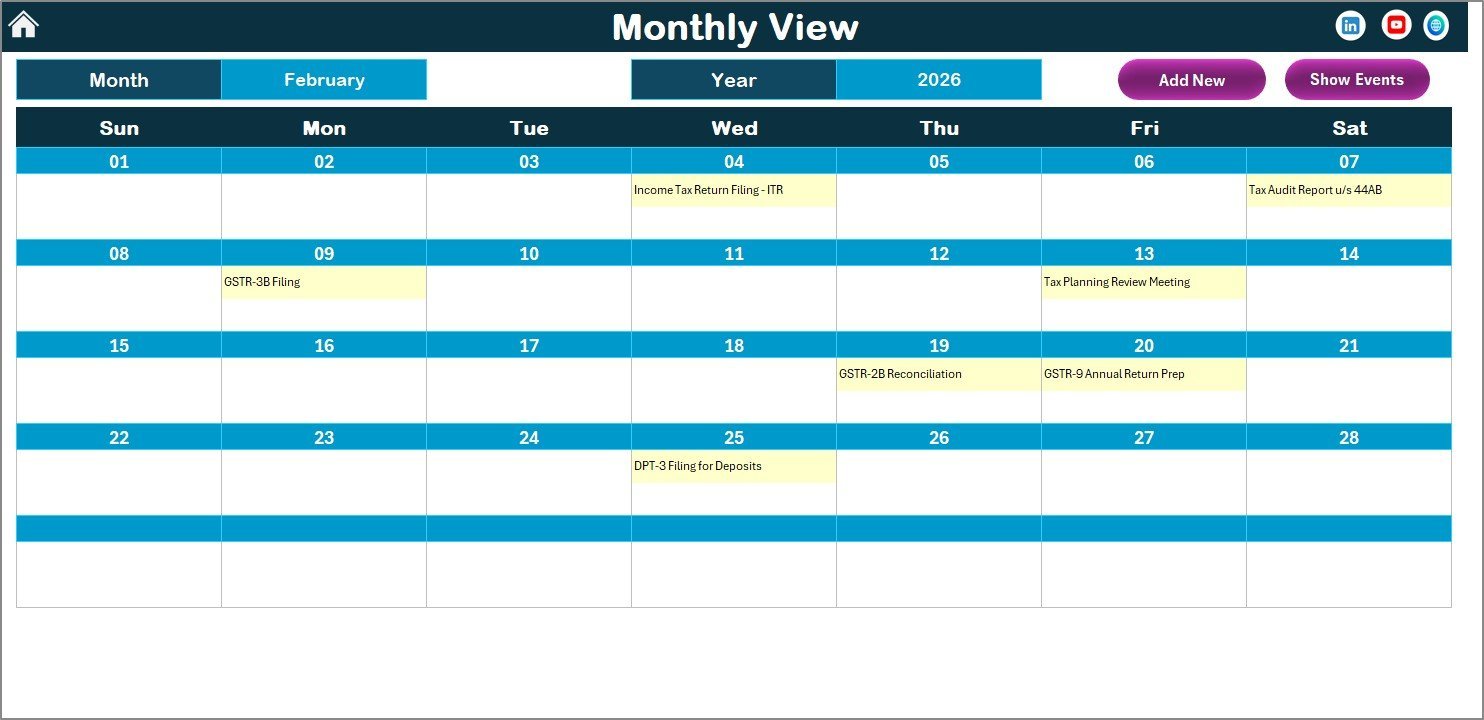
📌 Monthly View — A single-month calendar showing one event per date with a “more than 1…” indicator for dates with multiple filings. Select any month and year from the top dropdown to navigate. Includes Add New Event and Show Event buttons for quick data entry.Tax Deadline and GST Filing Calendar in Excel
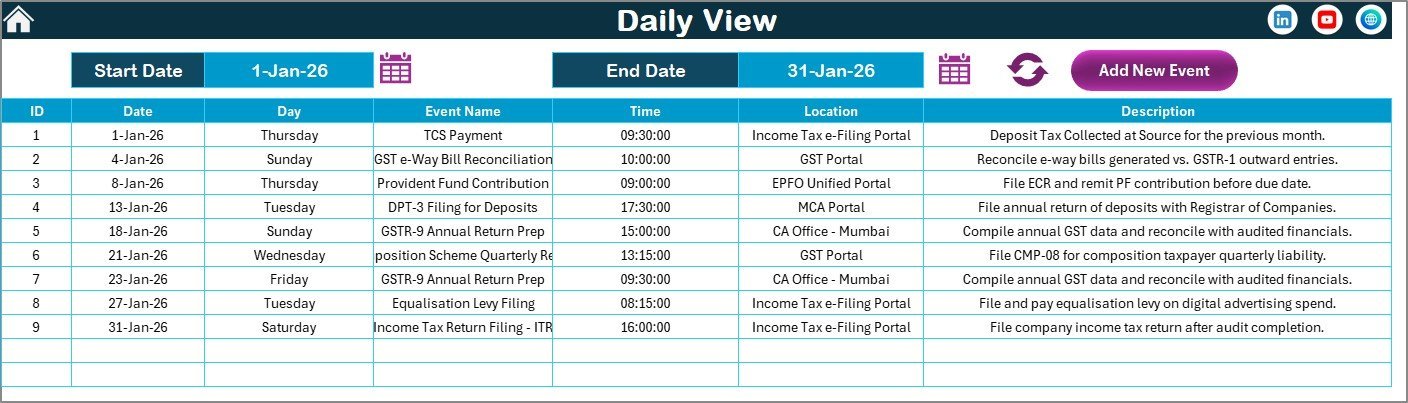
📌 Daily View — Lists all events within a selected date range. Set Start Date and End Date using the calendar icon, then click Refresh to display events with full details including time, location, and description. Perfect for reviewing upcoming GST deadlines in a specific window.Tax Deadline and GST Filing Calendar in Excel
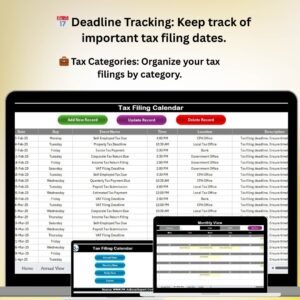
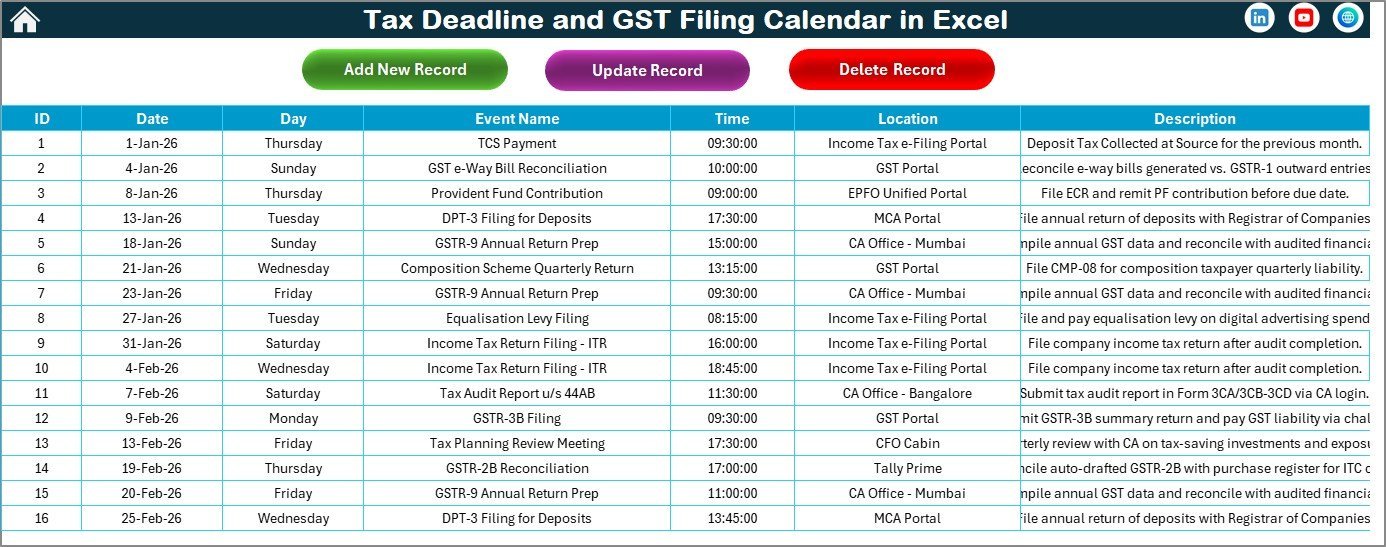
📌 Events Database — The master data sheet storing all tax deadline records with 7 fields: ID (auto-generated), Date, Day, Event Name, Time, Location, and Description. Add, update, or delete records using 3 action buttons at the top of the sheet.Tax Deadline and GST Filing Calendar in Excel
If you manage monthly budgeting schedules in Excel, this tax calendar complements your financial planning workflow. Also check our GST Billing Software for invoice generation.
 Tax Deadline and GST Filing Calendar in Excel
📦 What’s Inside the Tax Deadline and GST Filing Calendar
📂 5 worksheets: Home, Annual View, Monthly View, Daily View, Events Database
🎨 5 color themes to match your brand or preference
📅 Customizable starting month and starting day of the week
🔔 Event highlighting on the annual calendar grid (yellow markers)
📝 Add New Event form with fields for Date, Event Name, Time, Location, Description
👁️ Show Event popup to review events on any selected date
🔄 Update and Delete buttons on the Events sheet for full record management
📊 Date-range filtering on the Daily View for focused deadline reviews
 Annual View Sheet
 Monthly View Sheet
📊 Tax Deadline Calendar vs. Google Calendar vs. TaxAct — Where This Fits
| Feature | Tax Deadline Calendar in Excel | Google Calendar | TaxAct / TurboTax |
|---|---|---|---|
| Cost | $4.99 one-time | Free | $25–$90 / year |
| Platform | Microsoft Excel (offline + online) | Browser-based | Browser / Desktop |
| Setup Time | Under 10 minutes | Manual entry per event | 30–60 minutes |
| Custom Color Themes | ✅ 5 built-in themes | Limited | ❌ |
| Annual + Monthly + Daily Views | ✅ All 3 views | ✅ | ❌ |
| Event Database with CRUD | ✅ Add, Update, Delete | ✅ | ❌ |
| Works Offline | ✅ | ❌ | Partial |
| Customizable Week Start | ✅ | ✅ | ❌ |
| Year-1 Cost (5 users) | $4.99 total | Free | $125–$450 |
For finance teams and freelancers who want a dedicated tax deadline tracker without paying annual SaaS fees, this Excel calendar sits in the sweet spot.
👥 Who This Template Is For — and Who It’s Not For
✅ This template is built for:
- Small business owners and freelancers tracking quarterly GST returns and income tax deadlines
- Accountants and CA firms managing filing dates for multiple clients
- Finance teams at 5–200 person companies who need an offline tax compliance calendar
- Consultants and tax advisors who prefer Excel over cloud-based tools
❌ This template is NOT for:
- Large enterprises needing automated API integrations with government tax portals
- Teams requiring real-time multi-user collaboration (use Google Sheets version instead)
- Users looking for auto-populated country-specific tax deadline libraries
⚙️ How to Use the Tax Deadline and GST Filing Calendar
- Download and open the Excel file. Enable macros when prompted for VBA features.
- Go to the Home sheet and click any navigation button to jump to your preferred view.
- Set your year and preferences in the Annual View control panel — select year, starting month, starting day, and color theme.
- Add tax deadlines using the Add New Event button. Fill in the date, event name, time, location, and description.
- Review deadlines in Monthly View for a focused single-month look, or use Daily View with date-range filters.
- Manage records in the Events sheet — update or delete entries as filing dates change.
 Daily View Sheet
 Events Database Sheet
💼 Real-World Use Cases
Ravi runs a mid-size textile export business in Surat. He uses the Tax Deadline and GST Filing Calendar to track GSTR-1, GSTR-3B, and annual return deadlines. Before this template, he missed a quarterly filing and paid ₹5,000 in late fees. Now every deadline is visible on the annual view with yellow highlights — and he adds reminders 7 days before each due date.Tax Deadline and GST Filing Calendar in Excel
Meera is a freelance chartered accountant handling 15 SME clients. She uses a separate copy of this calendar for each client, color-coded by theme. The Daily View with date-range filtering lets her pull up the next 30 days of deadlines across all clients in seconds — replacing the shared Google Sheet that kept getting accidentally edited.
David manages finance at a 40-person SaaS startup in Bangalore. He tracks TDS deposit dates, advance tax installments, and GST filings in one calendar. The Events database gives his CFO a single source of truth for compliance audits, and the Monthly View sits on the office projector during weekly finance stand-ups.
❓ Frequently Asked Questions
What tax deadlines can I track with this Excel calendar?
The Tax Deadline and GST Filing Calendar in Excel tracks any tax event you add — GST returns (GSTR-1, GSTR-3B, GSTR-9), TDS deposits, advance tax installments, income tax returns, and custom compliance deadlines. All entries are manual, giving you full control.Tax Deadline and GST Filing Calendar in Excel
Does this calendar auto-populate tax deadlines for my country?
No. The Tax Deadline and GST Filing Calendar in Excel is a blank template you fill with your own deadlines. This makes it usable in any country — India, US, UK, Canada, or elsewhere — without being locked to one jurisdiction.Tax Deadline and GST Filing Calendar in Excel
How does this compare to using Google Calendar for tax tracking?
Google Calendar is free but lacks a unified annual view with event highlighting, color themes, and a structured event database. This calendar gives you 3 dedicated views plus a searchable event table — all in one offline Excel fileTax Deadline and GST Filing Calendar in Excel.
Can I use this template on Mac?
The calendar layout and views work on Mac. However, the VBA-powered Add Event forms and buttons require macro support, which may have limited functionality in Excel for Mac. The Events sheet can still be edited manually.
How long does setup take?
Setup takes under 10 minutes. Open the file, enable macros, set your year and theme preferences, and start adding tax deadlines. No formulas to configure.
Can multiple people use this calendar simultaneously?
Excel files are single-user by default. For team access, save the file to SharePoint or OneDrive and use Excel Online co-authoring. For native multi-user access, consider our Tax Compliance KPI Dashboard in Google Sheets.Tax Deadline and GST Filing Calendar in Excel
Is there a Google Sheets version of this calendar?
We offer various calendar templates in Google Sheets. Check our catalog for a Google Sheets tax calendar option.Tax Deadline and GST Filing Calendar in Excel
👤 About the Author
Built by PK — Microsoft Certified Professional with 15+ years of Excel, Google Sheets, and Power BI experience. Founder of NextGenTemplates, reaching 300K+ subscribers across YouTube channels (@PK-AnExcelExpert, @NextGenTemplates, @NeoTechNavigators). Every template is hand-built and tested before release.Tax Deadline and GST Filing Calendar in Excel
🔗 Explore Related Templates
📅 Monthly Budgeting Calendar in Excel — Track monthly budgets alongside your tax deadlines for a complete financial planning setup.
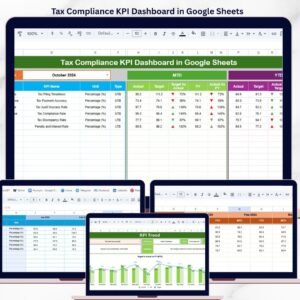
📊 Tax Compliance KPI Dashboard in Google Sheets — Monitor tax compliance KPIs with charts and analytics in Google Sheets.
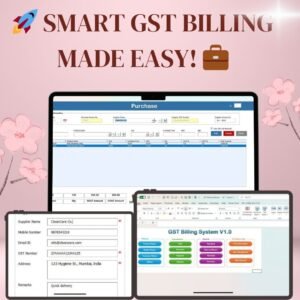
🧾 GST Billing Software V1.0 — Generate GST-compliant invoices directly in Excel with automated calculations.
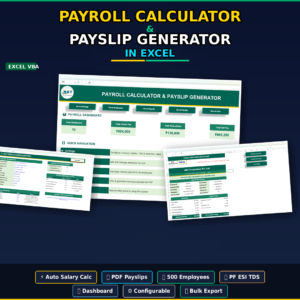
💰 Payroll Calculator and Payslip Generator in Excel — Calculate payroll and generate payslips with tax deductions built in.
📖 Click here to read the Detailed Blog Post
🎬 Visit our YouTube channel for step-by-step video tutorials
👉 YouTube.com/@NextGenTemplates