

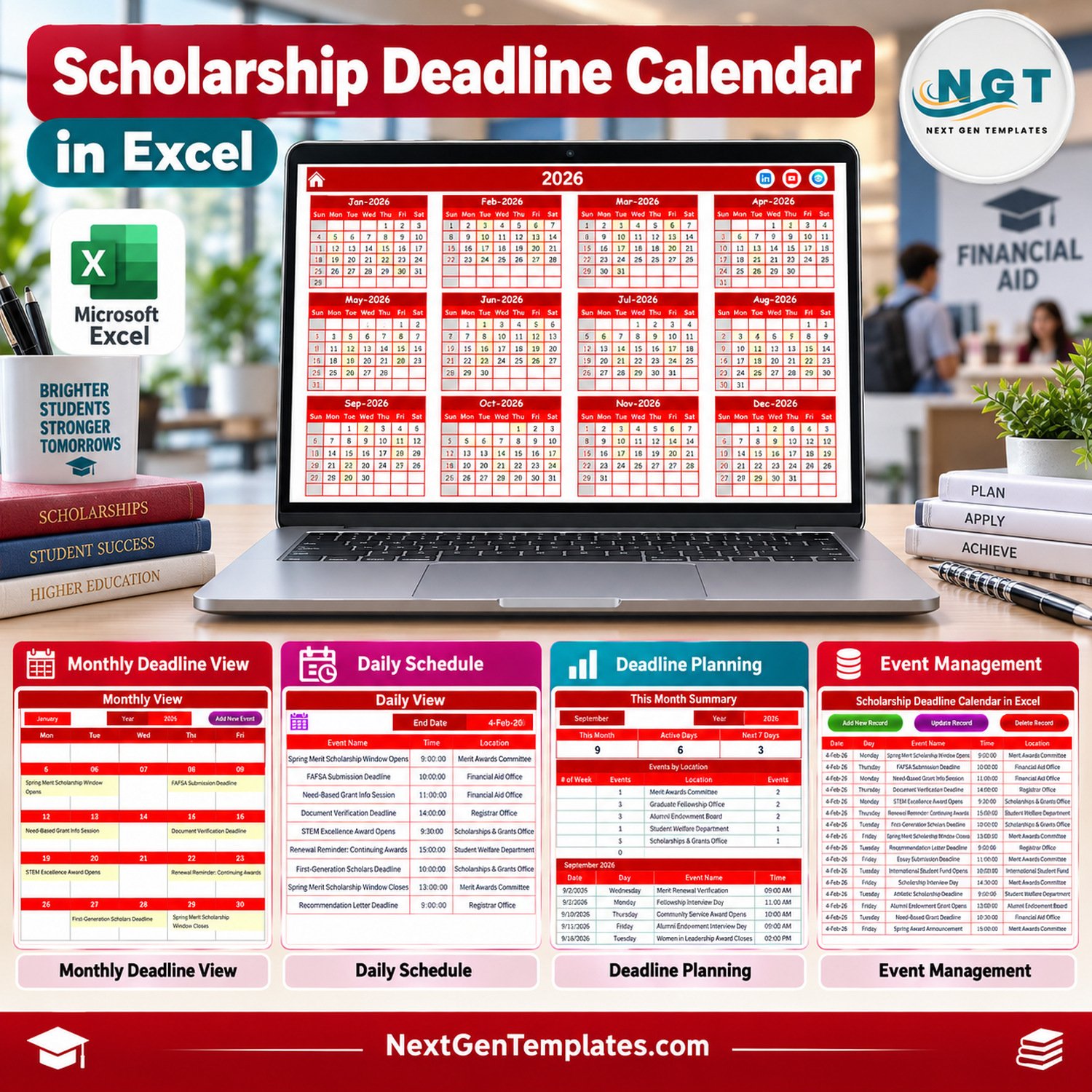
Scholarship deadline calendar in Excel gives scholarship coordinators, school counselors, financial-aid offices, and student-success teams a ready calendar file for tracking application windows, submission deadlines, award interviews, renewal dates, and document follow-ups. The workbook includes 7 visual screens, 100 sample scholarship events, annual/monthly/daily views, a this-month summary, and an editable event database. It is a macro-enabled Excel workbook, so buyers should use Microsoft Excel for Windows desktop and enable macros when prompted.
Key Features of Scholarship Deadline Calendar in Excel
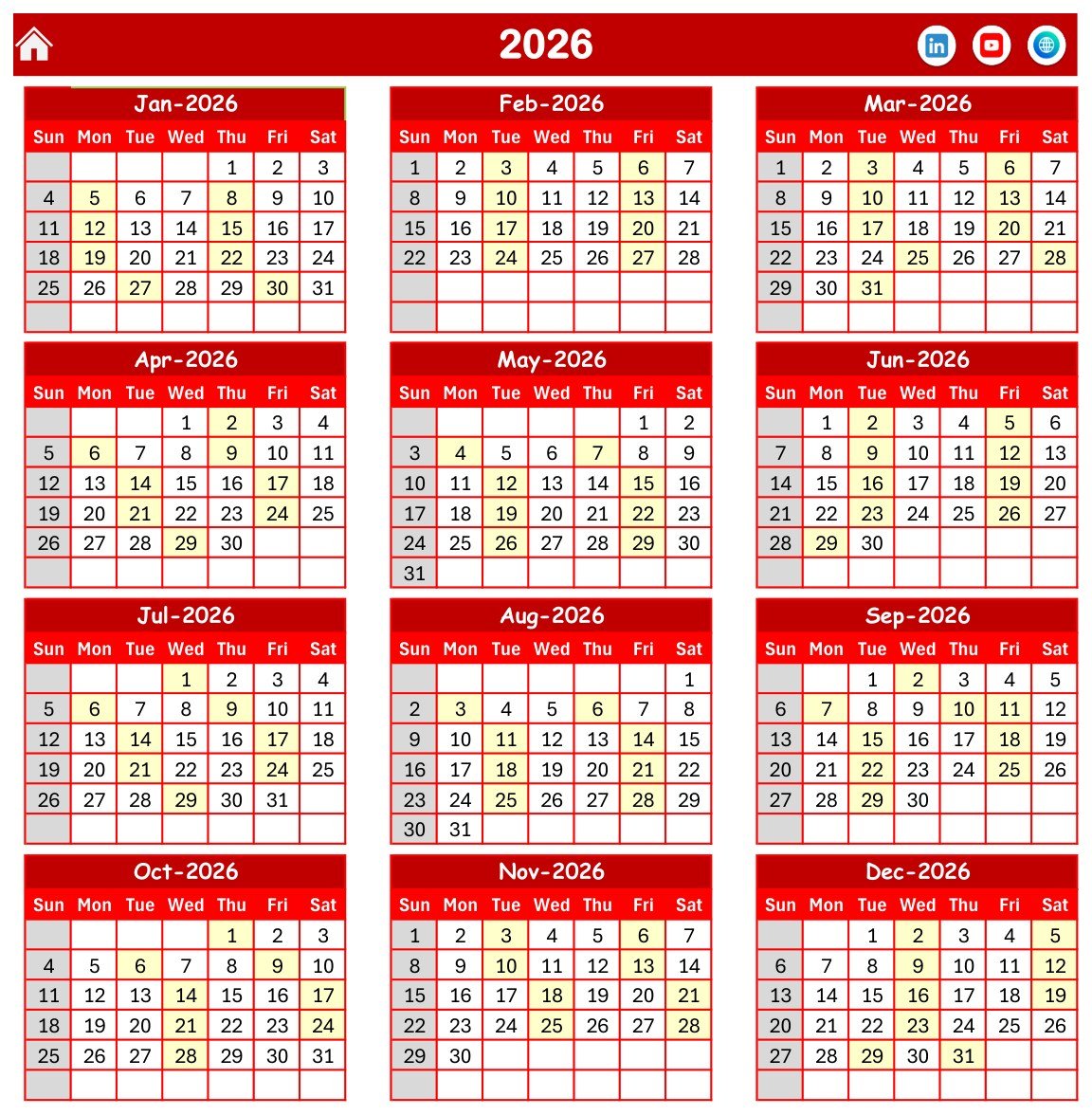
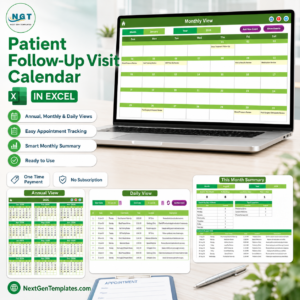
- Annual scholarship calendar: view all 12 months for 2026 on one screen.
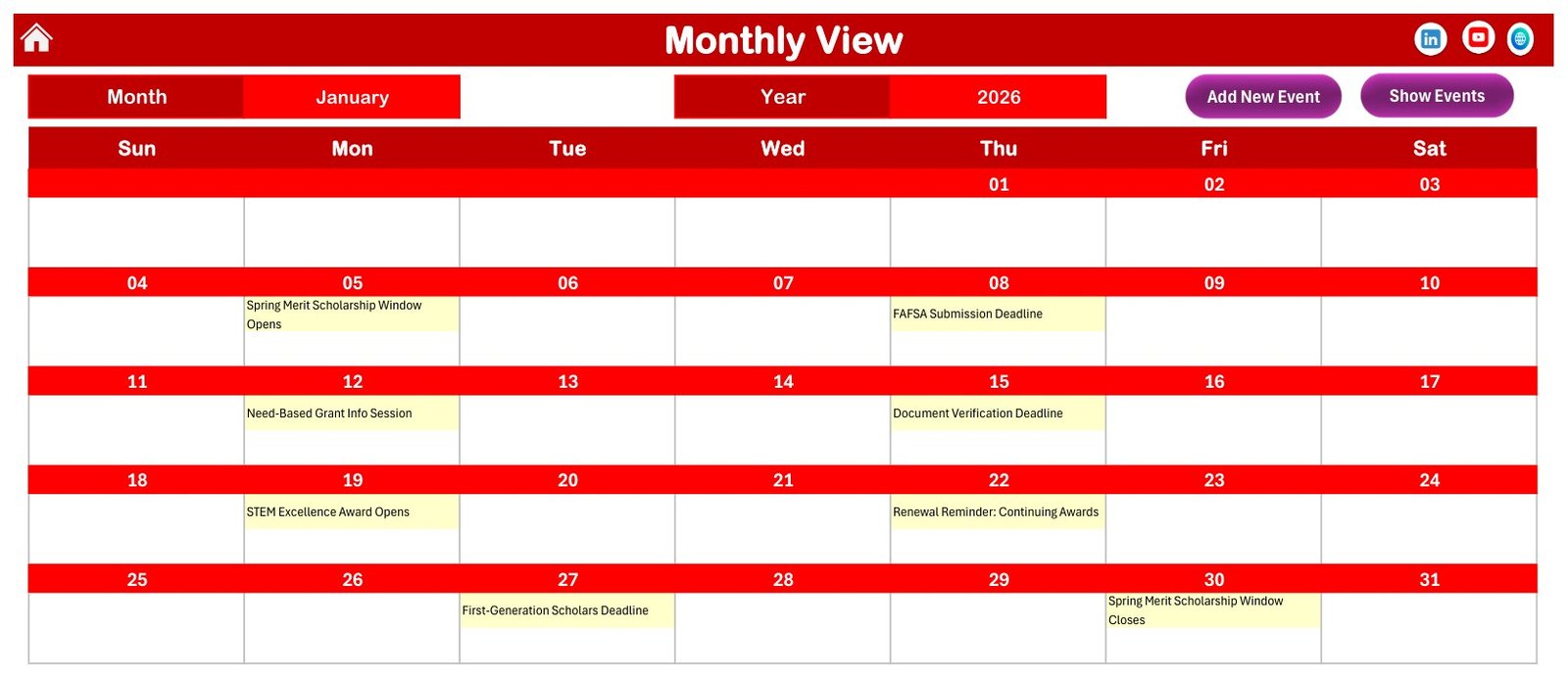
- Monthly deadline view: select a month and year, then review scholarship events inside the calendar grid.
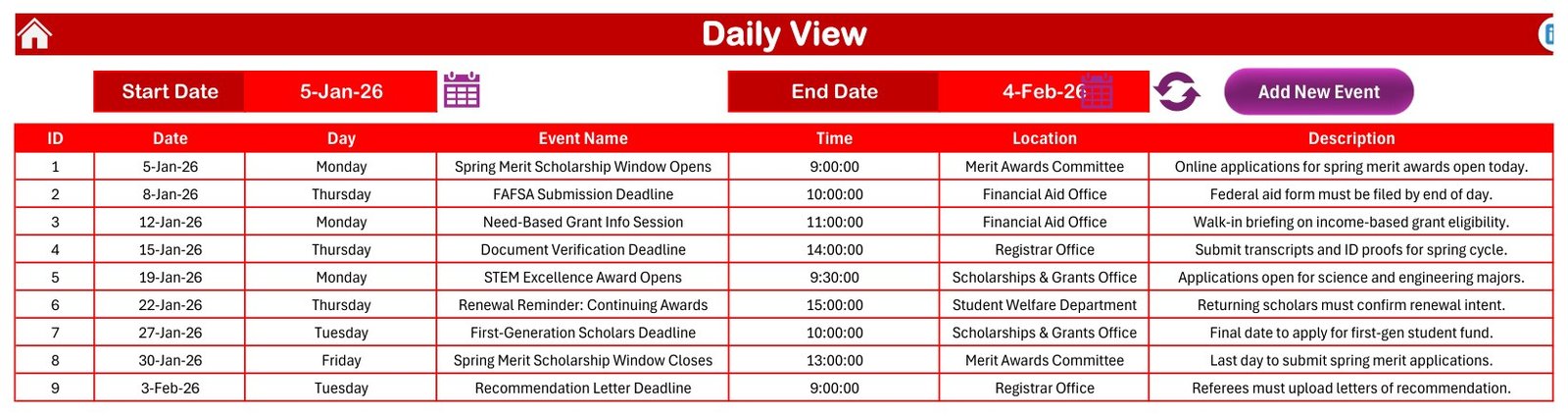
- Daily date-range view: choose a start and end date to list every deadline in that period.
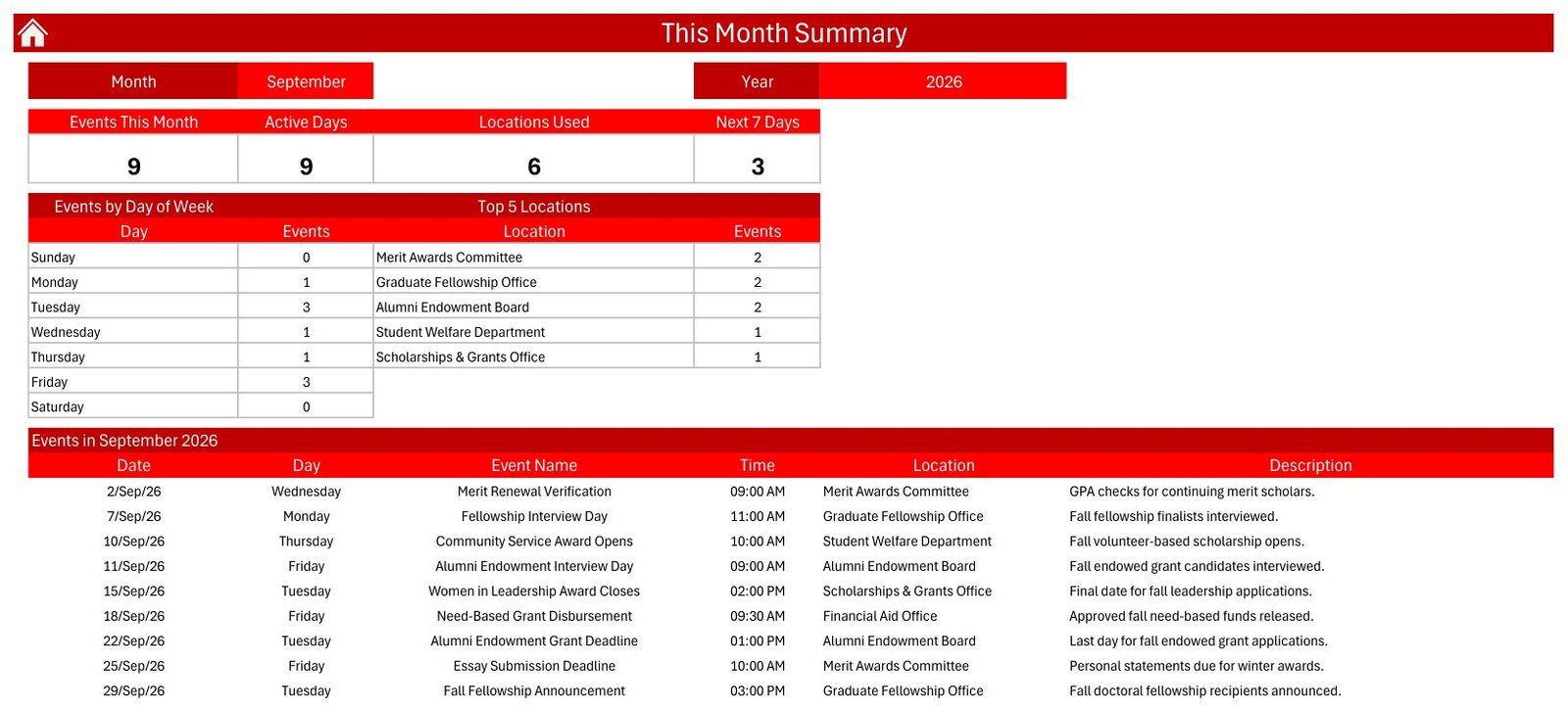
- This-month summary: see events this month, active days, locations used, next 7 days, events by day of week, and top locations.
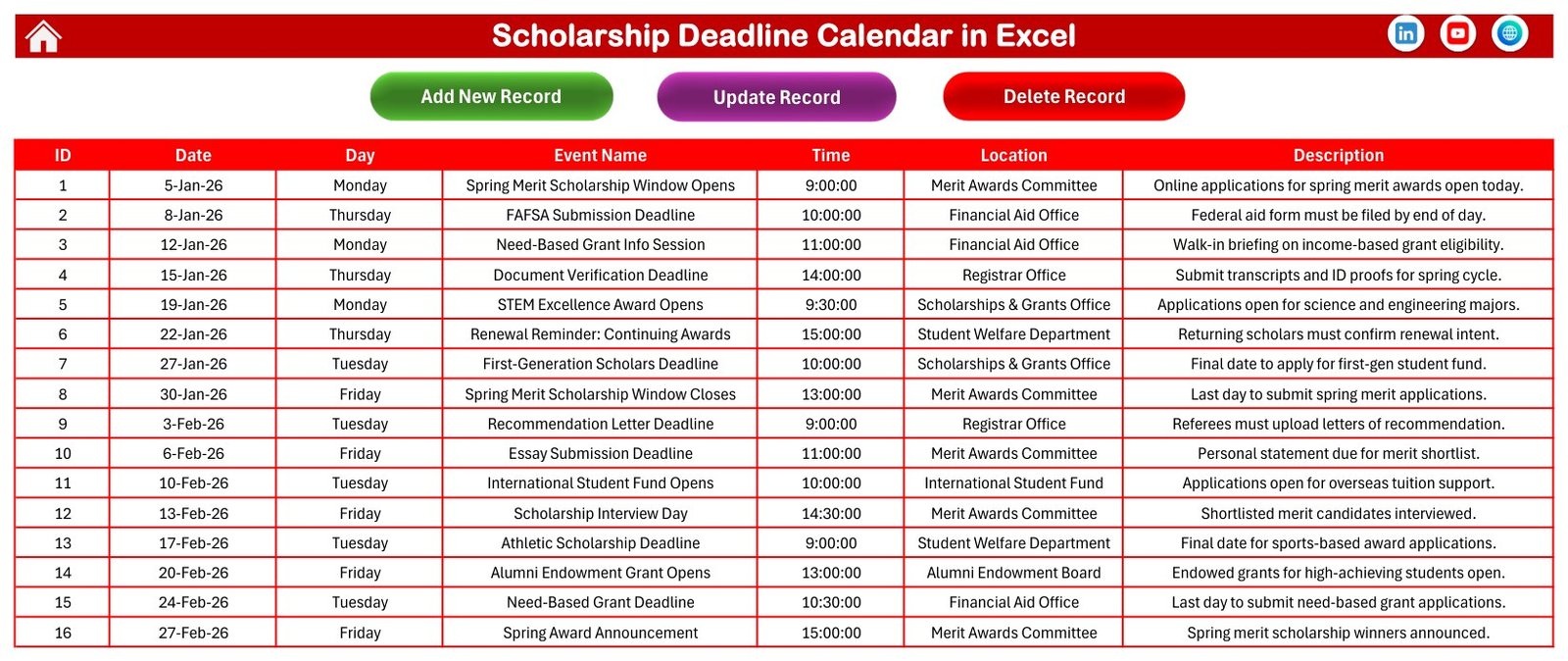
- Editable event database: add, update, and delete records with date, day, event name, time, location, and description.
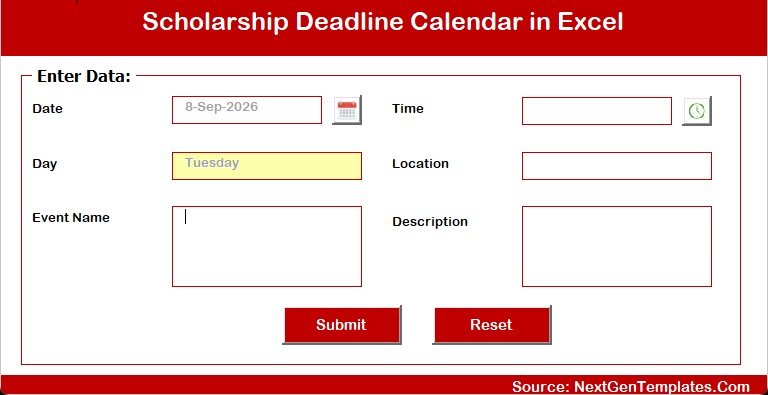
- Macro-assisted forms: use the Add New Event form to enter scholarship activities without editing every view manually.
- Education calendar template: built around scholarship and grant dates, not a generic appointment calendar.
What’s Inside the Scholarship Deadline Calendar in Excel
The download is a ZIP file containing the macro-enabled Excel workbook and a user manual PDF. The workbook ships with sample scholarship records such as FAFSA submission deadline, recommendation letter deadline, fellowship interview day, award announcements, scholarship window open/close dates, and document verification deadline. These are editable demonstration records, not official dates, so each buyer should replace them with their own academic-year schedule.
Scholarship Deadline Calendar in Excel vs. Google Sheets vs. Paid CRM/SaaS – Where This Fits
| Decision point | This Excel calendar | Google Sheets alternative | Paid education SaaS |
|---|---|---|---|
| Cost | One low-cost download | Usually free to copy, but often needs redesign | Monthly or annual subscription |
| Platform | Excel for Windows desktop with macros enabled | Google Drive and browser | Vendor web app |
| Setup time | Open, enable macros, update sample events | Copy sheet, adjust formulas and sharing | Configure users, roles, and workflows |
| Deadline views | Annual, monthly, daily, this-month, and database views | Depends on the sheet design | Usually strong, but locked to vendor workflows |
| Scholarship context | Sample events show aid office, registrar, award, and grant deadlines | Usually generic calendar rows | May include admissions or CRM features you may not need |
| Collaboration | Best for one owner or shared network storage | Better for live multi-user editing | Best for full team permissions |
| Custom fields | Editable event name, time, location, and description columns | Editable if you maintain the sheet | Limited to vendor settings |
| Year-1 cost at 5 users | $4.99 sale price | Low, if maintained internally | Often hundreds of dollars |
Who This Template Is For – and Who It’s Not For
This scholarship calendar excel template is a good fit for guidance counselors, scholarship coordinators, college access teams, admissions-support staff, grant administrators, and small education nonprofits that need one controlled Excel file for deadline planning. It is also useful for families or advisors tracking multiple scholarship opportunities for students.
It is not a financial-aid eligibility engine, applicant portal, reminder automation system, email sender, compliance tool, or live multi-user CRM. It does not file FAFSA forms, verify scholarship rules, connect to student information systems, or send automatic deadline alerts. If your process requires applicant logins, approval workflows, or real-time collaboration across many users, a web app or SIS-integrated platform will fit better.
How to Use the Scholarship Deadline Calendar in Excel
- Download and unzip the file after purchase.
- Open the workbook in Microsoft Excel for Windows desktop.
- Enable macros so the buttons and event forms can work. For current macro-security guidance, see Microsoft Support.
- Use the Events sheet or Add New Event form to replace the sample scholarship records with your real deadlines.
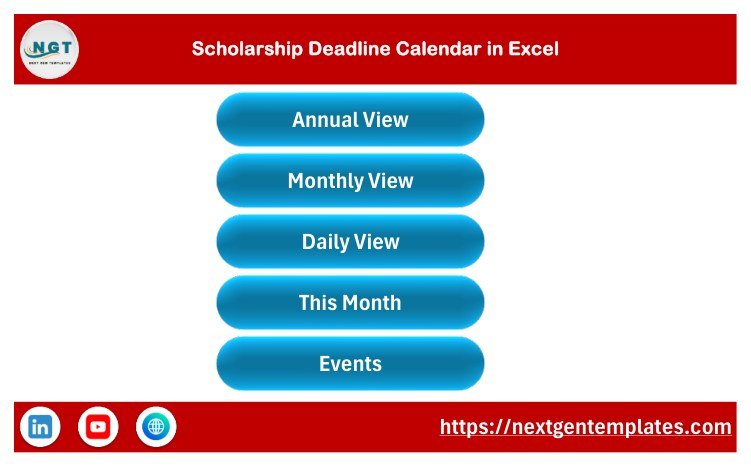
- Review the Annual View for year-level planning, the Monthly View for calendar blocks, the Daily View for date ranges, and the This Month Summary for the near-term workload.
- Save a clean copy before major edits so your original file remains available.
Real-World Use Cases
School counselor scholarship desk
A counselor can maintain FAFSA, local foundation, merit award, recommendation letter, and transcript deadlines in one excel scholarship deadline tracker instead of juggling sticky notes and emails.
College access nonprofit
A nonprofit advisor can use the scholarship deadline spreadsheet during student meetings to see which upcoming dates need attention in the next 7 days.
Financial aid office
A financial-aid team can keep a shared offline calendar of renewal reminders, document verification windows, and award announcement dates for internal planning.
Frequently Asked Questions
Does this file require macros?
Yes. This is a macro-enabled Excel calendar. Use Microsoft Excel for Windows desktop and enable macros when prompted so the buttons and entry form work correctly.
Does it work in Google Sheets?
No. This version is for Excel. Google Sheets does not run the Excel VBA macros used by the workbook.
Are the scholarship dates official?
No. The included records are sample data for demonstration. Replace them with your own scholarship deadlines, grant dates, office locations, and notes.
Can I add my own event categories?
The visible database fields are date, day, event name, time, location, and description. You can edit the workbook, but advanced structural changes should be tested on a copy first.
Does it send reminders or emails?
No. It is a planning workbook, not a notification system. Use the calendar views to review upcoming deadlines manually.
Can multiple people edit it at the same time?
It is best for a single file owner or controlled shared-drive workflow. For live simultaneous editing, consider a Google Sheets or web-app workflow.
About the Author
Built by PK – Microsoft Certified Professional with 15+ years of Excel, Google Sheets, and Power BI experience. Founder of NextGenTemplates, reaching 300K+ subscribers across YouTube channels. Every template is hand-built and tested before release.
Explore Related Templates
Browse more Excel calendar templates and education planning tools on NextGenTemplates.
- Calendar & Planner Pack for teams that want a larger calendar toolkit.
- Class Timetable Calendar in Google Sheets for browser-based academic scheduling.
- Teacher Substitution Calendar in Google Sheets for school operations planning.
- Coaching & Tutoring Dashboard in Google Sheets for tutoring center performance tracking.
Get the Scholarship Deadline Calendar in Excel if you want an affordable education calendar template for scholarship planning in a familiar Excel environment. Last updated: September 13, 2026.
📖 Read the complete walkthrough of the Scholarship Deadline Calendar in Excel on our blog: Scholarship Deadline Calendar in Excel – full guide.
































Reviews
There are no reviews yet.