

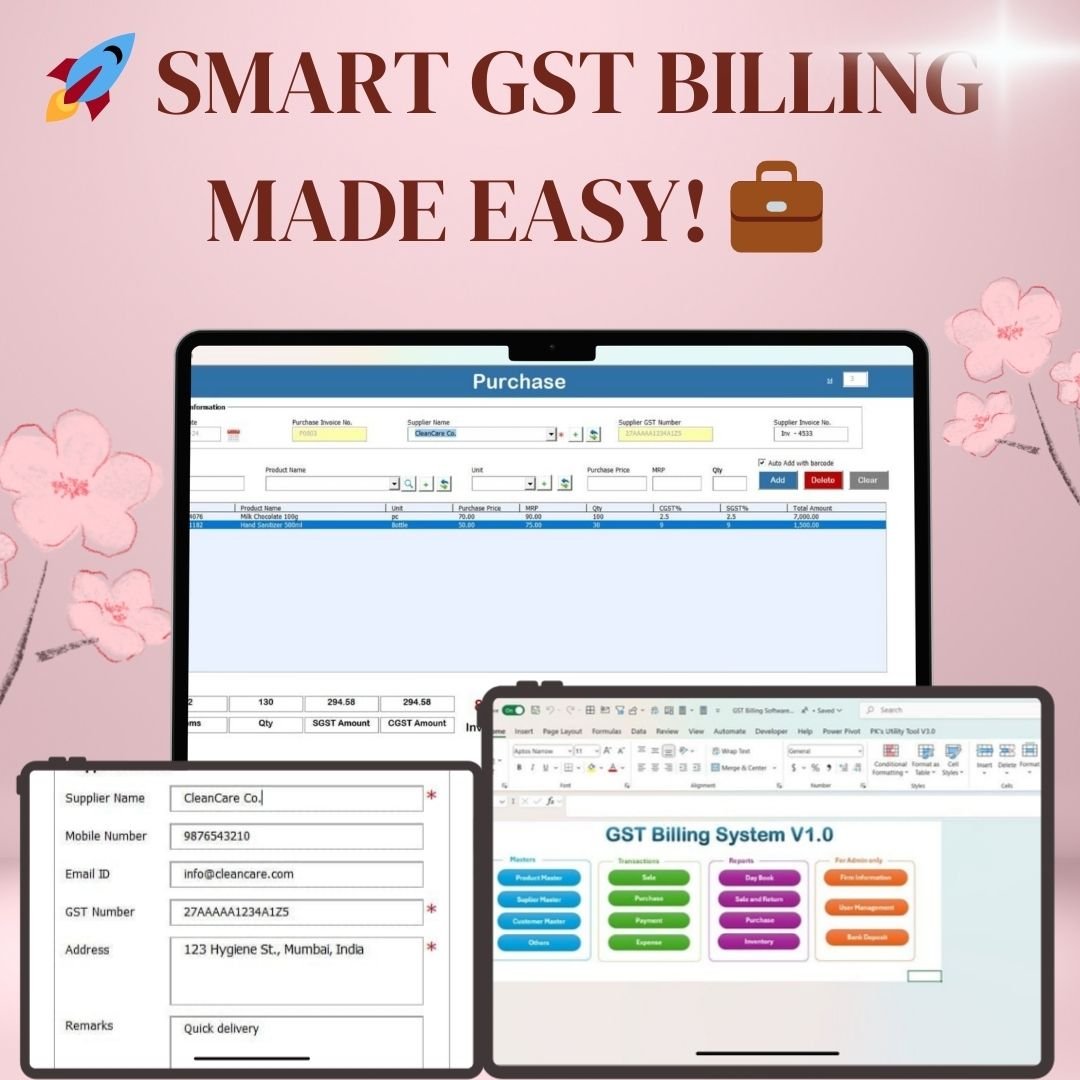

GST Billing Software V1.0 is a ready-made Excel VBA tool for GST invoicing, sales and purchase tracking, inventory management and reporting. It is built for small business owners and larger enterprises that want faster, more accurate billing. CGST, SGST and IGST are calculated automatically, and you get clear reports for record-keeping and GST returns filing.
Key Features of GST Billing Software V1.0
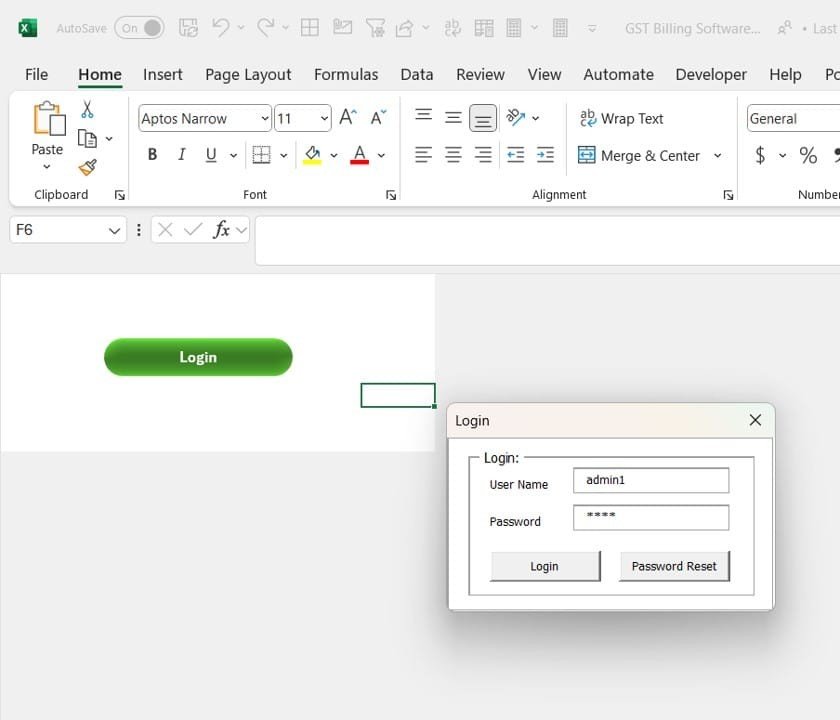
1. Secure Login and User Management
- A built-in user login keeps your business data safe and secure.
- Two user roles, Admin and Standard User, give you better control over who can do what.
- A user management screen lets you add, update or delete users.
2. Intuitive Dashboard with Central Access
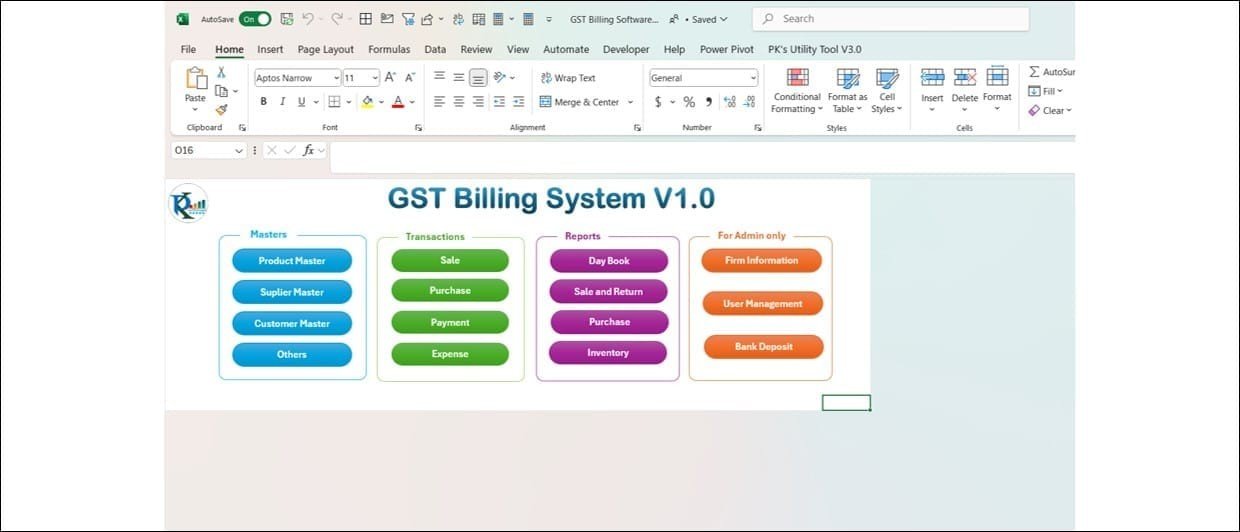
The main dashboard has four sections, so all your daily billing work is in one place:
- Masters: Manage product, supplier and customer records.
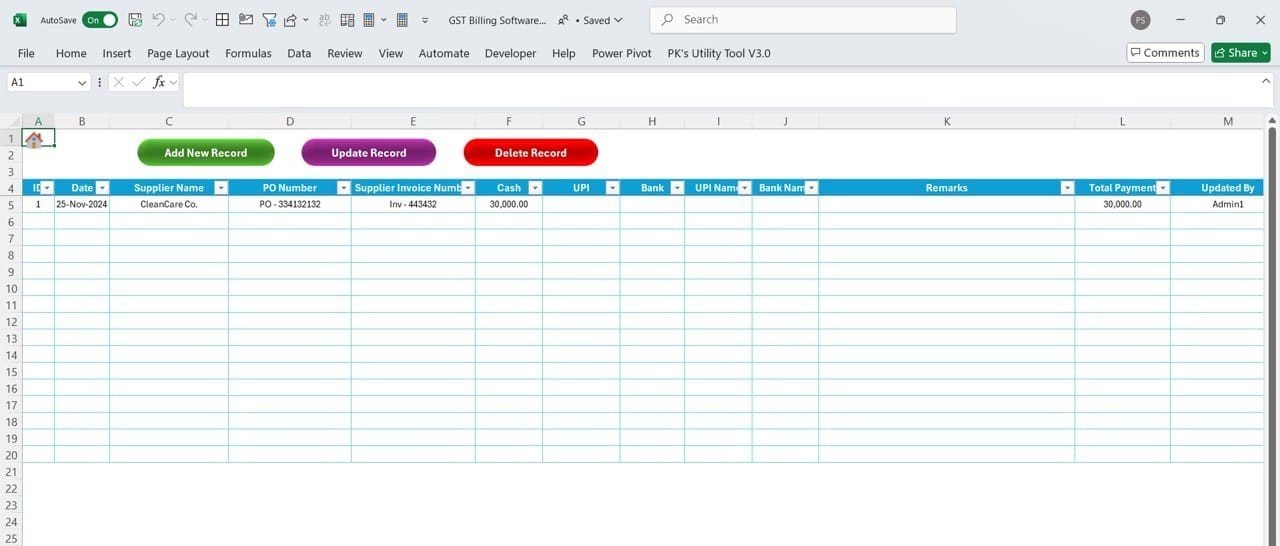
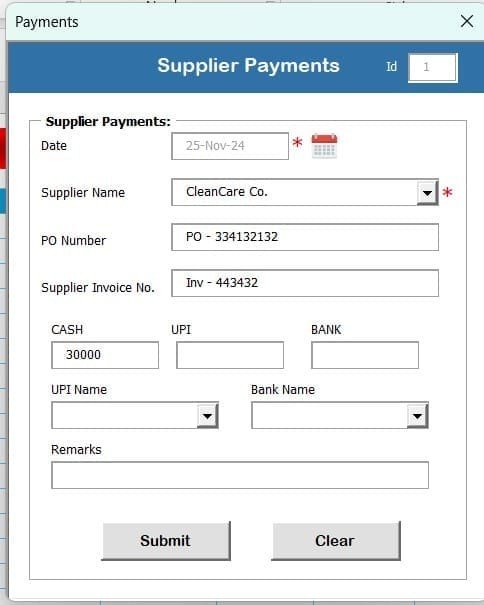
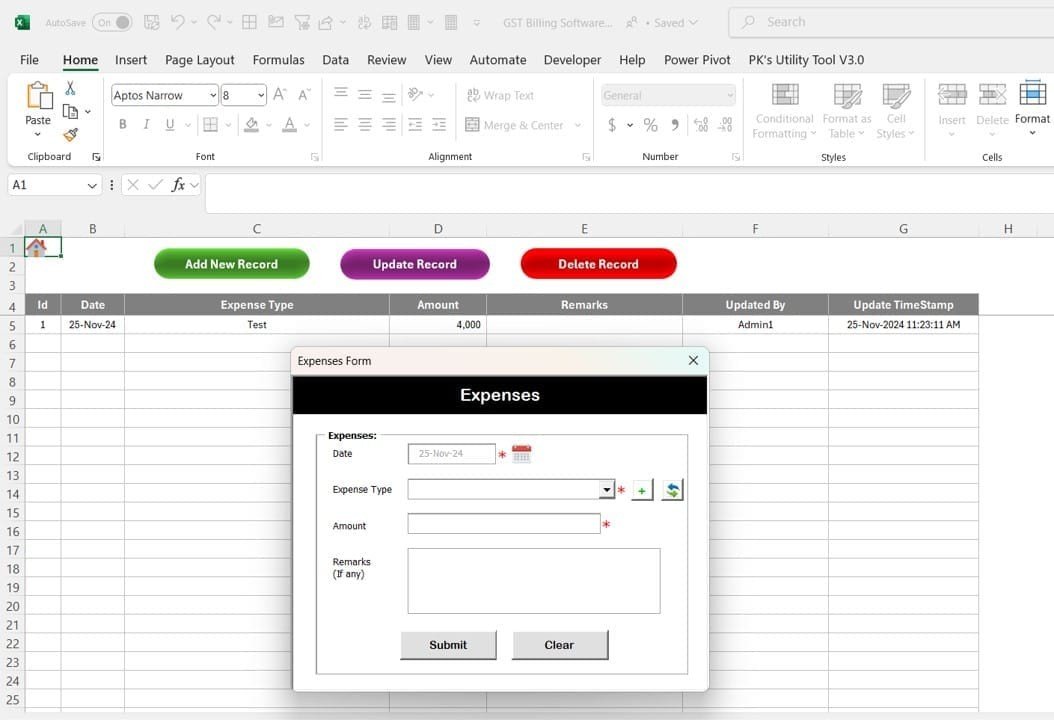
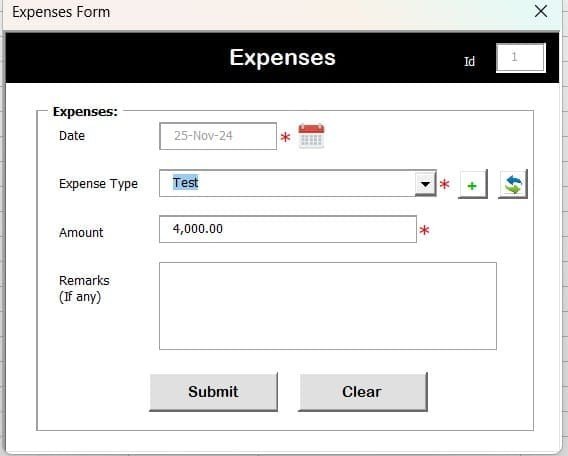
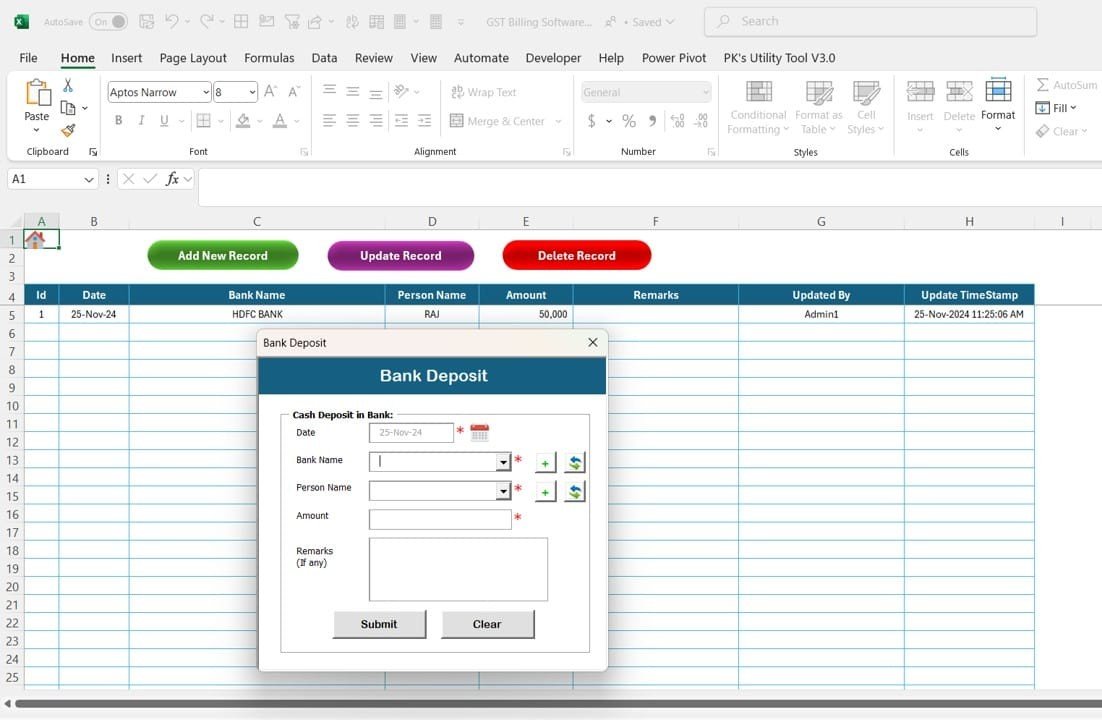
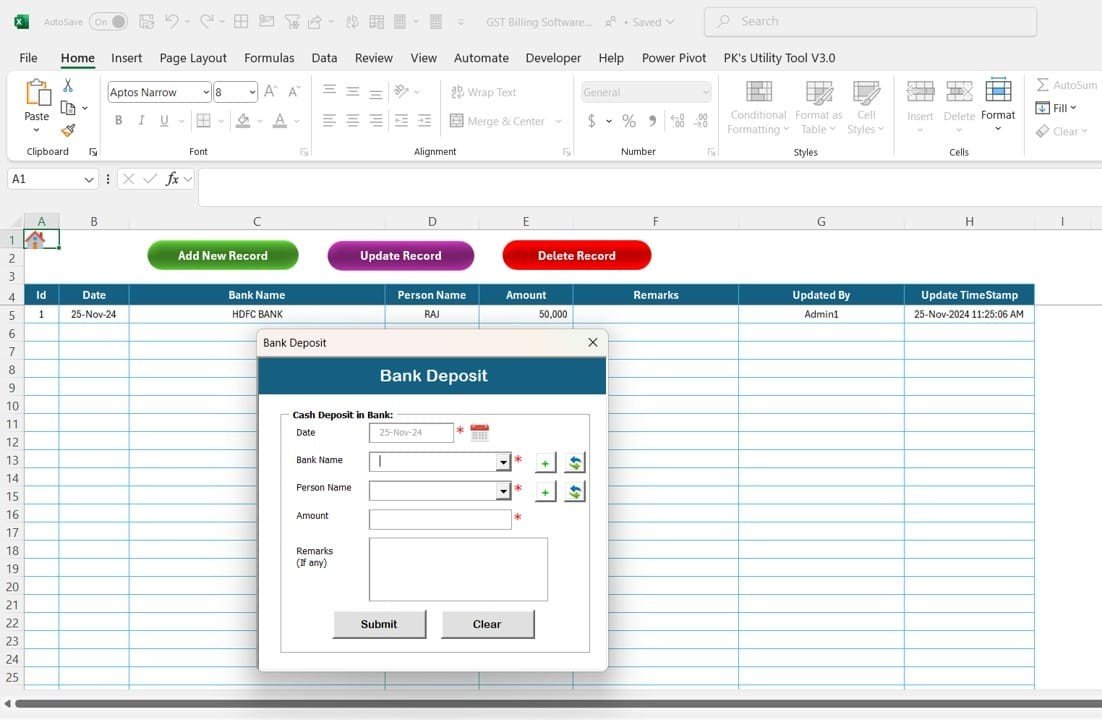
- Transactions: Handle sales, purchases, payments and expenses.
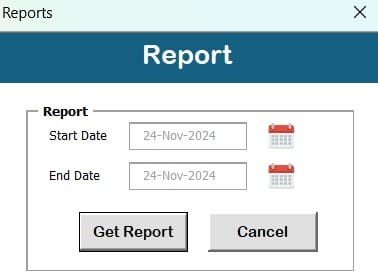
- Reports: Generate Day Book, Sales, Purchase and Inventory reports.
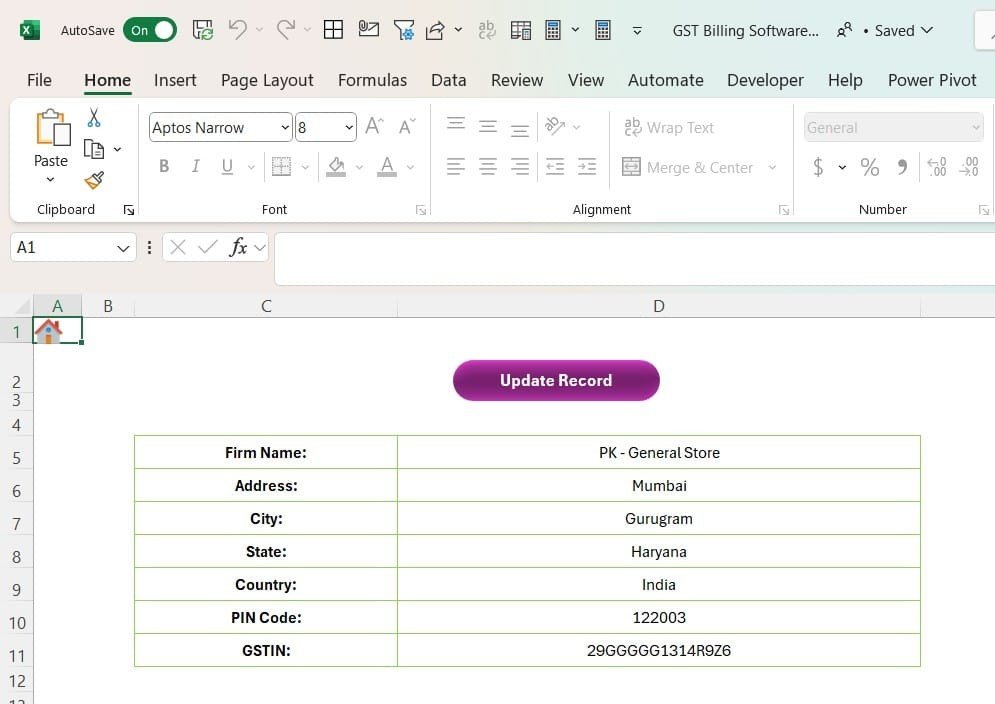
- Admin Panel: Update firm information, manage users and customise settings.
3. Product and Inventory Management
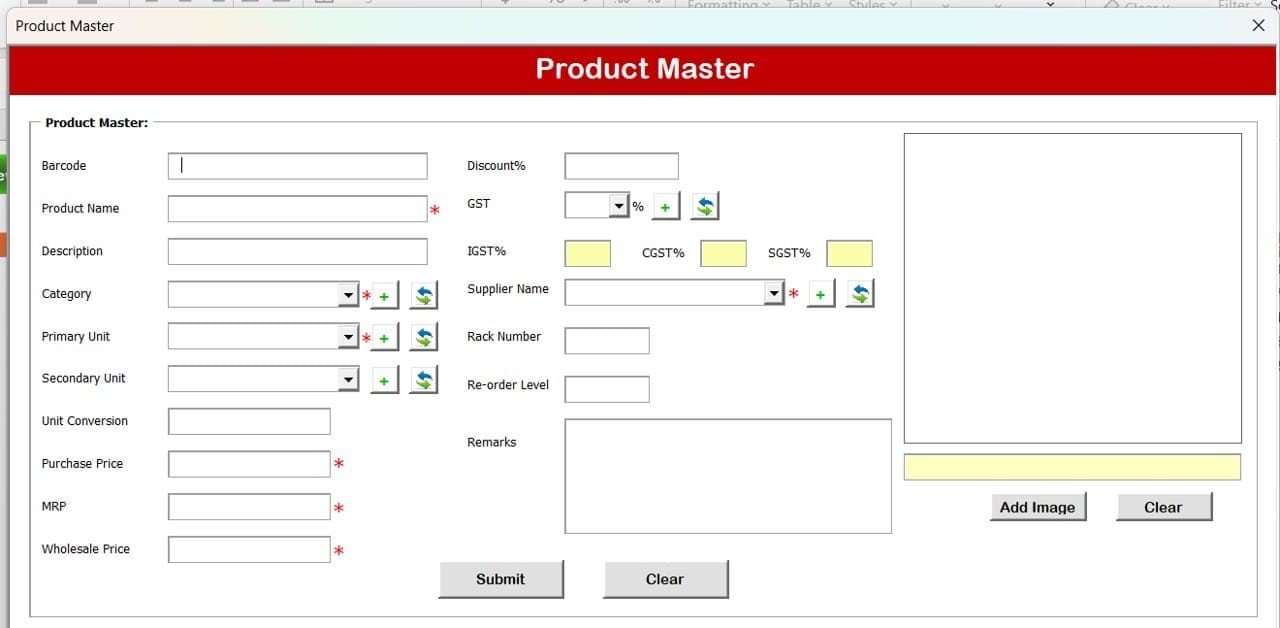
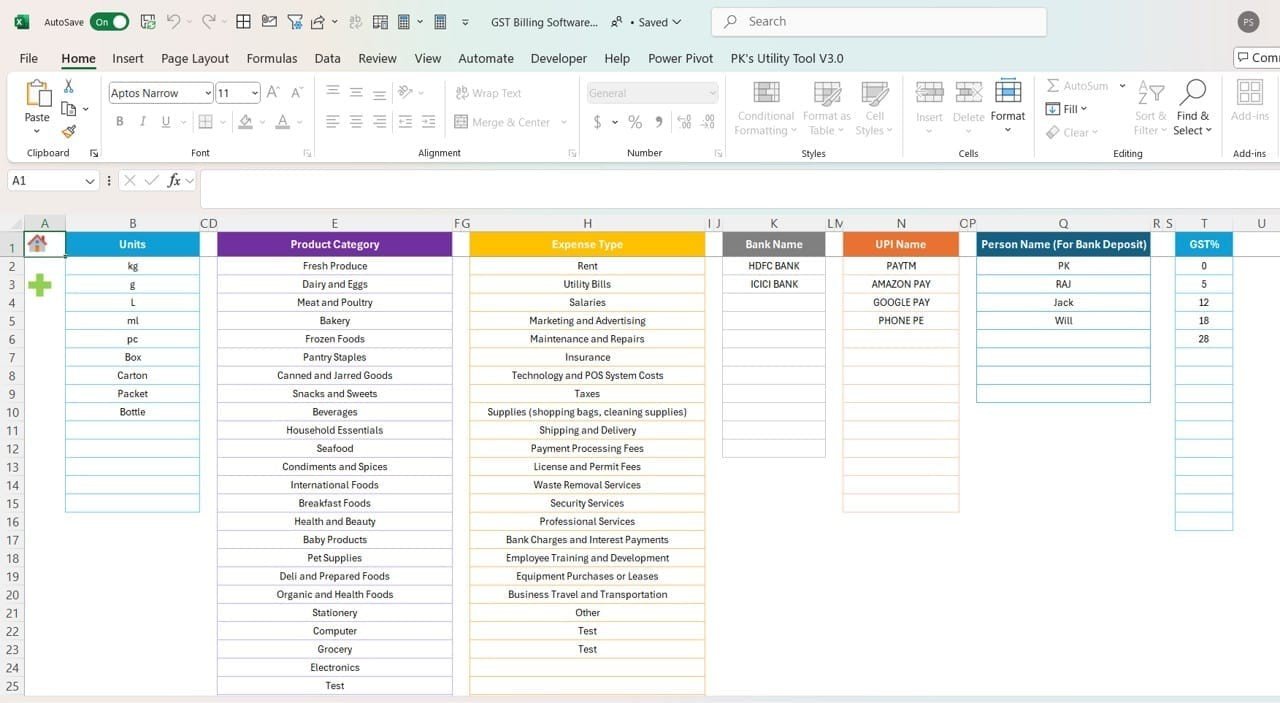
- Product Master: Add, edit and delete products with GST rates, categories, purchase prices, MRP and re-order levels.
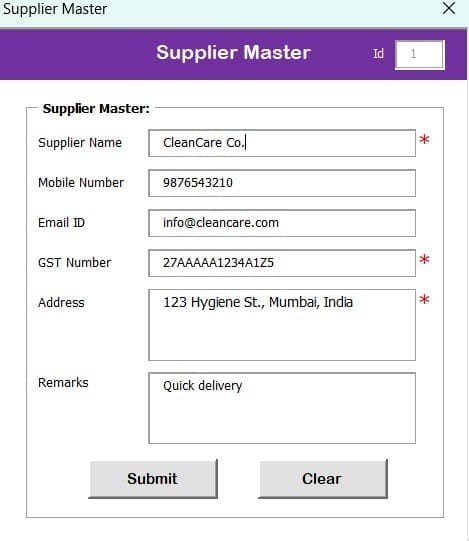
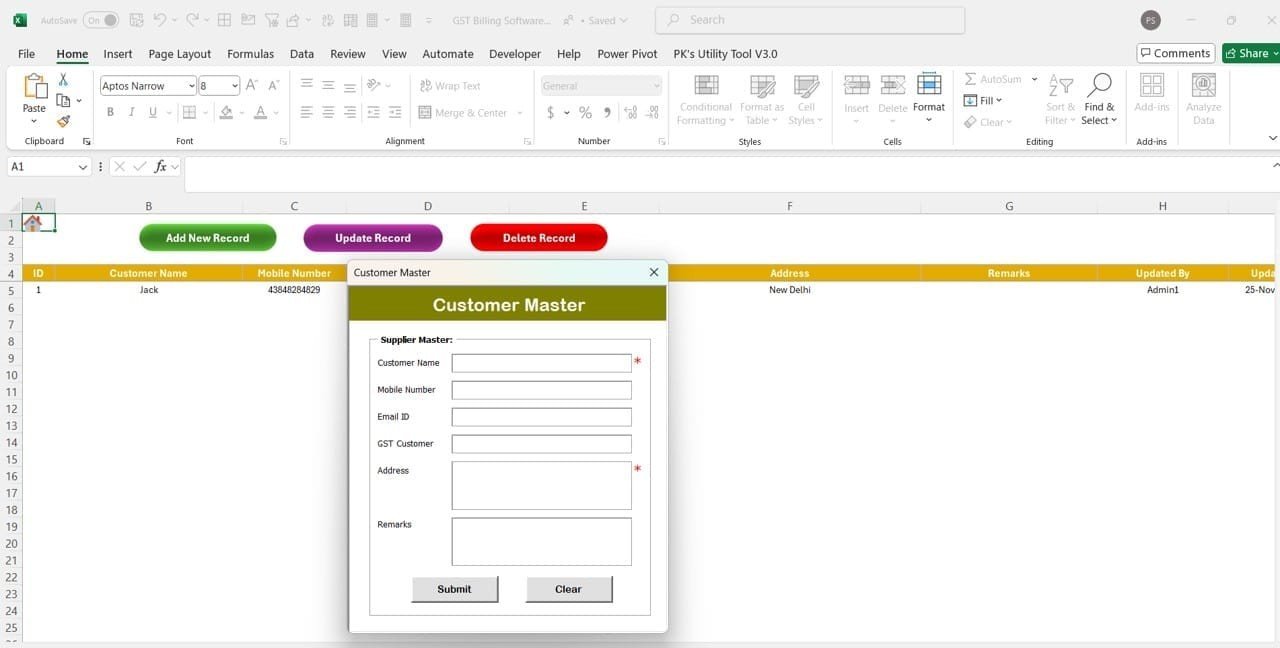
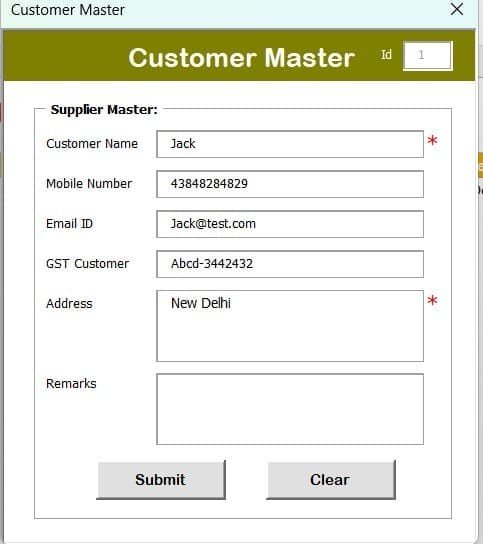
- Supplier and Customer Master: Store full supplier and customer details for faster invoicing.
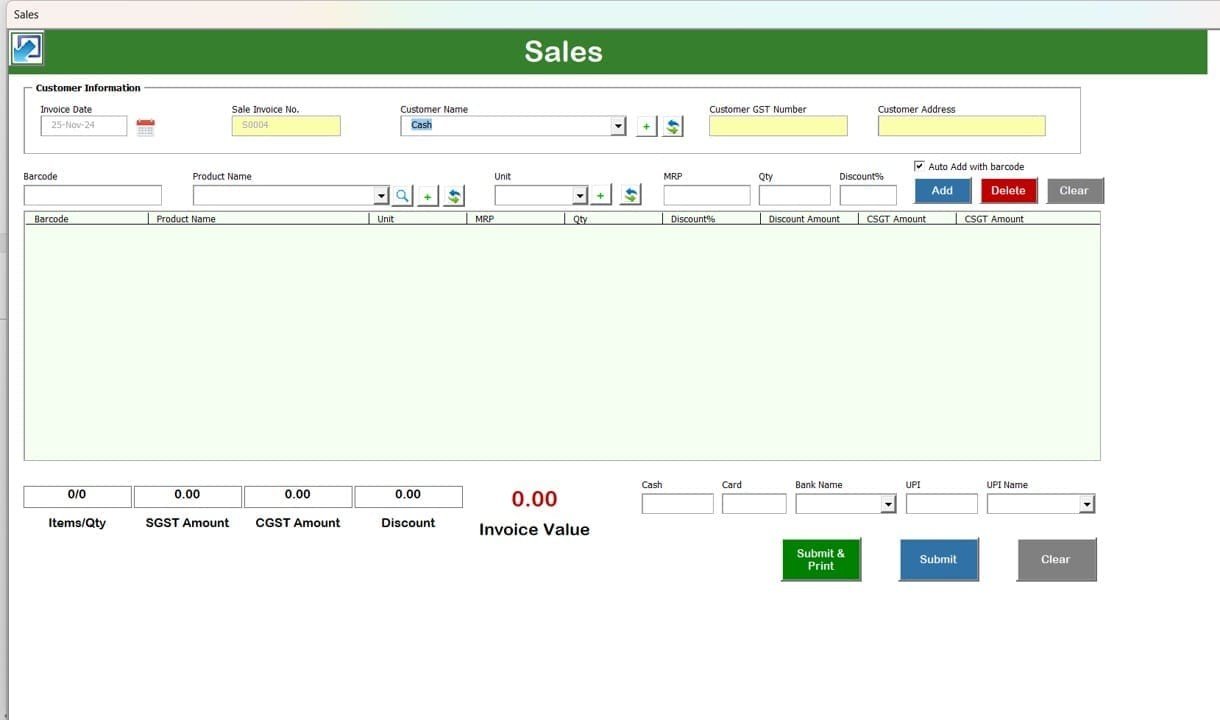
- Barcode Integration: Add products to a bill automatically with a barcode scanner.
- Stock Alerts: Set minimum stock levels and get a notification when items run low.
4. Sales and Purchase Management
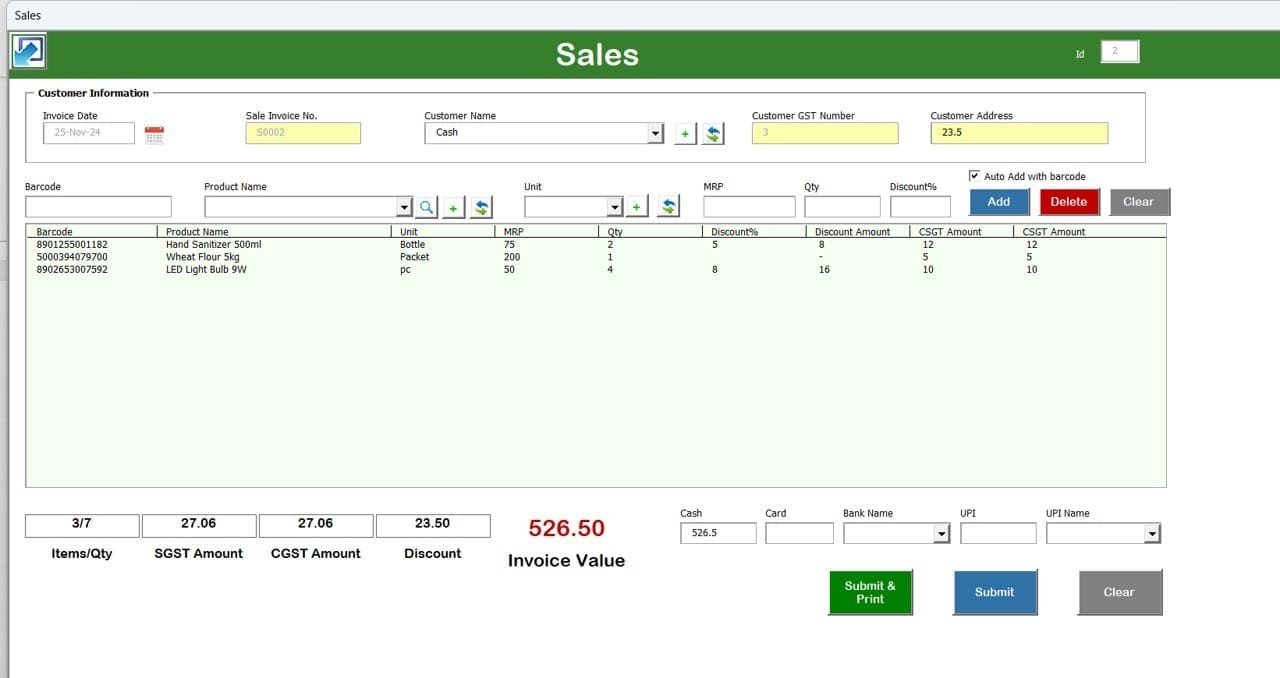
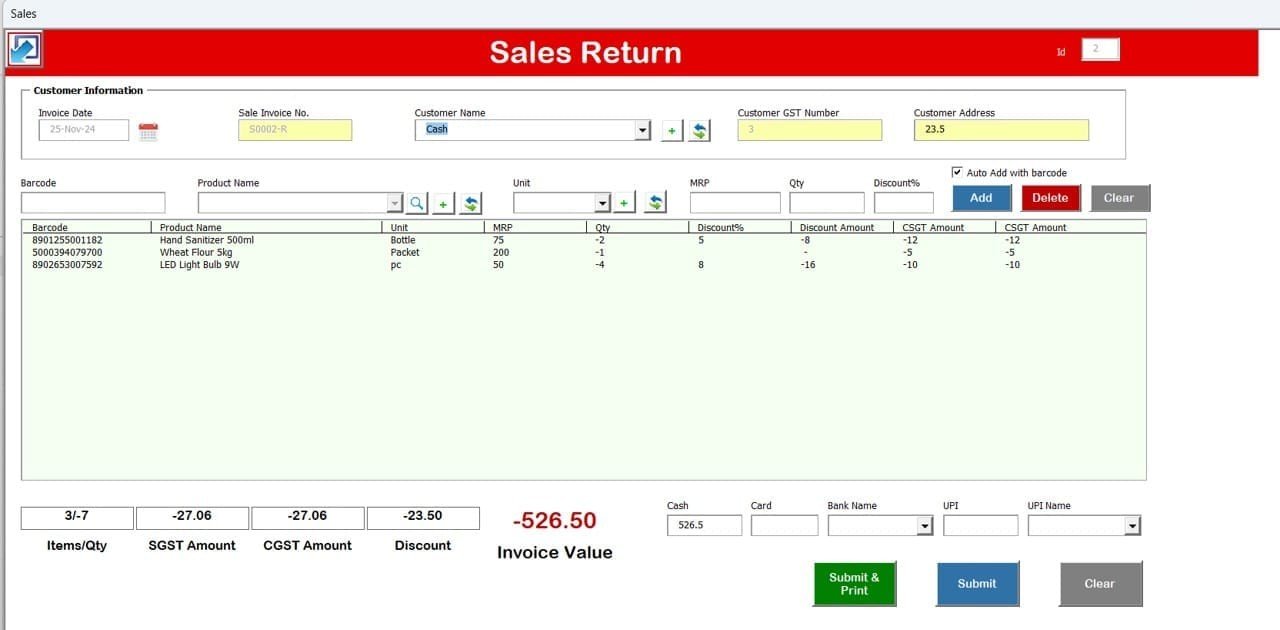
- Sales Form: Create professional invoices with GST calculations in a few clicks.
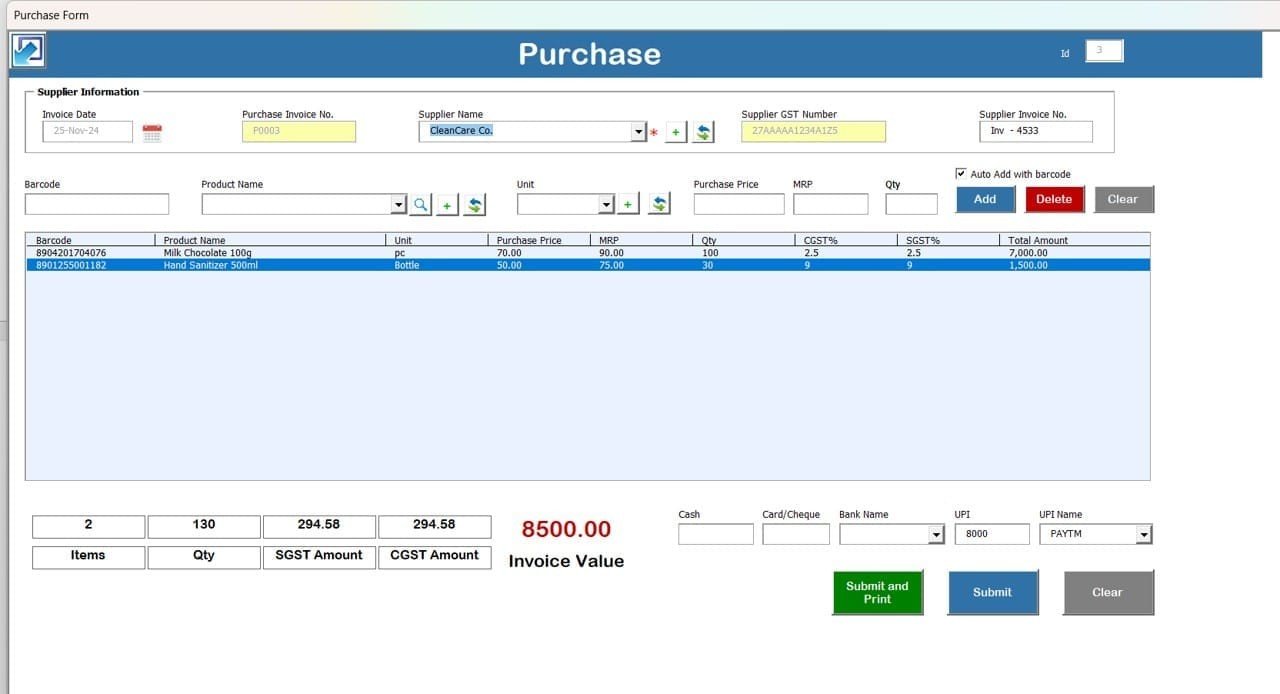
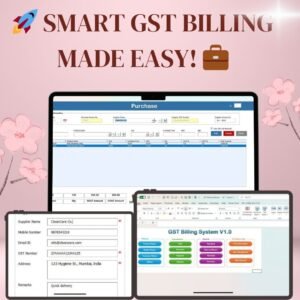
- Purchase Form: Record purchases and track payments to suppliers.
- Auto Tax Calculation: CGST, SGST and IGST are calculated automatically from the GST rates.
- Multiple Payment Modes: Record payments by Cash, UPI, Card, Cheque and Bank Transfer.
5. Reporting and Analysis
- Detailed reports for all transactions, including:
- Sales and Returns
- Purchase and Expenses
- Inventory and Stock Levels
- Excel Export: Download reports and invoices in Excel format for further analysis and record-keeping.
- Custom Date Filters: Filter reports by any time period.
6. Automated GST Billing and Compliance
- Create GST-compliant invoices with tax fields filled in automatically.
- Keep accurate records to support GST returns filing.
- Apply discounts, add GST percentages and include additional charges on a bill.
7. Customisation and Business Settings
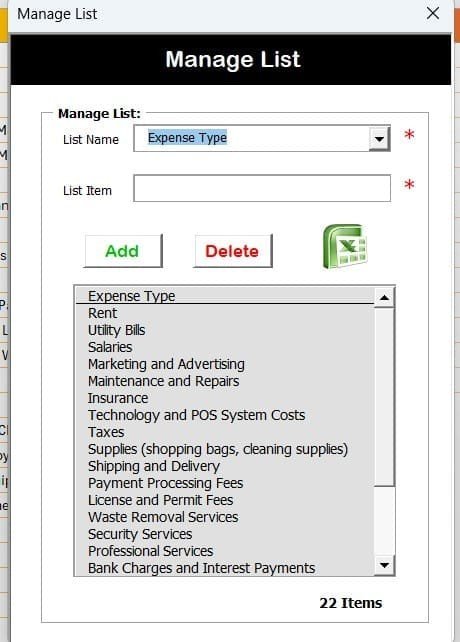
- Define and edit product categories, GST rates and units of measurement.
- Use custom fields on invoices to match your business branding.
- Set predefined discount percentages for faster billing.
What’s Inside the Tool
| Section | What you can do |
|---|---|
| Login | Secure sign-in with Admin and Standard User roles |
| Masters | Product, supplier and customer records, including GST rate, MRP and re-order level |
| Transactions | Sales form, purchase form, payments and expenses |
| Reports | Day Book, Sales, Purchase and Inventory reports with date filters and Excel export |
| Admin Panel | Firm information, user management and settings for categories, tax rates, units and discounts |
Why Choose This GST Billing Software?
- Easy to use: A clear interface for quick billing and transaction tracking.
- Built for GST: Automatic tax calculations and organised records.
- Time-saving: Less manual work and fewer billing errors.
- Business insights: Reports that help you make better decisions.
- All-in-one: GST invoicing, inventory management and reporting in a single tool.
Who It’s For
- Retail store owners who need fast counter billing with barcode support.
- Wholesale businesses that track purchases, suppliers and stock levels.
- Service-based companies that issue GST invoices and track payments.
- Small businesses and enterprises that want less paperwork and more accurate records.
How to Use It
- Download and unzip the file.
- Enable macros in Excel. This VBA tool needs macros to run (see the tutorial link below).
- Log in, then open the Admin Panel to add your firm information, users, categories, GST rates and units.
- Add your products, suppliers and customers in the Masters section.
- Create sales and purchase entries from the Transactions section. Taxes are calculated automatically.
- Run reports, filter them by date and export them to Excel.
After downloading and unzipping this file, make sure macros are enabled before use. This tutorial gives step-by-step instructions for enabling macros in Excel: https://www.pk-anexcelexpert.com/4-easy-ways-to-enable-macros-in-excel-vba/
Click here to read the detailed blog post
Visit our YouTube channel for step-by-step video tutorials.
Watch the step-by-step video tutorial:
Frequently Asked Questions
Does GST Billing Software V1.0 calculate CGST, SGST and IGST automatically?
Yes. When you create a sale or purchase, CGST, SGST and IGST are calculated automatically from the GST rates set for each product.
Do I need to enable macros?
Yes. It is a VBA-based Excel tool, so macros must be enabled after you download and unzip the file. The tutorial link above shows four easy ways to do this.
Can more than one person use the software?
Yes. It has a secure login with Admin and Standard User roles. Admins can add, update or delete users from the user management screen.
Which reports are included?
You can create Day Book, Sales and Returns, Purchase and Expenses, and Inventory and Stock Level reports. Each report can be filtered by date and exported to Excel.
Does it support barcode scanning and low-stock alerts?
Yes. You can add products to a bill using a barcode scanner. You can also set minimum stock levels so you are notified when items run low.
Which payment modes can I record?
You can record payments by Cash, UPI, Card, Cheque and Bank Transfer.
Also check our Download Attachments from Multiple Emails Automatically using VBA
Last updated: October 2026
Compatibility and Requirements
- Built with VBA macros and a login form, so it needs Excel desktop on Windows with macros enabled.
- It does not run in Excel for the web, Google Sheets or the Excel mobile apps.
- Microsoft explains how to turn macros on in Enable or disable macros in Microsoft 365 files.
Related Billing and Inventory Systems
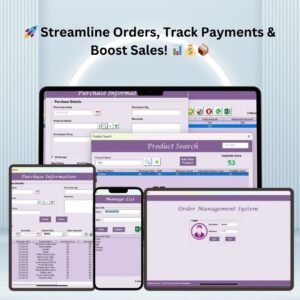
- Order Management System V1.0: manages orders, billing and payments in Excel
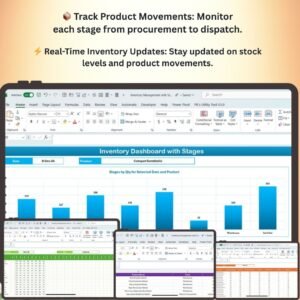
- Inventory Management System -V3.0: a VBA system for managing inventory
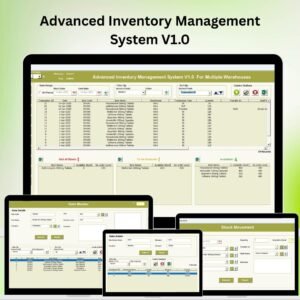
- Advanced Inventory Management System V1.0: an advanced VBA inventory system
- Tax Deadline and GST Filing Calendar in Excel: a calendar for tax deadlines and GST filing dates
- VBA Management Systems Mega Pack: five VBA management systems in one pack
Browse all Excel invoice templates or the Excel inventory management templates.











Reviews
There are no reviews yet.