👥 Who This Template Is For — and Who It’s Not For
✅ Built for:
- Individuals and families tracking monthly bills, income dates, and recurring expenses
- Freelancers scheduling payment due dates, invoice reminders, and tax deadlines
- Small business owners mapping monthly cash flow events without budgeting software
- Excel users who prefer offline, private budget planning over cloud-based apps
❌ NOT for:
- Users needing automatic bank transaction imports — this is manual event-entry
- Teams needing real-time multi-user collaboration — Excel VBA is single-user desktop
- Mac-only users — VBA UserForms have limited Mac support
⚙️ How to Use the Monthly Budgeting Calendar in Excel
Step 1: Download, unzip, open in Excel.
Step 2: Click “Enable Macros” when prompted.
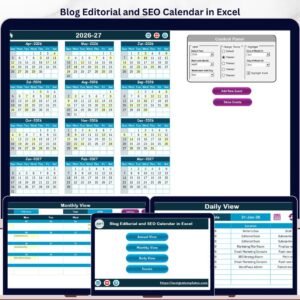
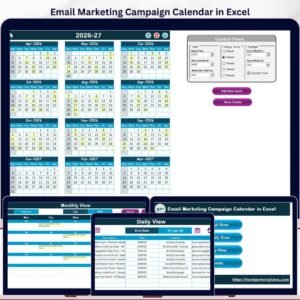
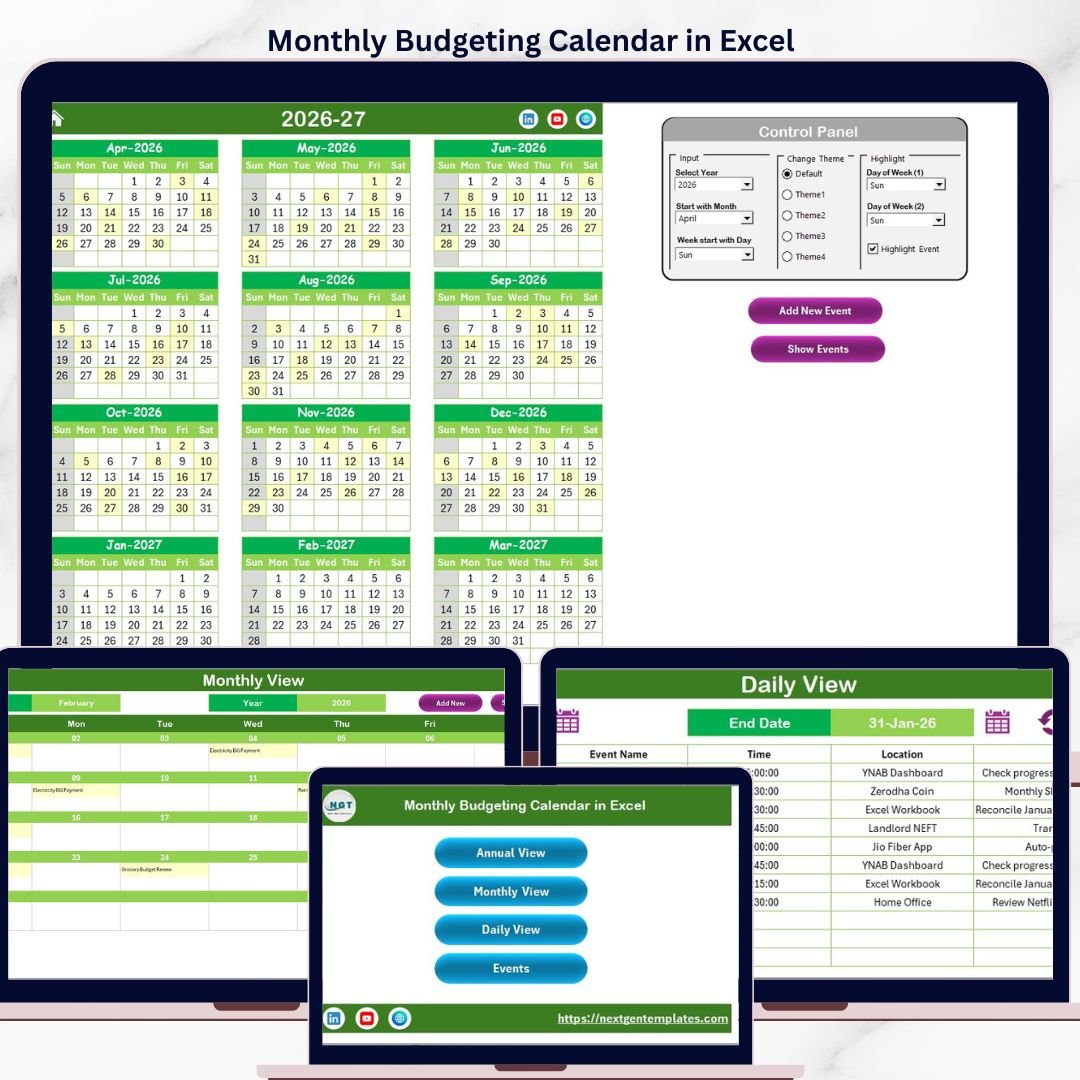
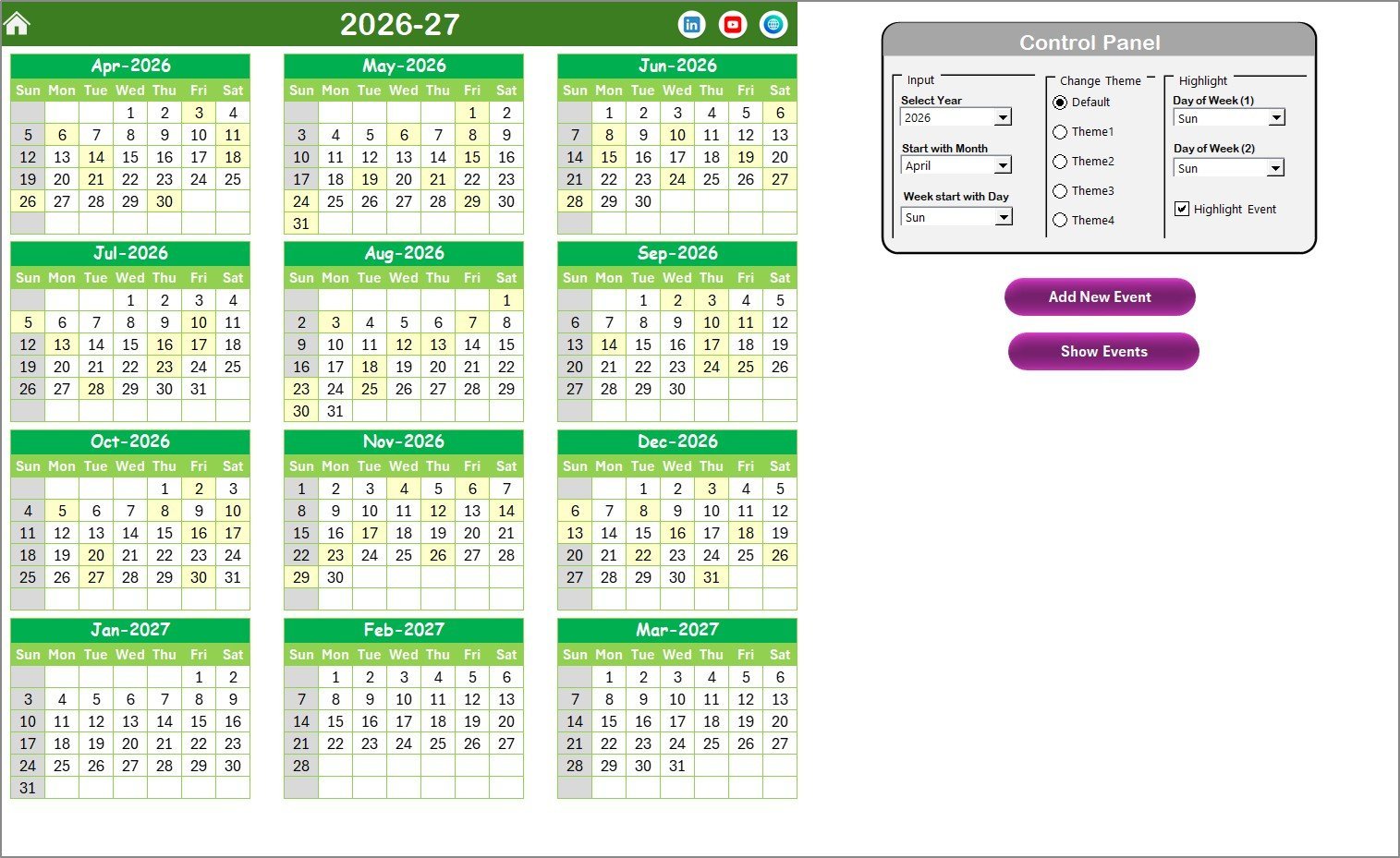
Step 3: Set Year, Starting Month, Starting Day in the control panel.
Step 4: Choose a color theme from 5 options.
Step 5: Click “Add New Event” to log payments, income, or reminders.
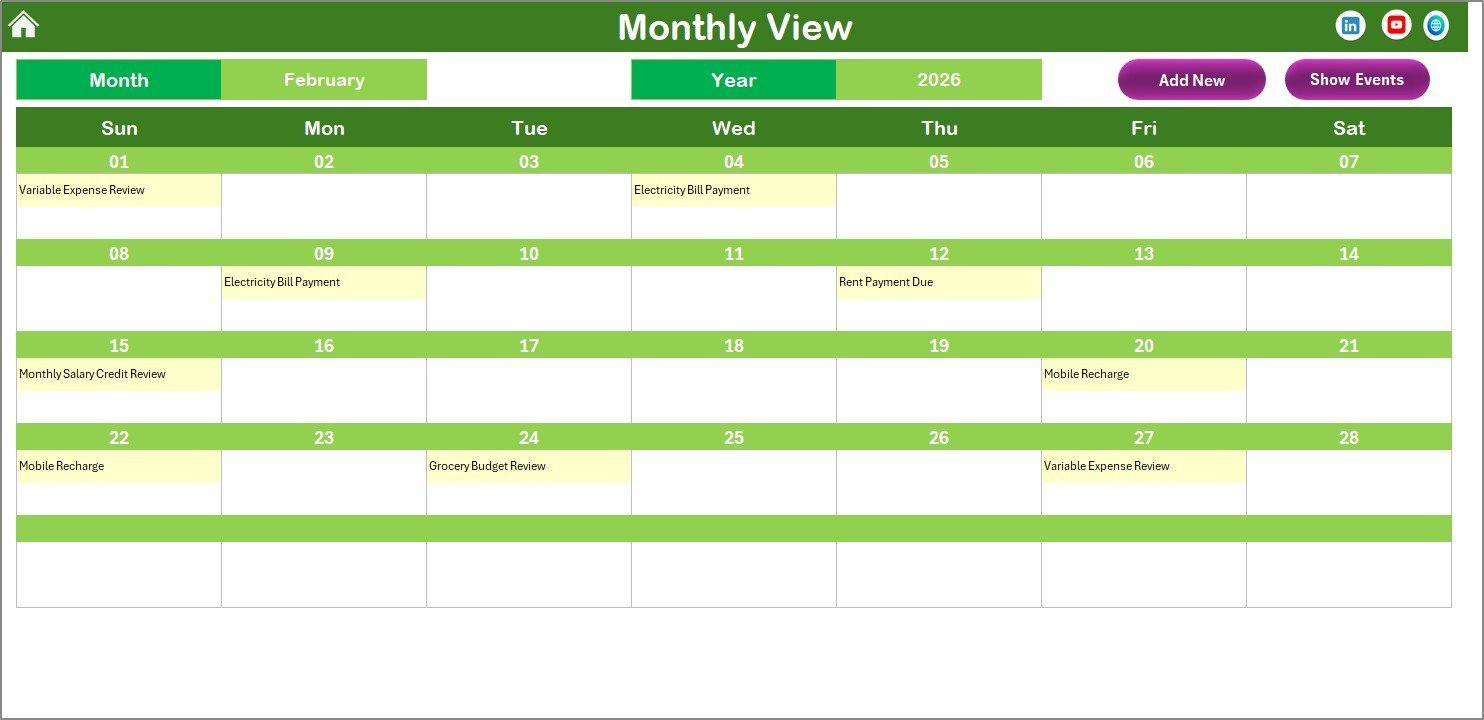
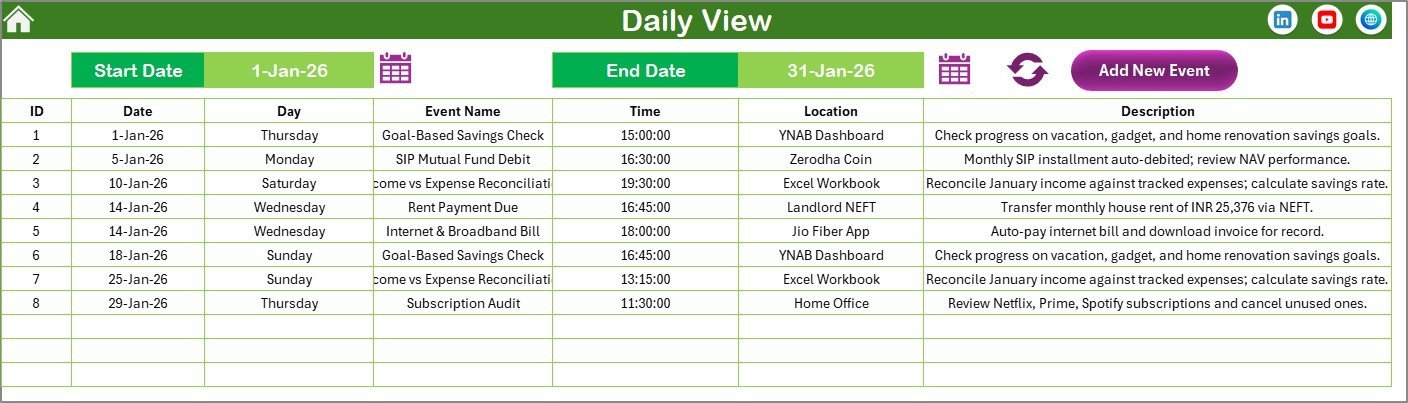
Step 6: Use Monthly View or Daily View to review events.
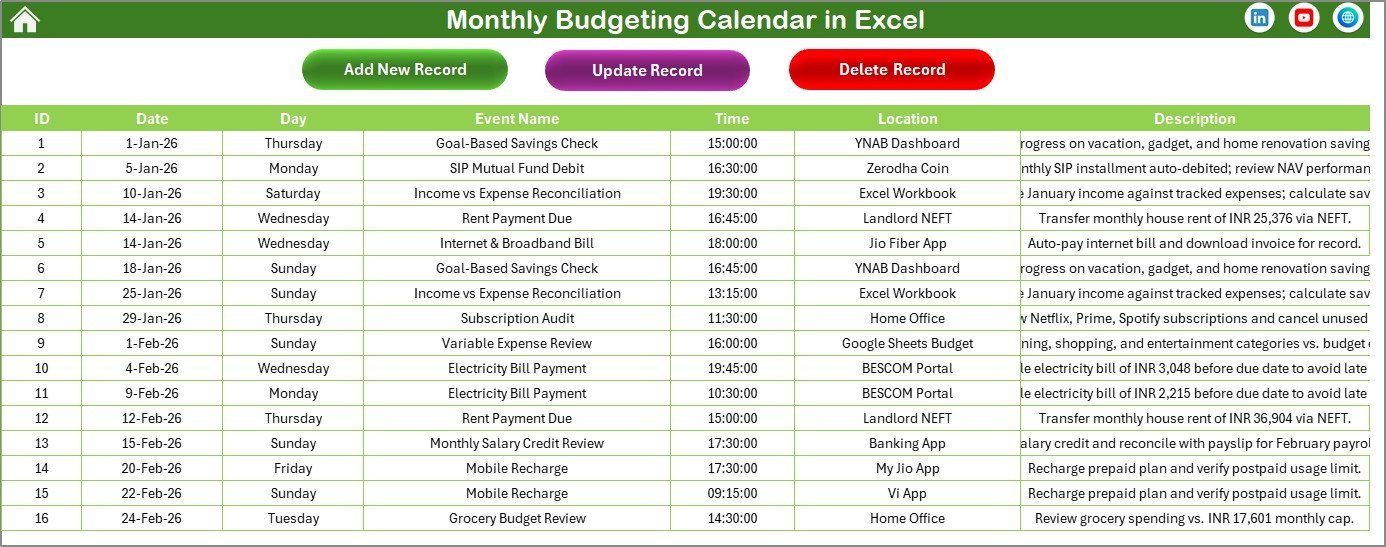
Step 7: Manage records from the Events sheet.
💼 Real-World Use Cases
Priya manages a household budget for her family of four. She marks rent on the 1st, utilities on the 15th, school fees on the 20th. The Annual View helps spot months where expenses cluster.
David is a freelance graphic designer juggling 8 clients. He logs invoice due dates, payment arrivals, and quarterly tax deadlines. The Daily View keeps cash flow visible.
Maria runs a small bakery. She records supplier payments, equipment lease dates, and employee paydays. The 5 color themes match her printed planning binder.
❓ Frequently Asked Questions
What can I track with the Monthly Budgeting Calendar in Excel?
Track any date-based financial event — bill payments, income dates, tax deadlines, subscription renewals. Each event stores name, time, location, and description.
Does this template work on Mac?
The calendar layout works on Mac, but VBA UserForms have limited functionality. For full features, use Excel on Windows.
Can I change the calendar year after setup?
Yes. Select any year from the control panel dropdown. All 12 months update automatically. Existing events remain stored.
How does this compare to YNAB or Mint?
YNAB costs $14.99/month ($179/year). This calendar costs $4.99 once. It does not auto-import bank transactions.
Can I add more than one event per date?
Yes. The Events database stores unlimited events per date. Monthly View shows “more than 1…” for multiple events.
Is my financial data stored online?
No. This is a local desktop file. Your data never leaves your computer.
Can I customize the color theme?
5 pre-built themes are included. Each applies across all worksheets. You can also modify cell colors manually.
👤 About the Author
Built by PK — Microsoft Certified Professional with 15+ years of Excel, Google Sheets, and Power BI experience. Founder of NextGenTemplates, reaching 300K+ subscribers across YouTube channels (@PK-AnExcelExpert, @NextGenTemplates, @NeoTechNavigators). Every template is hand-built and tested.
🔗 Explore Related Templates
💎 Save 37% — Finance & Accounting Command Center Bundle
🔹 Budget Calculator in Excel — Income vs. expense breakdowns
🔹 Weekly Expense Tracker in Excel — Daily and weekly spending summaries
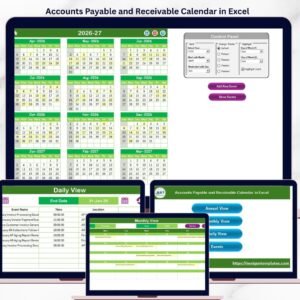
🔹 Accounts Payable and Receivable Calendar in Excel
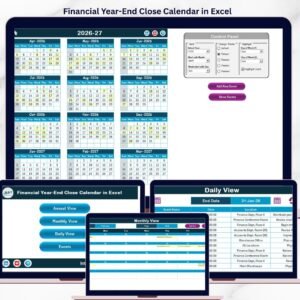
🔹 Financial Year-End Close Calendar in Excel
🔹 Also available: Personal Monthly Budget Tracker in Google Sheets
📖 Click here to read the Detailed Blog Post
🎥 Visit our YouTube channel for step-by-step video tutorials
👉 YouTube.com/@NextGenTemplates
📅 Last updated: April 2026