

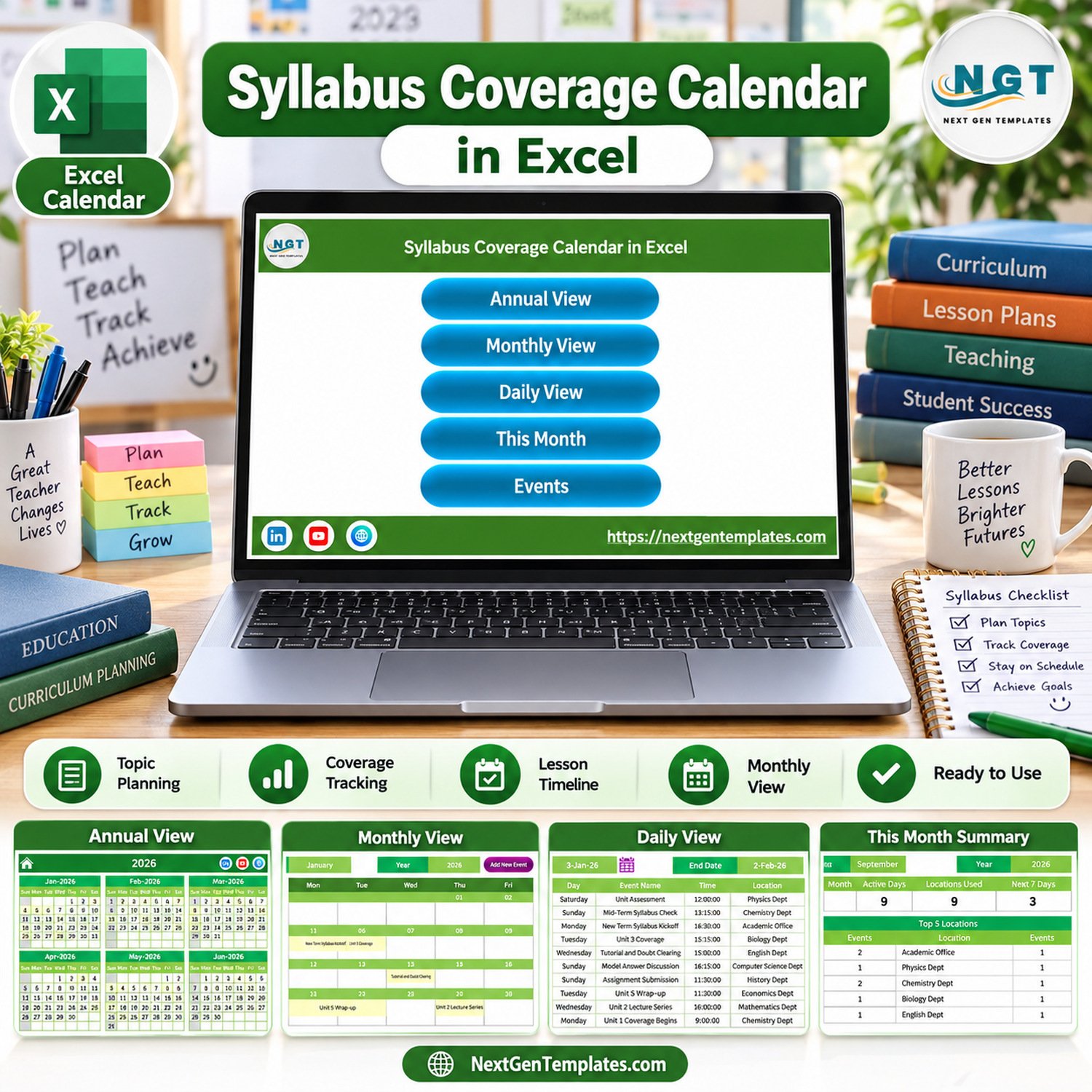
Syllabus Coverage Calendar in Excel is a ready-to-use macro-enabled Excel calendar for teachers, tutors, academic coordinators, and training teams who need one place to plan topics, track syllabus progress, and review upcoming academic events. The workbook includes 7 visual screens, around 100 sample syllabus events, annual/monthly/daily views, a this-month summary, an events database, and an add-event form. It is built for Microsoft Excel for Windows desktop; buyers should enable macros when opening the file because the navigation buttons and event form depend on VBA.
This syllabus coverage calendar in excel keeps planning practical: no subscription, no student personal-data system, and no learning-management lock-in. Replace the demo rows with your own units, topics, locations, dates, and descriptions, then use the calendar views to see what is planned, what is coming next, and where syllabus coverage may need attention.
Key Features of Syllabus Coverage Calendar in Excel
- Annual calendar overview for seeing all 12 months of the academic year on one sheet.
- Monthly calendar view for topic-level planning with highlighted syllabus activities.
- Daily view for reviewing event details across a selected date range.
- This Month Summary with active days, locations used, next 7 days, day-wise events, and top locations.
- Events database for editing records directly when bulk changes are faster than using a form.
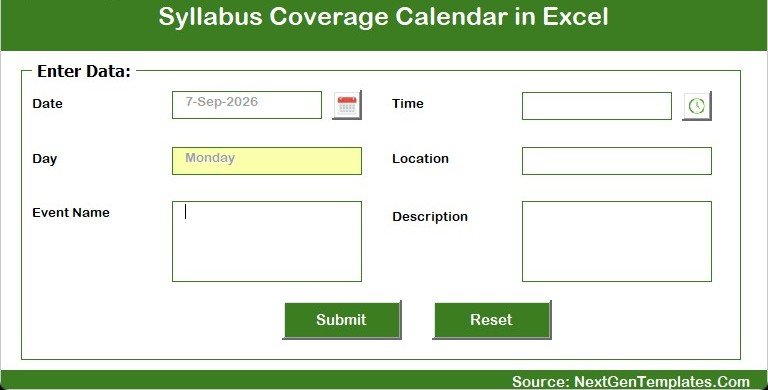
- Add New Event form for entering date, time, event name, location, and description through a cleaner input screen.
- Excel macro workflow designed for Windows desktop users who want buttons, forms, and local workbook control.
What’s Inside the Syllabus Coverage Calendar in Excel
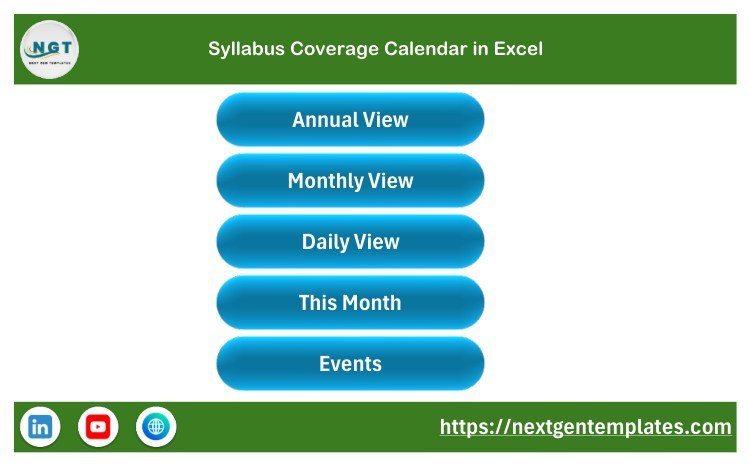
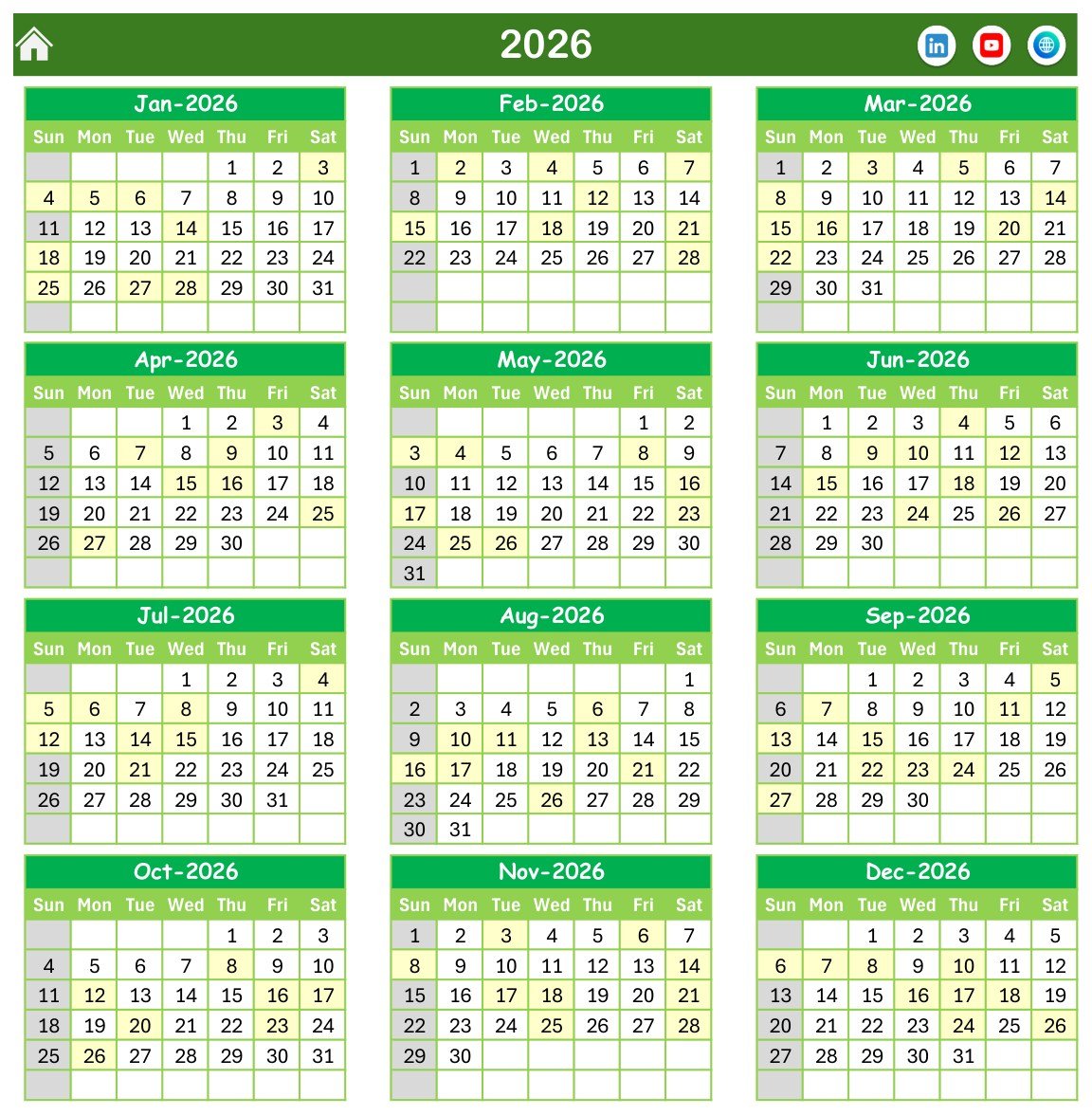
The workbook opens with a Home sheet that links to Annual View, Monthly View, Daily View, This Month, and Events. The Annual View displays all months in a green calendar layout, making it useful for curriculum mapping and broad lesson sequencing.
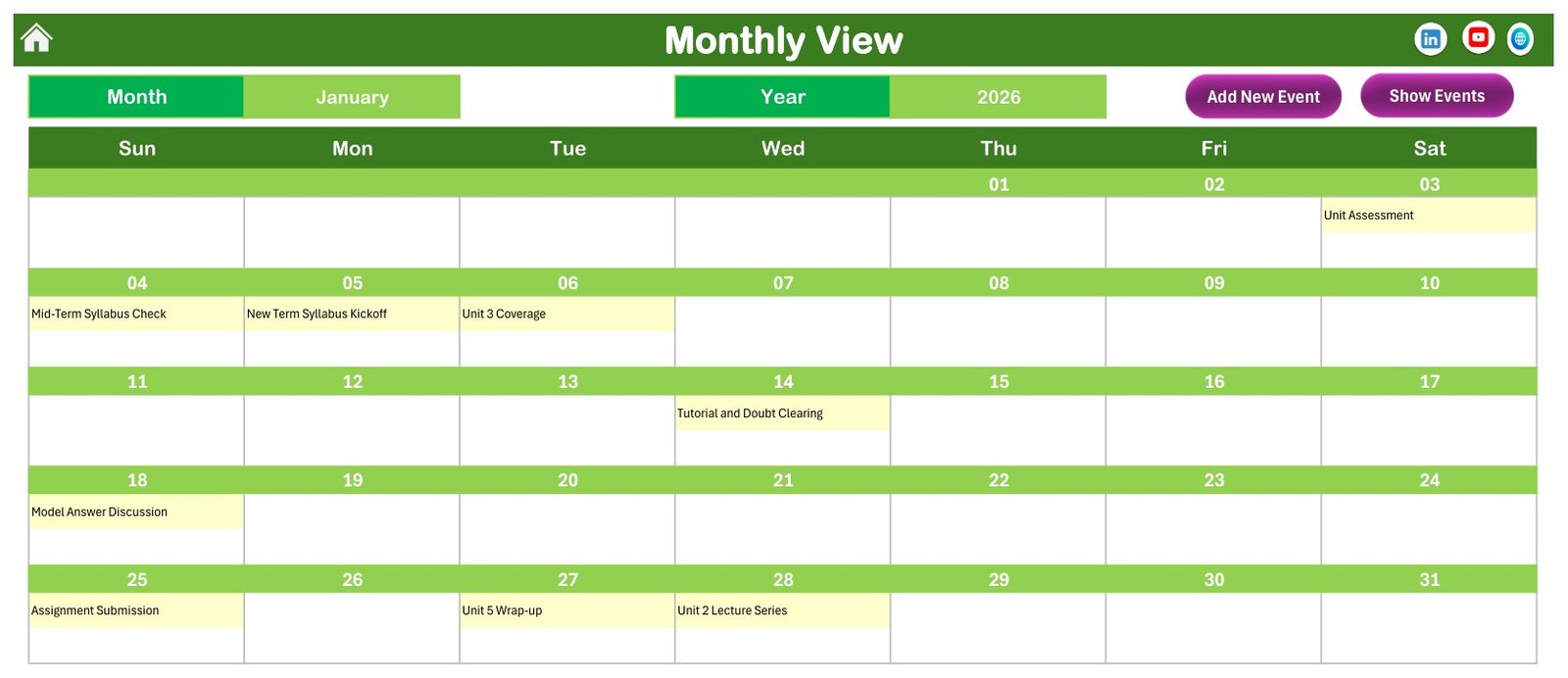
The Monthly View focuses on one month at a time and shows syllabus events directly on their scheduled dates. This is where an excel syllabus calendar becomes easier to review than a plain list, especially when teachers want to see spacing between unit assessments, lectures, assignments, and revision sessions.
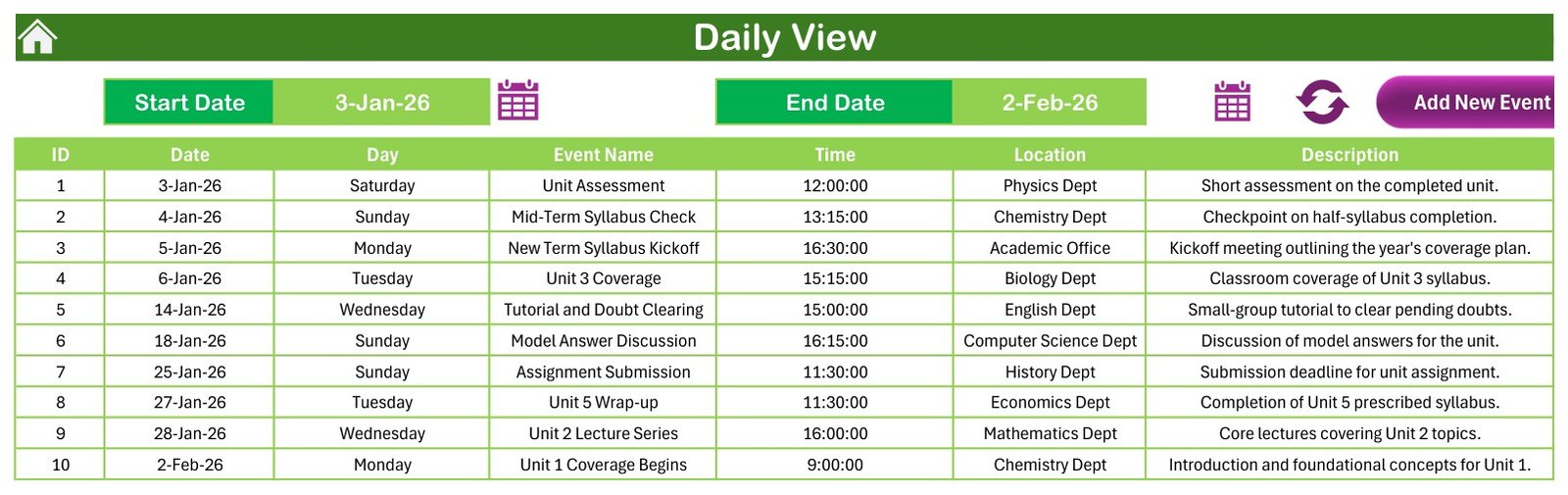
The Daily View lists event rows between a chosen start date and end date. It is useful for staff meetings, course-coordination reviews, and short-term planning because it shows event name, date, time, location, and description in a structured table.
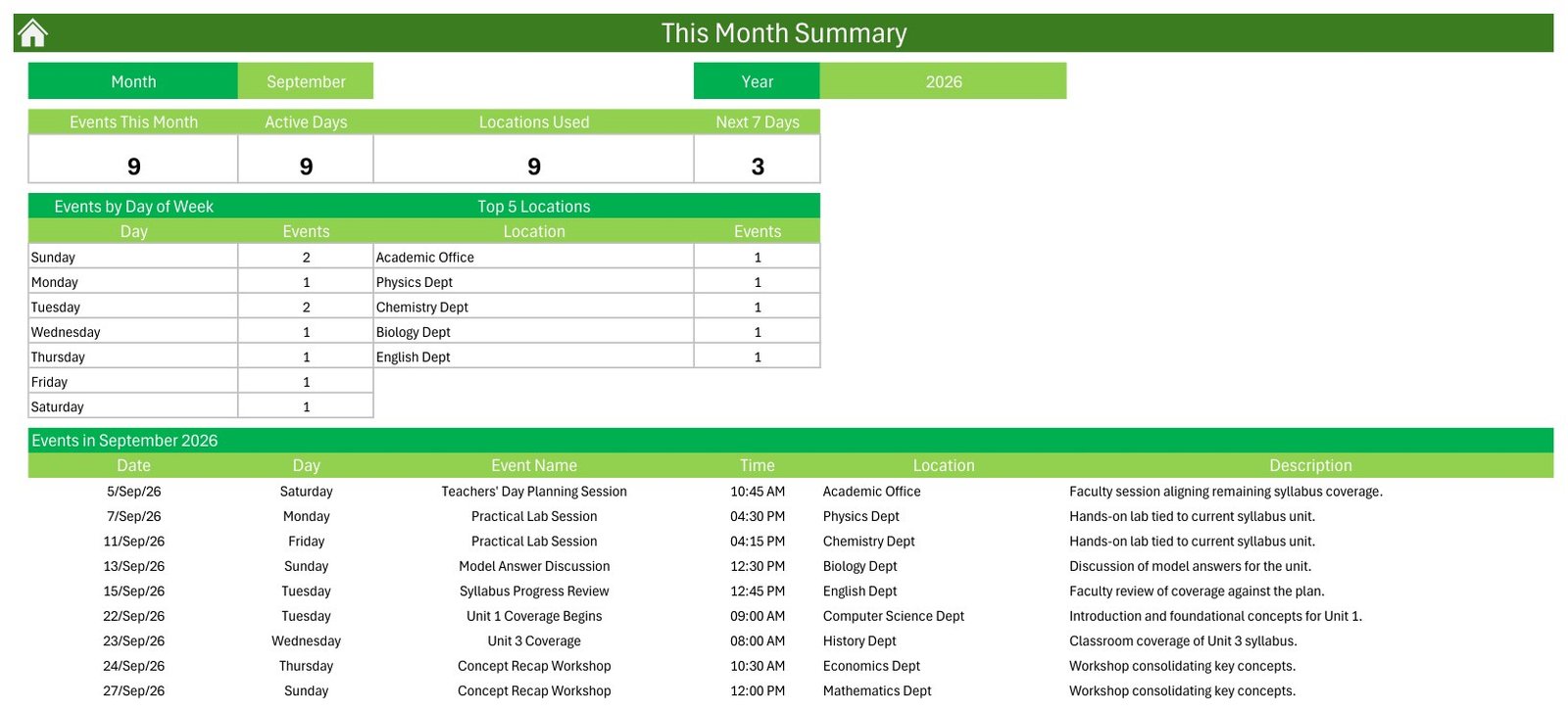
The This Month Summary turns the calendar into a lightweight syllabus tracking template. It summarizes events this month, active days, locations used, events by day of week, top locations, and the next 7 days.
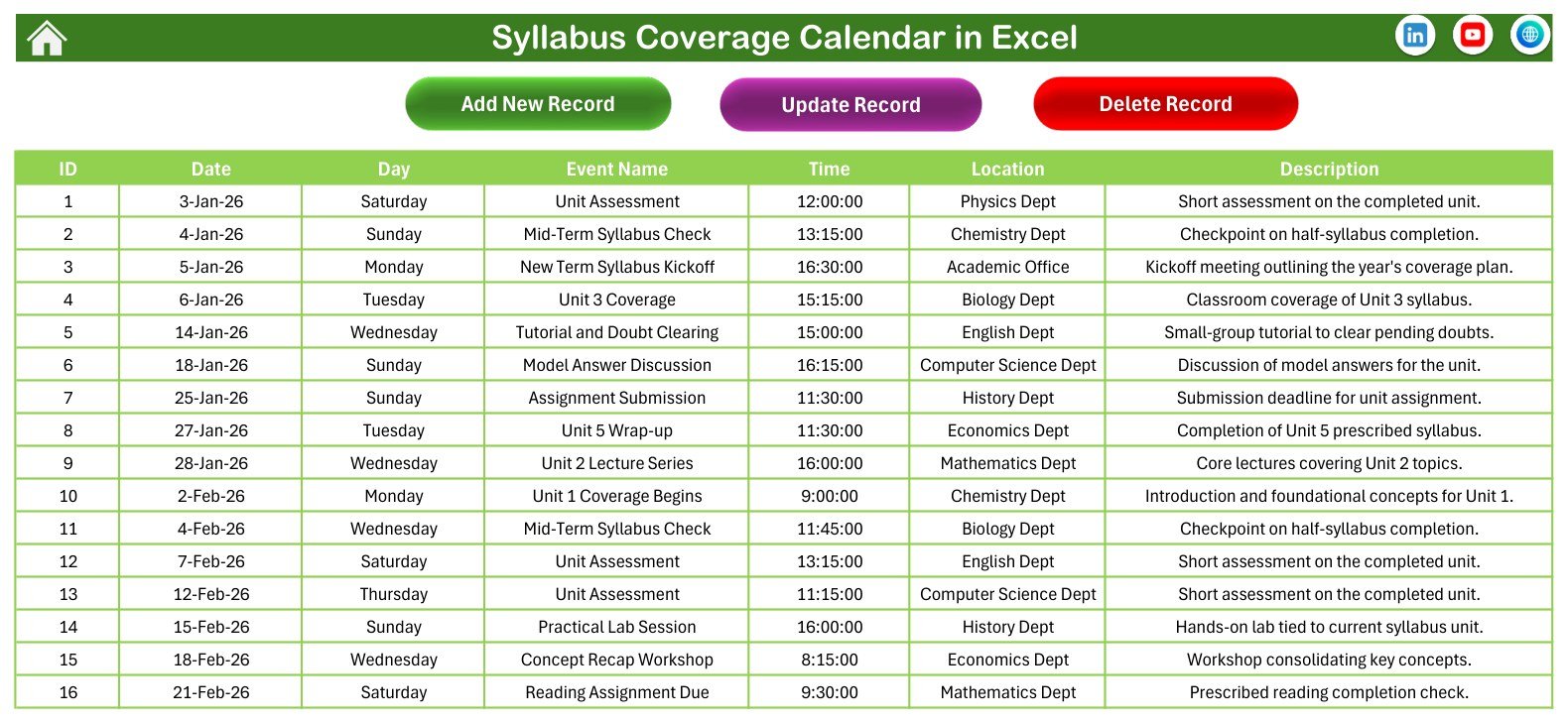
The Events sheet is the database behind the calendar, while the Add New Event form gives a friendlier way to add single records. Both support a practical lesson coverage calendar workflow without needing a separate LMS.
Syllabus Coverage Calendar in Excel vs. Google Sheets Calendar vs. Paid LMS/SaaS – Where This Fits
| Area | Syllabus Coverage Calendar in Excel | Google Sheets Calendar | Paid LMS/SaaS |
|---|---|---|---|
| Best for | Local Excel planning with forms and macros | Collaborative cloud editing | Full course delivery and student portals |
| Cost | One-time low-cost template | Usually free, but less structured | Recurring subscription |
| Setup time | Unzip, open in Excel, enable macros, replace sample events | Copy sheet and build formulas manually | Longer configuration and user setup |
| Automation | Buttons, form, summaries, and Excel-based navigation | Cloud formulas and basic filters | Notifications, enrolment, grading, and portals |
| Data ownership | Stored in your workbook | Stored in Google Drive | Stored in the vendor platform |
Who This Template Is For – and Who It’s Not For
This curriculum planning excel template is for teachers, department heads, coaching centers, private tutors, trainers, and academic administrators who want a simple planner for topics, assessments, tutorials, reviews, and coverage checkpoints. It is also useful when a school or training team already works in Microsoft Excel and wants a calendar that can be kept locally.
It is not a student-information system, attendance app, gradebook, reminder engine, timetable optimizer, or compliance reporting tool. It does not send email or SMS reminders, prevent scheduling conflicts automatically, or sync with Outlook/Google Calendar. It is a planning and tracking workbook.
How to Use the Syllabus Coverage Calendar in Excel
- Download the ZIP, extract it, and open the workbook in Microsoft Excel for Windows desktop.
- Enable macros when Excel prompts you, because the buttons and form require VBA.
- Start from the Events sheet if you want to paste multiple rows, or use the Add New Event form for one event at a time.
- Use Annual View for the full academic year, Monthly View for lesson sequencing, Daily View for detailed review, and This Month Summary for the current workload.
- Replace the sample syllabus events with your own curriculum, course, batch, or training-plan records.
Real-World Use Cases
School department head: Plan unit assessments, practical sessions, revision classes, and syllabus checks across the academic year.
Coaching center coordinator: Track topic coverage by batch, location, and date so upcoming sessions are easier to audit.
Corporate trainer: Use the calendar as a course delivery planner for modules, workshops, evaluations, and recap sessions.
Frequently Asked Questions
Does this workbook require macros?
Yes. This is a macro-enabled Excel workbook. Use Microsoft Excel for Windows desktop and enable macros to use the buttons and event form.
Can I edit the sample syllabus data?
Yes. The sample records are placeholders. Replace them with your own subjects, topics, dates, locations, and descriptions.
Is this a learning management system?
No. It is an Excel planner for syllabus scheduling and coverage review. It does not manage student accounts, grades, attendance, or online classes.
Can I use it for coaching batches?
Yes. The structure works for schools, coaching centers, training teams, and course coordinators.
Does it work on Excel for Mac or Excel Online?
The workbook is built for Excel for Windows desktop because it uses VBA macros. Excel Online does not run VBA macros. If your team reviews macro settings before opening files, Microsoft explains the options in its macro security guidance.
About the Author
Built by PK – Microsoft Certified Professional with 15+ years of Excel, Google Sheets, and Power BI experience. Founder of NextGenTemplates, reaching 300K+ subscribers across YouTube channels. Every template is hand-built and tested before release.
Explore Related Templates
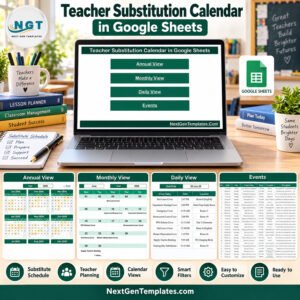
For more planning tools, browse the Excel Calendar templates and the full MS Excel template catalog. Related options include Maternity Ward Duty Calendar in Excel and Teacher Substitution Calendar in Google Sheets.
Ready to plan and track syllabus coverage in Excel? Download the Syllabus Coverage Calendar in Excel, enable macros, and start replacing the sample events with your academic schedule. Last updated: September 13, 2026.
📖 Read the complete walkthrough of the Syllabus Coverage Calendar in Excel on our blog: Syllabus Coverage Calendar in Excel – full guide.































Reviews
There are no reviews yet.