

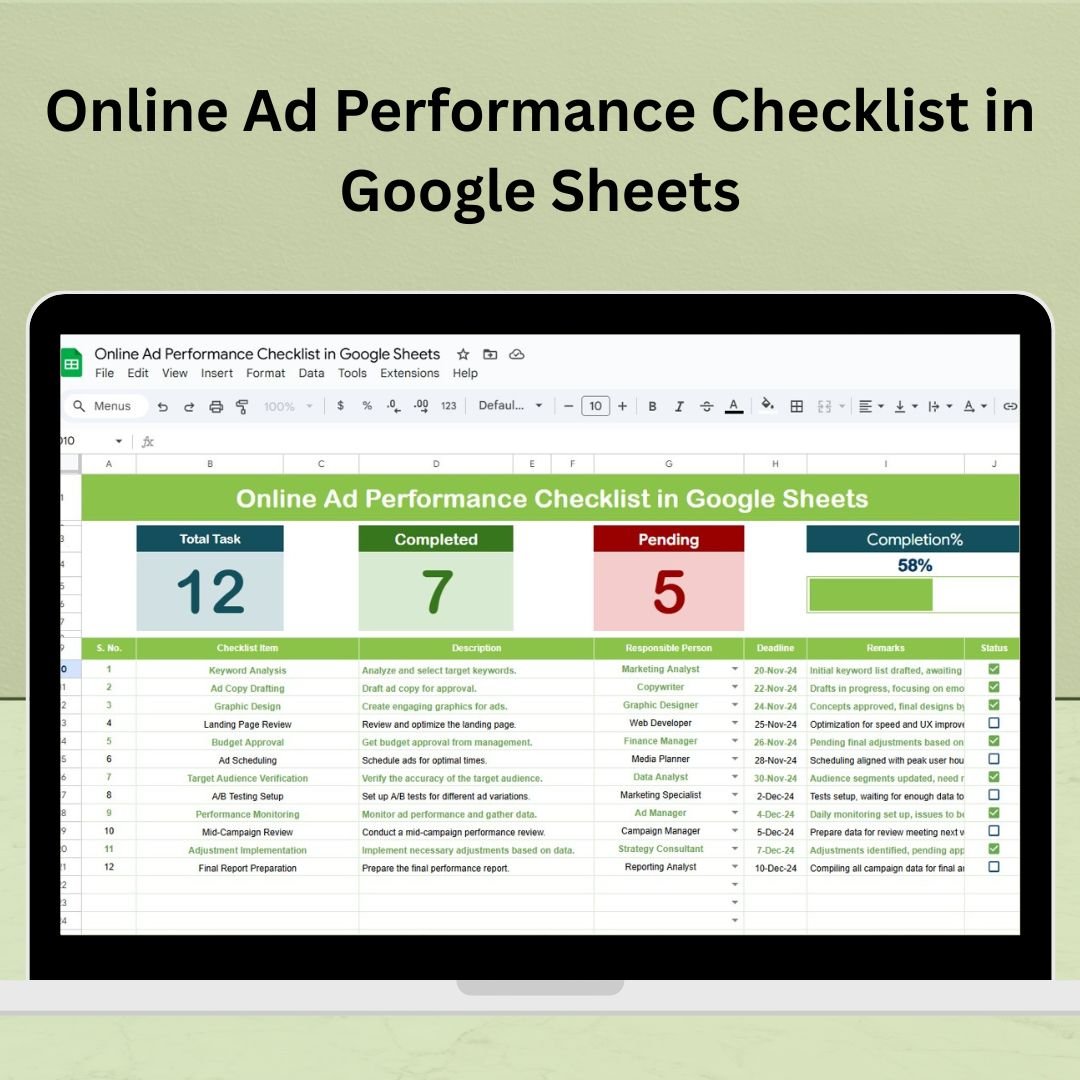
Running online ads is more than just launching campaigns — it’s about constantly monitoring, refining, and optimizing. The Online Ad Performance Checklist in Google Sheets is the ultimate task-tracking tool designed to streamline your digital advertising operations. Whether you’re managing a single campaign or coordinating across multiple platforms, this checklist ensures every essential task is accounted for, assigned, and completed on time. ✅
With real-time collaboration and visual progress indicators, this ready-to-use template helps you stay organized, accountable, and successful in your ad strategy.
✨ Key Features of the Online Ad Performance Checklist
📋 Main Checklist Sheet – Your Campaign Command Center
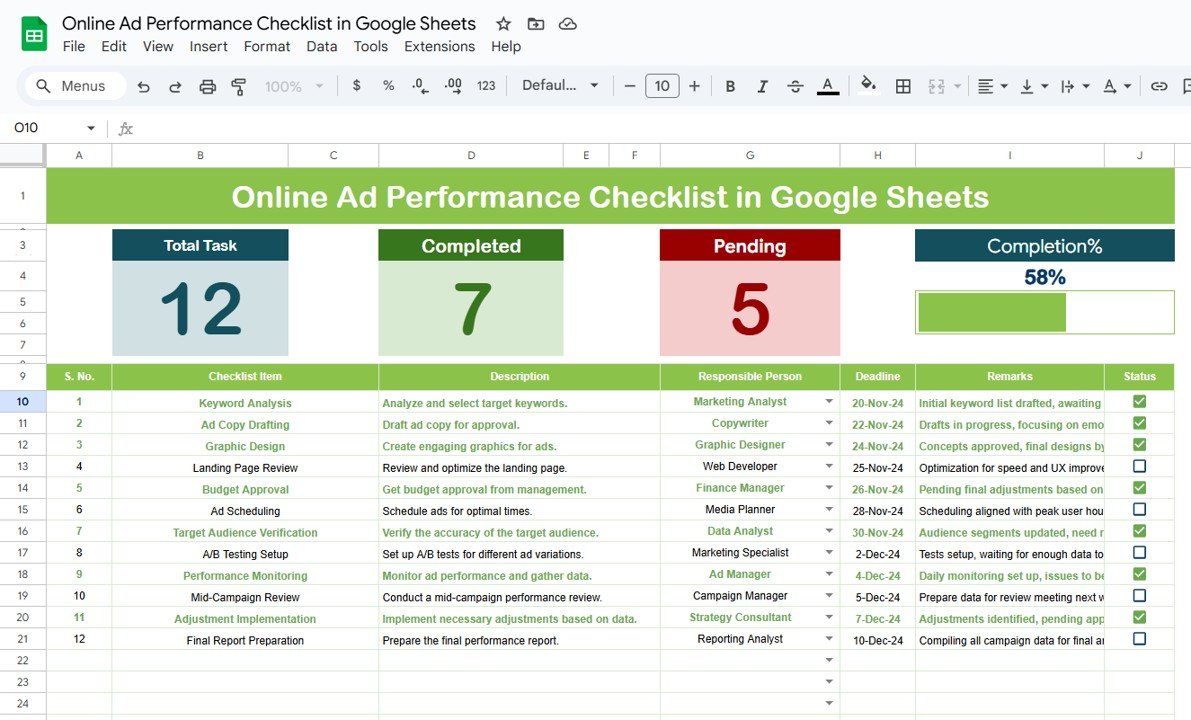
At the heart of this template is a smartly structured checklist that covers all key ad operations. Here’s what you’ll find:
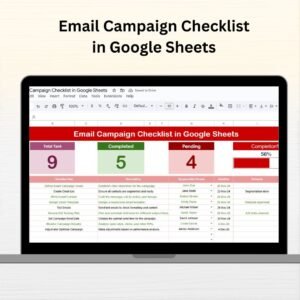
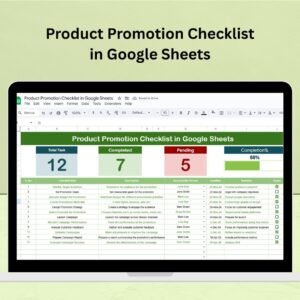
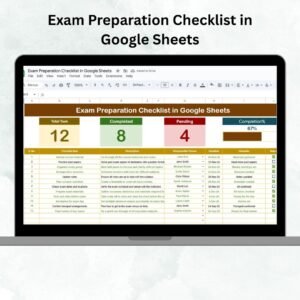
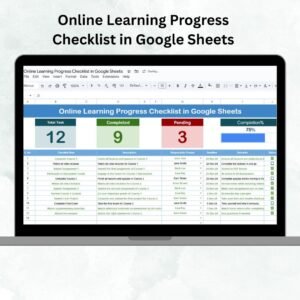
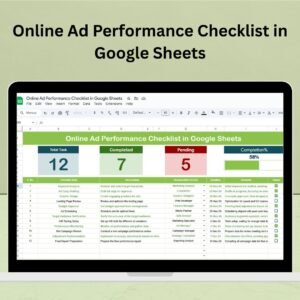
🧮 Total Count – Displays the number of tasks in your checklist
✅ Completed Count – Shows tasks you’ve already marked as done
⏳ Pending Count – Tracks what still needs attention
📊 Progress Bar – Instantly visualize completion rate
And the best part? It’s fully interactive. Mark tasks with ✔ (Completed) or ✘ (Pending) and see the dashboard update automatically.
The checklist table includes:
Serial No.
Checklist Item (e.g., Analyze CTR trends, Update campaign visuals)
Description
Responsible Person (with dropdown selection)
Deadline
Remarks
Status
No more forgotten tasks. Everything is tracked in one structured, professional layout.
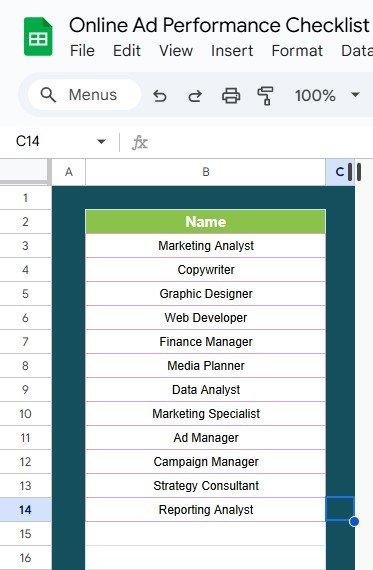
👥 List Sheet – Manage Team Responsibility with Ease
This sheet stores the names of your team members, which auto-populate the dropdown list in the “Responsible Person” column of the main sheet.
Why it matters:
🎯 Assign clear ownership for every task
🔄 Update team members effortlessly
💼 Maintain consistency across campaigns
This makes the checklist truly collaborative and scalable for any digital marketing team.
🧰 What’s Inside the Online Ad Performance Checklist
📁 2 Prebuilt Tabs Included:
Main Checklist – Task tracker with performance dashboard
List Sheet – Staff names used in dropdown menus
🎯 Use Case Examples:
PPC ad performance monitoring
Social media ad checks
Monthly ad campaign optimization
Client ad review checklists
Marketing agency task assignments
🚀 How to Use the Online Ad Performance Checklist
Using the checklist is simple:
🔧 Customize Tasks – Add, remove, or edit tasks relevant to your campaign
👤 Assign Team Members – Populate the list sheet and use dropdowns for task ownership
📅 Set Deadlines – Keep the team accountable with due dates
✔ Update Status – Mark tasks as completed or pending
📈 Track Progress – Watch the dashboard update in real-time
And because it’s all on Google Sheets, you can collaborate live with your team — no email chains, no outdated versions.
👥 Who Can Benefit from This Checklist?
This template is ideal for:
📊 Marketing Teams – Manage day-to-day ad operations
🧑💼 Freelance Marketers – Stay on top of campaign deliverables
🏢 Agencies – Assign tasks to different clients or campaigns
📣 Social Media Managers – Monitor multiple ad platforms
💻 Business Owners – Understand what’s being done in your digital ads
Whether you’re solo or managing a team, this template gives you clarity and control.
🎯 Best Practices to Maximize Value
✅ Update regularly – Keep tasks fresh and reflect real-time changes
✅ Review weekly – Check what’s pending and reallocate as needed
✅ Assign clearly – Every task needs an owner
✅ Use remarks – For reminders, notes, or follow-ups
✅ Customize – Make it fit your business workflow
📌 Why Choose This Template?
📁 Ready-to-use structure
🔧 Fully editable format
🔄 Real-time Google Sheets collaboration
👀 Visual performance tracking
🎨 Clean and intuitive layout
✅ Minimal learning curve – zero technical skills needed




Reviews
There are no reviews yet.