Staying consistent with your daily routines is the key to long-term success, productivity, and balance. Yet, most people struggle because they lack a structured system to organize their daily activities. That’s exactly why we created the Daily Routine Audit Checklist in Google Sheets—a ready-to-use digital template that makes task tracking simple, interactive, and highly effective. Whether you’re managing personal goals, professional tasks, or team responsibilities, this checklist will help you stay on track and never miss a deadline.Daily Routine Audit Checklist in Google Sheets
With built-in features like progress bars, automated counters, dropdowns, and cloud collaboration, this template is designed to keep you accountable and motivated every day.Daily Routine Audit Checklist in Google Sheets
✨ Key Features of Daily Routine Audit Checklist in Google Sheets
✅ Two Worksheets for Better Organization
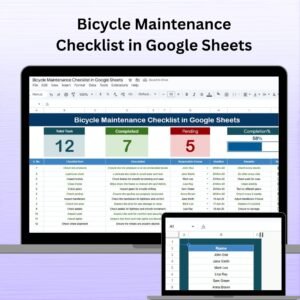
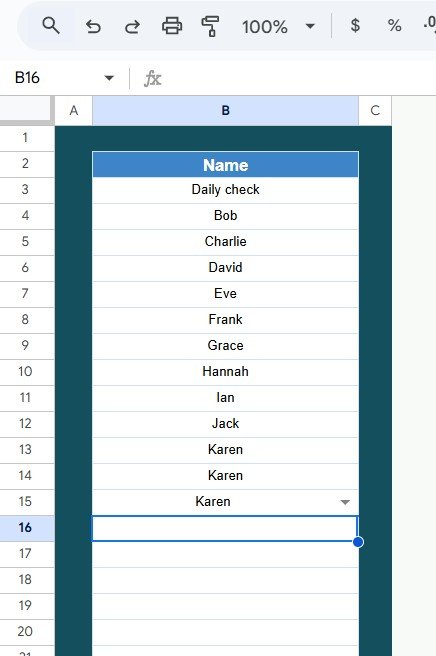
Includes a Daily Routine Audit Checklist Sheet for task tracking and a List Sheet for managing responsible persons with dropdown menus.
✅ Interactive Progress Cards
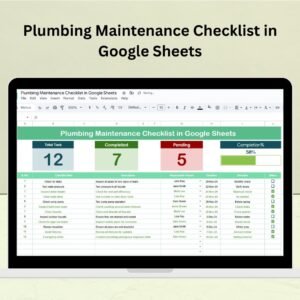
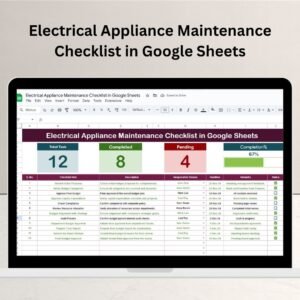
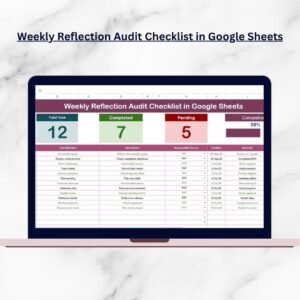
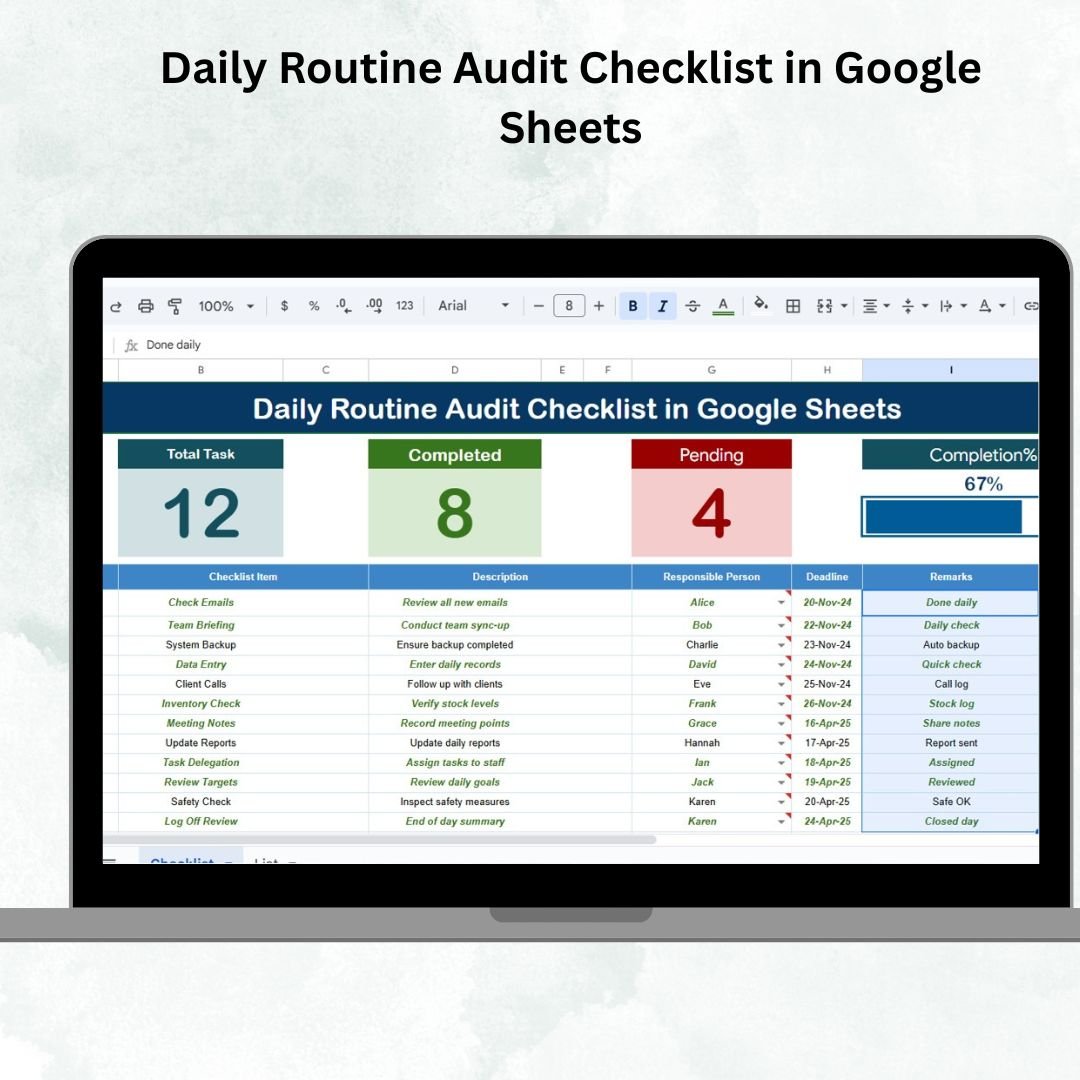
At the top, you’ll see Total Count, Completed Count, Pending Count, and an automated Progress Bar that visually displays your completion rate.
✅ Easy-to-Use Checklist Table
Track tasks with fields like Serial No., Checklist Item, Description, Responsible Person, Deadline, Remarks, and Status (✔ or ✘).
✅ Cloud-Based & Collaborative
Access your checklist from anywhere and collaborate with family members, colleagues, or teammates in real time.
✅ Customizable Layout
Add or remove columns, change formats, or apply filters to match your unique workflow.
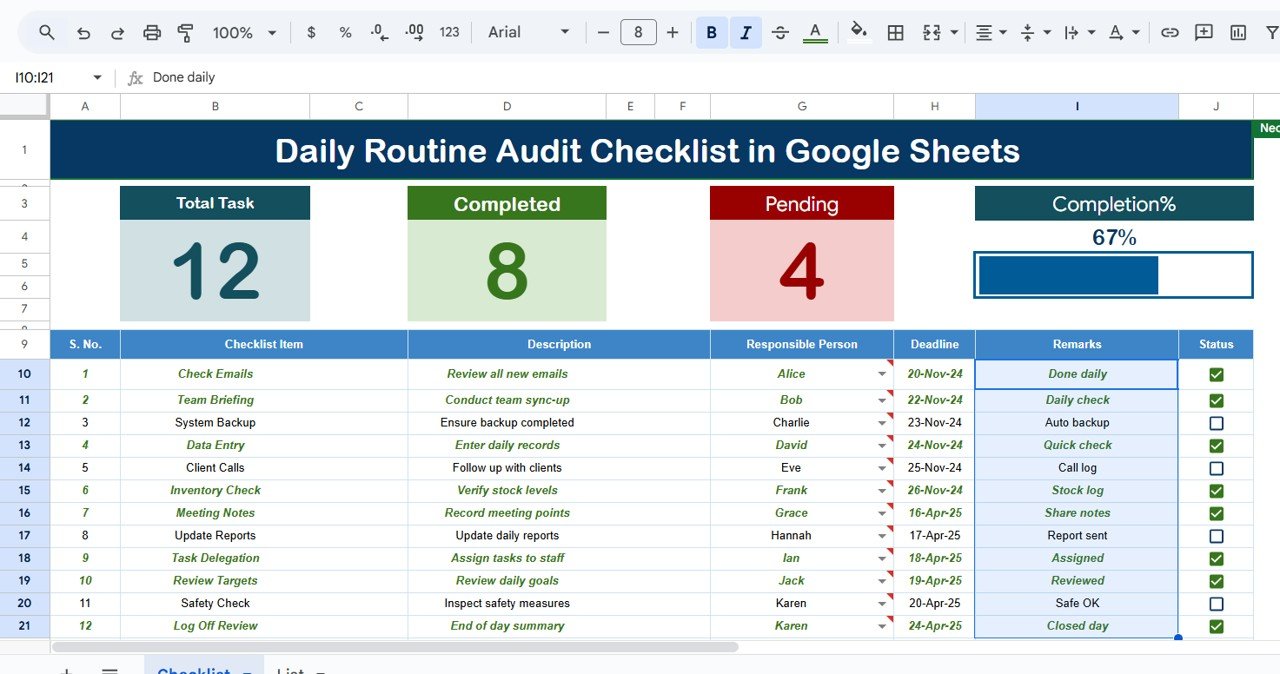
What’s Inside the Daily Routine Audit Checklist
Inside this Google Sheets template, you’ll find:
🗂 Daily Routine Audit Checklist Sheet – The main working sheet for capturing tasks, responsibilities, and deadlines.
🗂 List Sheet – Stores unique names of responsible persons to create dropdowns in the main table.
📊 Progress Tracking Cards – Automated counters and a progress bar to visualize daily achievements.
📅 Deadline Tracking – Ensure tasks are completed on time with simple date entries.
✏️ Remarks Section – Add notes, reminders, or instructions for each task.
This structure ensures you have everything you need to monitor routines effectively.
🛠️ How to Use the Daily Routine Audit Checklist
Using the template is super easy—even if you’re not a spreadsheet expert!
Open the Template in Google Sheets.
List Your Tasks under the Checklist Item column.
Assign a Responsible Person from the dropdown.
Set Deadlines for each task.
Update Status as (completed) or (pending).
Review Progress with the automated cards and progress bar.
That’s it! In just minutes, your daily routine is structured, trackable, and motivating.
👥 Who Can Benefit from This Checklist?
🎯 Professionals – Manage office tasks, deadlines, and meetings efficiently.
🎯 Students – Track study schedules, assignments, and exam prep.
🎯 Teams – Assign responsibilities, collaborate in real time, and avoid overlaps.
🎯 Entrepreneurs – Maintain a daily action plan for business goals.
🎯 Families – Organize household chores, routines, and responsibilities.
🎯 Personal Users – Build habits, track fitness routines, or monitor hobbies.