


A well-prepared classroom is the foundation of an effective learning environment. Whether it’s a school, college, or training center, ensuring that every classroom is organized and ready before the session begins is crucial. Overlooking simple but essential tasks—like checking equipment, arranging seating, or setting up teaching materials—can disrupt classes and impact student learning outcomes.
To make this process easier, we created the Classroom Setup Checklist in Google Sheets — a ready-to-use, interactive template designed for educators, administrators, and support staff. This structured tool helps you plan, track, and complete classroom preparation tasks systematically, ensuring nothing gets missed.
With its dynamic design, progress indicators, and collaborative features, this checklist is an essential tool for maintaining smooth and efficient classroom setups across multiple sessions or departments.
🔑 Key Features of the Classroom Setup Checklist
✅ Classroom Setup Checklist Sheet Tab
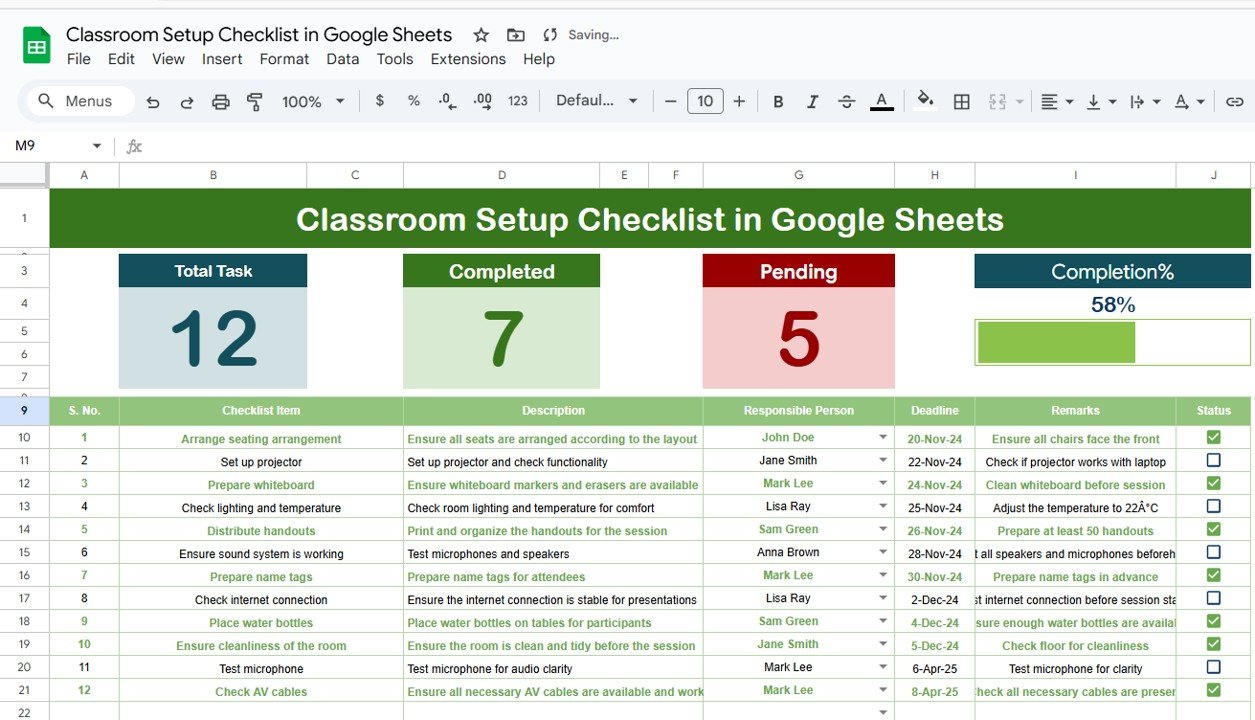
This is the main working sheet where all preparation tasks are captured and tracked. Features include:
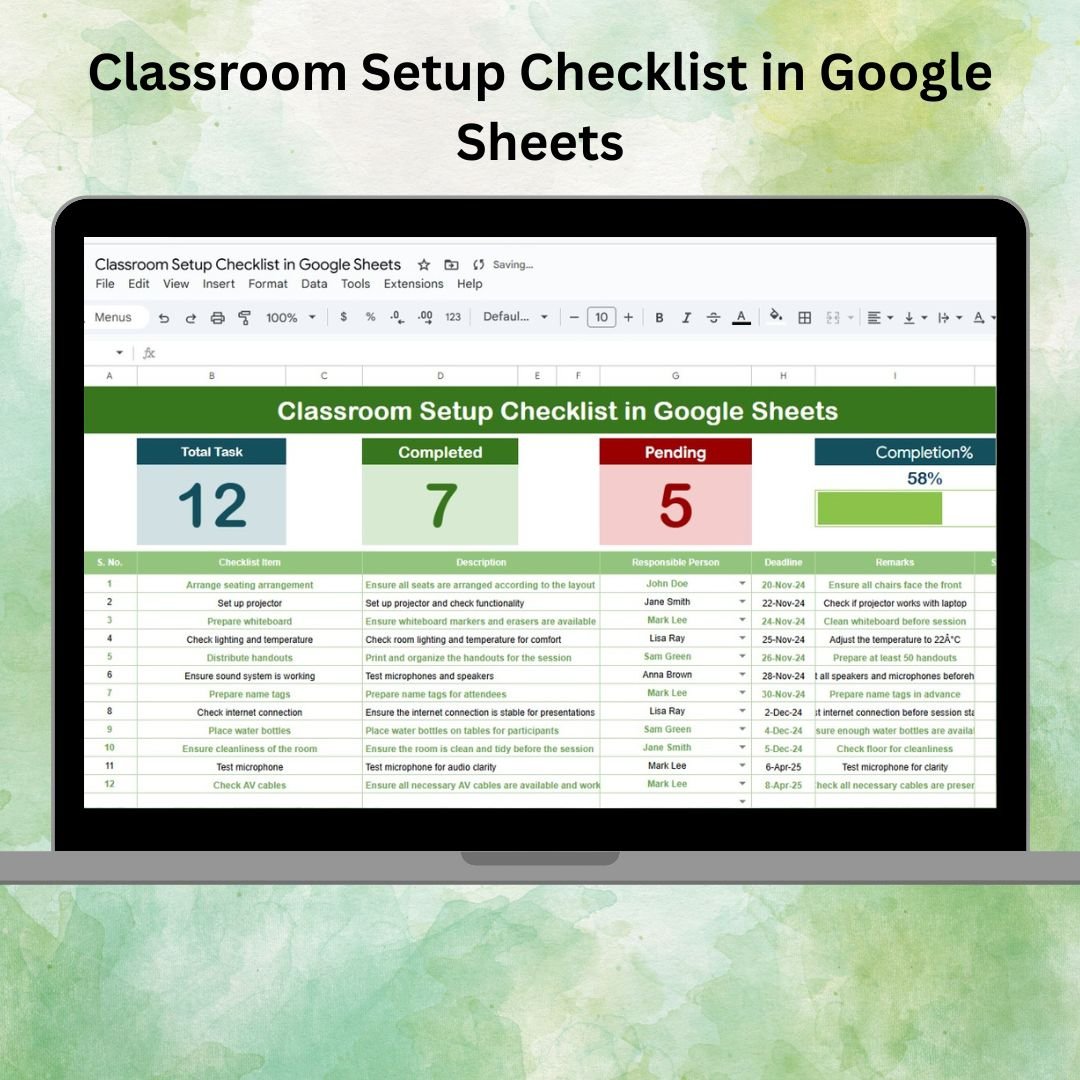
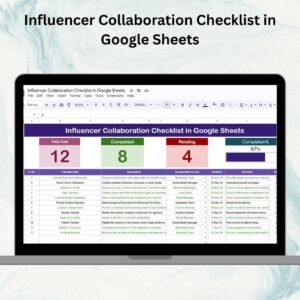
Summary Cards at the Top:
Total Checklist Items – Overall number of setup tasks
Completed Items – Count of tasks marked as ✔
Pending Items – Count of tasks marked as ✘
Progress Bar – A clear visual showing completion percentage
Interactive Checklist Table:
Serial No. (automatic numbering)
Checklist Item (e.g., arrange desks, test projector, check supplies)
Description (brief details about the task)
Responsible Person (assigned team/staff member)
Deadline (date for completion)
Remarks (additional notes or reminders)
Status (✔ for completed, ✘ for pending)
This layout makes it easy to identify unfinished tasks and ensures the classroom is ready on time.
✅ List Sheet Tab
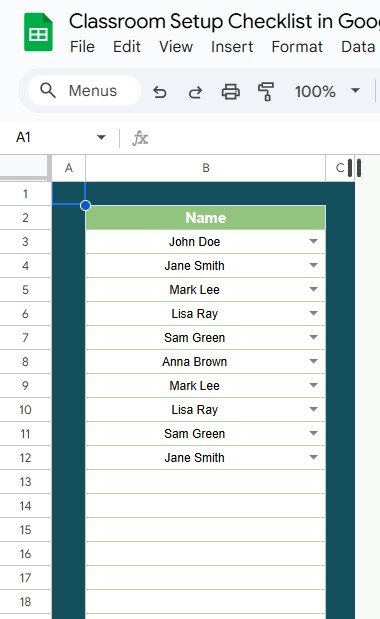
The List Sheet acts as a reference database of responsible persons. It powers the dropdown list in the main checklist, ensuring:
Consistent task assignments
Error-free updates
Quick allocation of responsibilities
This ensures accountability while saving time when assigning setup duties.
📦 What’s Inside the Template?
Main Checklist Tab – Manage, track, and complete setup tasks
List Sheet Tab – Centralized database of responsible persons
Dynamic Progress Indicators – Cards + progress bar showing live updates
Interactive Table – Assign tasks, update status, and monitor deadlines
Preloaded Sample Tasks – To guide first-time users
🧠 How to Use the Classroom Setup Checklist
Add Setup Tasks – Enter all preparation steps like seating, equipment, cleaning, or resource placement.
Assign Responsible Persons – Use dropdowns linked to the List Sheet to delegate tasks clearly.
Set Deadlines – Define timelines for each task to ensure timely completion.
Track Status – Mark tasks ✔ when done or ✘ if pending.
Monitor Progress – Review the summary cards and progress bar for real-time updates.
Collaborate Easily – Share the sheet with your team for simultaneous updates.
👥 Who Can Benefit from This Checklist?
🏫 School & College Administrators – Ensure classrooms are ready daily
👨🏫 Teachers & Trainers – Prepare their sessions without missing essentials
🧹 Support Staff – Stay organized with clear responsibilities
📚 Training Centers – Maintain consistency across multiple classrooms
🎓 Educational Institutions – Streamline academic operations
⭐ Advantages of Using the Classroom Setup Checklist
📊 Centralized Management – Track all classroom preparation tasks in one place
⚡ Real-Time Collaboration – Multiple staff members can update simultaneously
👀 Visual Progress Tracking – Cards and progress bar show completion at a glance
🛠 Fully Customizable – Add new tasks, roles, or columns as needed
⏱ Time-Saving – Ready-to-use template with no setup required
📝 Documentation Support – Keep historical records for audits or reviews
🚀 Opportunities for Improvement
Integrate with Google Calendar for task reminders
Use conditional formatting to highlight overdue tasks
Add priority levels for urgent setups
Attach photos or documents for verification
🔗 Click here to read the Detailed blog post
🔗 Visit our YouTube channel to learn step-by-step video tutorials
Compatibility and Requirements
- Works in Google Sheets. You need a free Google account and a web browser.
- The Responsible Person column is a dropdown fed by the List sheet. Google explains dropdowns in Create an in-cell dropdown list.
Frequently Asked Questions
Which sheets are included?
Two sheets: the main Classroom Setup Checklist sheet and a List sheet that holds the names of responsible persons.
How do I assign a task to someone?
Add the person’s name to the List sheet. Then pick that name from the Responsible Person dropdown on the checklist row.
How do I see how much setup work is left?
The summary cards at the top show Total Checklist Items, Completed Items and Pending Items. A progress bar shows the completion percentage. Mark a task with a tick when it is done or a cross when it is pending, and these update.
Can several staff members update it at once?
Yes. Share the Google Sheet with your team and each person can update their own tasks at the same time.
Is there an Excel version?
Yes. See the Classroom Setup Checklist in Excel.
Related Checklist Templates
- Classroom Setup Checklist in Excel: the same classroom setup tasks in Excel
- Project Management Checklist in Google Sheets: a task checklist with owners and deadlines
- Employee Onboarding Checklist in Google Sheets: a setup checklist for new hires
- Classroom Behavior Report Form in MS Word and Google Docs: a free form for classroom incidents
- Education & School Management Bundle: Excel and Google Sheets templates for schools in one download
Browse all Google Sheets checklists.
































Reviews
There are no reviews yet.