

In the fast-moving world of media and communications, every press release needs to be carefully planned, executed, and delivered on time. A missed deadline, overlooked task, or unclear responsibility can affect brand reputation and cause unnecessary delays. That’s why we created the Press Release Checklist in Google Sheets — a ready-to-use, professional template designed to streamline the entire press release workflow.
This checklist provides a structured and collaborative way to manage tasks, assign responsibilities, and monitor progress, ensuring that no step in your press release process is missed. With visual progress tracking and team-friendly features, it helps PR and marketing professionals stay organized and deliver effective press releases on schedule.
🔑 Key Features of the Press Release Checklist
📊 Main Checklist Sheet Tab
-
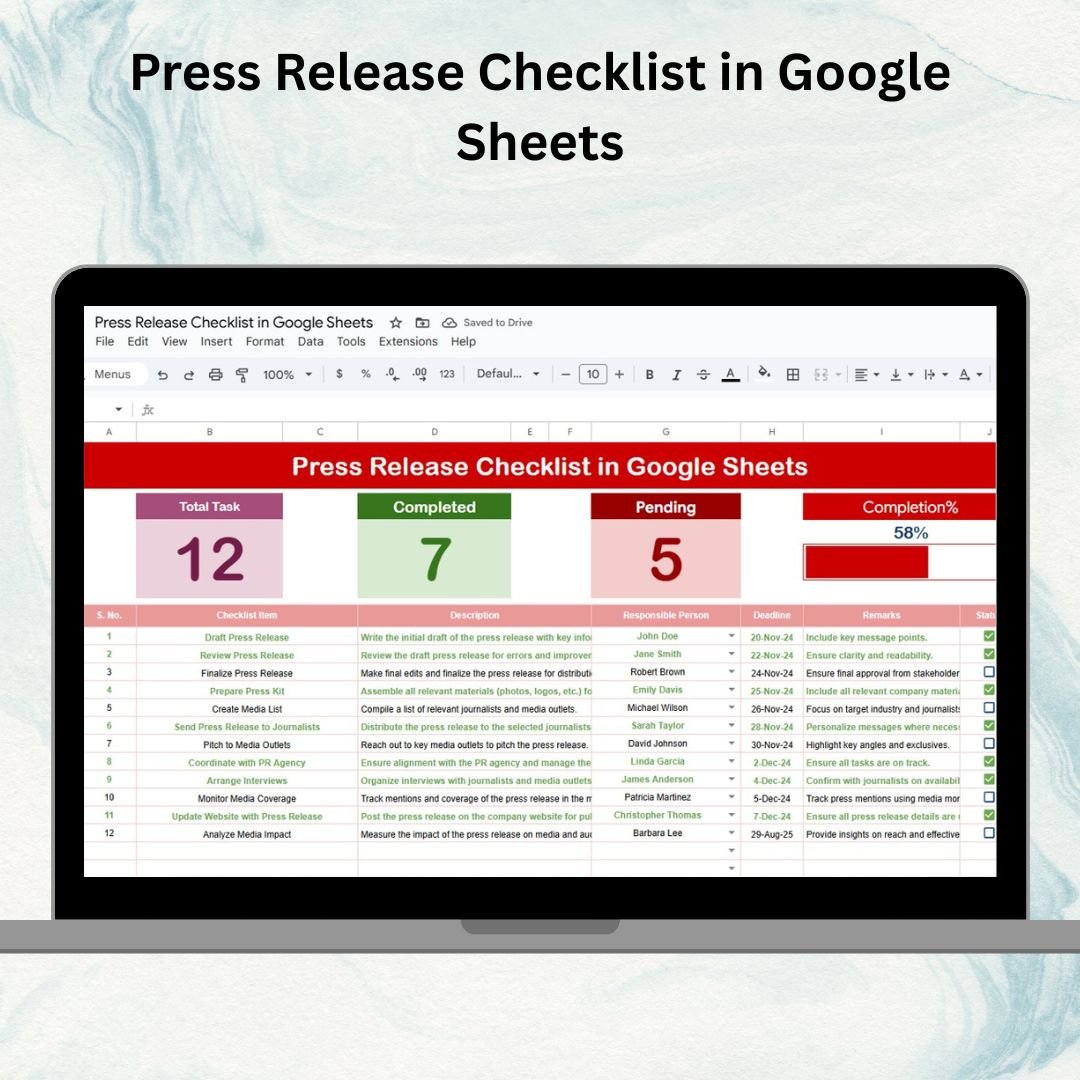
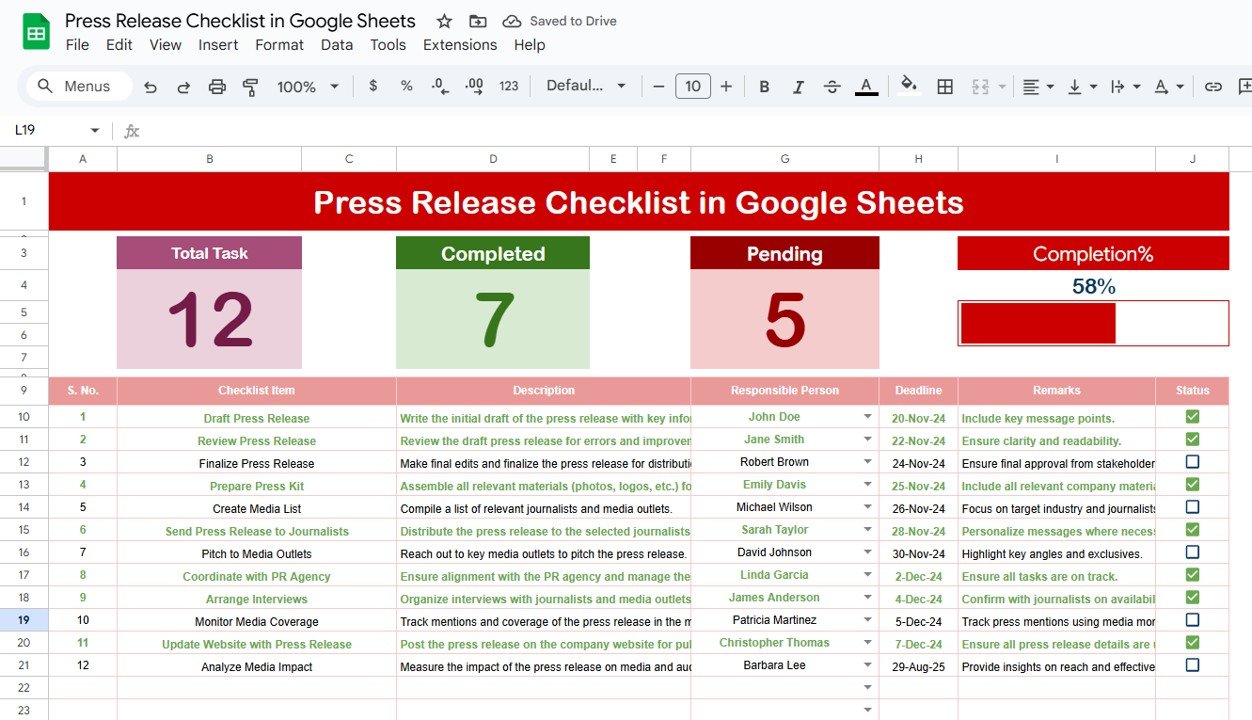
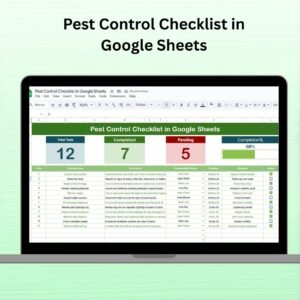
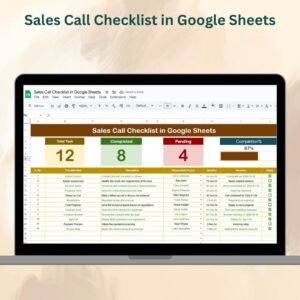
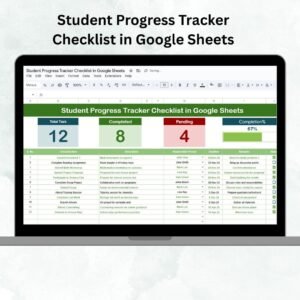
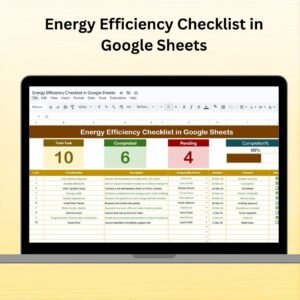
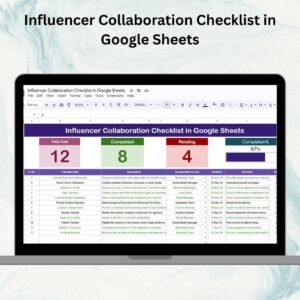
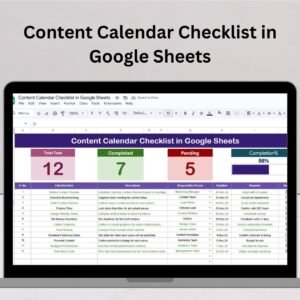
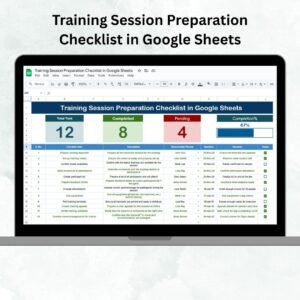
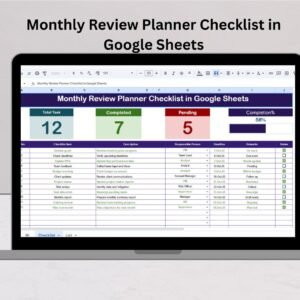
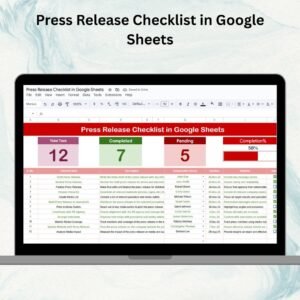
Summary Cards – Instantly view:
-
Total number of press release tasks
-
Completed count (✔)
-
Pending count (✘)
-
Progress bar showing task completion %
-
-
Detailed Task Table with:
-
Serial No.
-
Checklist Item
-
Description
-
Responsible Person
-
Deadline
-
Remarks
-
Status (✔ or ✘)
-
This makes it simple to track every detail of your press release process in one view.
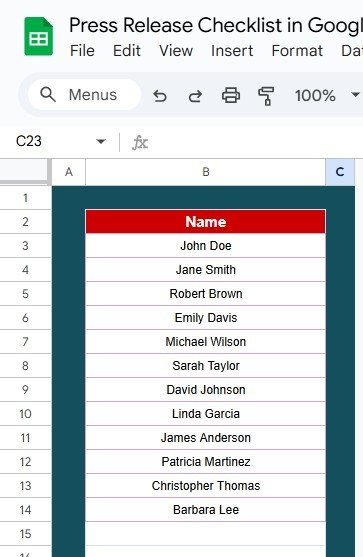
👥 List Sheet Tab
-
Acts as a master list of responsible persons
-
Powers the dropdown menu in the main sheet
-
Ensures consistency in task assignment and reduces data entry errors
📦 What’s Inside the Press Release Checklist?
✅ Main Checklist Tab – Core sheet with summary cards, task table, and progress bar
✅ List Tab – Central database of responsible team members
✅ Pre-Filled Sample Data – Get started quickly with ready examples
✅ Auto-Tracking Features – Progress updates automatically as you change status
✅ Customizable Format – Add or remove columns to fit your PR workflow
🧠 How to Use the Press Release Checklist
-
Input Tasks – Add all press release preparation steps into the checklist table
-
Assign Responsibilities – Select names from the dropdown (powered by List Sheet)
-
Set Deadlines – Define realistic due dates for each task
-
Update Status – Mark tasks ✔ or ✘ as they’re completed or pending
-
Track Progress – Monitor cards and progress bar for overall completion rate
-
Collaborate in Real-Time – Share with PR and marketing teams for joint updates
👥 Who Can Benefit from This Checklist?
-
📰 PR Teams – Ensure press releases are consistently well-prepared
-
📣 Marketing Managers – Align campaign communication with press releases
-
🏢 Corporate Communications Teams – Track approval, edits, and publishing steps
-
🚀 Startups – Simplify PR workflows without expensive tools
-
📈 Agencies – Manage multiple client press releases simultaneously
⭐ Advantages of Using the Press Release Checklist
-
📑 Centralized Task Management – All press release tasks in one place
-
📊 Visual Tracking – Cards & progress bar show overall progress instantly
-
👥 Improved Accountability – Assign tasks to team members with clarity
-
⏱ Time-Saving – Prebuilt format avoids starting from scratch
-
🛠 Customizable – Add more columns, fields, or workflows as needed
-
🤝 Collaboration-Ready – Multiple users can update simultaneously in Google Sheets
🔗 Click here to read the Detailed blog post
Watch the step-by-step video Demo:


Reviews
There are no reviews yet.