

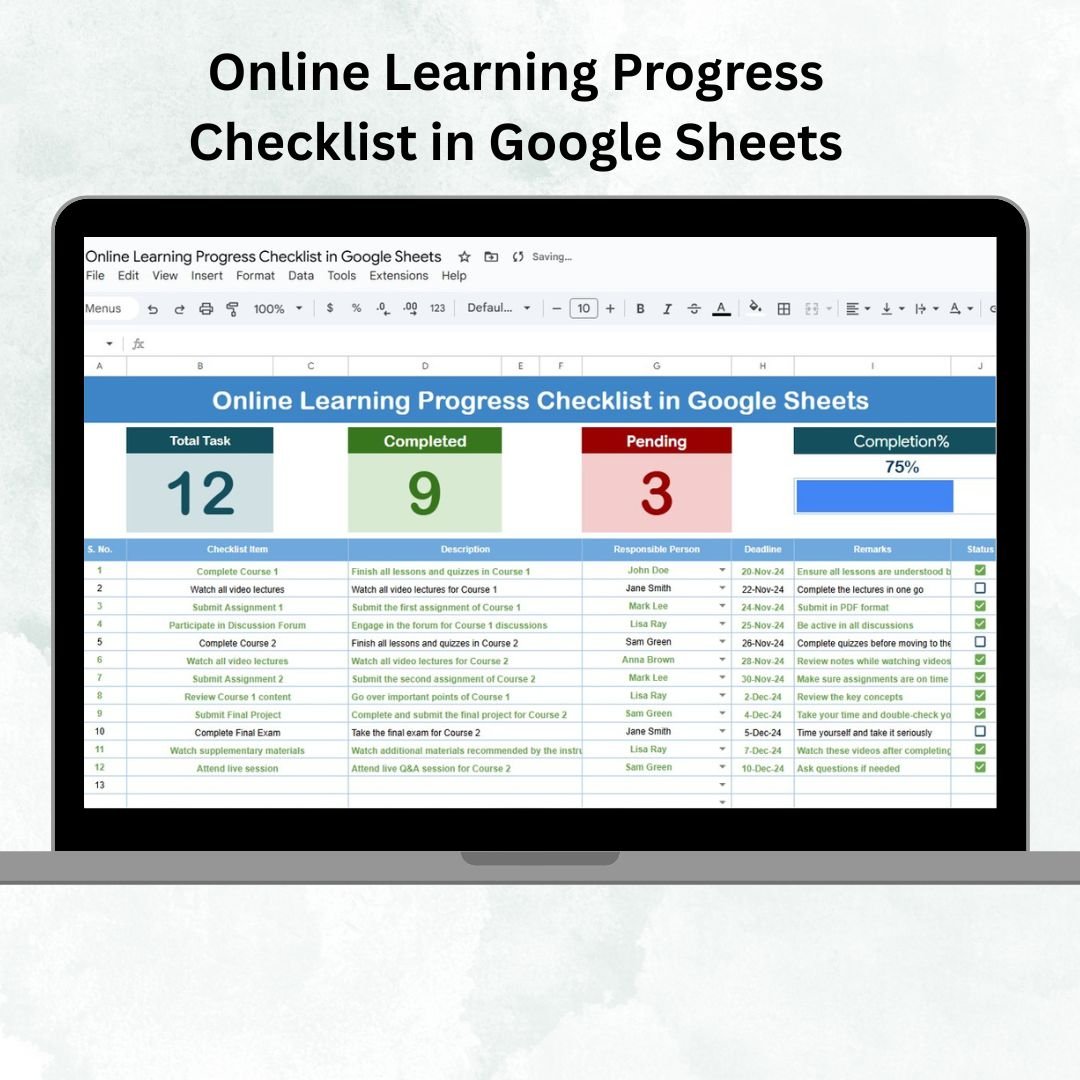

Online learning can be overwhelming when multiple courses, assignments, and training milestones are in play. Without a structured tracking system, it’s easy to miss deadlines, lose track of progress, and compromise learning outcomes. The Online Learning Progress Checklist in Google Sheets solves this challenge by providing a ready-to-use, interactive template that keeps learners, educators, and trainers organized and on track.
This template is designed to monitor progress visually, assign responsibilities, and highlight pending tasks at a glance. Whether you’re a student, teacher, trainer, or HR professional, this checklist ensures accountability and better learning outcomes through systematic progress tracking.
🔑 Key Features of Online Learning Progress Checklist
📋 Main Sheet Tab
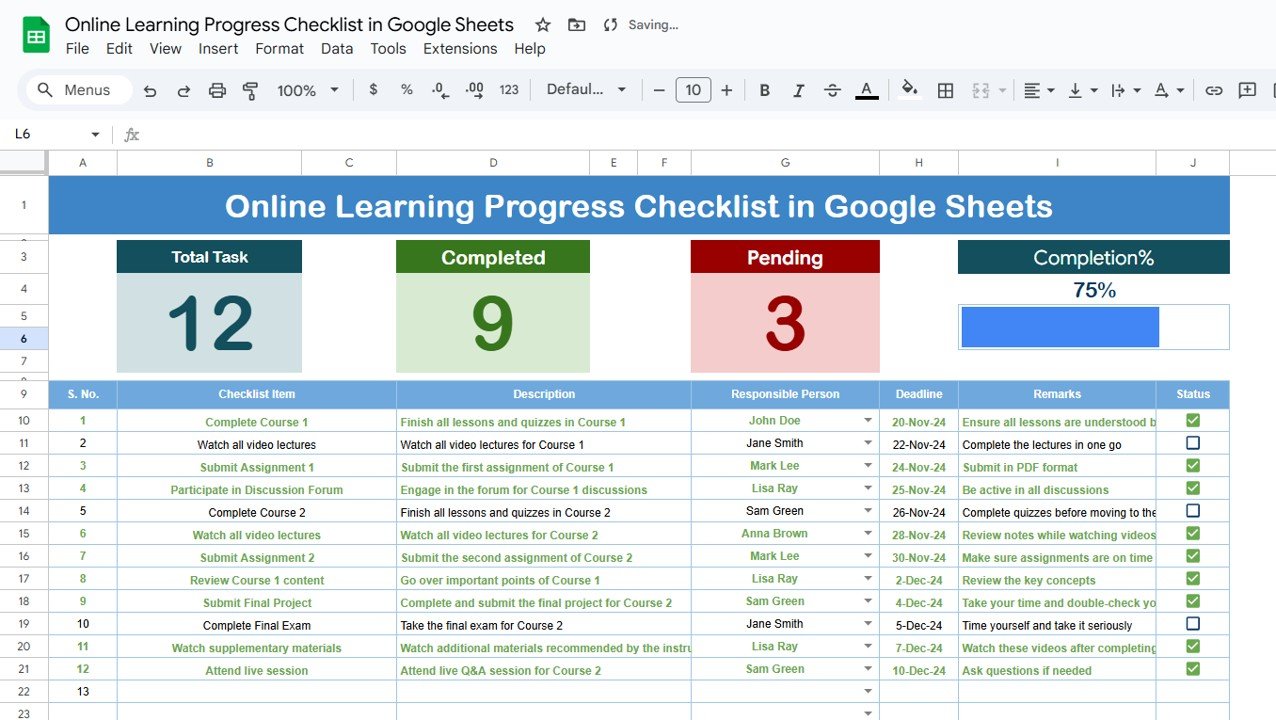
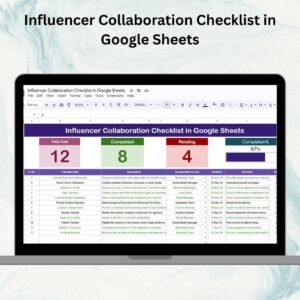
Dashboard Summary at the top with:
Total Count of tasks
Completed Count
Pending Count
Progress Bar (auto-updating as tasks are marked ✔ or ✘)
Checklist Table to capture details such as:
Serial No.
Checklist Item (e.g., course module, assignment, or activity)
Description
Responsible Person
Deadline
Remarks
Status (✔ for completed, ✘ for pending)
📑 List Sheet Tab
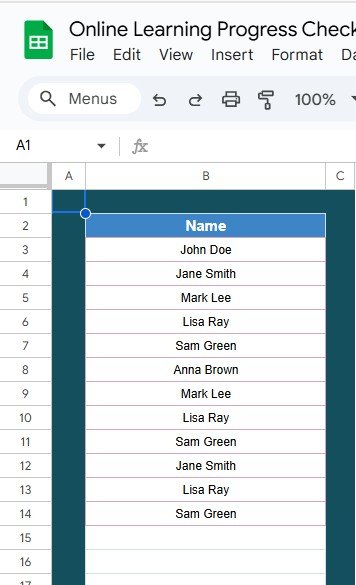
Stores the unique list of Responsible Persons.
Populates drop-down menus in the main sheet for consistency.
Reduces data entry errors and ensures accountability.
📦 What’s Inside the Checklist
✅ 2 Pre-Built Tabs – Main Checklist & List Sheet
✅ Interactive Dashboard – Auto-calculated progress counts and percentage bar
✅ Task Assignment – Assign responsibilities with drop-down menus
✅ Status Tracking – Mark tasks with ✔ or ✘ for real-time monitoring
✅ Customizable Fields – Add more tasks, columns, or responsible persons as needed
✅ Google Sheets Collaboration – Multiple users can update simultaneously
👥 Who Can Benefit from This Checklist?
🎓 Students – Organize learning milestones and stay exam-ready.
👩🏫 Teachers – Monitor student progress across assignments and activities.
📚 Trainers – Track course completion for learners in professional programs.
🏢 HR & L&D Teams – Manage employee training and e-learning initiatives.
👥 Study Groups – Share responsibilities and monitor group tasks collectively.
This checklist is flexible enough for individual learners and organizational training programs alike.
📋 Best Practices for Using the Checklist
🔄 Update Regularly – Add tasks and mark statuses promptly.
📊 Review Weekly – Use the progress bar to monitor completion trends.
🎯 Standardize Task Names – Keep task names consistent for easier reporting.
🔍 Leverage Filters – Sort or filter tasks by Responsible Person or Status.
💾 Back Up Data – Download copies to avoid accidental loss.
✅ Advantages of Online Learning Progress Checklist
Centralized Progress Tracking – All tasks in one place.
Visual Dashboard – Clear cards and progress bar for instant insights.
Improved Accountability – Assign responsibilities and deadlines.
Error Reduction – Drop-down menus prevent incorrect entries.
Customizable & Flexible – Adaptable for any learning program.
Cost-Effective – Built on Google Sheets, requiring no expensive LMS.
🔗 Click here to read the Detailed blog post
Watch the step-by-step video Demo:
🔗 Visit our YouTube channel to learn step-by-step video tutorials
Compatibility and Requirements
- Works in Google Sheets. You need a free Google account and a web browser.
- You pick the Responsible Person for each task from a dropdown filled from the List sheet. Google explains dropdowns in Create an in-cell dropdown list.
Frequently Asked Questions
Which sheets are included?
Two sheets: the Main sheet with the dashboard summary and checklist table, and the List sheet that stores the Responsible Persons.
How do I record progress?
Mark each task in the Status column with a check mark for completed or a cross for pending. The Total, Completed and Pending counts and the progress bar update from those marks.
How do I add people to the Responsible Person dropdown?
Add the names to the List sheet. The dropdown on the Main sheet uses that list.
Can I add more tasks or columns?
Yes. The fields are customizable, so you can add tasks, columns or responsible persons to fit your course or training program.
Can several people update it at once?
Yes. It is a Google Sheets file, so multiple users can update it at the same time.
Is there an Excel version?
Yes. See the Online Learning Progress Checklist in Excel.
Related Learning and Checklist Templates
- Online Learning Progress Checklist in Excel: the same checklist for Excel
- Student Progress Tracker Checklist in Google Sheets: a checklist for tracking student progress
- Online Learning Platforms Dashboard in Google Sheets: a dashboard view for online learning platforms
- Project Management Checklist in Google Sheets: a task checklist for projects
- Education & School Management Bundle: 8 Excel and Google Sheets templates for schools in one download
Browse all Google Sheets checklists.































Reviews
There are no reviews yet.