


✨ Key Features of Monthly Review To-Do List Checklist in Google Sheets
✅ All-in-One Review System: The Monthly Review To-Do List Checklist in Google Sheets helps you organize, track, and evaluate monthly goals in one place — no need for multiple tools.
💻 Built on Google Sheets: Access it anytime, anywhere, and collaborate seamlessly with your team in real time.
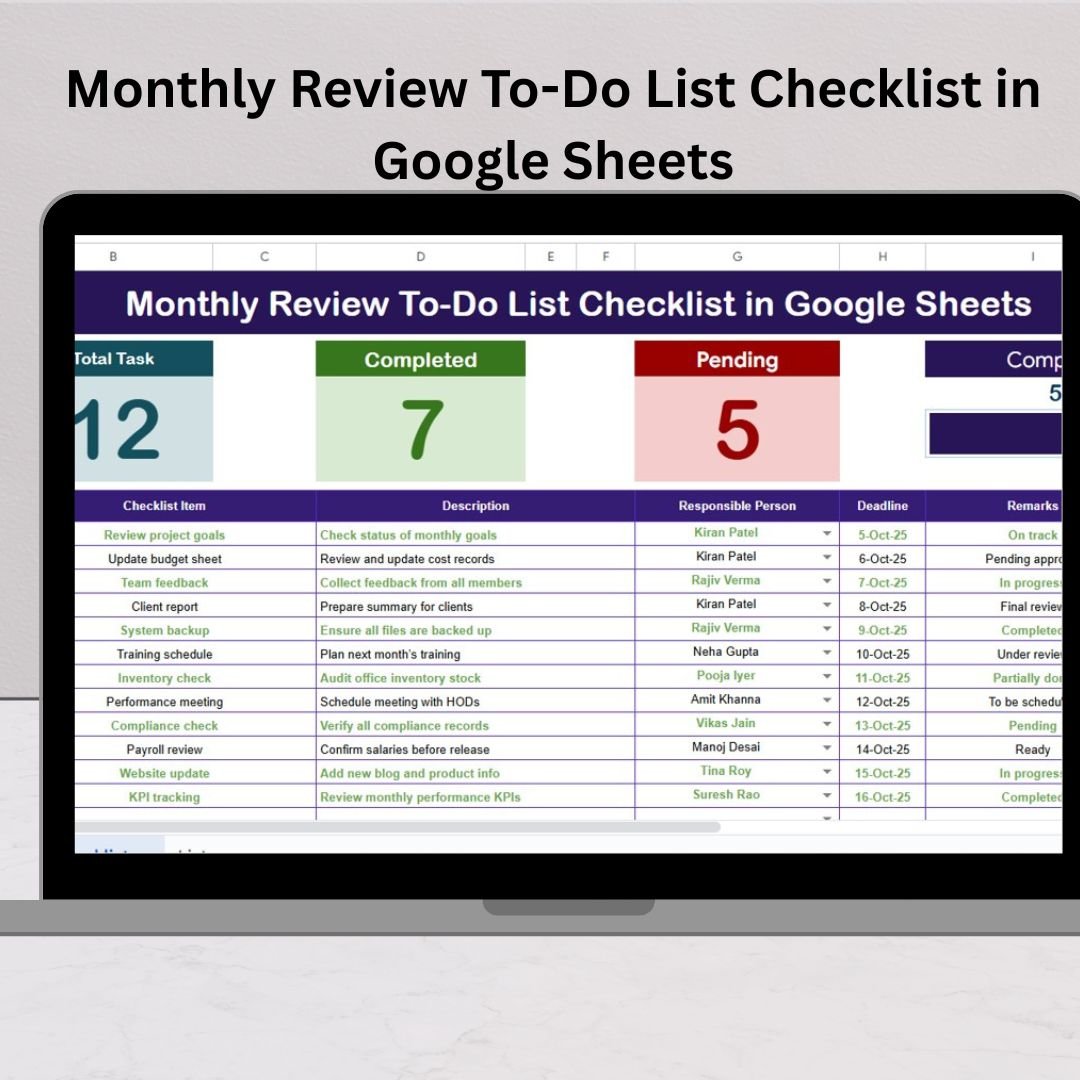
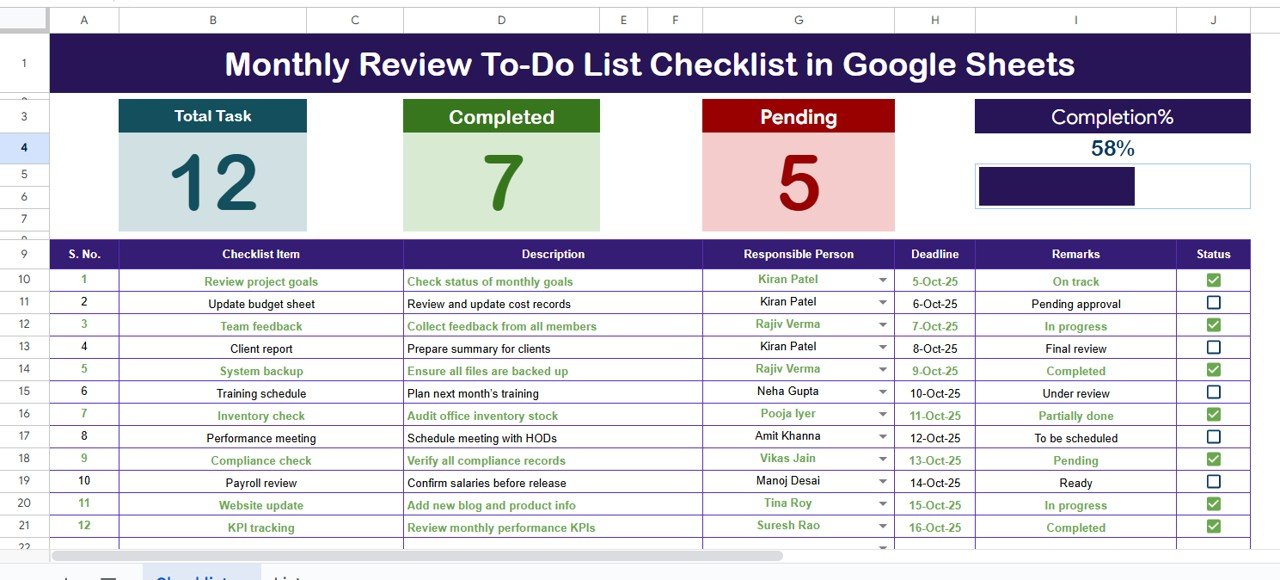
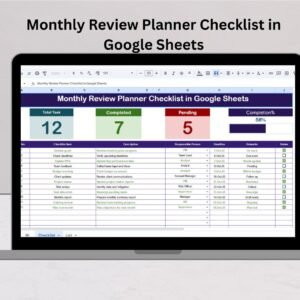
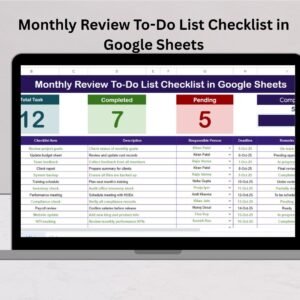
📊 Progress Cards & Bar: Instantly view your total, completed, and pending tasks with a dynamic progress bar that updates automatically.Monthly Review To-Do List Checklist in Google Sheets
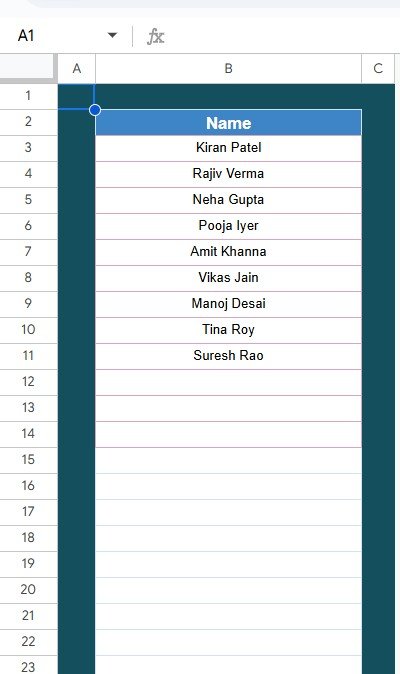
👥 Dropdown Assignments: Assign tasks using pre-filled responsible-person lists to maintain clarity and accountability.
📅 Deadline Tracking: Each task includes a deadline field to keep reviews timely and structured.
⚙️ Automation Ready: Pre-built formulas and conditional formatting ensure automatic updates, reducing manual effort.
🔐 Secure & Reliable: Protect formula cells and headers to prevent accidental edits.Monthly Review To-Do List Checklist in Google Sheets
📈 Customizable Dashboard: Add charts, filters, and summaries for deeper monthly insights.
📦 What’s Inside the Monthly Review To-Do List Checklist in Google Sheets
This digital product includes two structured worksheet tabs designed for performance and clarity:
1️⃣ Main Checklist Sheet Tab – The heart of your monthly tracking system.
Add all review tasks and assign responsible persons.
Track task completion using ✔ or ✘ symbols.Monthly Review To-Do List Checklist in Google Sheets
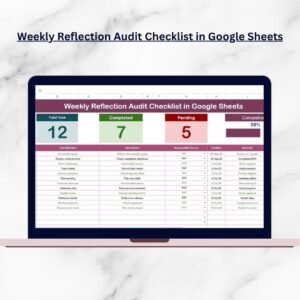
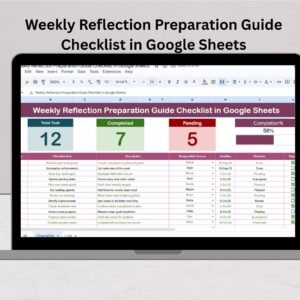
View total, completed, and pending counts automatically.
Monitor real-time progress with a smart visual bar.
2️⃣ List Sheet Tab – The data backbone of your checklist.
Stores dropdown lists for responsible persons.
Ensures accuracy, consistency, and quick updates.
Keeps all team assignments organized for multiple months.Monthly Review To-Do List Checklist in Google Sheets
Together, these tabs create a simple yet powerful review workflow — ideal for both personal and professional use.
🧭 How to Use the Monthly Review To-Do List Checklist in Google Sheets
🪄 Step 1: Open or copy the checklist to your Google Drive. Rename it to match your review month (e.g., October 2025 Review).
📝 Step 2: Enter your monthly goals or activities under Checklist Item.
👤 Step 3: Assign responsible persons via dropdowns for accountability.
📆 Step 4: Set task deadlines and ensure they align with your review cycle.
✔️ Step 5: Mark tasks as completed (✔) or pending (✘) — the cards and progress bar update instantly.
💬 Step 6: Add remarks for each task — “Completed,” “Follow-up required,” or “Pending approval.”
📊 Step 7: Analyze your progress using pie charts or trend summaries to identify improvements month-to-month.
The entire process is automated, visual, and user-friendly — saving hours of manual tracking.
🎯 Who Can Benefit from This Monthly Review To-Do List Checklist
👩💼 Managers & Team Leads: Track departmental KPIs, project milestones, and employee performance reviews.
📊 Finance Teams: Review budget utilization, invoices, and monthly reconciliations efficiently.
📣 Marketing Professionals: Audit campaigns, social performance, and monthly reports with clarity.
🏢 Operations Teams: Monitor quality checks, process audits, and logistics updates.
🧑🎓 Students & Freelancers: Manage goals, learning tasks, and client deliverables effectively.
💪 Personal Users: Track personal goals such as fitness, self-learning, or financial progress.
No matter your industry, this checklist empowers you to stay organized, measure growth, and make smarter monthly decisions.
🛠️ Why Choose This Template?
100% editable Google Sheets file — no installation required.
Real-time collaboration for teams.
Automatically calculates completion % with live progress bar.
Visually appealing design optimized for productivity.
Ready-to-use and simple enough for beginners.
It’s your one-stop tool for monthly accountability, transparency, and goal tracking.
Click here to read the detailed blog post
Watch the step-by-step video tutorial:
Visit our YouTube channel to learn step-by-step video tutorials
Compatibility and Requirements
- Works in Google Sheets with a free Google account and a web browser.
- Make a copy to your own Google Drive, then share it with your team if you want to work on it together.
- New to Sheets? Google’s guide How to use Google Sheets covers the basics.
Frequently Asked Questions
What tabs are in the Monthly Review To-Do List Checklist?
Two tabs. The Main Checklist tab holds your review tasks, responsible persons, deadlines, status and remarks. The List tab stores the names used in the responsible-person dropdown.
How do I mark a task as done?
Set its status to ✔ for completed or ✘ for pending. The total, completed and pending counts and the progress bar update on their own.
Can I change the names in the dropdown?
Yes. Edit the names on the List tab and the responsible-person dropdown on the Main Checklist tab picks up the new list.
Can I reuse it every month?
Yes. Make a copy for each month and rename it, for example October 2025 Review, then clear the status column and start again.
Related Monthly Review and Checklist Templates
- Monthly Review To-Do List Checklist in Excel: the same to-do checklist in Excel
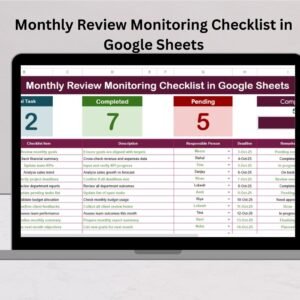
- Monthly Review Monitoring Checklist in Google Sheets: a monitoring version of the monthly review checklist
- Monthly Performance Review Checklist in Google Sheets: a checklist for monthly performance reviews
- Monthly Review Tracking Checklist in Excel: a monthly review tracking checklist in Excel
- Checklist & SOP Pack: 12 checklist templates in one bundle
Browse all Google Sheets checklists.











Reviews
There are no reviews yet.