

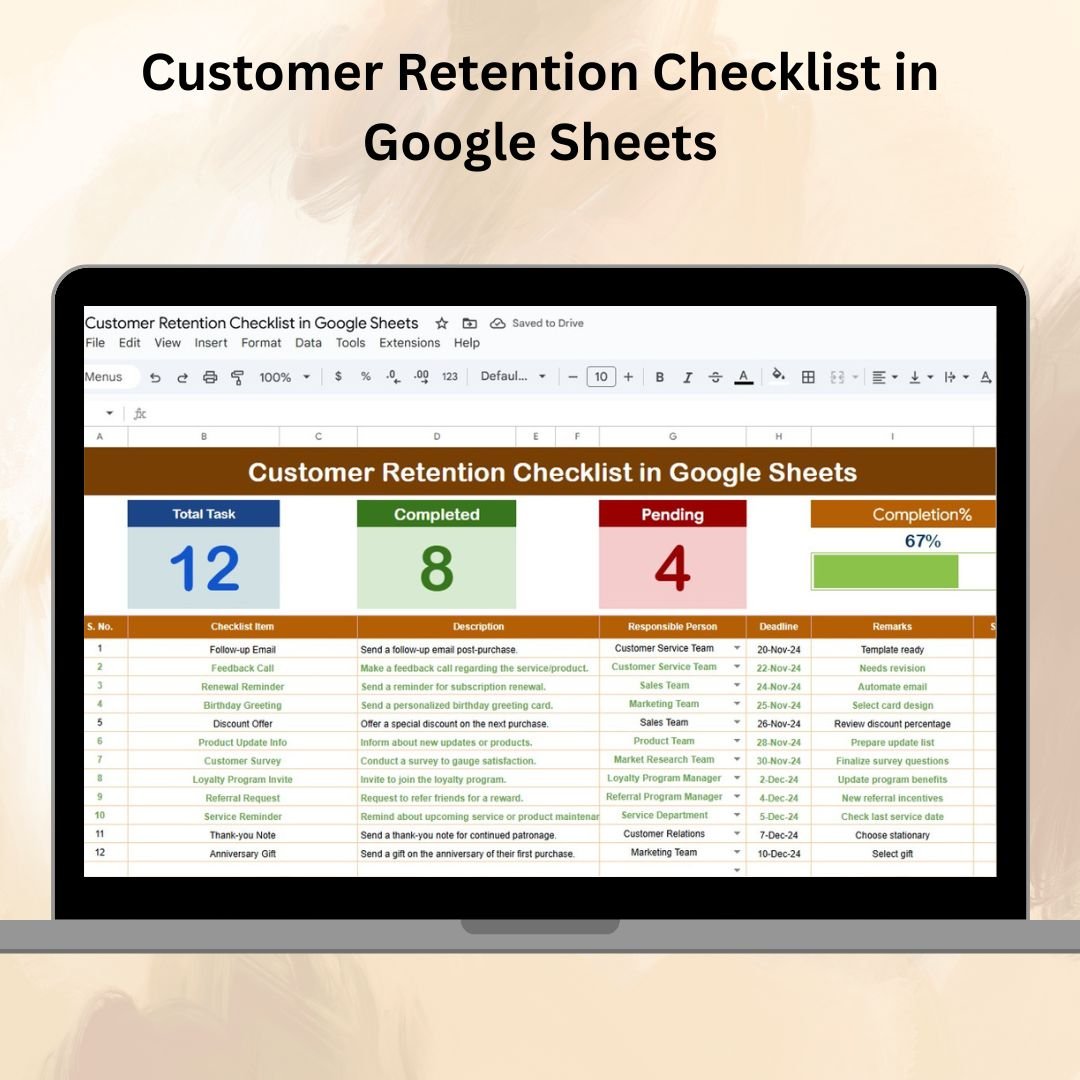

Customer retention is one of the most powerful growth strategies for any business. 📈 Keeping your existing customers happy and engaged not only increases revenue but also builds long-term loyalty and generates referrals. The challenge? Managing retention strategies effectively without missing critical steps. That’s why we created the Customer Retention Checklist in Google Sheets — a ready-to-use, customizable tool that centralizes all your retention efforts in one structured sheet.
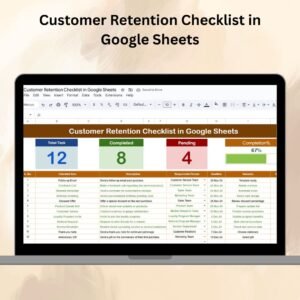
This checklist helps you organize, assign, and track customer retention activities while providing real-time progress updates through summary cards and a dynamic progress bar. Whether you’re a small business owner, a marketing professional, or a customer success manager, this tool ensures that no retention strategy falls through the cracks.
🔑 Key Features of the Customer Retention Checklist
📊 Main Checklist Sheet Tab
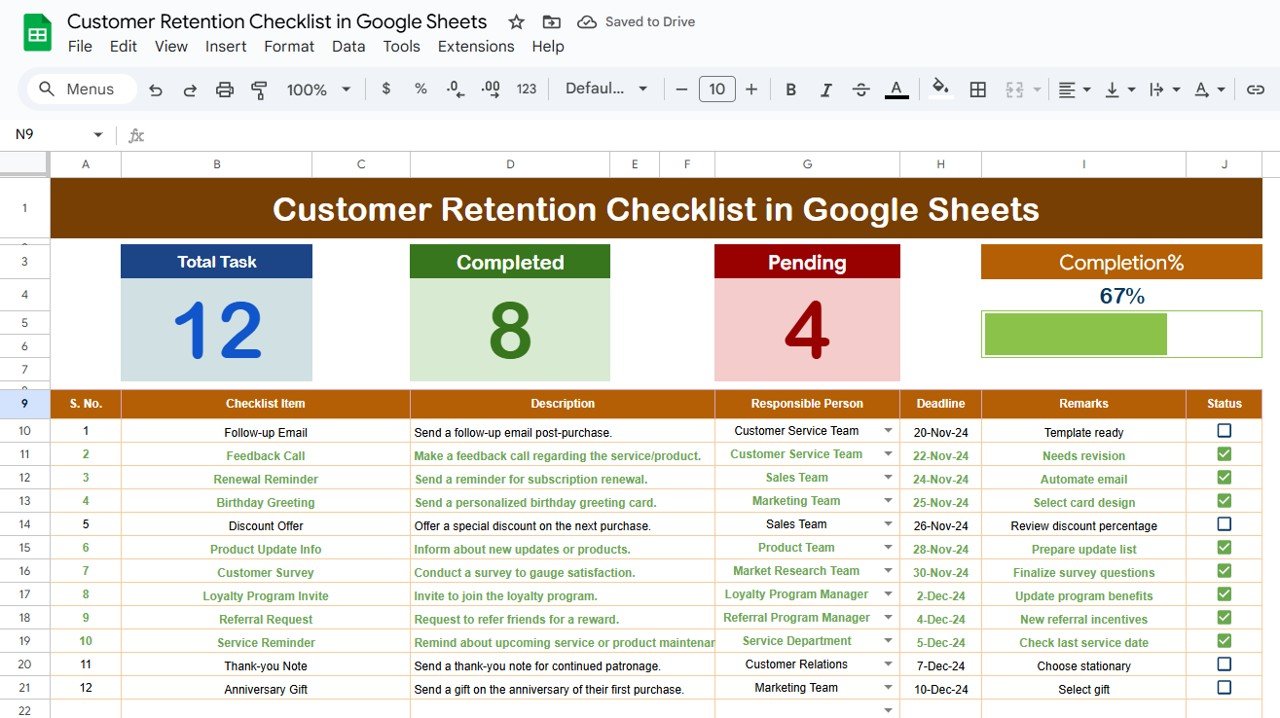
Summary Cards – Instantly view:
Total number of retention activities
Completed tasks (✔)
Pending tasks (✘)
Progress bar showing % completion
Detailed Task Table with:
Serial No.
Checklist Item
Description
Responsible Person
Deadline
Remarks
Status (✔ or ✘)
This layout gives a clear view of all retention efforts in one place.
👥 List Sheet Tab
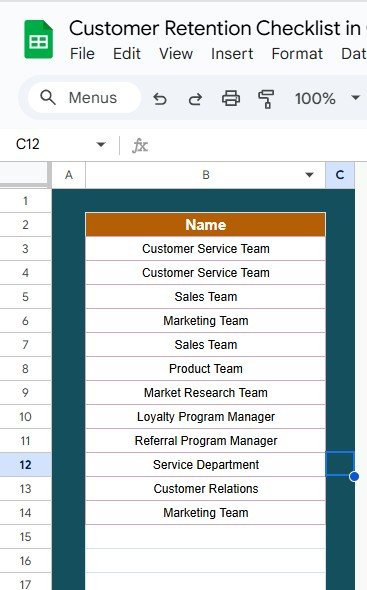
Stores a unique list of responsible persons
Integrated as a dropdown menu in the main sheet
Ensures accuracy and accountability in task assignments
📦 What’s Inside the Customer Retention Checklist?
✅ Main Checklist Tab – Centralized task table with cards & progress bar
✅ List Tab – Responsible persons database for dropdown assignments
✅ Pre-Filled Sample Data – See how it works right away
✅ Real-Time Progress Tracking – Automatic updates when statuses change
✅ Customizable Structure – Add new columns, KPIs, or notes as needed
🧠 How to Use the Customer Retention Checklist
Add Retention Activities – Enter initiatives into the checklist (e.g., loyalty program updates, customer follow-ups, feedback collection).
Assign Tasks – Use the dropdown from the List Sheet to assign responsibilities.
Set Deadlines – Keep timelines realistic and trackable.
Update Status – Mark tasks as ✔ completed or ✘ pending to update progress automatically.
Monitor Progress – Track completion rates with the cards and progress bar.
Collaborate in Real-Time – Share the sheet with your team for live updates.
👥 Who Can Benefit from This Checklist?
Small Business Owners – Ensure customer loyalty strategies aren’t missed
Marketing Teams – Track retention campaigns and engagement efforts
Customer Success Managers – Organize follow-ups and satisfaction surveys
Sales Teams – Maintain ongoing client relationships
Agencies – Standardize retention checklists across multiple clients
⭐ Advantages of Using the Customer Retention Checklist
📑 Organized Task Management – All retention activities in one place
📊 Visual Progress Tracking – See progress instantly with cards & bar
👥 Clear Accountability – Assign responsibilities with dropdowns
⏱ Time-Saving – Avoid building a checklist from scratch
🛠 Customizable – Add tasks, KPIs, or workflows tailored to your business
🤝 Collaboration-Ready – Multiple users can edit simultaneously
💡 Churn Reduction – Helps ensure every retention strategy is executed
🔗 Click here to read the Detailed blog post
Watch the step-by-step video Demo:
🔗 Visit our YouTube channel to learn step-by-step video tutorials
Compatibility and Requirements
- Works in Google Sheets. You need a free Google account and a web browser.
- You assign each task to a person from a dropdown on the main Checklist sheet. Google explains dropdowns in Create an in-cell dropdown list.
Frequently Asked Questions
Which sheets are included?
Two sheets: the main Checklist sheet and a List sheet that stores the responsible persons.
What does each task row contain?
Serial number, checklist item, description, responsible person, deadline, remarks and status (✔ or ✘).
How do I assign a task to someone?
Add the person’s name to the List sheet. It then appears in the Responsible Person dropdown on the main sheet.
How is progress calculated?
The summary cards count total, completed and pending activities. The progress bar shows the percentage complete, and both update when you change a status.
Is there an Excel version?
Yes. See the Customer Retention Checklist Template in Excel.
Related Customer Retention Templates
- Customer Retention Checklist Template in Excel: the same checklist for Excel
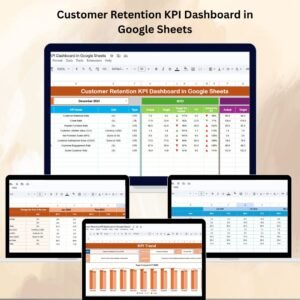
- Customer Retention KPI Dashboard in Google Sheets: track retention KPIs in Google Sheets
- Customer Feedback Checklist in Google Sheets: a checklist for collecting feedback
- Customer Complaint Tracker in Google Sheets: log and follow up on complaints
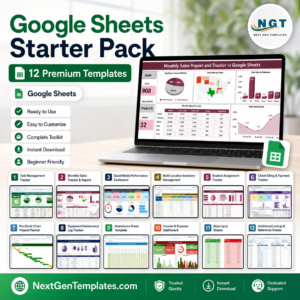
- Google Sheets Starter Pack: 12 Google Sheets templates in one download
Browse all Google Sheets checklists.






Reviews
There are no reviews yet.