

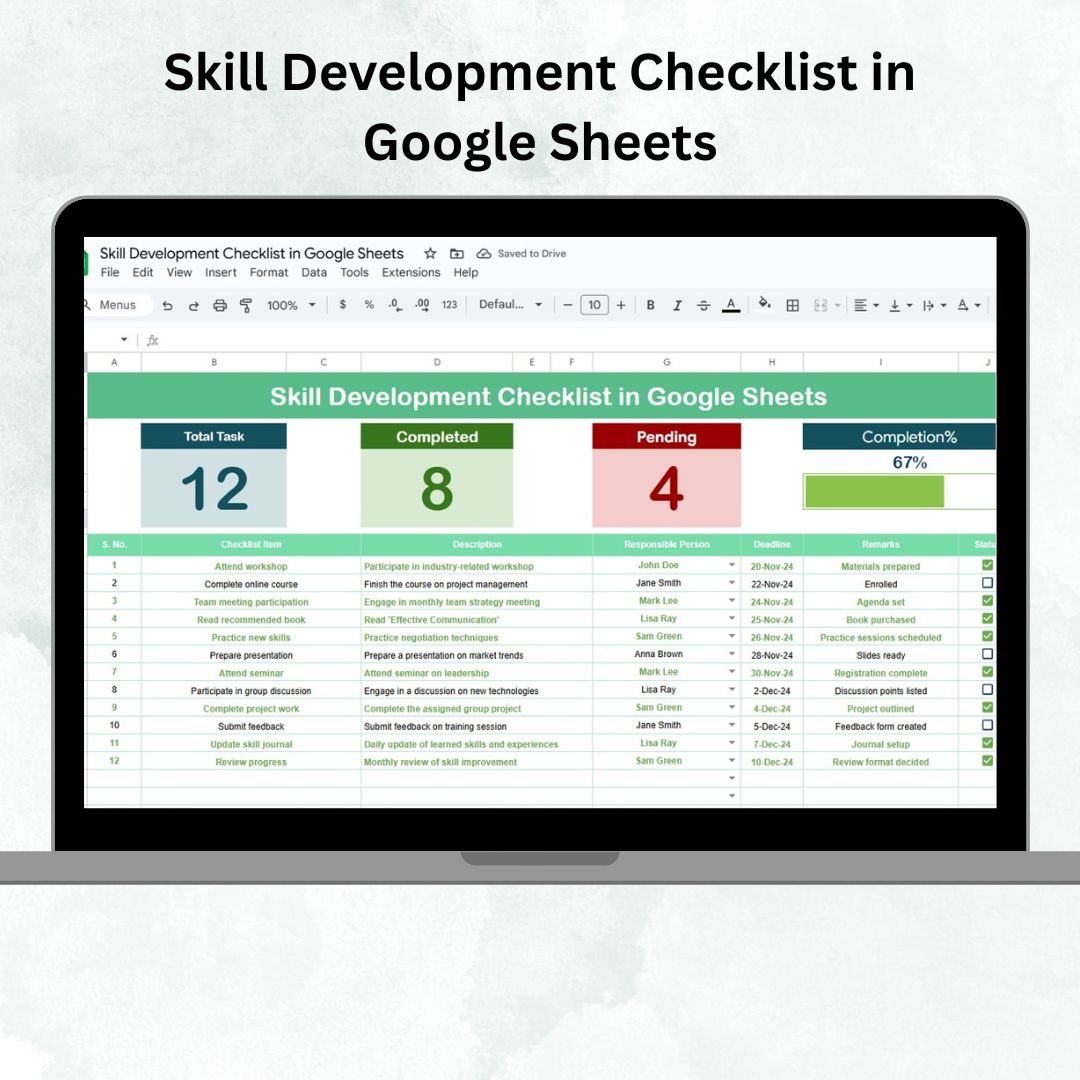
Skill development is at the core of both personal growth and organizational success. Without a structured tracking system, employees and managers often lose visibility of progress, deadlines, or accountability. That’s where the Skill Development Checklist in Google Sheets comes in — a ready-to-use, dynamic template designed to simplify skill-building management. 🚀📊
This template is ideal for HR teams, managers, and employees who want to ensure continuous learning, close skill gaps, and achieve professional development goals. With real-time collaboration and built-in progress tracking, it keeps learning initiatives transparent, accountable, and on track.
🔑 Key Features of Skill Development Checklist
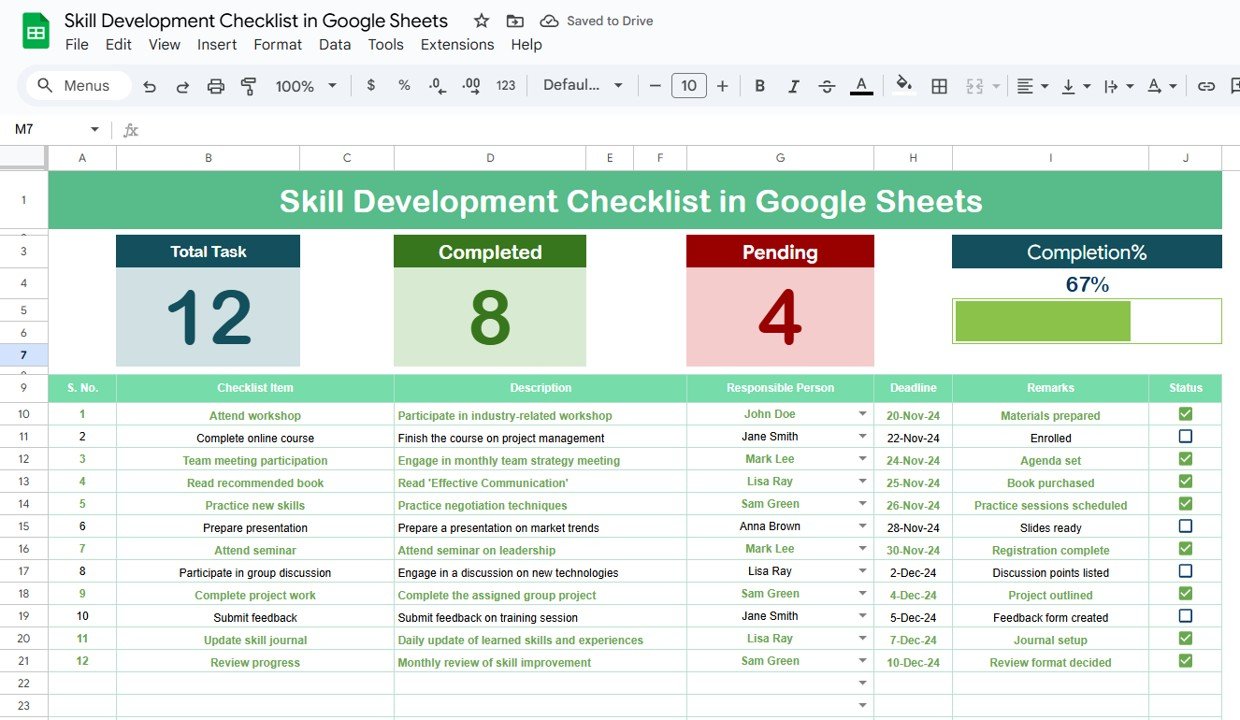
📋 Main Sheet Tab – Skill Development Checklist
Dashboard Cards at the top show:
Total Count – Number of tasks created.
Completed Count – Tasks finished (✔).
Pending Count – Tasks yet to be done (✘).
Progress Bar – Visual tracker showing completion percentage.
Checklist Table includes:
Serial No.
Checklist Item (skill-building task)
Description
Responsible Person
Deadline
Remarks
Status (✔ or ✘ for progress tracking)
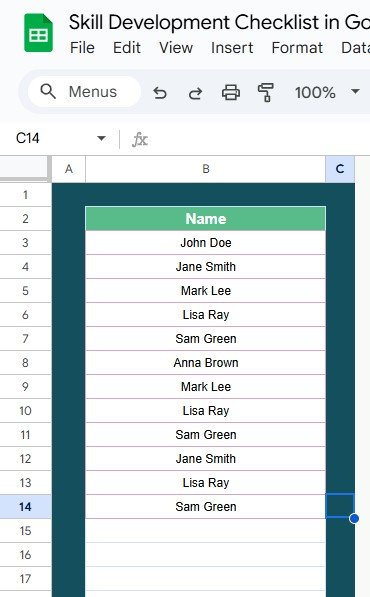
📑 List Sheet Tab
Stores unique names of responsible persons.
Enables drop-down menus for assigning responsibilities.
Ensures consistency and prevents manual errors.
📦 What’s Inside the Checklist
✅ 2 Pre-Built Tabs – Main Checklist & List Sheet
✅ Interactive Dashboard – Auto-updating counts & progress bar
✅ Task Accountability – Assign owners with deadlines
✅ Simple Status Tracking – ✔ for completed, ✘ for pending
✅ Customizable Columns – Adapt for training, certifications, or personal development
✅ Cloud-Based – Share and update in real time with Google Sheets
👥 Who Can Benefit from This Checklist?
🏢 HR Professionals – Track employee learning programs.
👩💼 Managers – Ensure team members complete training on time.
👨💻 Employees – Self-manage learning goals and monitor progress.
📚 Training Coordinators – Organize and track group skill-building sessions.
👥 Students & Individuals – Plan personal development milestones.
This tool is designed for individual use, teams, and organizations, making it versatile and effective across industries.
📋 Best Practices for Skill Development Tracking
🎯 Define Clear Goals – Link each skill to career or business objectives.
📅 Set Realistic Deadlines – Keep timelines motivating yet achievable.
🔄 Update Status Promptly – ✔ completed tasks to maintain accuracy.
📊 Analyze Progress – Use visual indicators to spot gaps early.
👩🏫 Assign Responsibilities Clearly – Avoid duplication or confusion.
🔍 Review Regularly – Adjust priorities based on changing needs.
📝 Use Remarks Column – Note challenges, improvements, or achievements.
✅ Advantages of Skill Development Checklist
Organized Tracking – Manage all skill-building tasks in one place.
Improved Accountability – Assign tasks with deadlines and owners.
Visual Progress Monitoring – Cards & bars keep everyone informed.
Centralized Database – Accessible and editable by multiple users.
Flexible & Customizable – Modify to fit personal or organizational needs.
Cost-Effective – Eliminates need for expensive software.































Reviews
There are no reviews yet.