

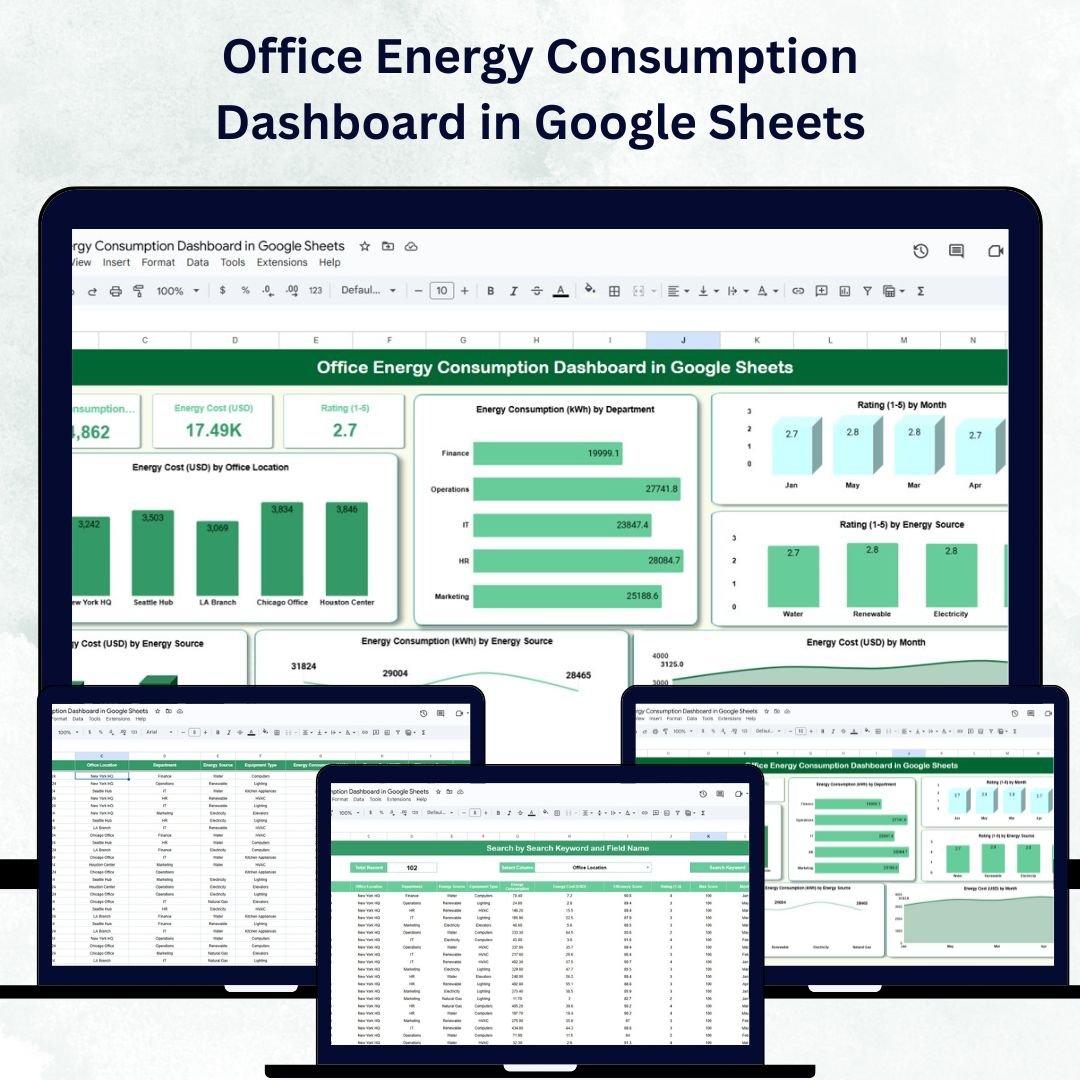

Energy efficiency is no longer just a cost-saving strategy — it’s a business imperative that supports both financial performance and environmental responsibility. The Office Energy Consumption Dashboard in Google Sheets is a ready-to-use, interactive tool designed to help organizations track, analyze, and optimize energy usage across departments and office locations. 📊⚡
Built in Google Sheets, this dashboard empowers facility managers, sustainability officers, and finance teams to monitor energy consumption, evaluate efficiency, and reduce operational costs — all within a user-friendly, collaborative platform. 🌍💼
🔑 Key Features of the Office Energy Consumption Dashboard
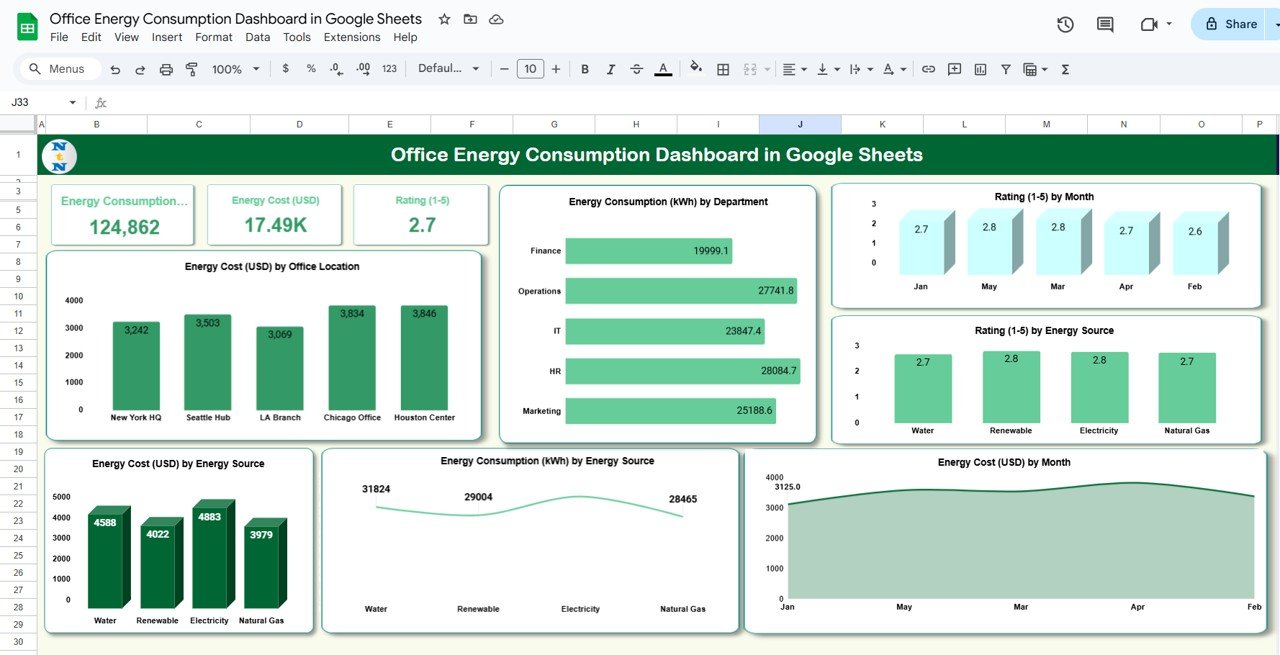
📊 Dashboard Sheet Tab
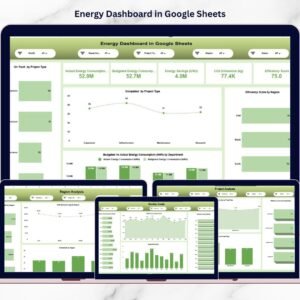
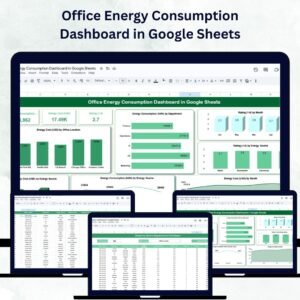
A powerful visual summary of energy usage and costs through key metrics and charts:
Energy Consumption (kWh): Total energy used
Energy Cost (USD): Total spending on energy
Rating (1–5): Sustainability or efficiency performance
Insightful charts include:
Energy Cost by Office Location
Energy Consumption by Department
Rating by Month
Rating by Energy Source (Electricity, Gas, Solar, etc.)
Energy Cost and Consumption by Energy Source
Energy Cost by Month for trend monitoring
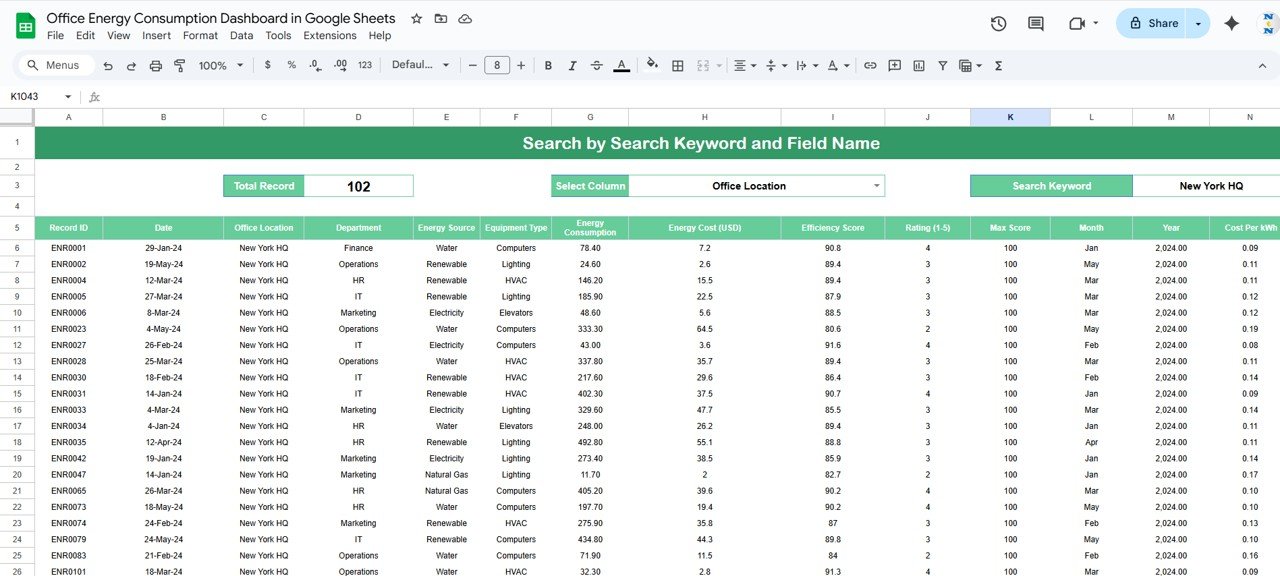
🔍 Search Sheet Tab
Quickly find specific records by keyword or field name
Filter results by department, office location, or equipment type
Perfect for targeted analysis and quick decision-making without scrolling through long data tables
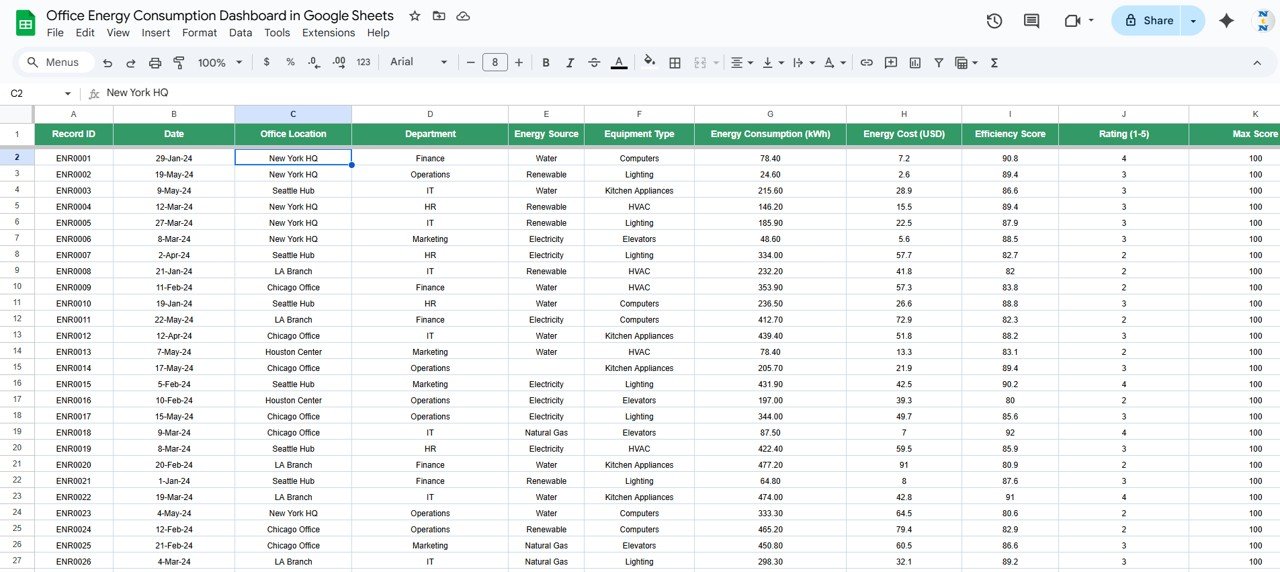
🧾 Data Sheet Tab
Centralized repository for all energy data, including:
Date, Department, Office Location, Energy Source, Cost, kWh, and Rating
Automatic updates to charts and dashboard visuals once new data is entered
Ensures consistent, reliable, and real-time performance monitoring
📦 What’s Inside the Office Energy Consumption Dashboard?
✅ Dashboard Sheet – Interactive charts and key performance cards
✅ Search Sheet – Easy-to-use filter for instant data lookup
✅ Data Sheet – Structured entry sheet with automated updates
✅ Sample Data Preloaded – Helps you understand functionality instantly
✅ Built-in Formulas & Dynamic Charts – No coding required
✅ Customizable Fields – Add your own metrics and energy sources
Everything is designed to be plug-and-play — just add your organization’s energy data and start tracking insights right away. 🚀
🧑💼 Who Can Benefit from This Dashboard?
🌿 Facility Managers – Monitor and control energy consumption across office buildings
💰 Finance Teams – Track energy costs and identify high-expense sources
🏢 Operations Managers – Evaluate departmental energy performance
🌎 Sustainability Officers – Measure and report on environmental KPIs
🧠 Executives & Auditors – Review high-level insights for compliance and strategy
This Google Sheets-based solution is ideal for businesses, nonprofits, and government organizations aiming to manage energy consumption more effectively.
🧪 How to Use the Office Energy Consumption Dashboard
Input Data – Add energy usage and cost details in the Data Sheet
Review the Dashboard – Visualize consumption, costs, and trends instantly
Search for Details – Use the Search Sheet for quick lookups by keyword or field
Monitor Monthly Trends – Identify seasonal patterns or spikes in energy use
Take Action – Implement energy-saving strategies based on data insights
With its clean design and real-time update capability, this dashboard ensures efficiency, accuracy, and collaboration for your entire team. ✅
🌟 Why Choose This Dashboard?
All-in-one energy tracking system in Google Sheets
Real-time collaboration and live updates
Visual insights via interactive charts and metrics
Monitors sustainability and efficiency scores
Fully customizable for any organization
No technical setup required — 100% ready to use
Take charge of your organization’s energy management with the Office Energy Consumption Dashboard in Google Sheets — where data meets sustainability. 🌿📈
🔗 Click here to read the Detailed blog post
Watch the step-by-step video Demo:
🔗 Visit our YouTube channel to learn step-by-step video tutorials
Compatibility and Requirements
- Works in Google Sheets with a free Google account and a web browser. Nothing to install.
- The charts read from the Data sheet and update when you add rows. Google’s guide to adding and editing charts explains how to change a chart if you need to.
Frequently Asked Questions
What does the Office Energy Consumption Dashboard show?
Three cards for energy consumption (kWh), energy cost (USD) and rating (1 to 5), plus charts for energy cost by office location, consumption by department, rating by month, rating by energy source, cost and consumption by energy source, and energy cost by month.
What data do I enter?
Each row on the Data sheet holds the date, department, office location, energy source, cost, kWh and rating. The dashboard updates from these rows.
How does the Search sheet work?
Type a keyword or pick a field name, and the sheet lists the matching records. You can narrow results by department, office location or equipment type.
Can I add my own energy sources?
Yes. The fields are editable, so you can add energy sources and metrics that match your offices.
Is there an Excel or Power BI version?
Yes. See the Office Energy Consumption Dashboard in Excel and the Office Energy Consumption Dashboard in Power BI.
Related Energy Templates
- Office Energy Consumption Dashboard in Excel: the same dashboard in Excel.
- Office Energy Consumption Dashboard in Power BI: the Power BI edition.
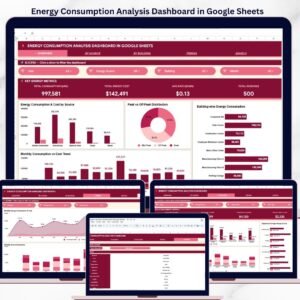
- Energy Consumption Analysis Dashboard in Google Sheets: deeper analysis of energy use.
- Energy Efficiency Checklist in Google Sheets: act on what the dashboard shows.
- Energy & ESG Sustainability Bundle: 8 Excel and Power BI templates for energy and ESG reporting.
Browse all Google Sheets dashboards or the Excel dashboards.






















Reviews
There are no reviews yet.