

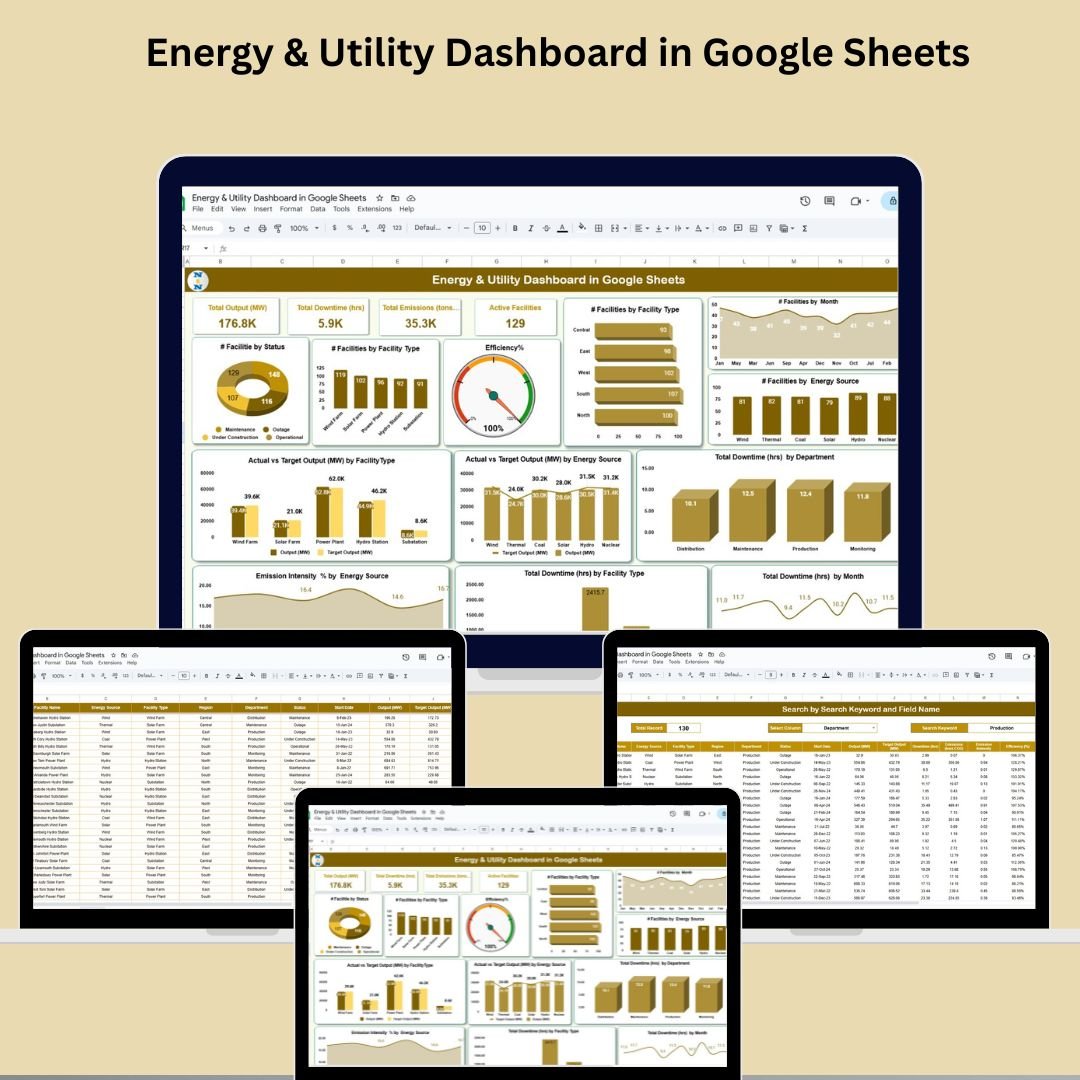

Efficiently managing energy production and facility performance is critical in today’s utility landscape. That’s where our Energy & Utility Dashboard in Google Sheets comes in—your all-in-one visual command center to track energy output, downtime, emissions, and facility efficiency in real time. 🌍⚙️
Whether you’re overseeing solar farms, hydro stations, or thermal plants, this powerful and intuitive dashboard puts actionable insights right at your fingertips—no advanced tech skills needed!
✨ Key Features of Energy & Utility Dashboard in Google Sheets
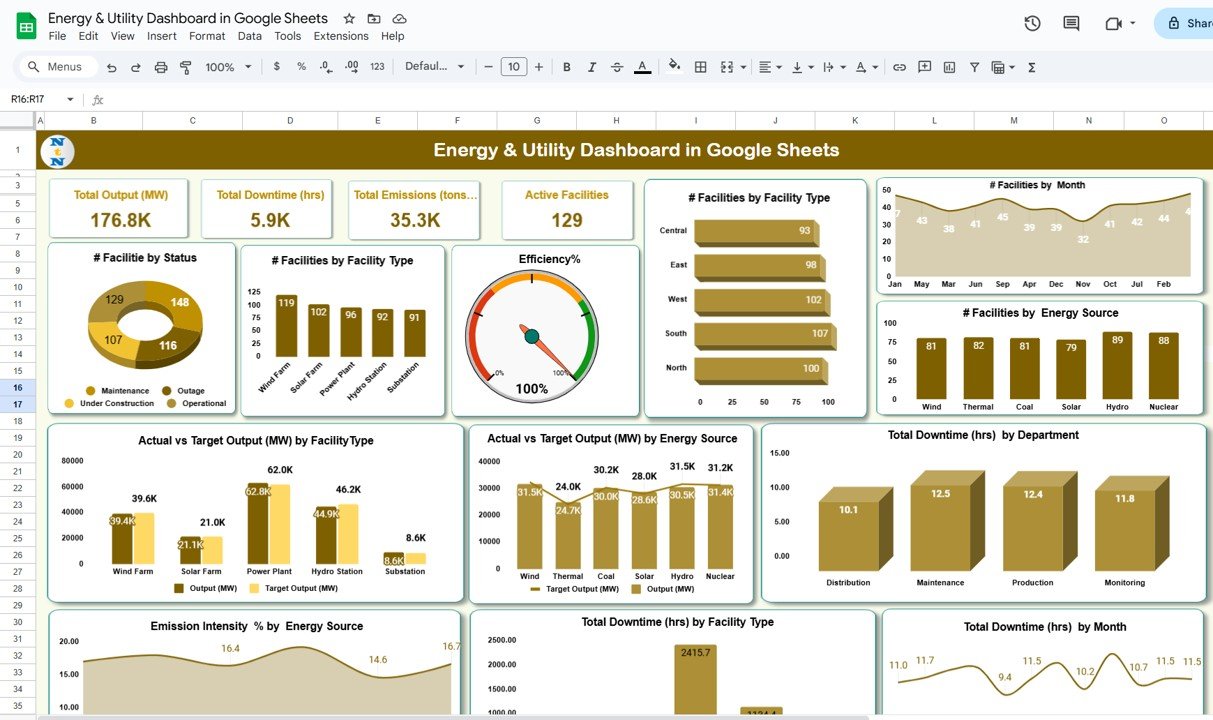
📊 Real-Time Performance Dashboard
Get an instant snapshot of key KPIs with easy-to-read cards:
Total Output (MW)
Total Downtime (hrs)
Total Emissions (tons CO₂)
Active Facilities
Efficiency %
📈 Dynamic Charts for Deep Analysis
Visualize and analyze performance across:
Facility status, type, and energy source
Actual vs Target output (MW)
Downtime trends by month, department & type
Emission intensity % by energy source
Efficiency comparison across facilities
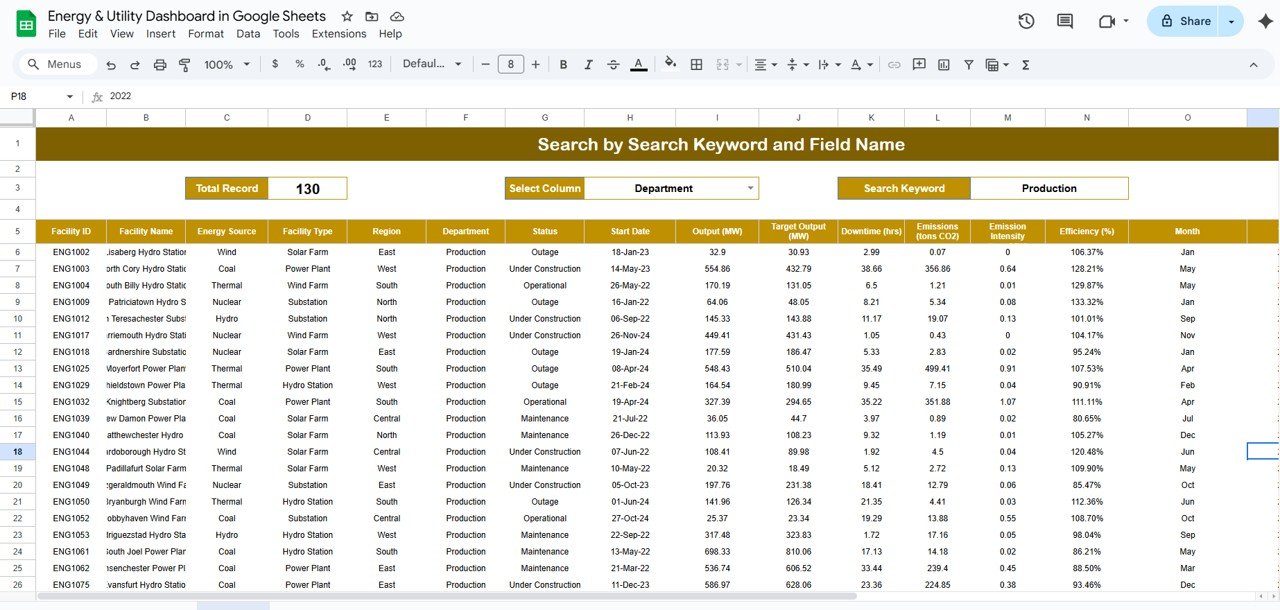
🔎 Smart Search Sheet
Quickly find specific insights by filtering by:
Facility Type
Energy Source
Region, Department, and more!
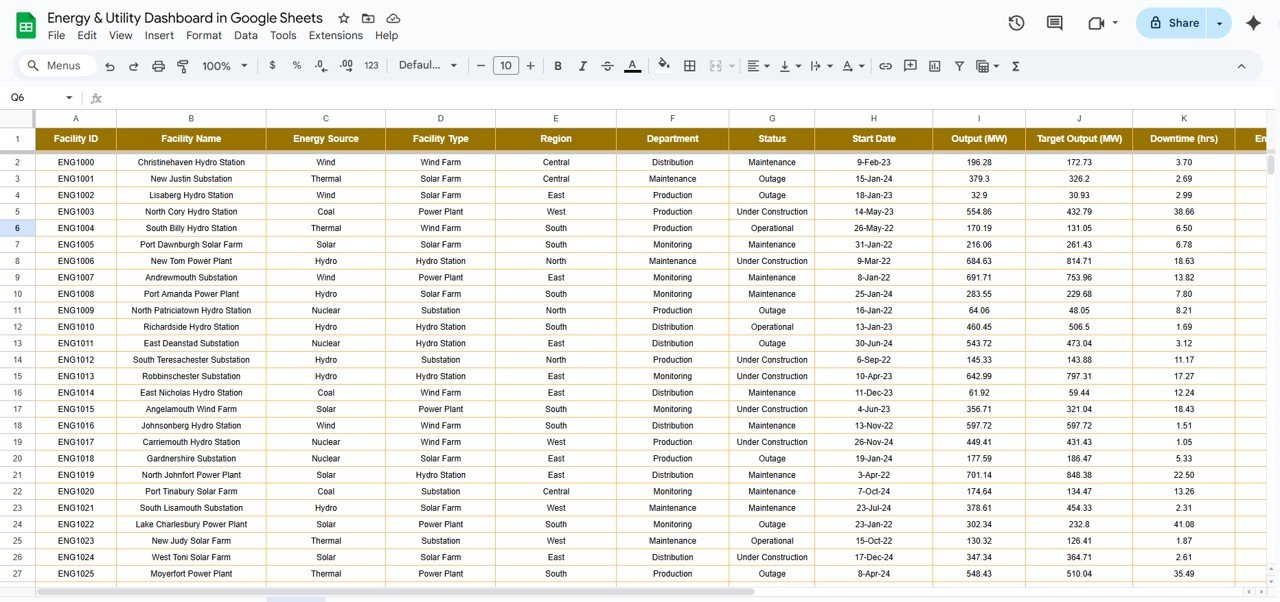
🧾 Structured Data Entry Tab
Track every detail in a clean format:
Output, target, emissions, efficiency
Facility type, region, department
Downtime hours, operational status, and more
Month & year-based data classification
📦 What’s Inside the Energy & Utility Dashboard
✅ Dashboard Tab – Packed with real-time KPIs and interactive charts
🔍 Search Tab – Filter records instantly by keyword or category
📝 Data Sheet Tab – Input your monthly metrics easily
📊 Auto-updating visuals across sheets
🌐 Built entirely in Google Sheets for cloud access & sharing
🛠️ How to Use the Energy & Utility Dashboard
🔄 Input your facility data in the Data Sheet Tab
📊 Watch your Dashboard update with live insights
🔎 Use the Search Tab to find specific performance data
📈 Monitor trends, bottlenecks & efficiency variances
📤 Share the file with team members for real-time collaboration
👥 Who Can Benefit from This Dashboard?
This dashboard is ideal for:
🏭 Energy & Utility Managers
🌞 Renewable Energy Analysts
🧑🔧 Maintenance & Production Teams
🌐 Sustainability Officers
🧾 Operations & Compliance Teams
🏢 Facility Managers in Power Plants or Utility Firms
Whether you operate 3 facilities or 300, this tool adapts to your scale and keeps your performance in check!
🔗 Click here to read the Detailed blog post
Watch the step-by-step video Demo:
📺 Visit our YouTube channel to learn step-by-step video tutorials
👉 YouTube.com/@NeotechNavigators
Compatibility and Requirements
- Works in Google Sheets with a free Google account and a web browser. Nothing to install.
- Charts are standard Google Sheets charts. Google explains them in Add & edit a chart or graph.
Frequently Asked Questions
Which KPIs are on the dashboard?
Cards show Total Output (MW), Total Downtime (hrs), Total Emissions (tons CO₂), Active Facilities and Efficiency %.
How do I find records for one facility type or region?
Use the Search tab. It filters records by facility type, energy source, region, department and other fields.
What data do I enter?
On the Data Sheet tab you enter output, target, emissions, efficiency, facility type, region, department, downtime hours, status, month and year.
Can my team work in the file at the same time?
Yes. It is a Google Sheets file, so you can share it for real-time collaboration.
Related Energy and Utility Templates
- Energy and Utility Dashboard in Excel: the same dashboard in Excel
- Energy and Utility Dashboard in Power BI: the same topic in Power BI
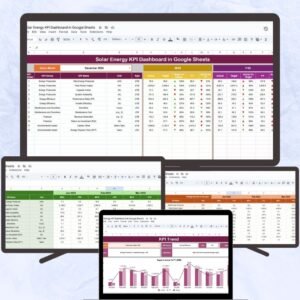
- Solar Energy KPI Dashboard in Google Sheets: KPIs for solar plants
- Office Energy Consumption Dashboard in Google Sheets: tracks energy use in offices
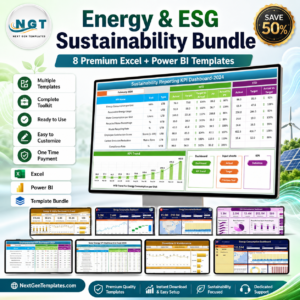
- Energy and ESG Sustainability Bundle: 8 energy and ESG templates in one bundle
Browse all Google Sheets dashboards or the Google Sheets templates.













Reviews
There are no reviews yet.