

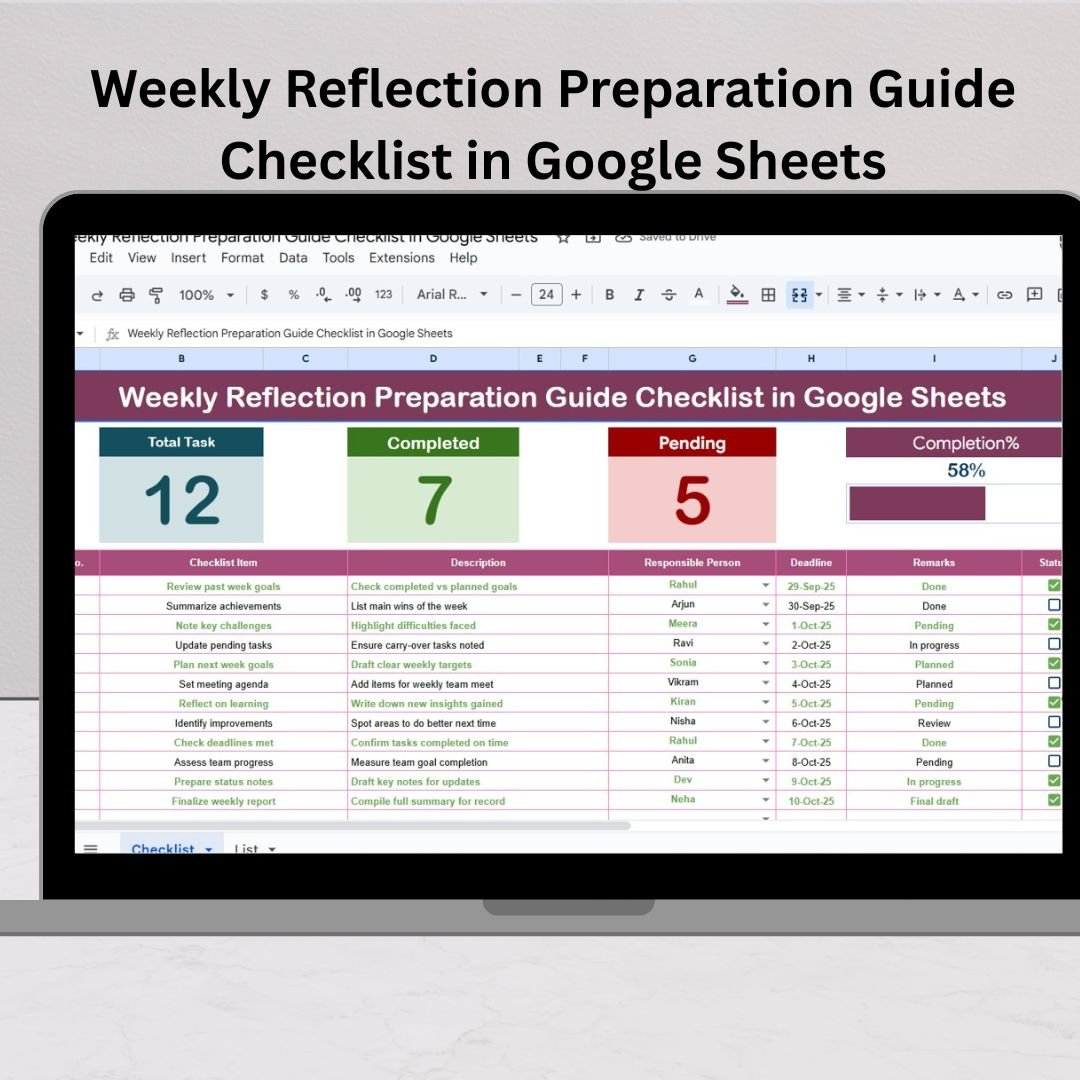

In today’s busy world, most of us rush through tasks without taking a step back to reflect on our achievements, challenges, and areas for improvement. That’s where the Weekly Reflection Preparation Guide Checklist in Google Sheets comes in. This ready-to-use template is designed to help you pause, analyze your week, and plan smarter for the next one. Whether you’re a student, professional, manager, or entrepreneur, this tool will transform your weekly routine into a structured growth system. Weekly Reflection Preparation Guide Checklist in Google Sheets
✨ Key Features of the Weekly Reflection Checklist
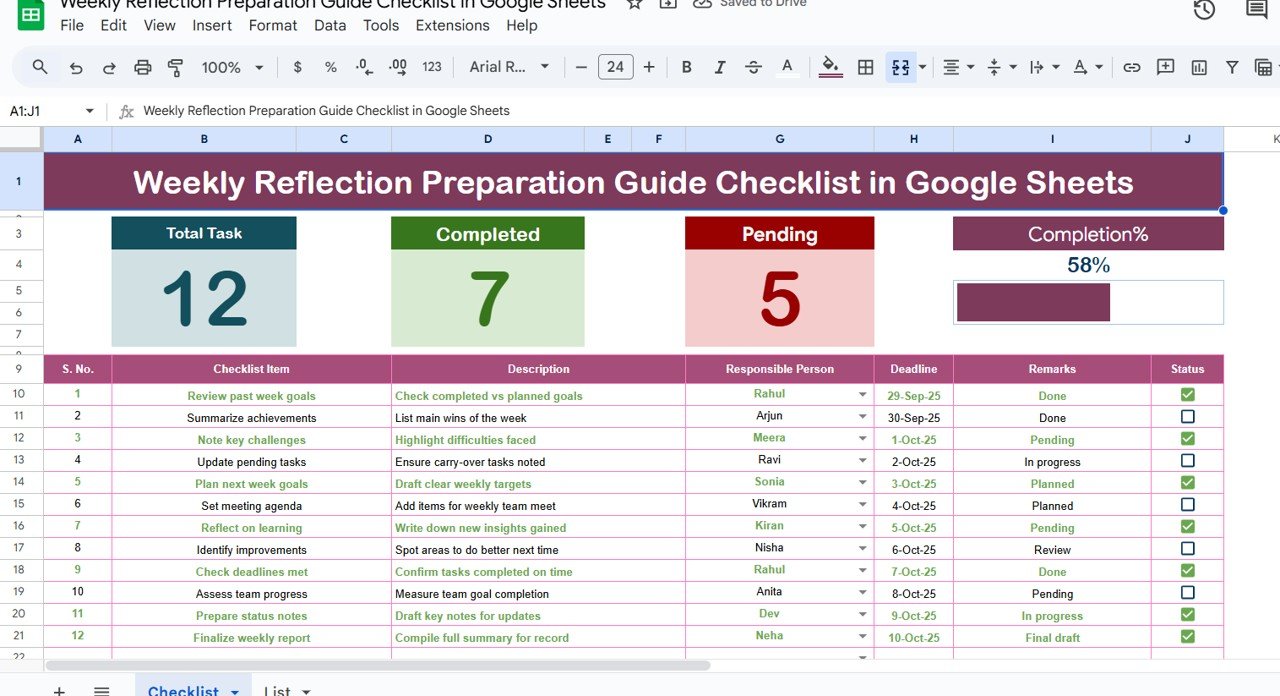
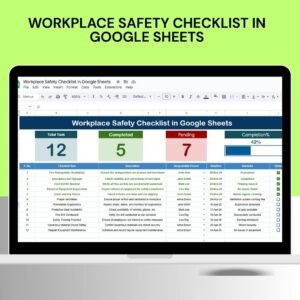
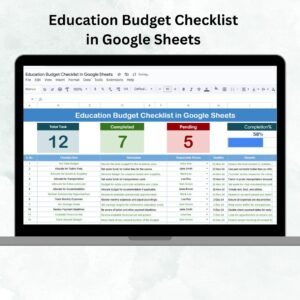
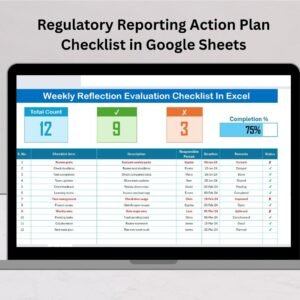
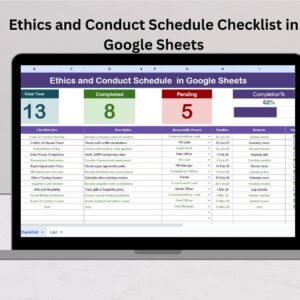
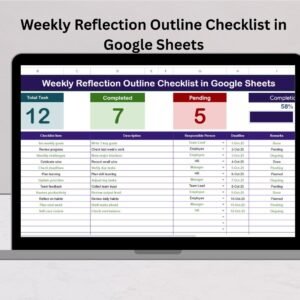
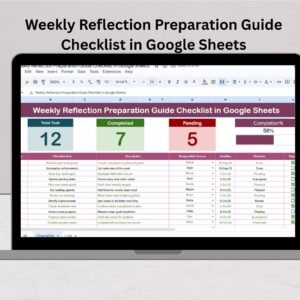
📊 Progress Tracking: Get instant visibility with automated total, completed, and pending counts.
🎯 Smart Progress Bar: See your weekly progress at a glance with a dynamic visual bar.
📝 Organized Checklist Table: Input tasks with columns for serial no., description, responsible person, deadline, remarks, and status.
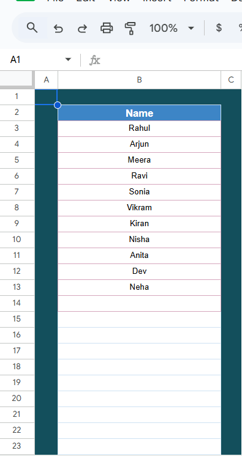
👥 Team Collaboration: Assign responsibilities with dropdowns from the List sheet and track accountability easily.
☁️ Cloud-Based Access: Work anywhere, anytime—on laptop, tablet, or mobile.
🔄 Customizable & Flexible: Add more columns, apply conditional formatting, or even integrate with Google Calendar.
This template is more than just a checklist—it’s your personal growth companion for continuous improvement.
📂 What’s Inside the Weekly Reflection Preparation Guide Checklist
Main Sheet Tab:
Top section cards showing total tasks, completed items, pending items, and a progress bar.
The main checklist table with interactive fields: serial no., task description, responsible person, deadline, remarks, and status (✔ or ✘).
List Sheet Tab:
A simple sheet that captures the unique list of responsible persons.
Drop-downs are automatically created in the main table for task assignment.
This structured design ensures no task slips through the cracks, while keeping the process clean, visual, and easy to manage.
🛠️ How to Use the Weekly Reflection Checklist
Open the Template in Google Sheets.
Enter your weekly tasks into the checklist table.
Assign responsibilities via the drop-down menu.
Set deadlines for each task.
Update task status with ✔ or ✘ as the week progresses.
Review completion in the top section with counts and progress bar.
Write remarks for insights and improvement notes.
Reflect & plan next week based on completed vs pending items.
It’s that simple—no technical expertise required. ✅
👤 Who Can Benefit from This Checklist?
🎓 Students: Track assignments, study habits, and personal goals.
💼 Professionals: Stay on top of weekly deliverables and personal productivity.
🚀 Entrepreneurs: Align business goals with weekly execution.
👨👩👧 Managers & Teams: Assign tasks, review accountability, and reflect collaboratively.
Whether you’re working solo or in a team, this checklist adapts to your needs and keeps everyone on track.
Why Choose Google Sheets for Weekly Reflections?
Unlike paper notes or simple to-do apps, Google Sheets offers unmatched flexibility:
Cloud Access Anywhere 🌍 – Update on the go from any device.
Real-Time Collaboration 🤝 – Work together with your team instantly.
Automation with Formulas ⚡ – Progress bar and counts update automatically.
Free & Easy 🆓 – No cost, no learning curve.
🌟 Transform Your Productivity Today
Reflection is the key to growth. By adopting this template, you’ll experience:
Better time management with clear deadlines.
Improved accountability and ownership.
Enhanced self-awareness through remarks and reviews.
Continuous growth & motivation with weekly wins celebrated.
✅ Final Call-to-Action
Don’t let another week pass by without reflection! Start using the Weekly Reflection Preparation Guide Checklist in Google Sheets today and unlock a smarter, more productive version of yourself.
Click here to read the Detailed blog post
Watch the step-by-step video tutorial:
Visit our YouTube channel to learn step-by-step video tutorials.
Compatibility and Requirements
- Works in Google Sheets. You need a free Google account and a web browser.
- The Responsible Person column uses a dropdown built from the List sheet. Google explains dropdowns in Create an in-cell dropdown list.
Frequently Asked Questions
What does the checklist track?
Each task has a serial number, description, responsible person, deadline, remarks and a status of done (✔) or pending (✘).
How do I see my weekly progress?
Cards at the top show total, completed and pending tasks, and the progress bar updates as you mark tasks done.
Can a team use it together?
Yes. List people on the List sheet, then assign tasks with the dropdown in the main table.
Can I add more columns?
Yes. You can add columns or apply conditional formatting to suit your routine.
Is there an Excel version?
Yes. The Weekly Reflection Preparation Guide Checklist in Excel covers the same job in Excel.
Related Weekly Reflection Checklists
- Weekly Reflection Preparation Guide Checklist in Excel: the same checklist in Excel
- Weekly Reflection Action Plan Checklist in Google Sheets: turn reflections into actions
- Weekly Reflection Schedule Checklist in Google Sheets: plan when you reflect each week
- Weekly Reflection Outline Checklist in Google Sheets: a simple outline for weekly reviews
- Checklist & SOP Pack: 12 checklist templates in one download
Browse all Google Sheets checklists.



















Reviews
There are no reviews yet.