

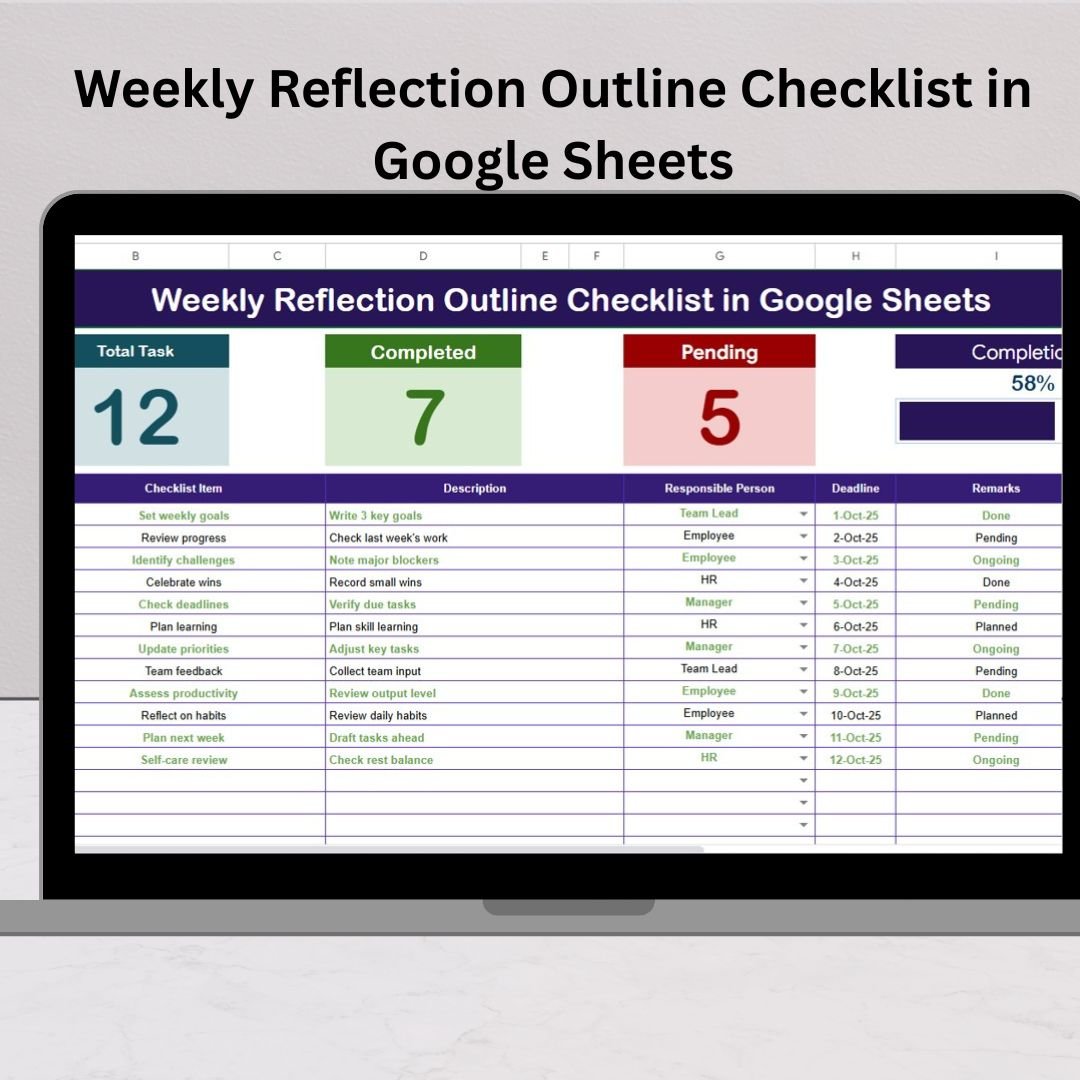

In today’s busy world, it’s easy to jump from one task to another without stopping to reflect. But without reflection, you risk repeating mistakes, losing focus, and missing out on opportunities to grow. That’s where the Weekly Reflection Outline Checklist in Google Sheets comes in. This ready-to-use digital template is designed to help you pause, evaluate, and improve — week after week.
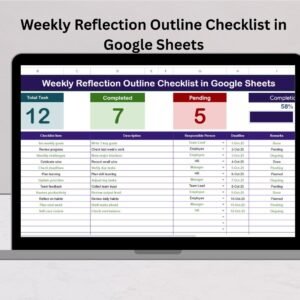
By combining structure with simplicity, this tool empowers individuals, students, professionals, and teams to analyze weekly progress, set realistic goals, and stay aligned with long-term success. Unlike scattered notes or complex apps, this checklist keeps everything clear, measurable, and accessible right inside Google Sheets.Weekly Reflection Outline Checklist in Google Sheets
🔑 Key Features of the Weekly Reflection Outline Checklist in Google Sheets
✅ Cloud-Based Convenience – Access your checklist anytime, anywhere.
✅ Easy Collaboration – Share with teammates, classmates, or clients for group reflection.
✅ Real-Time Updates – Track progress instantly with auto-calculating metrics.
✅ Customizable – Add, remove, or modify fields based on your needs.
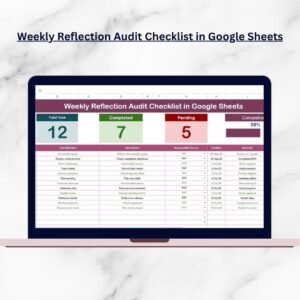
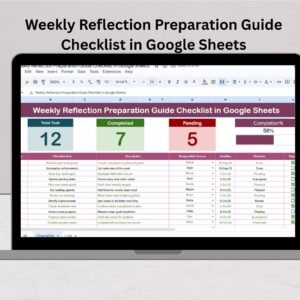
✅ Visual Progress Bar – See completed vs pending tasks at a glance.Weekly Reflection Outline Checklist in Google Sheets
✅ User-Friendly Design – No advanced skills required — simple, beginner-friendly setup.
📦 What’s Inside the Weekly Reflection Outline Checklist
This template is divided into two powerful sheets:
1️⃣ Main Checklist Sheet
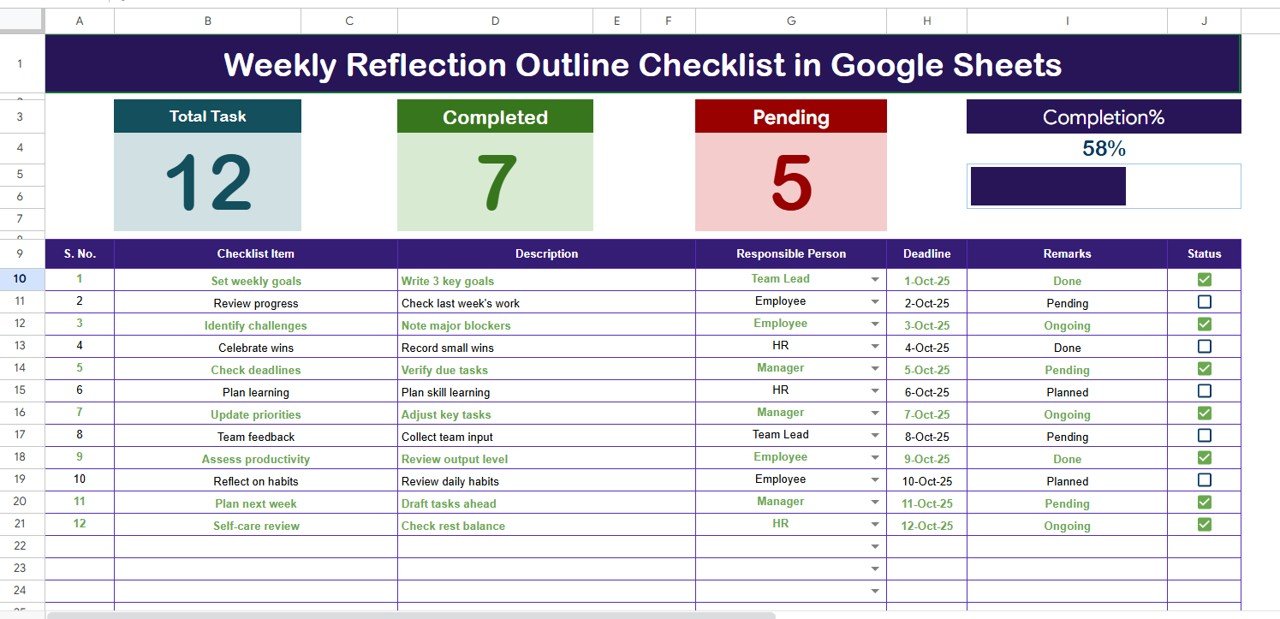
Top Section Cards:
Total Count (all tasks)
Completed Count (✔ items)
Pending Count (✘ items)
Progress Bar (%) for visual tracking
Checklist Table Columns:
Serial No. (for easy task indexing)
Checklist Item (goal/task/priority)
Description (short details)
Responsible Person (who’s accountable)
Deadline (completion date)
Remarks (feedback/notes)
Status (✔ completed / ✘ pending)
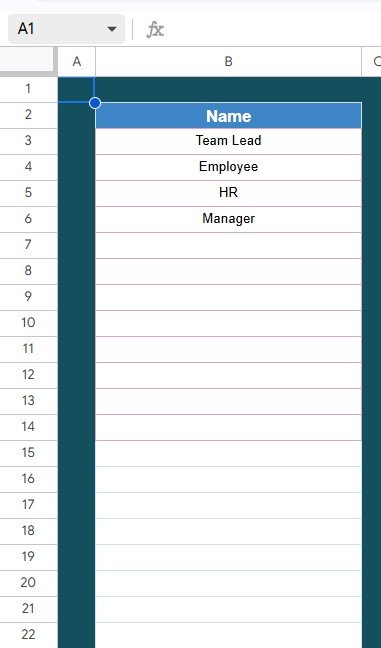
2️⃣ List Sheet
Stores unique values for the Responsible Person column.
Helps create drop-down menus for faster, standardized entries.
⚡ How to Use the Weekly Reflection Outline Checklist
Using this template is simple and effective:
Copy the Template into your Google Drive.
Customize Columns – Add checklist items, deadlines, and responsible persons.
Update Weekly – At the end of each week, review and mark ✔ or ✘.
Analyze Progress – Check completed %, pending count, and remarks.
Share if Needed – Collaborate with teams or classmates by sharing access.
👉 Pro Tip: Use the Remarks column to record lessons learned and insights for next week.
👥 Who Can Benefit from This Checklist?
🎓 Students – Track study goals, assignments, and exams.
💼 Professionals – Review weekly deliverables and work priorities.
👨👩👧 Team Leaders – Evaluate performance and assign accountability.
🧑💻 Freelancers – Manage client projects and personal deadlines.
🌱 Personal Growth Enthusiasts – Reflect on goals, habits, and productivity.
🌟 Why This Template Stands Out
Unlike generic to-do lists, this template transforms reflection into an actionable, measurable, and visual process. You’ll know exactly:Weekly Reflection Outline Checklist in Google Sheets
How many tasks you completed
Where you fell behind
What to improve next week
No more guesswork — just clarity and results.





















Reviews
There are no reviews yet.