

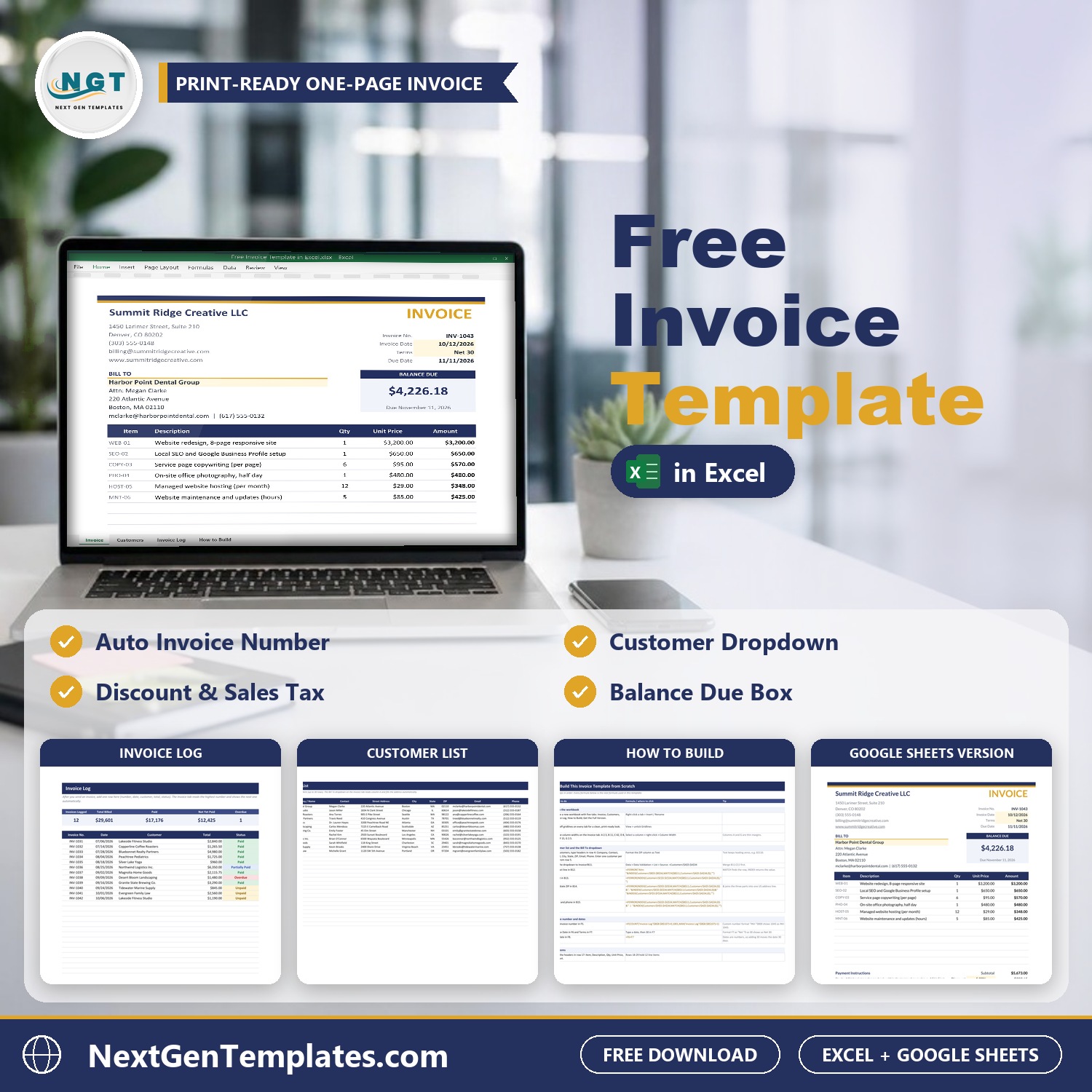

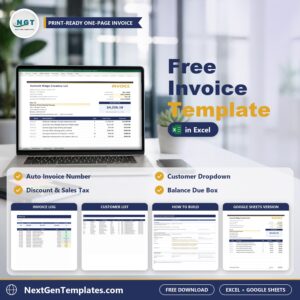
The Free Invoice Template in Excel and Google Sheets is a one-page, print-ready invoice that numbers itself, fills in your customer address from a dropdown, works out discount, sales tax, total and balance due, and keeps a running log of every invoice you send. One free download gives you the Excel file and a Google Sheets copy, so you can use whichever you prefer.
It is 100% free. It is the lighter version of our paid invoice systems, built so you can see how NextGenTemplates files work before you pay for anything. Setup takes about five minutes: replace the sample business details with yours, add your customers once, and start invoicing.
Free download | Excel and Google Sheets | Prints on one Letter page | Copy it as many times as you like
Key features of the free invoice template
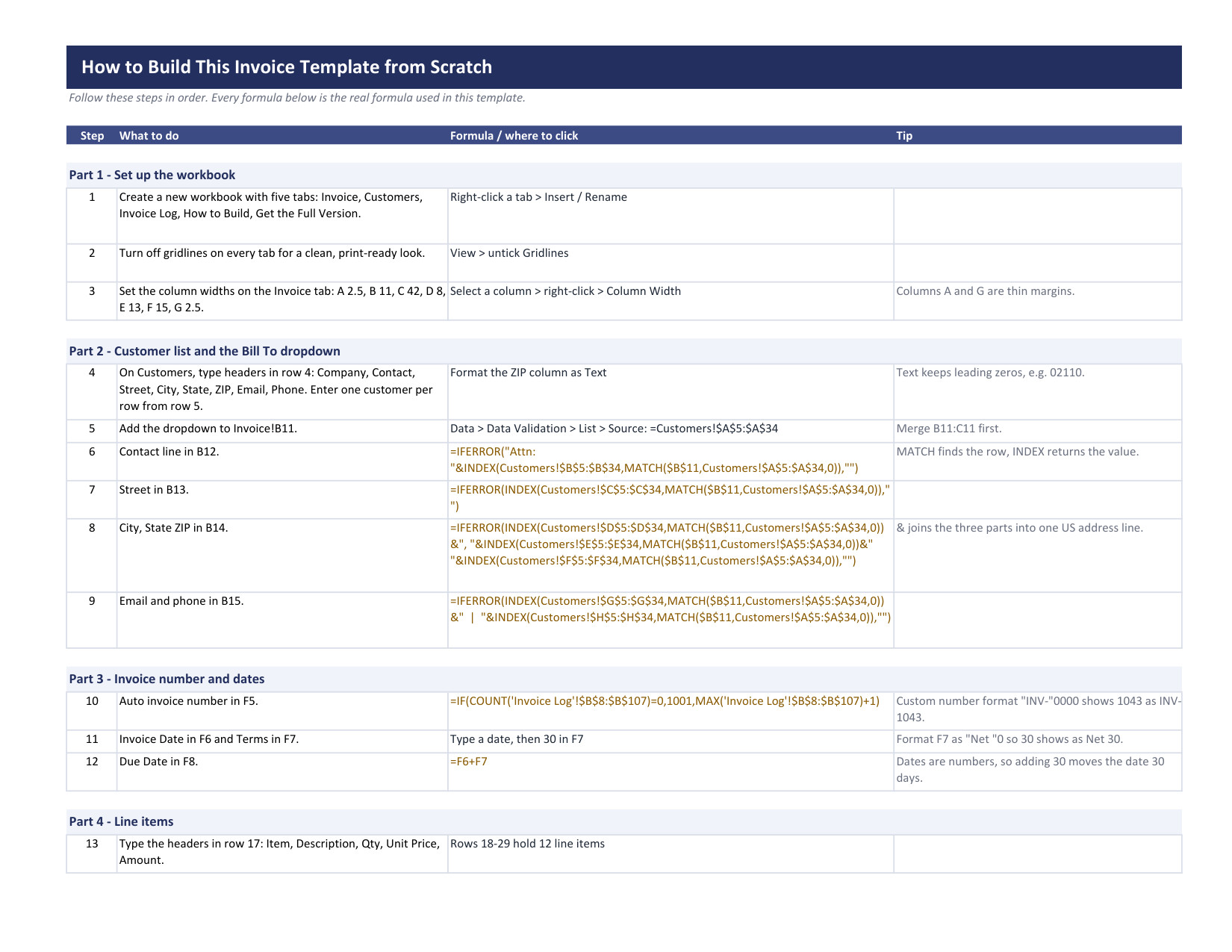
- Automatic invoice number. The invoice number steps up by one for every row you add to the Invoice Log, in the format INV-0001, so you never reuse or skip a number.
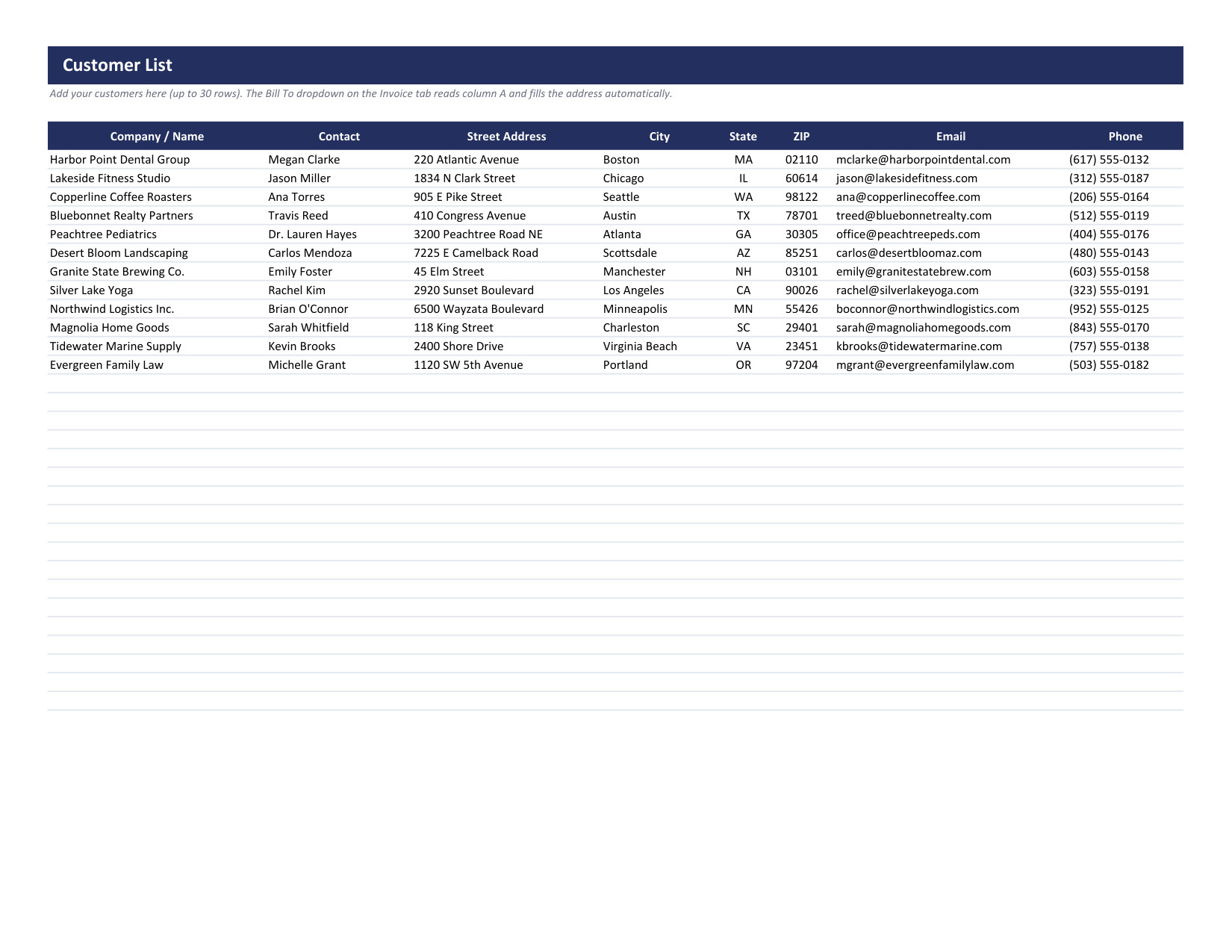
- Customer dropdown. Pick a customer on the Invoice sheet and the Bill To name, address, email and phone fill in by themselves with INDEX and MATCH formulas. Keep your customers on the Customers sheet.
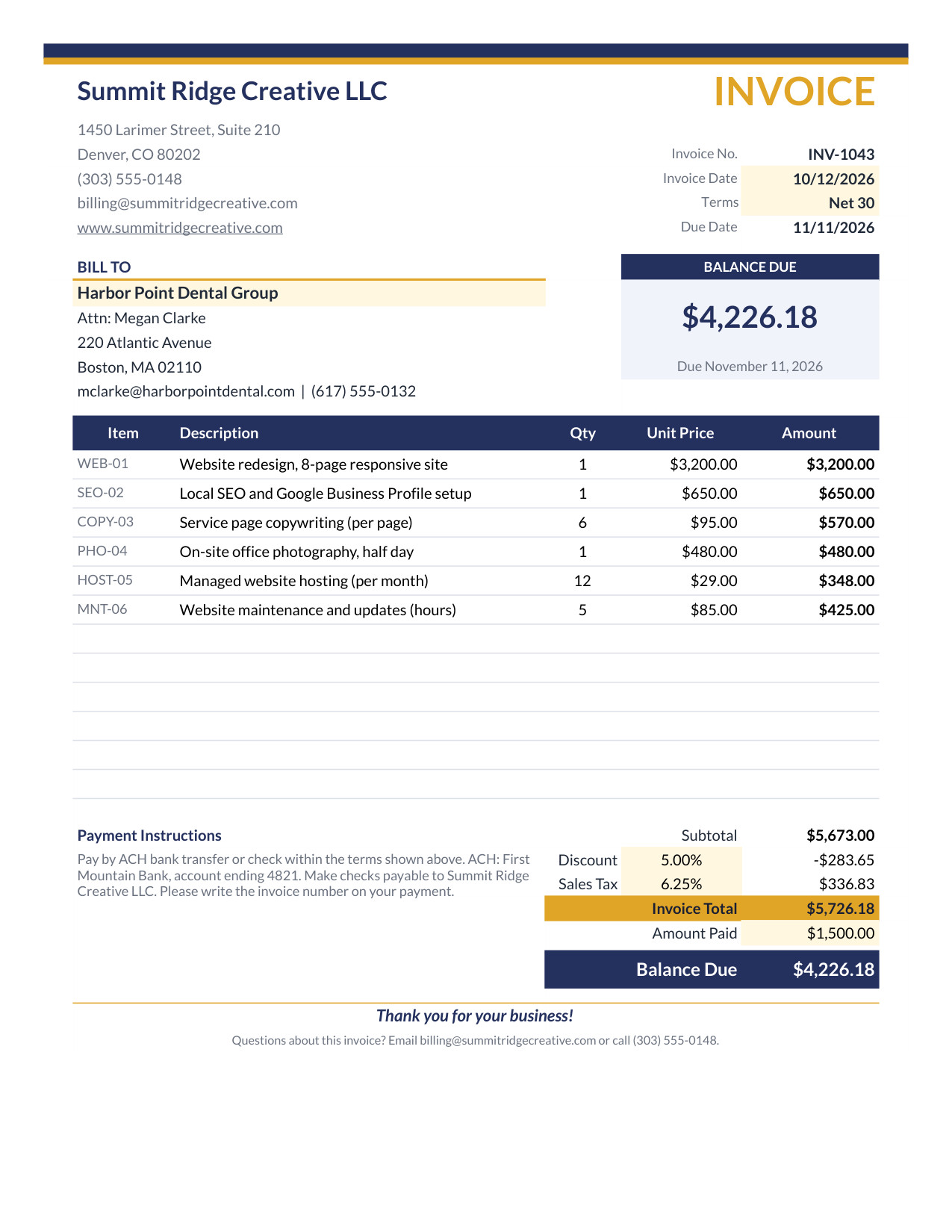
- 12 line items. Enter the item code, description, quantity and unit price. Every amount and the subtotal calculate on their own.
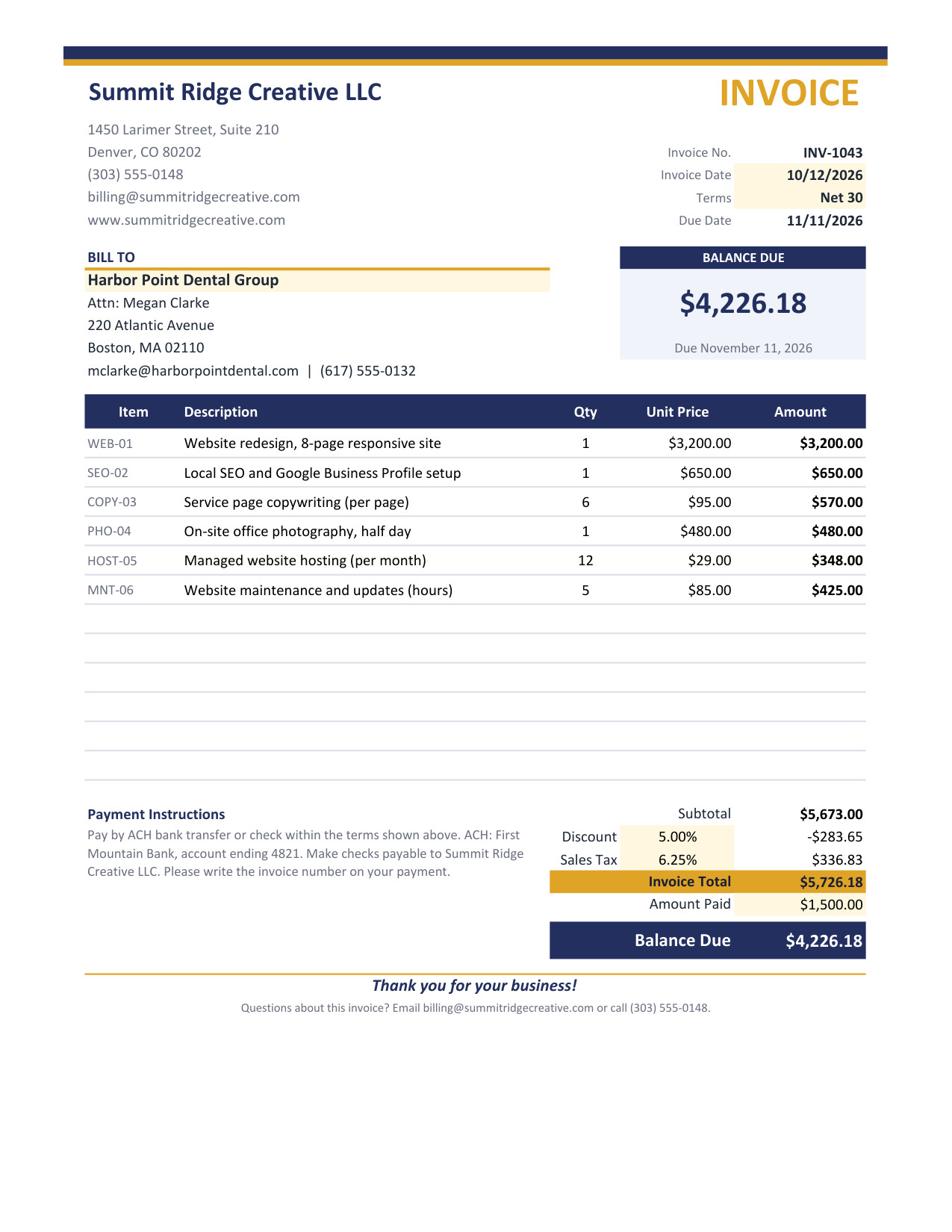
- Discount and sales tax. Type a discount percentage and a sales tax rate. The invoice shows the discount, the tax and the grand total.
- Amount paid and balance due. Record a deposit or part payment and the balance due box updates, along with the due date calculated from your payment terms (Net 15, Net 30 and so on).
- One-page print area. The invoice is set up for exactly one Letter page, with no gridlines, so it looks clean when you print it or save it as a PDF.
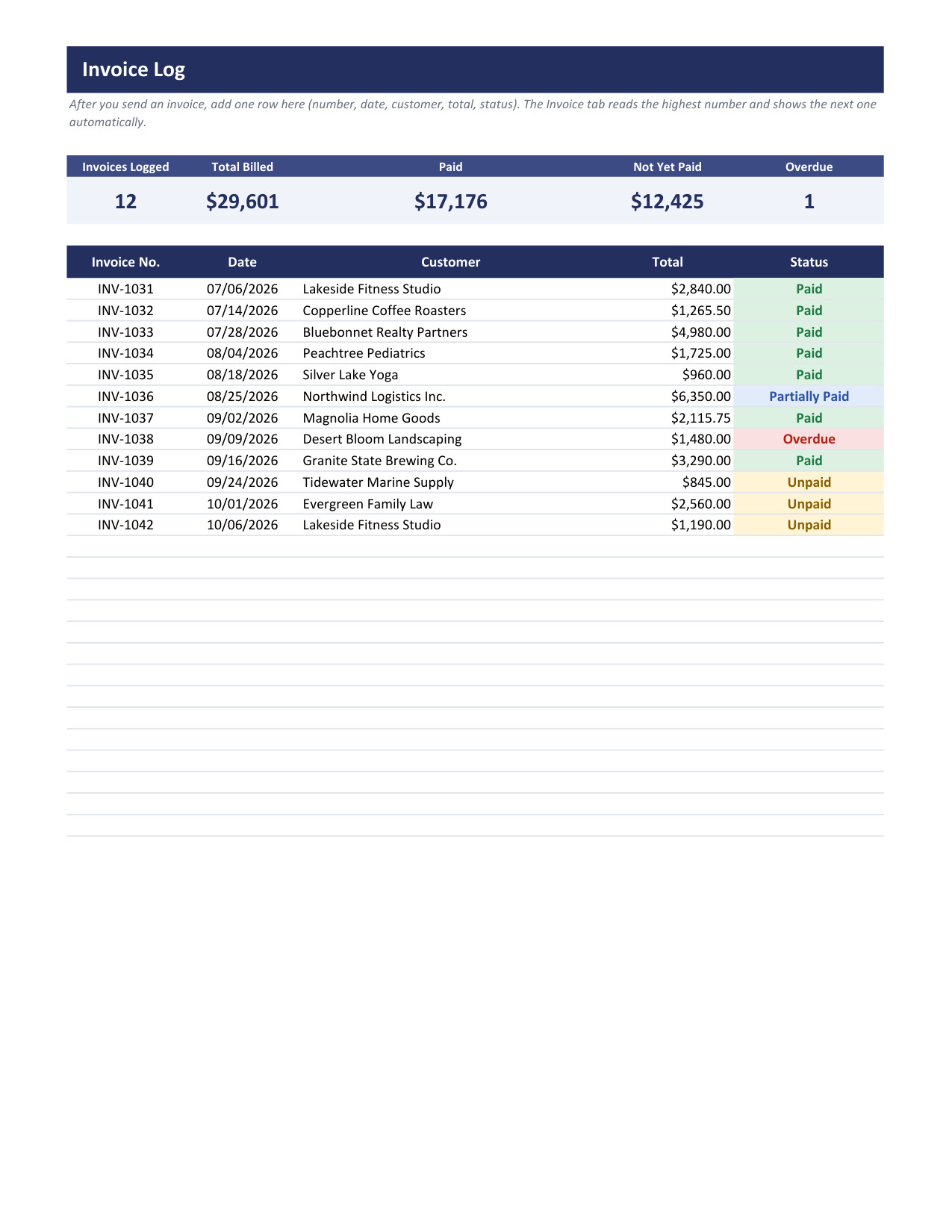
- Invoice Log with status. Every invoice you send goes into a log with a status dropdown and summary figures for invoices logged, total billed, paid, not yet paid and overdue.
What is inside the file
| Sheet | What it does |
|---|---|
| Invoice | The printable invoice: business block, Bill To, 12 line items, discount, tax, balance due and payment instructions |
| Customers | Your customer list that feeds the Bill To dropdown |
| Invoice Log | One row per invoice, with a status dropdown and summary figures at the top |
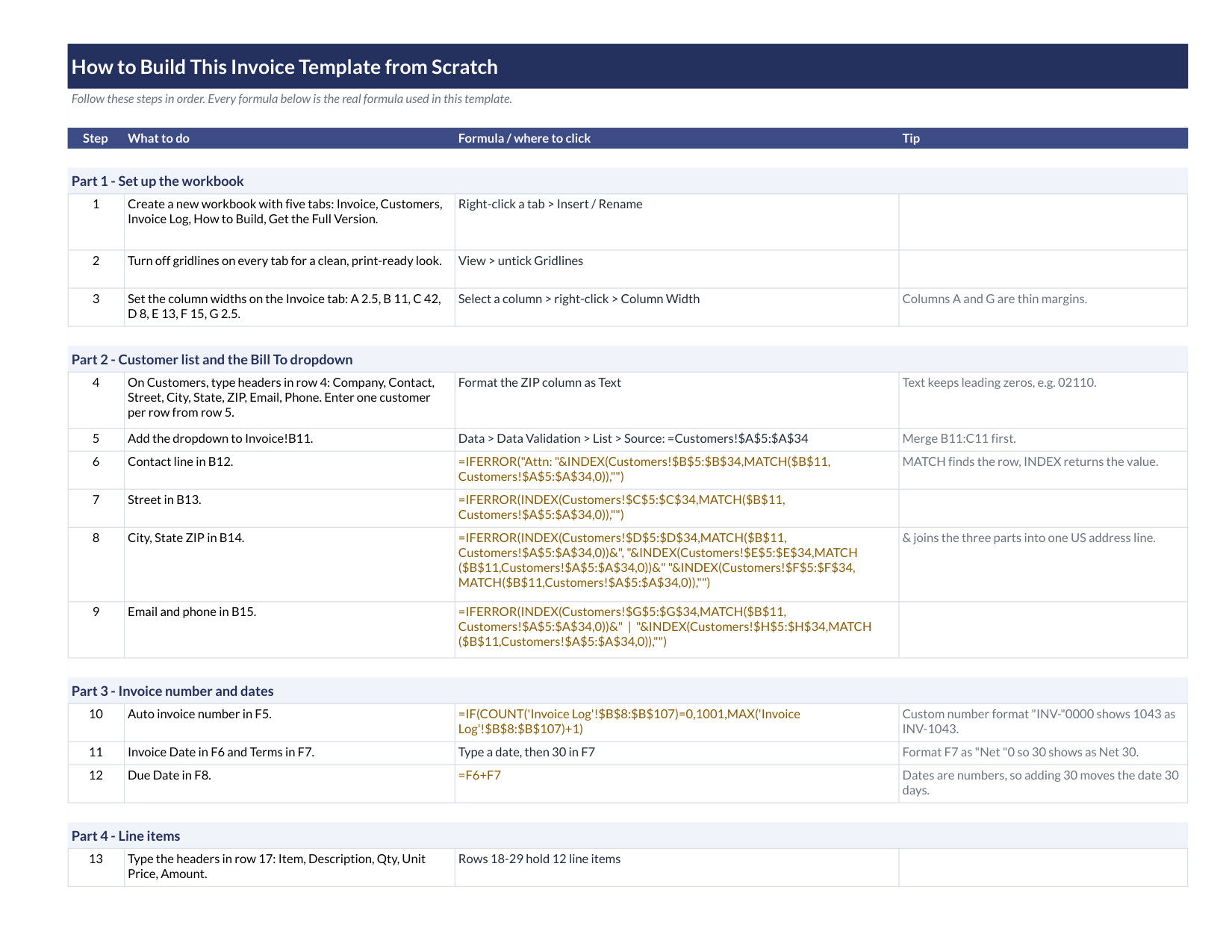
| How to Build | Written steps and the formulas, so you can rebuild the template from a blank sheet |
| Get the Full Version | Links to the paid NextGenTemplates invoice systems when you need more |
The sample data is fictional. It shows a US design studio with an invoice total of 5,726.18 and a 1,500.00 deposit, which leaves a balance due of 4,226.18. Replace it with your own details.
How to use it in three steps
- Open it. In Excel, open the file. In Google Sheets, use the Make a copy link inside the PDF that comes with the download.
- Add your details. Put your business name, address and payment instructions on the Invoice sheet and add your customers on the Customers sheet.
- Send it. Choose a customer, enter the line items, check the balance due, then print the invoice or save it as a PDF. Add the invoice to the Invoice Log and update its status when you are paid.
Who this free invoice template is for
Freelancers, consultants, small agencies, tradespeople and shop owners who bill a handful of clients and want a professional invoice without paying for invoicing software. If you send a few invoices a month, this is all you need.
When it makes sense to upgrade
The free template is built for one person sending a few invoices. If you need more, these paid files from NextGenTemplates go further:
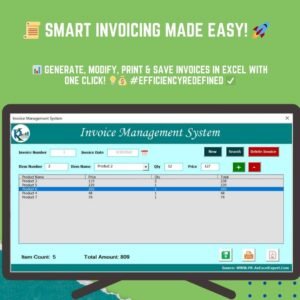
- Invoice Management System V1.0 for a full invoicing workflow in Excel.
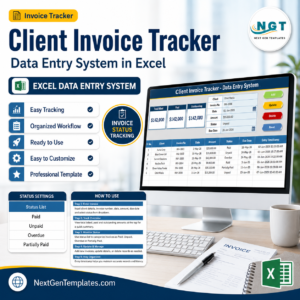
- Client Invoice Tracker Data Entry System in Excel to track every client invoice and payment in one place.
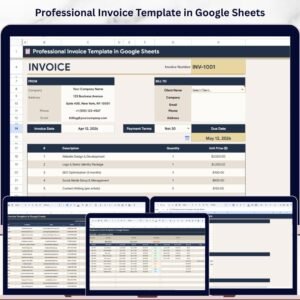
- Professional Invoice Template in Google Sheets for a polished, ready-to-send invoice with more features.
Frequently asked questions
Is the invoice template really free?
Yes. It costs nothing to download and you can copy it as many times as you need.
Does it work in Google Sheets?
Yes. The download includes a PDF with a link that makes your own copy in Google Sheets. The Excel file also opens in Google Sheets through File, then Import.
Does the invoice number update by itself?
Yes. It reads the highest number in the Invoice Log and adds one, in the format INV-0001.
Can I change the currency, tax rate and layout?
Yes. The tax rate and discount are inputs, the currency format can be changed in the cell format, and the How to Build sheet shows how every formula works.
Is this tax or legal advice?
No. It is a spreadsheet that does the arithmetic. Check the invoice and tax rules that apply to your business and country.





Reviews
There are no reviews yet.