

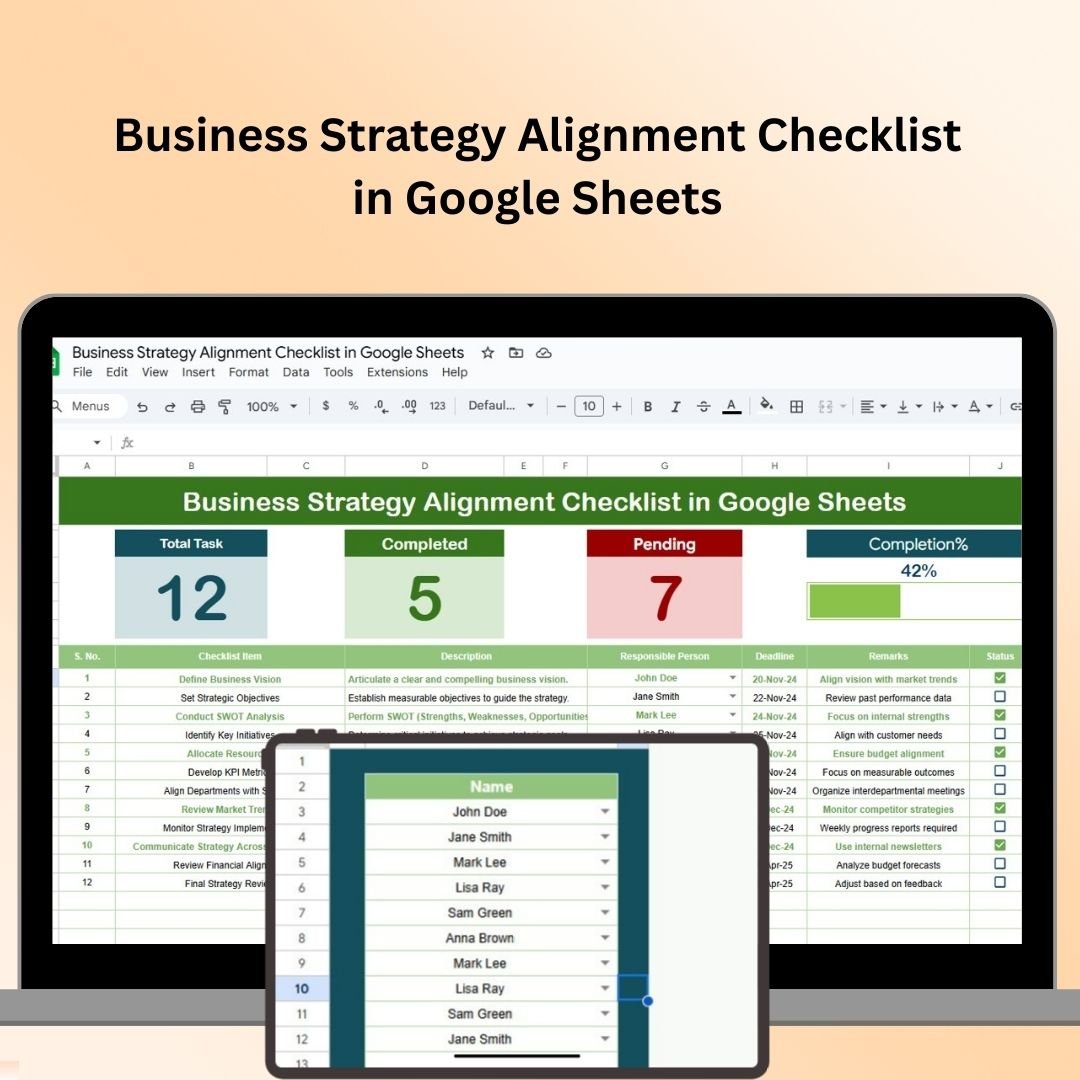
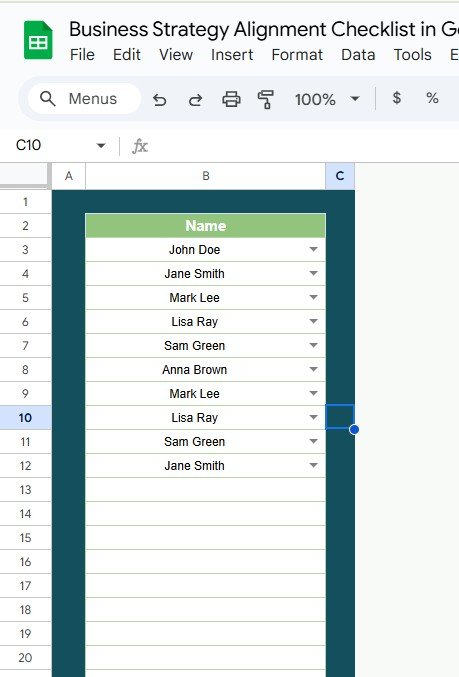

The Business Strategy Alignment Checklist in Google Sheets is an essential tool designed to help businesses ensure their departmental activities and goals are aligned with the overall business strategy. By using this checklist, organizations can streamline operations, foster collaboration, and ensure that every team is working towards a unified goal.
This tool helps in defining clear objectives, setting key performance indicators (KPIs), and tracking progress to keep business operations in sync with strategic goals. It’s a user-friendly solution that enables teams to track and monitor alignment across departments, making sure the company is on track to achieve its objectives.
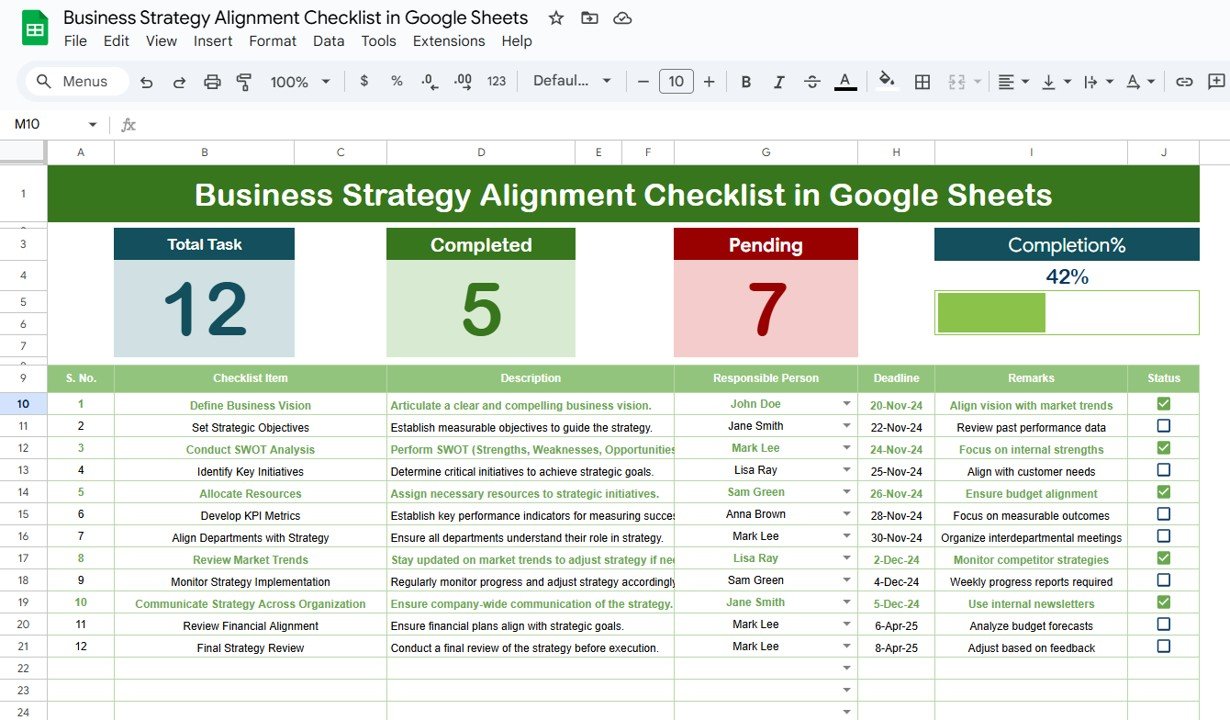
Key Features of the Business Strategy Alignment Checklist in Google Sheets
📊 Comprehensive Goal Mapping
Objective Setting: Define clear and measurable business objectives to guide the organization’s strategic direction.
Departmental Alignment: Align each department’s goals with the overall business strategy to ensure cohesive efforts toward common objectives.
Performance Indicators: Establish key performance indicators (KPIs) to monitor progress and measure success effectively.
📈 Real-Time Tracking and Updates
Progress Monitoring: Use Google Sheets’ real-time collaboration features to track task completion and milestones as they occur.
Automated Notifications: Set up alerts and reminders for upcoming deadlines, meetings, or strategy reviews to ensure timely execution.
🖥 Enhanced Collaboration and Accessibility
Shared Access: Allow all stakeholders to view and edit the checklist, ensuring transparency and collaborative planning.
Commenting and Feedback: Facilitate discussions, feedback, and updates directly within the document to streamline communication.
📊 Customizable and Scalable Design
Template Flexibility: Customize the checklist to fit the unique needs of your organization by adding or modifying sections as necessary.
Scalability: Easily scale the checklist as your organization grows, adding new departments or strategic initiatives to keep everything aligned.
Benefits of Using the Business Strategy Alignment Checklist in Google Sheets
✅ Improved Strategic Focus
Ensure that all efforts are focused on achieving the organization’s primary objectives, eliminating misalignment and resource wastage.
✅ Enhanced Accountability
Clearly define responsibilities, which promotes accountability and drives team members to complete their tasks efficiently.
✅ Data-Driven Decision Making
Centralize all critical strategic data in one place, allowing leaders to make informed decisions and adjust strategies based on current performance.
✅ Continuous Improvement
Regular reviews and updates allow for flexibility in your strategy, ensuring that your business can adapt to new challenges and opportunities.
Conclusion
The Business Strategy Alignment Checklist in Google Sheets is an invaluable resource for organizations aiming to streamline their operations and ensure that all teams are aligned with the company’s strategic objectives. It provides a comprehensive framework for tracking progress, improving collaboration, and making data-driven decisions. By adopting this checklist, businesses can optimize their operations and ensure long-term success.
Click here to read the Detailed blog post
Business Strategy Alignment Checklist in Google Sheets
Visit our YouTube channel to learn step-by-step video tutorials
YouTube.com/@PKAnExcelExpert
Watch the step-by-step video Demo:
Compatibility and Requirements
- Works in Google Sheets. You need a free Google account and a web browser.
- New to Google Sheets? Google’s guide How to use Google Sheets covers the basics.
Frequently Asked Questions
What does the checklist help me align?
It helps you set business objectives, line up each department’s goals with the overall strategy and set KPIs to measure progress.
Can I track progress on tasks and milestones?
Yes. You track task completion and milestones as your team updates the sheet.
Can several people work on it?
Yes. You can share it with stakeholders, and they can view, edit and leave comments in the file.
Can I add departments or initiatives?
Yes. You can add or change sections, departments and strategic initiatives as your organization grows.
Is there an Excel version?
Yes. The Business Strategy Alignment Checklist in Excel does the same job in Excel.
Related Business Strategy Templates
- Business Strategy Alignment Checklist in Excel: the same checklist in Excel
- Business Strategy Outline Checklist in Excel: outline a strategy before you align it
- Business Strategy Audit Checklist in Excel: review how the strategy is working
- Goal Setting Checklist in Google Sheets: set and track goals in Google Sheets
- Checklist & SOP Pack: 12 checklist templates in one download
Browse all Google Sheets checklists or the Excel checklists.







Reviews
There are no reviews yet.