


Regulatory compliance is no longer optional—it’s essential. Businesses across finance, healthcare, education, IT, and manufacturing must meet strict reporting obligations to avoid penalties, reputational risks, and legal consequences. Regulatory Reporting Evaluation Checklist in Google Sheets But managing multiple reports, deadlines, and responsible teams with scattered spreadsheets or manual trackers is inefficient and risky.
That’s why we created the Regulatory Reporting Evaluation Checklist in Google Sheets—a collaborative, cloud-based solution that organizes all compliance reporting tasks in one place. With real-time tracking, automated progress visualization, and clear accountability, this ready-to-use template ensures your organization stays compliant and audit-ready at all times.
✨ Key Features of the Regulatory Reporting Evaluation Checklist
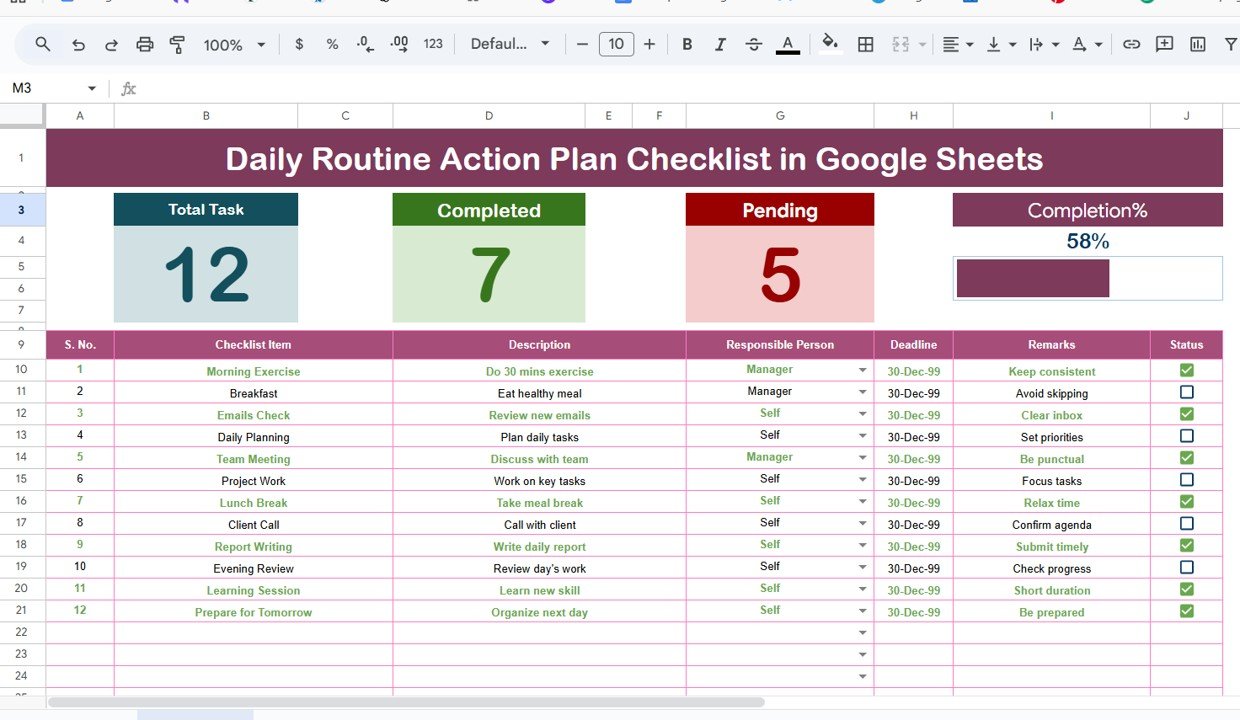
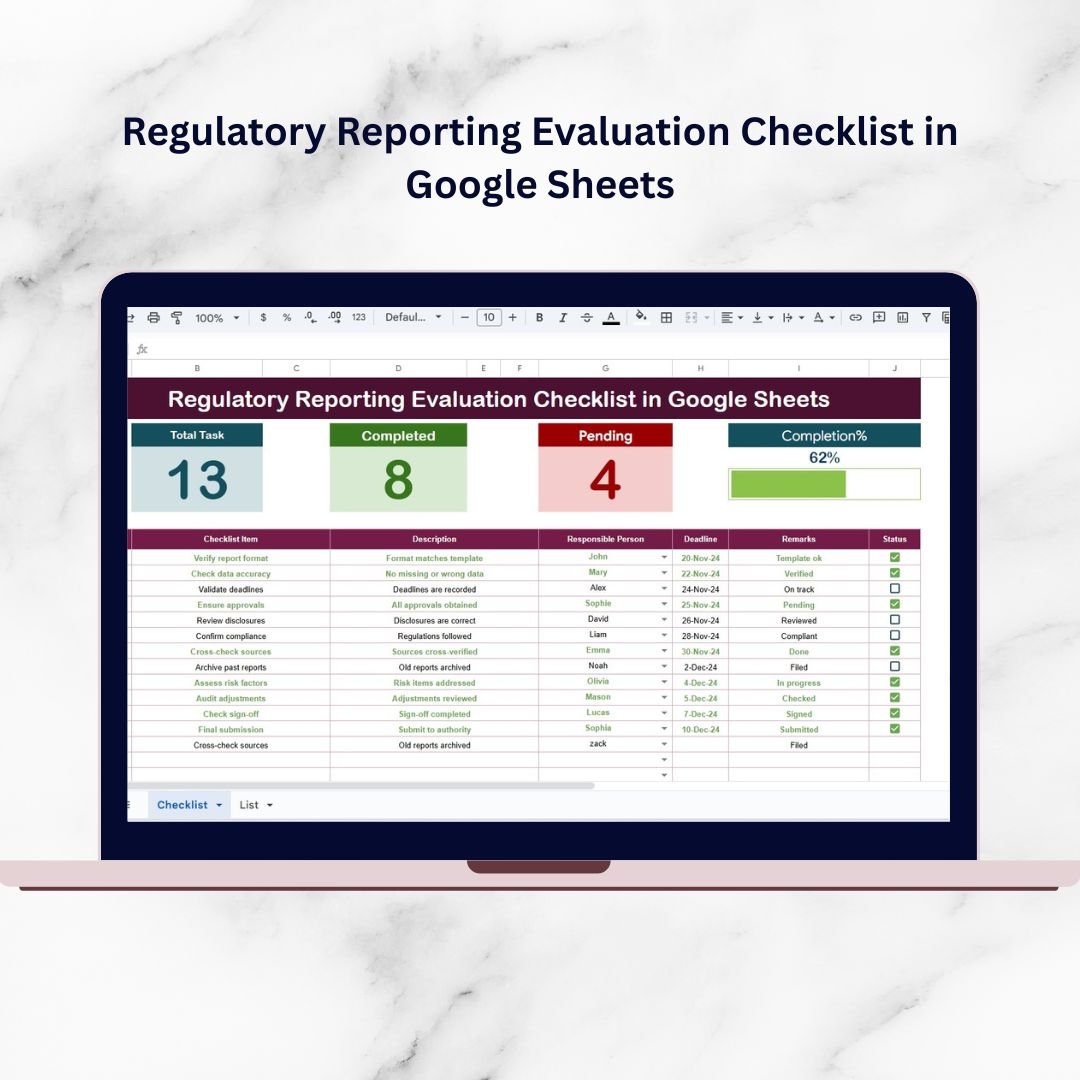
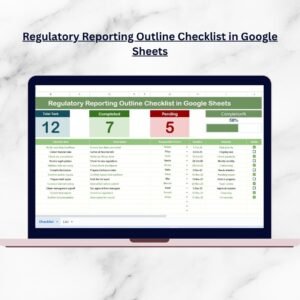
📋 Main Checklist Sheet – Manage all compliance tasks with structured columns for Serial No., Item, Description, Responsible Person, Deadline, Remarks, and Status.
✅ Status Indicators – Mark ✔ for completed tasks or ✘ for pending ones for instant clarity.
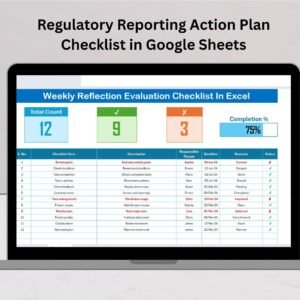
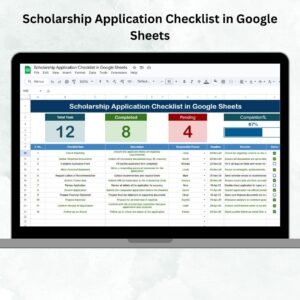
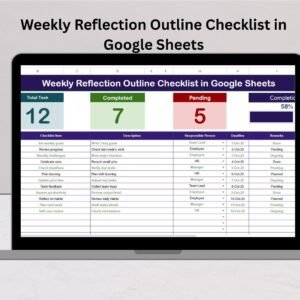
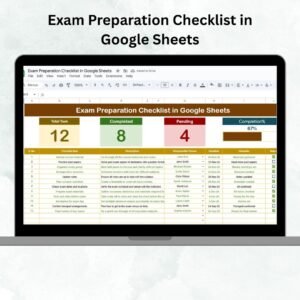
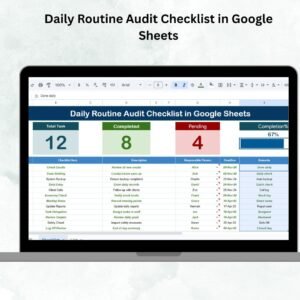
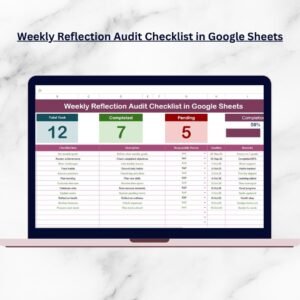
📊 Progress Tracker – Summary cards at the top display totals (completed, pending, and overall) plus a visual progress bar.
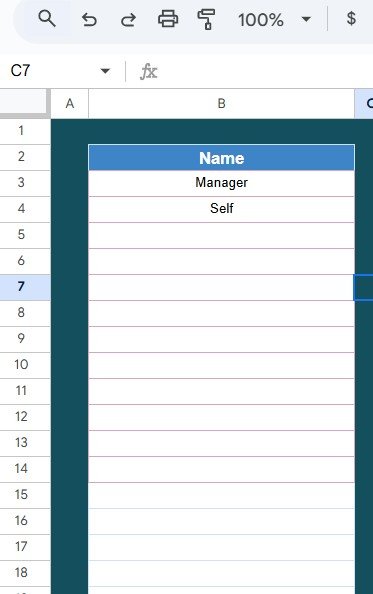
👥 List Sheet Tab – Maintains a unique list of responsible persons to create dropdown menus for consistent task assignment.
🔄 Real-Time Collaboration – Multiple team members can update progress simultaneously.
🕒 Deadline Monitoring – Keep reporting tasks on schedule with clear due dates.
📝 Remarks Section – Record quick notes, clarifications, or follow-up actions.
🌍 Cloud Accessibility – Access the template from anywhere, anytime, on any device.
📂 What’s Inside the Checklist
When you download the Regulatory Reporting Evaluation Checklist in Google Sheets, you’ll receive:
Main Checklist Sheet – Your compliance hub for all reporting activities, task status, and progress monitoring.
List Sheet Tab – A master list of responsible persons linked to dropdowns for seamless assignments.
Together, these two sheets provide a streamlined and professional compliance management system.
🛠️ How to Use the Checklist
Download & Open – Copy the template into your Google Drive.
Customize Tasks – Add your reporting activities into the Checklist Item column.
Assign Responsibilities – Use dropdowns to allocate accountability.
Set Deadlines – Define realistic reporting due dates.
Track Status – Mark ✔ when complete, ✘ if pending.
Monitor Progress – Use the summary cards and progress bar to stay on top.
Review Weekly – Keep the checklist updated to avoid last-minute compliance issues.
👥 Who Can Benefit from This Checklist
Finance Teams – Track tax filings, SEC submissions, and audit reports.
Healthcare Providers – Manage HIPAA, safety, and quality compliance reporting.
Educational Institutions – Track accreditation and governance reporting.
Manufacturers – Stay compliant with safety and environmental regulations.
IT & Data Security Teams – Ensure GDPR, CCPA, or cybersecurity reporting accuracy.
Compliance Managers & Auditors – Gain a single, clear view of accountability and progress.
This template is perfect for any organization that values accuracy, accountability, and transparency in compliance reporting.
🔗 Click here to read the Detailed Blog Post
📺 Visit our YouTube channel to learn step-by-step video tutorials: Youtube.com/@NeotechNavigators
Watch the step-by-step video tutorial:
Compatibility and Requirements
- Works in Google Sheets. You need a free Google account and a web browser.
- You assign each task to a person from a dropdown that reads from the List Sheet tab. Google explains dropdowns in Create an in-cell dropdown list.
Frequently Asked Questions
Which sheets are included?
Two sheets: the Main Checklist sheet and the List Sheet tab. The checklist holds the tasks, deadlines and progress summary, and the List Sheet tab holds the names of responsible persons.
What columns does the checklist have?
Serial No., Item, Description, Responsible Person, Deadline, Remarks and Status.
How do I mark a task as done?
Mark the Status column with a tick for a completed task or a cross for a pending one. The summary cards at the top show the completed, pending and total counts, and the progress bar updates with them.
How do I add people to the Responsible Person dropdown?
Add each name to the List Sheet tab. The dropdown in the Main Checklist sheet uses that list, so every task is assigned to a name from the same list.
Can several people update it at the same time?
Yes. It is a Google Sheets file, so several team members can update their tasks at once.
Is there an Excel version?
Yes. See the Regulatory Reporting Evaluation Checklist in Excel.
Related Regulatory Reporting Templates
- Regulatory Reporting Evaluation Checklist in Excel: the same checklist for Excel
- Regulatory Reporting Checklist in Google Sheets: a general reporting checklist
- Regulatory Reporting Action Plan Checklist in Google Sheets: a checklist built around an action plan
- Regulatory Reporting Preparation Guide Checklist in Google Sheets: a checklist for preparing reports
- Regulatory Reporting KPI Dashboard in Google Sheets: a KPI view of your reporting
Browse all Google Sheets checklists.



Reviews
There are no reviews yet.