

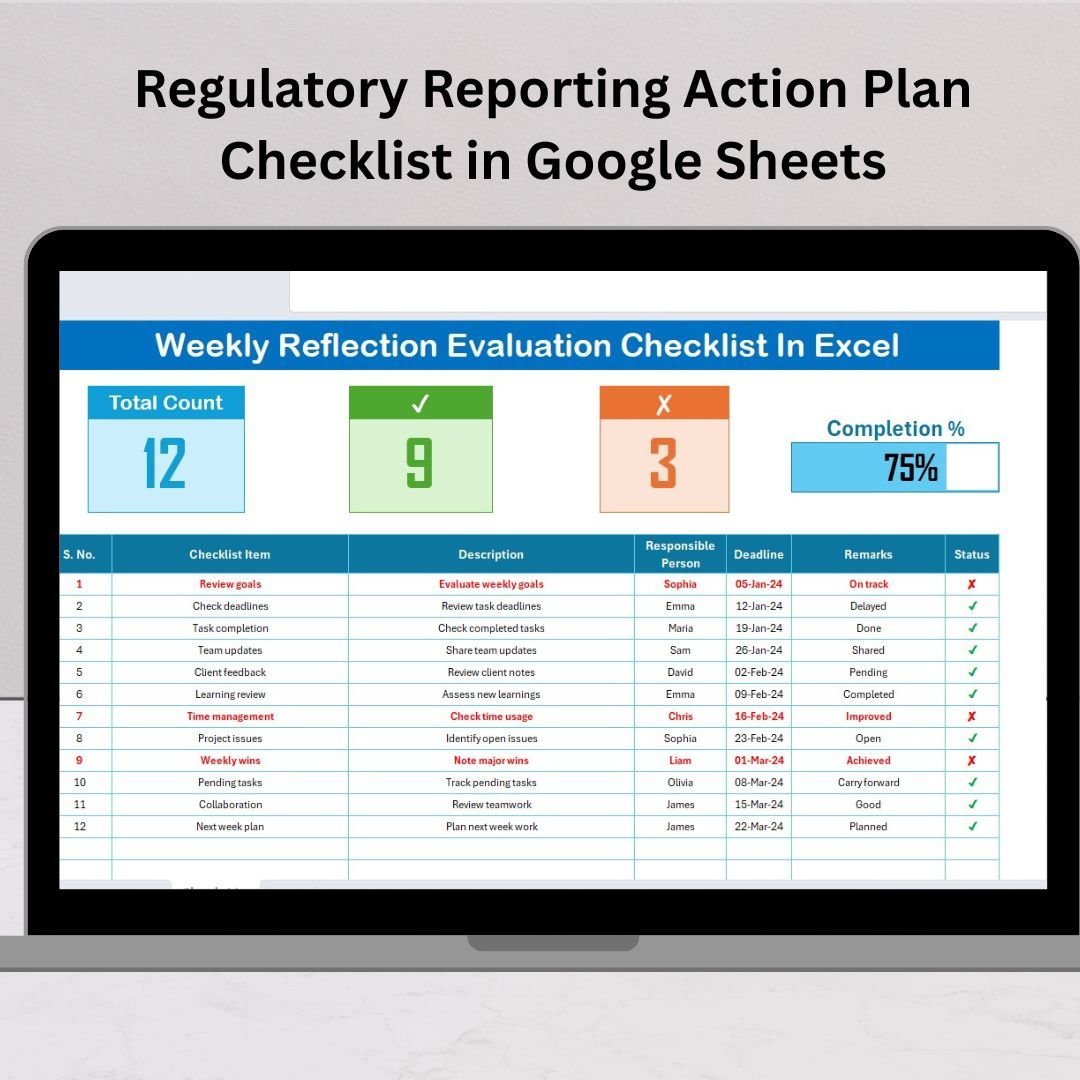

In today’s fast-paced regulatory environment, missing a deadline or overlooking a compliance task can result in fines, penalties, or reputational harm. That’s why organizations across industries need a simple yet powerful system to manage reporting obligations. The Regulatory Reporting Action Plan Checklist in Google Sheets ✅📊 is designed to do just that—organize compliance tasks, track responsibilities, and monitor progress in real time.
Unlike traditional spreadsheets or manual reporting, this template is interactive, collaborative, and automated. It helps compliance teams, auditors, and managers keep reporting activities structured, transparent, and stress-free.
⚡ Key Features of Regulatory Reporting Action Plan Checklist in Google Sheets
✅ Centralized Task Tracking – Manage all regulatory reporting obligations in one place.
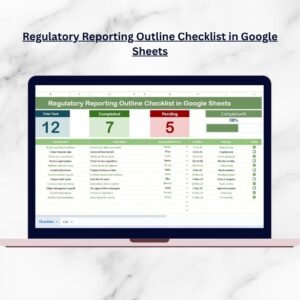
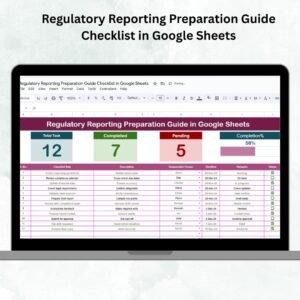
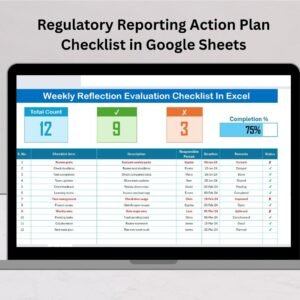
✅ Automated Dashboard Overview – See Total Tasks, Completed Count, Pending Count, and a Progress Bar instantly.
✅ Status Indicators – Mark tasks with ✔ or ✘ for easy visual tracking.
✅ Responsible Person Dropdown – Assign ownership quickly without typing errors.
✅ Deadline Management – Monitor due dates with clear visibility.
✅ Remarks Column – Add short notes or clarifications for better context.
✅ Scalable Setup – Add more tasks, categories, or departments as needed.
✅ Google Sheets Cloud Access – Collaborate in real time with your team.
📂 What’s Inside the Regulatory Reporting Checklist
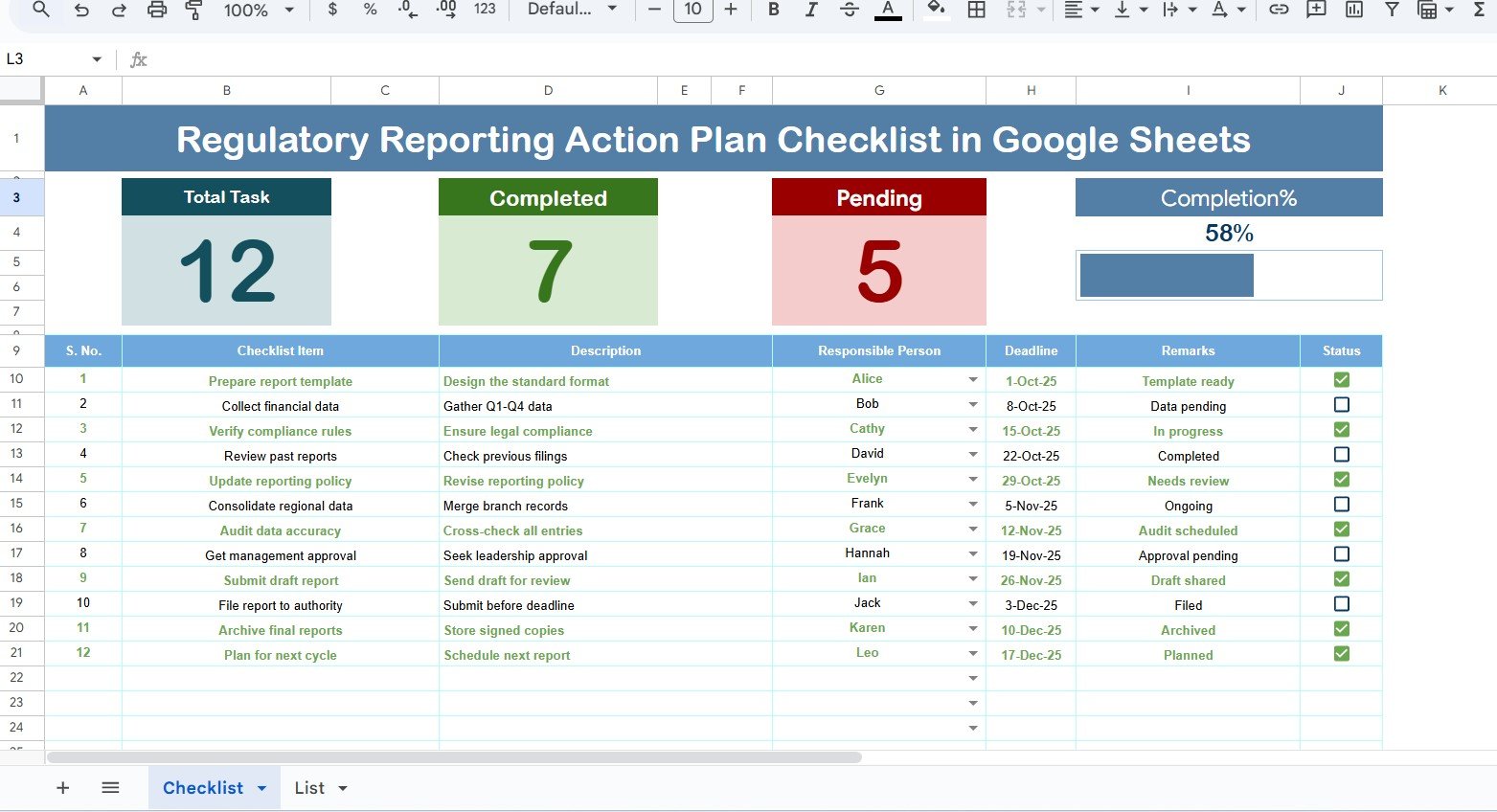
The template includes two structured worksheet tabs that make compliance effortless:
Main Checklist Sheet – Core working area with dashboard metrics and task table.
Top Section: Displays task counts, completion stats, and a progress bar.
Checklist Table: Serial No., Task Name, Description, Responsible Person, Deadline, Remarks, and Status.
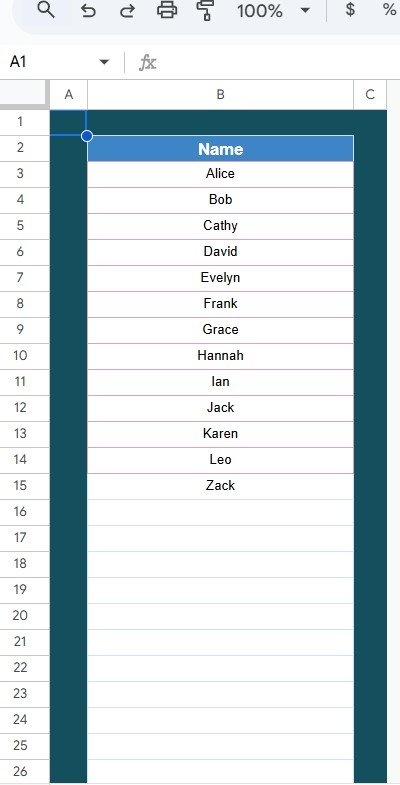
List Sheet – A master list of Responsible Persons.
Used to create dropdowns in the main checklist.
Ensures consistency, prevents duplicates, and improves accountability.
🛠️ How to Use the Regulatory Reporting Checklist
Enter Tasks – Add compliance tasks to the main checklist table.
Assign Responsibilities – Use the dropdown to link each task to a person.
Set Deadlines – Add realistic due dates to avoid last-minute rush.
Update Status – Mark ✔ when completed and ✘ when pending.
Track Progress – Monitor overall completion through the dashboard bar.
Collaborate in Real Time – Share the Google Sheet with your team for transparency.
👥 Who Can Benefit from This Checklist?
Finance & Banking Teams 💰 – Track regulatory reporting obligations and audits.
Healthcare Providers 🏥 – Manage quality reports, patient safety compliance, and submissions.
Educational Institutions 🎓 – Organize accreditation and governance reporting.
Manufacturing Companies 🏭 – Stay on top of safety and environmental reporting.
IT & Cybersecurity Teams 🔐 – Record GDPR, data privacy, and security compliance tasks.
Auditors & Managers 📑 – Monitor compliance progress across multiple teams.
🔗 Click here to read the Detailed blog post
Visit our YouTube channel to learn step-by-step video tutorials
Youtube.com/@NeotechNavigators
Watch the step-by-step video tutorial:
Compatibility and Requirements
- Works in Google Sheets. You need a free Google account and a web browser.
- The Responsible Person column uses a dropdown fed by the List sheet. Google explains dropdowns in Create an in-cell dropdown list.
Frequently Asked Questions
Which sheets are included?
Two sheets: the Main Checklist sheet with the dashboard and task table, and the List sheet with the Responsible Person names.
What does the dashboard show?
It shows Total Tasks, Completed Count, Pending Count and a Progress Bar at the top of the Main Checklist sheet.
What columns does the task table have?
Serial No., Task Name, Description, Responsible Person, Deadline, Remarks and Status. Mark Status with ✔ when a task is done and ✘ when it is pending.
How do I add people to the Responsible Person dropdown?
Add their names to the List sheet. The dropdown in the Main Checklist sheet uses that list, so every task is assigned to a name you entered once.
Is there an Excel version?
Yes. See the Regulatory Reporting Action Plan Checklist in Excel.
Related Regulatory Reporting Templates
- Regulatory Reporting Action Plan Checklist in Excel: the same action plan in Excel
- Regulatory Reporting Checklist in Google Sheets: a general reporting checklist
- Regulatory Reporting Outline Checklist in Google Sheets: an outline for planning your reports
- Regulatory Reporting Evaluation Checklist in Google Sheets: a checklist for reviewing reports
- Regulatory Reporting KPI Dashboard in Excel: a KPI dashboard for reporting
Browse all Google Sheets checklists.





















Reviews
There are no reviews yet.