

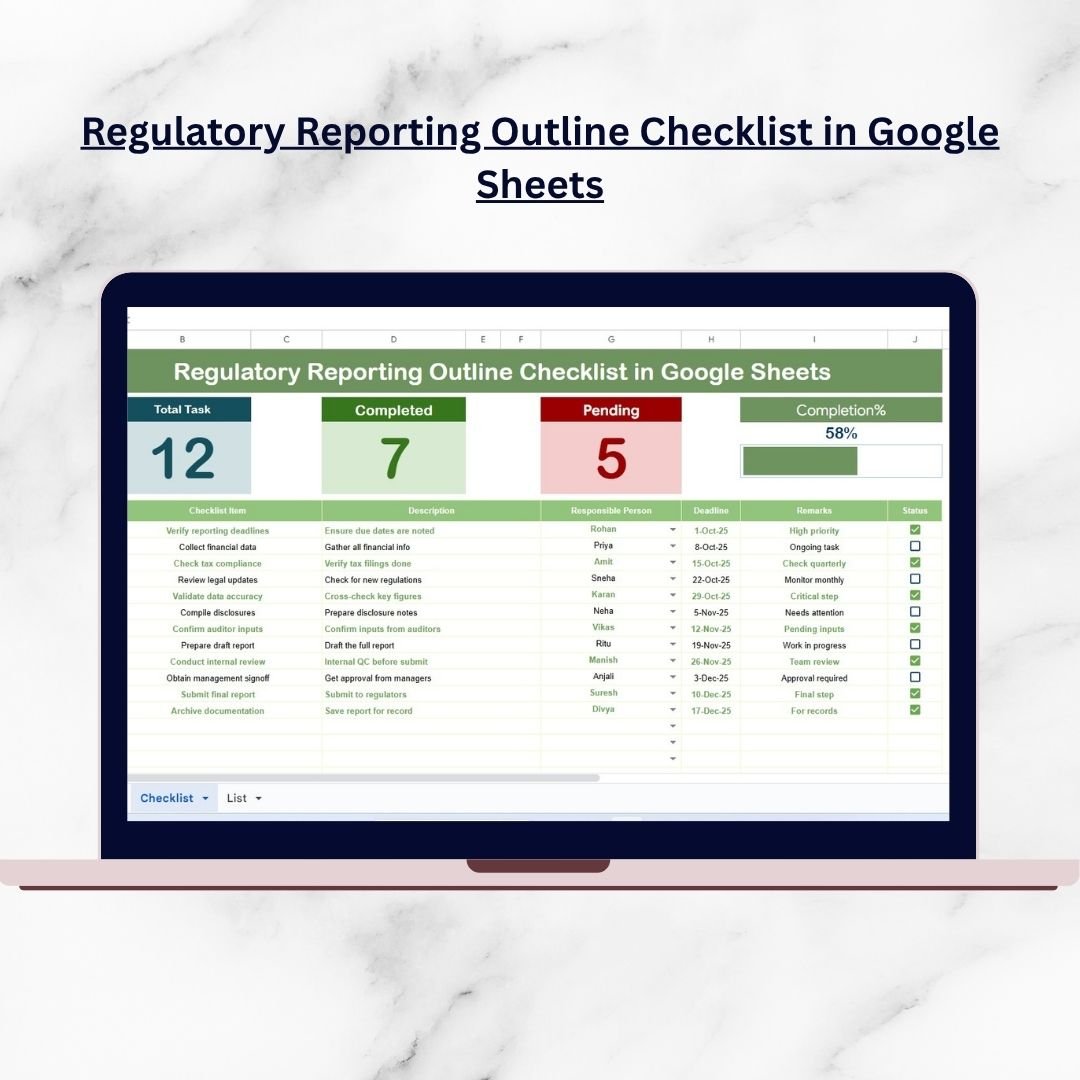
Regulatory reporting is one of the most critical obligations for any business. Whether you operate in finance, healthcare, education, or manufacturing, compliance standards are strict, deadlines are non-negotiable, and errors can lead to costly penalties or reputational damage. Regulatory Reporting Outline Checklist in Google Sheets Without a proper system, businesses risk missed submissions, duplicated efforts, or incomplete reporting.
That’s where the Regulatory Reporting Outline Checklist in Google Sheets comes in. This ready-to-use, cloud-based template provides a structured, flexible, and cost-effective way to plan, manage, and monitor all your reporting tasks in one place. With progress tracking, responsibility assignment, and automated status monitoring, this tool helps organizations stay audit-ready and compliant.
✨ Key Features of the Regulatory Reporting Outline Checklist
-
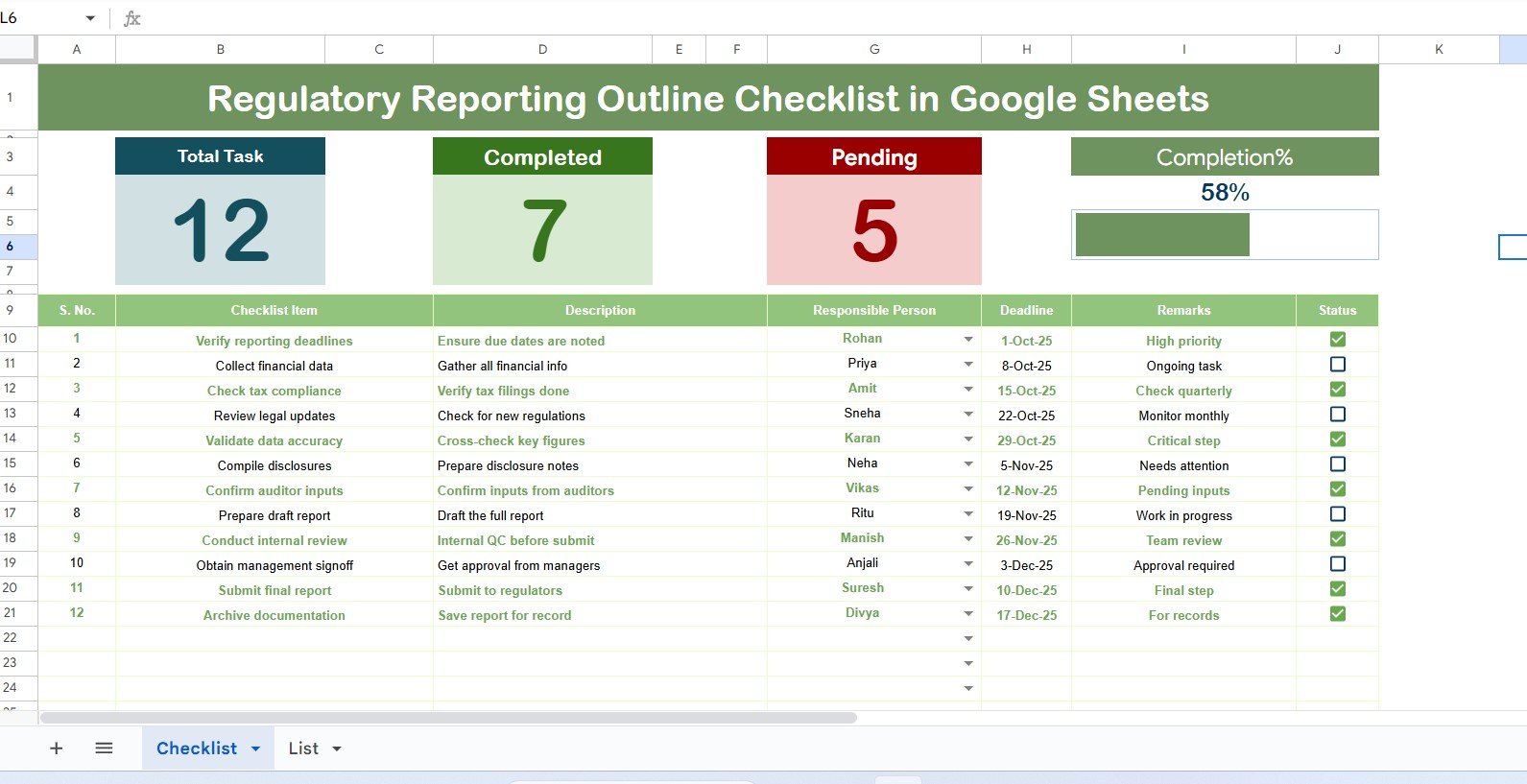
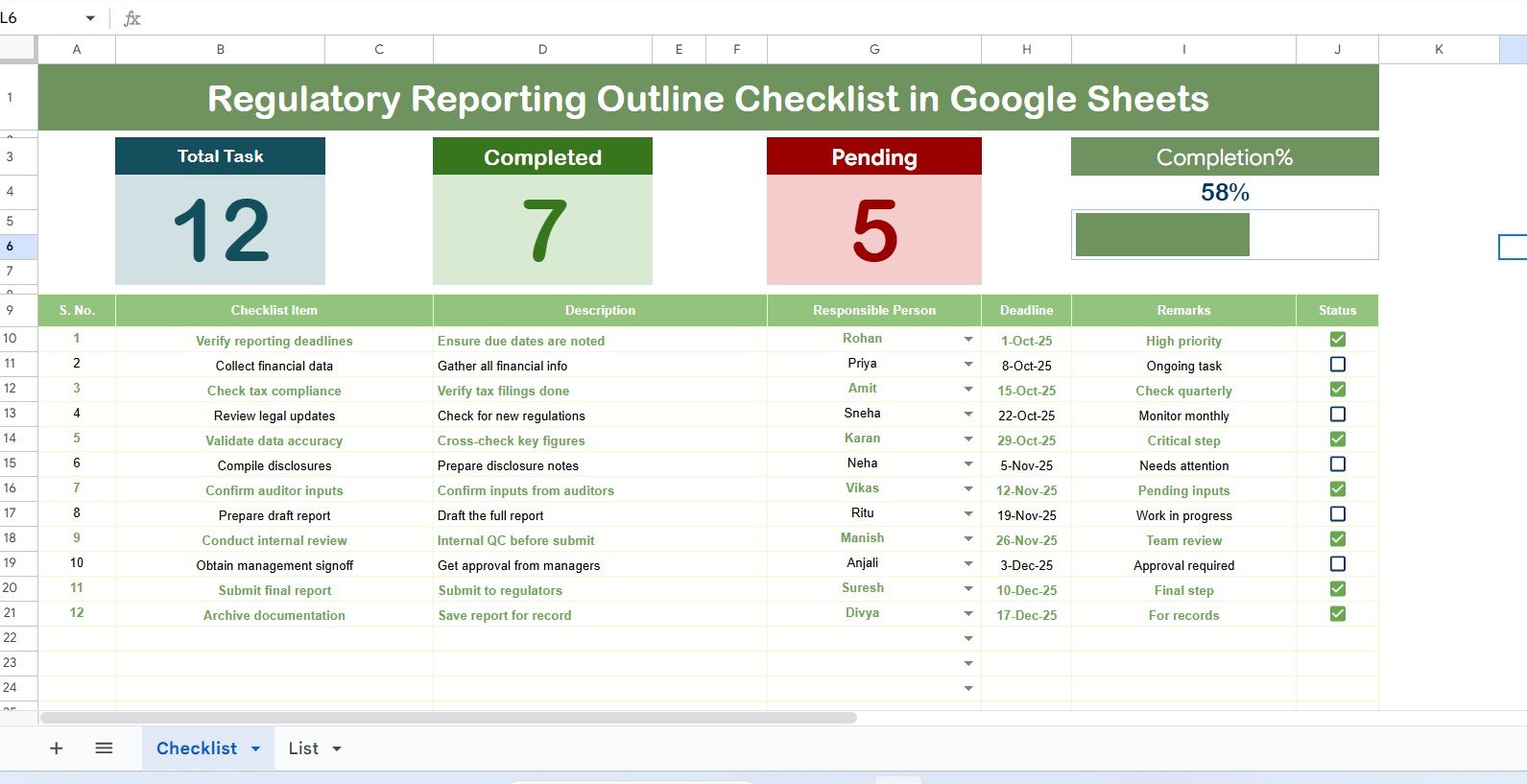
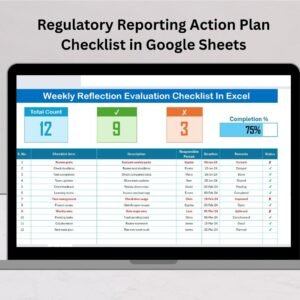
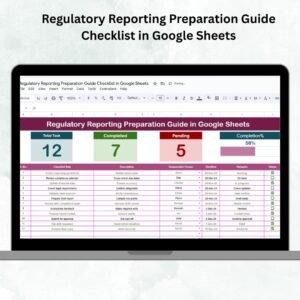
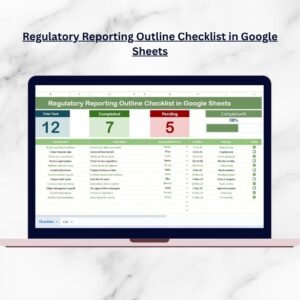
📋 Main Checklist Sheet – Organize all reporting activities with structured columns: Serial No., Checklist Item, Description, Responsible Person, Deadline, Remarks, and Status.
-
✅ Status Tracking – Mark ✔ for completed tasks or ✘ for pending ones to instantly see progress.
-
📊 Dashboard Cards – Quick summaries for total, completed, and pending tasks with a dynamic progress bar.
-
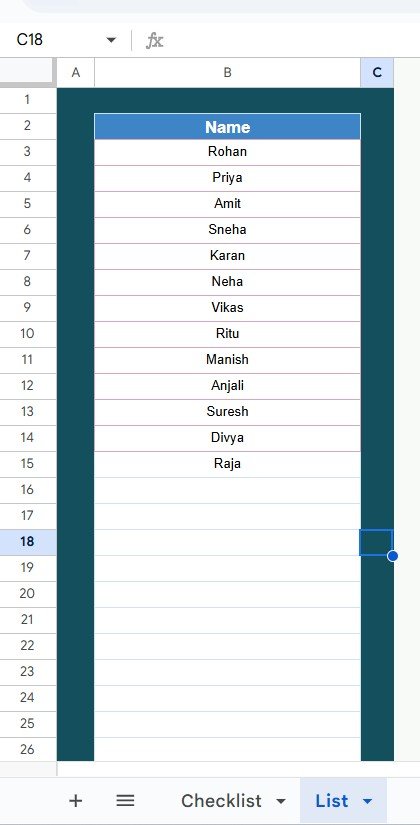
👥 List Sheet Tab – Maintain a unique list of responsible persons for consistent dropdown selections.
-
🎯 Deadline Monitoring – Track due dates clearly and avoid missed submissions.
-
🎨 Conditional Formatting – Highlight pending or overdue tasks for easy identification.
-
🔄 Real-Time Collaboration – Multiple users can update the checklist at the same time.
-
🌍 Cloud Storage – Accessible from anywhere on desktop, tablet, or mobile.
📂 What’s Inside the Checklist
When you download the Regulatory Reporting Outline Checklist in Google Sheets, you’ll get:
-
Main Checklist Sheet – Your compliance hub with progress indicators, completion counts, and structured task tracking.
-
List Sheet Tab – A master list of responsible persons connected to dropdowns for consistent task allocation.
Together, these sheets create a simple yet powerful compliance management system.
🛠️ How to Use the Checklist
-
Open the Template – Copy it into your Google Drive.
-
Enter Reporting Tasks – Add all compliance obligations under the Checklist Item column.
-
Assign Responsibilities – Use dropdowns to allocate tasks to specific team members.
-
Set Deadlines – Add realistic reporting due dates.
-
Track Status – Update ✔ or ✘ to reflect progress.
-
Review Progress – Use dashboard cards and progress bar for a quick overview.
-
Update Regularly – Refresh tasks and deadlines as regulatory requirements evolve.
👥 Who Can Benefit from This Checklist
-
Finance Teams – Manage tax filings, financial disclosures, and audit reports.
-
Healthcare Providers – Track patient safety, HIPAA, and compliance obligations.
-
Manufacturers – Monitor safety certifications and environmental regulations.
-
Educational Institutions – Oversee accreditation and compliance submissions.
-
IT & Security Teams – Stay on top of GDPR, CCPA, and cybersecurity frameworks.
-
Compliance Managers & Auditors – Ensure accountability and maintain transparency across reporting tasks.
This template is versatile enough to support small businesses, large corporations, and organizations in every industry.
🔗 Click here to read the Detailed Blog Post
📺 Visit our YouTube channel to learn step-by-step video tutorials: Youtube.com/@NeotechNavigators
Watch the step-by-step video tutorial:





















Reviews
There are no reviews yet.