


The Blog Content & SEO Tracker in Google Sheets is a one-page blog content SEO tracker with 16 columns, 1 KPI card and 4 charts that read your post list directly. It ships with 15 sample posts across 9 content types and 6 workflow statuses, and 4 of the columns (Post ID, SEO Score, Traffic Rank and Content Action) calculate themselves. Replace the sample rows with your own posts and the card, ranks, scores and charts refresh instantly.
🌍 Built by NextGenTemplates, the maker of 2,000+ ready-to-use Excel, Google Sheets, Power BI and HTML templates sold as one-time purchases instead of monthly subscriptions.
✅ Instant download · One-time payment · No subscription · No per-user fees · Lifetime access
🔑 Key Features of the Blog Content & SEO Tracker
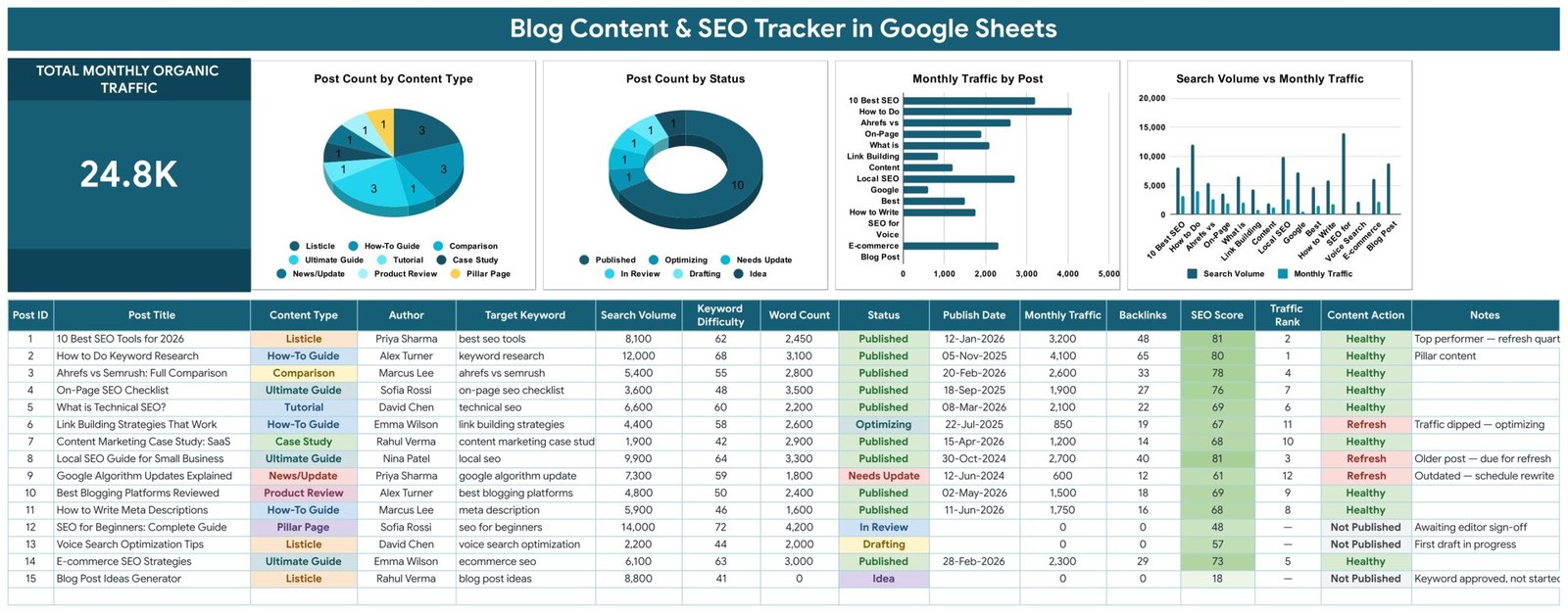
📈 Total Monthly Organic Traffic card – One large card adds up the Monthly Traffic of every post in the list. With the 15 sample posts it reads 24.8K, and it updates the moment you change a traffic figure or add a new post row.
📊 Four charts linked straight to the data – Post Count by Content Type, Post Count by Status, Monthly Traffic by Post and Search Volume vs Monthly Traffic. All 4 charts read rows 16-1000 with the built-in Aggregate option, so there are no hidden helper tables to maintain.
🧮 Automatic SEO Score from 0 to 100 – The SEO Score column blends word depth, backlink authority and keyword winnability into one number per post. In the sample, scores run from 18 for an unstarted idea to 81 for the strongest published guides.
🚦 Content Action tells you the next move – Content Action reads each post’s publish date and traffic and returns Refresh, Optimize, Healthy or Not Published. Traffic Rank orders published posts by monthly traffic, and posts that are not live yet show a dash.
🔽 Dropdowns that grow with your blog – Content Type, Author and Status pull their options from the List tab (rows 2-500). Add a new author or content type there and it appears in the dropdown automatically, with no re-setup.
🔎 Keyword planning columns – Every post carries its Target Keyword, Search Volume and Keyword Difficulty beside Word Count, Backlinks and Notes, so keyword choices and results sit on the same row.
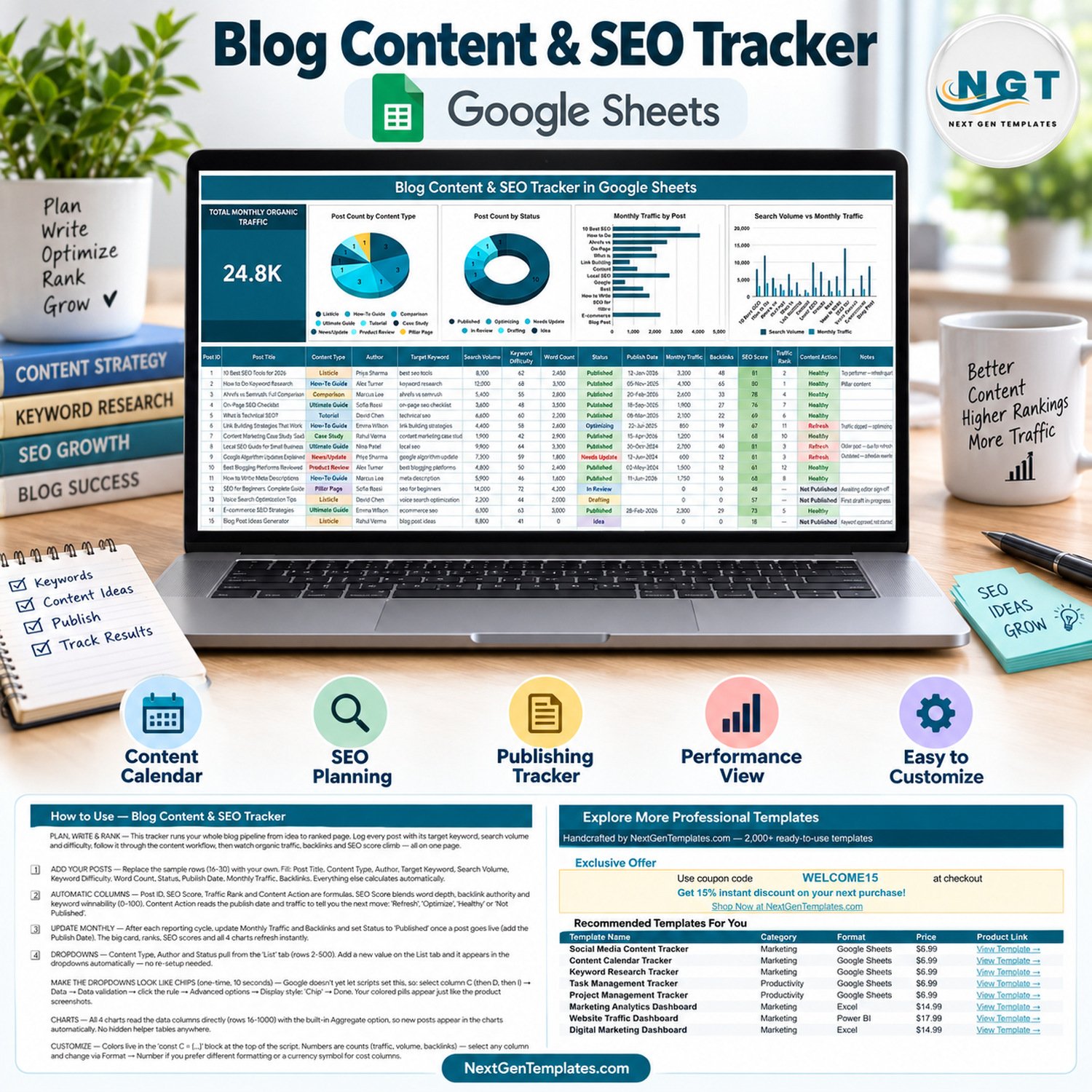
📦 What’s Inside the Blog Content & SEO Tracker
The Google Sheets file has the tracker tab, a List tab that feeds the dropdowns, a How to Use tab and an Explore More Templates tab.
Page 1: Blog Content & SEO Tracker Sheet
This page shows the Total Monthly Organic Traffic card and charts including Post Count by Content Type, Post Count by Status, Monthly Traffic by Post and Search Volume vs Monthly Traffic. Below them sits the 16-column post table: Post ID, Post Title, Content Type, Author, Target Keyword, Search Volume, Keyword Difficulty, Word Count, Status, Publish Date, Monthly Traffic, Backlinks, SEO Score, Traffic Rank, Content Action and Notes.
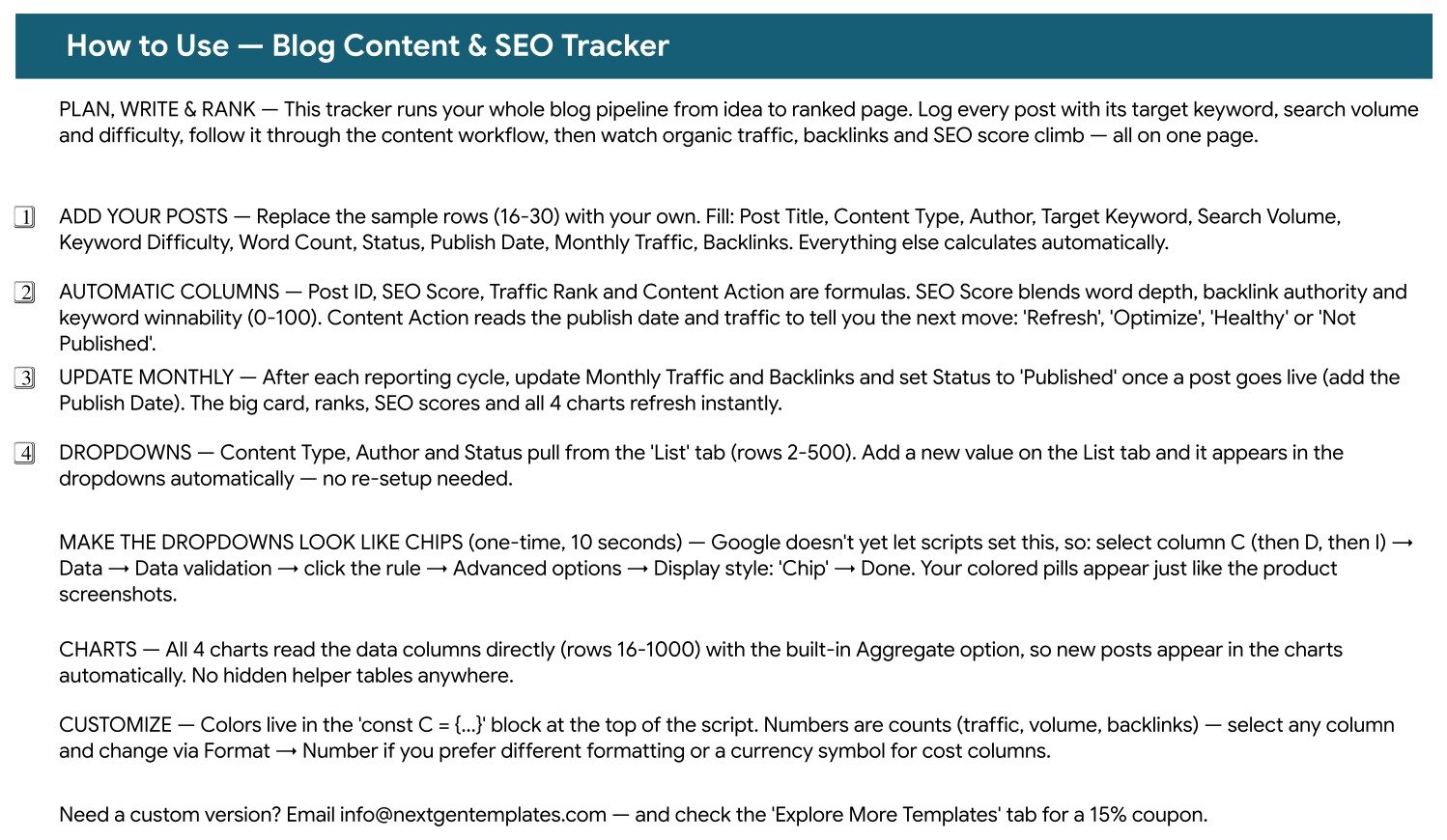
Page 2: How to Use
This page walks through adding your posts, the four automatic columns, the monthly update routine, the List tab dropdowns, the one-time chip display setting and where to change the colours.
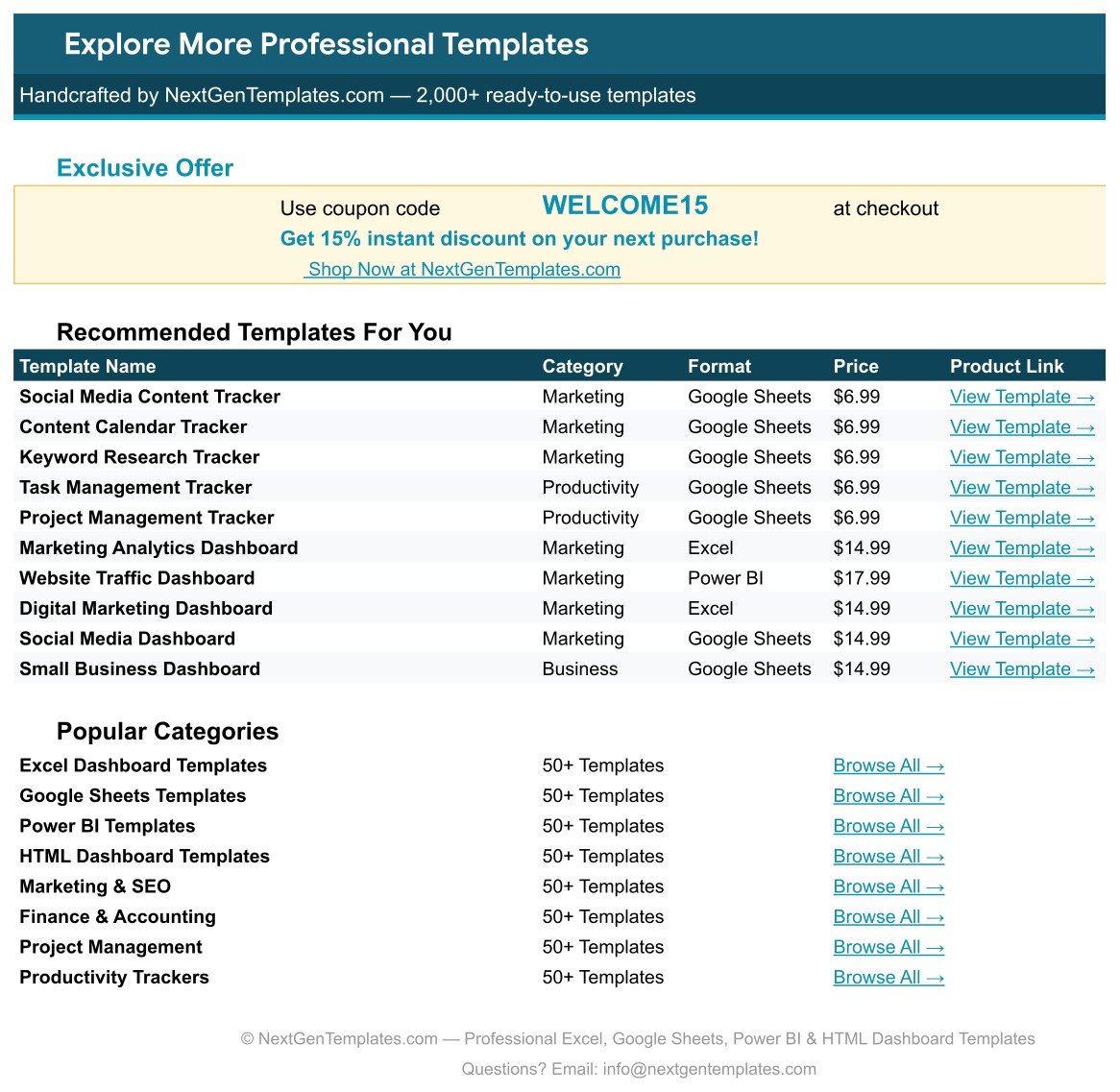
Page 3: Explore More Templates
This page carries the WELCOME15 coupon for 15% off your next purchase and links to more templates and categories on NextGenTemplates.com.
📊 Blog Content & SEO Tracker vs. Microsoft Excel Content Tracker vs. Paid SEO Suites
| Feature | Blog Content & SEO Tracker in Google Sheets | Microsoft Excel Content Tracker | Paid SEO / Content Suites (Semrush, Ahrefs, HubSpot) |
|---|---|---|---|
| Cost | ✅ $6.99 one-time | Varies; Microsoft 365 licence usually needed | Monthly subscription |
| Platform | ✅ Browser, any device with a Google account | Excel desktop or Excel for the web | Vendor web app |
| Setup time | ✅ Minutes: make a copy, replace 15 sample rows | Build or adapt your own sheet | Account setup, projects and onboarding |
| Real-time team collaboration | ✅ Built into Google Sheets | Through OneDrive or SharePoint | ✅ Per paid seat |
| Mobile access | ✅ Google Sheets app | ✅ Excel app | ✅ Vendor app or browser |
| Customizable fields | ✅ Every column, dropdown and colour | ✅ Fully editable | Limited to the vendor’s fields |
| Share with a link | ✅ Yes | ✅ Yes | Invite-based seats |
| Year-1 cost at 5 users | ✅ $6.99 total | Licences per user | Subscription multiplied by seats |
| Built-in keyword and traffic data | ❌ You enter volume, difficulty and traffic | ❌ Manual entry | ✅ Pulled from the vendor’s database |
For bloggers and small content teams who want one clear view of keywords, workflow and traffic without paying per seat every month, the Blog Content & SEO Tracker sits in the sweet spot.
👥 Who This Template Is For — and Who It’s Not For
✅ This template is built for:
- Solo bloggers and niche site owners managing up to a few hundred posts
- Content marketers and SEO leads who report monthly traffic and backlinks to a manager or client
- Small editorial teams with several authors who need one shared post pipeline
❌ This template is NOT for:
- Teams that need automatic rank tracking or live data from Google Search Console or Analytics – every figure here is entered by you
- Anyone looking for a keyword research tool – bring search volume and difficulty from the tool you already use
⚙️ How to Use the Blog Content SEO Tracker
- Open the PDF in your download and click the Google Sheets link to make your own editable copy.
- Add your authors, content types and statuses on the List tab so they appear in the dropdowns.
- Replace sample rows 16-30 with your posts: Post Title, Content Type, Author, Target Keyword, Search Volume, Keyword Difficulty, Word Count, Status, Publish Date, Monthly Traffic and Backlinks.
- After each reporting cycle, update Monthly Traffic and Backlinks, and set Status to Published with a Publish Date when a post goes live.
- Work down the Content Action column: refresh or optimize the flagged posts first.
- Optional: switch the dropdowns to chip style via Data > Data validation > Advanced options.
💼 Real-World Use Cases
Maya runs a personal finance blog with 120 posts. She logs every article with its target keyword and monthly traffic, sorts by Traffic Rank to see her top performers, and uses the Refresh flags in Content Action to decide which older guides to update before a busy season.
Daniel leads SEO at a 6-person SaaS content team. Each writer is on the Author dropdown, and the Post Count by Status chart shows at a glance how many posts are in Idea, Drafting or In Review. His monthly report starts from the Total Monthly Organic Traffic card.
Aisha is a freelance content strategist. She keeps one copy of the tracker per client, compares Search Volume vs Monthly Traffic to spot posts that rank for big keywords but under-deliver, and shares a view link instead of exporting reports.
❓ Frequently Asked Questions
What does the Blog Content & SEO Tracker in Google Sheets track?
It tracks each blog post’s title, content type, author, target keyword, search volume, keyword difficulty, word count, status, publish date, monthly traffic, backlinks and notes. From those it calculates Post ID, SEO Score, Traffic Rank and Content Action, plus one traffic card and 4 charts.
Does it pull data from Google Search Console or Google Analytics?
No. The Blog Content & SEO Tracker has no live connection. You type or paste Monthly Traffic and Backlinks each reporting cycle, and the card, ranks, scores and charts update instantly from what you enter.
How is the SEO Score calculated?
The SEO Score is a 0-100 formula inside the sheet that blends word depth, backlink authority and keyword winnability. It is a planning signal for comparing your own posts, not a Google ranking factor or a score from an SEO plugin. For ranking basics, see Google’s SEO Starter Guide.
How long does setup take?
Most users are ready in under 15 minutes. Make a copy from the PDF link, add authors and content types on the List tab, then replace the 15 sample posts with your own. The four formula columns and all 4 charts need no setup.
How does this compare to Semrush, Ahrefs or HubSpot?
Those suites supply keyword and ranking data on a monthly subscription. The Blog Content & SEO Tracker costs $6.99 once and organises the data you already have: your post pipeline, keywords, traffic and next actions. Many bloggers use both side by side.
Can I add more content types, authors or statuses?
Yes. Content Type, Author and Status read from the List tab rows 2-500. Type a new value on the List tab and it appears in the dropdown immediately, and the charts pick up new posts automatically down to row 1000.
👤 About the Author
Built by PK — Microsoft Certified Professional with 15+ years of Excel, Google Sheets and Power BI experience. Founder of NextGenTemplates, reaching 300K+ subscribers across YouTube channels (@PKAnExcelExpert, @NextGenTemplates, @NeoTechNavigators). Every template is hand-built and tested before release.
🔗 Explore Related Templates
📈 Measure paid and organic search together with the Search Engine Marketing KPI Dashboard in Google Sheets, or track sessions and conversions in the Google Analytics KPI Dashboard in Google Sheets.
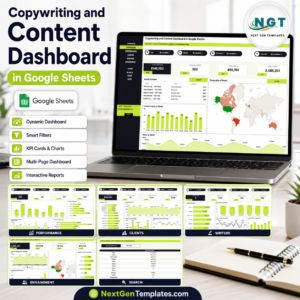
✍️ Writers and agencies can analyse output with the Copywriting and Content Dashboard in Google Sheets, and video creators can log channel growth in the YouTube Channel Performance Tracker in Google Sheets.
🗓️ Prefer a calendar view in Excel? See the Blog Editorial and SEO Calendar in Excel. Browse every Google Sheets tracker template.
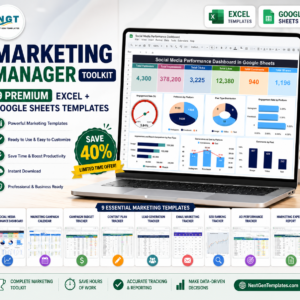
💎 Need the whole marketing stack? Get 9 templates in the Marketing Manager Toolkit.
📖 Click here to read the Detailed Blog Post
🎥 Visit our YouTube channel for step-by-step video tutorials
👉 YouTube.com/@NextGenTemplates
Watch the step-by-step video Demo:
📅 Last updated: September 2026



























Reviews
There are no reviews yet.