

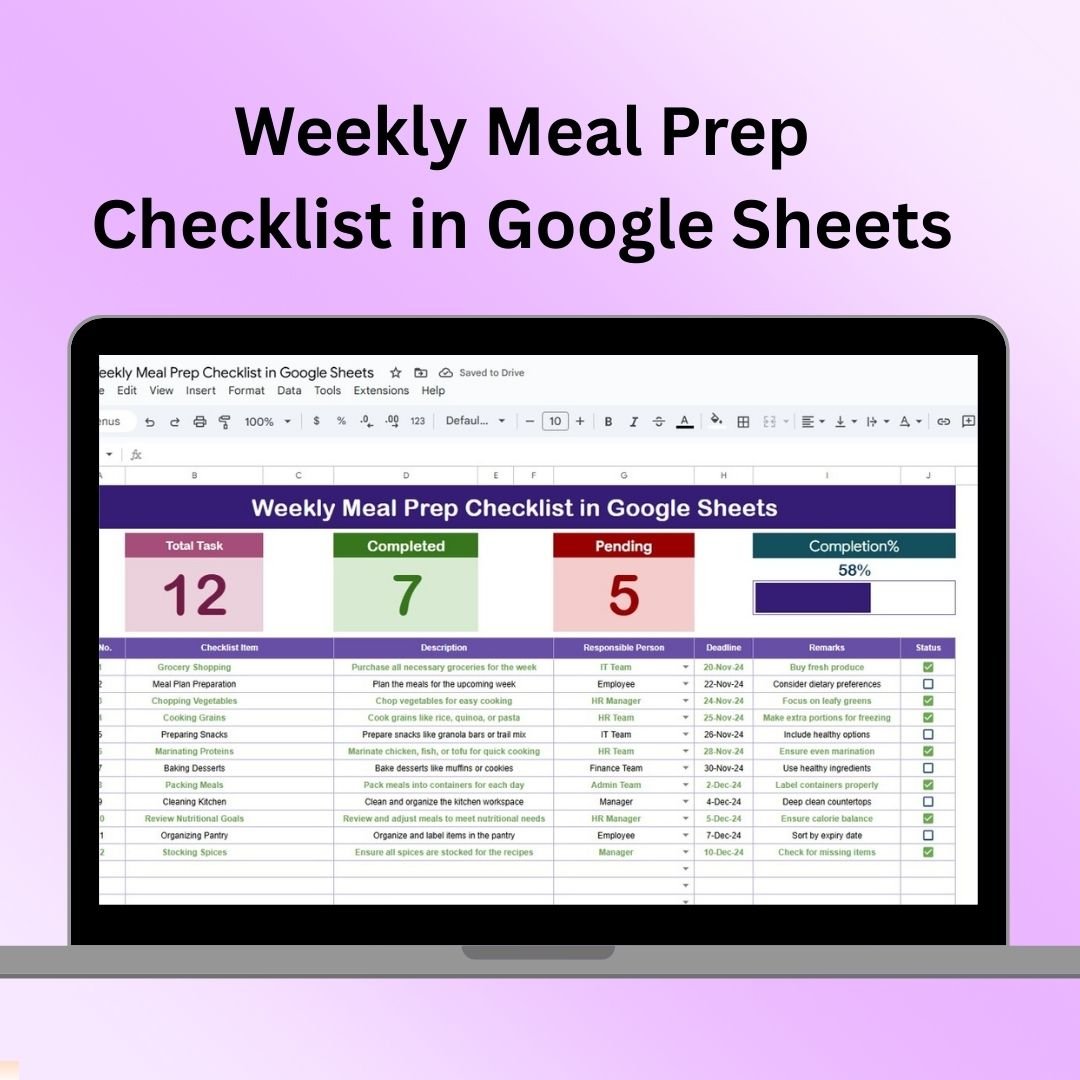
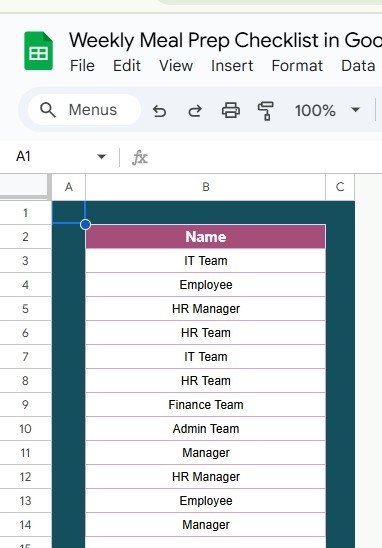

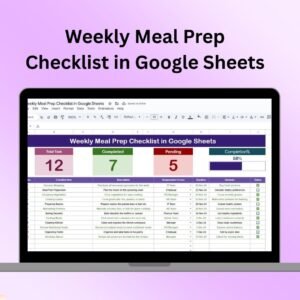
The Weekly Meal Prep Checklist in Google Sheets is a highly efficient tool designed to help individuals and families streamline their weekly meal planning and preparation. This checklist allows you to organize your meals, plan grocery shopping, and prep ingredients in advance, saving time and reducing stress throughout the week.
Key Features of the Weekly Meal Prep Checklist in Google Sheets
🍽️ Weekly Meal Planner
Plan Your Meals: Organize breakfast, lunch, dinner, and snacks for each day of the week, ensuring you stay on track with your meals.
Diverse Meal Options: Adapt the meal planner to your dietary preferences, ensuring it fits your health and nutritional goals.
🛒 Grocery List Generator
Efficient Shopping: Automatically generate a grocery list based on the meals you’ve planned for the week.
Organized Categories: Categorize items by type, such as produce, dairy, grains, and proteins, to make your grocery shopping more efficient.
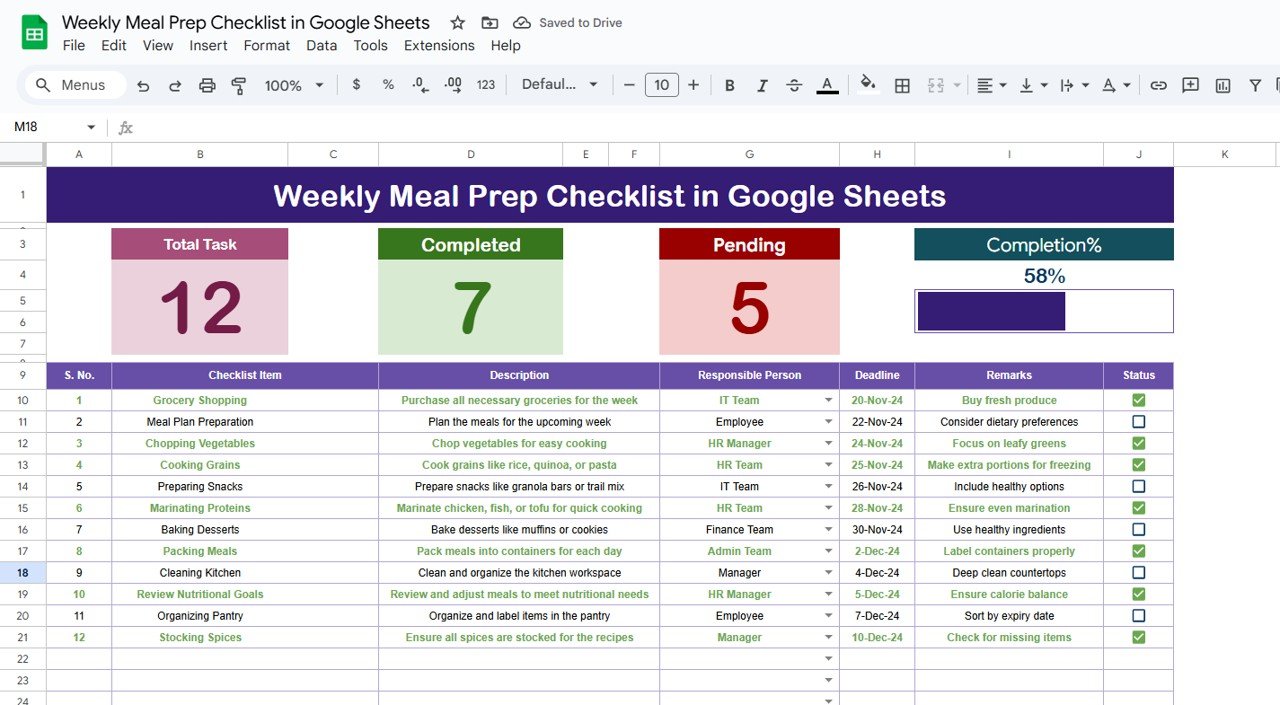
✔️ Prep Checklist
Prep Ahead: List all prep tasks, such as chopping vegetables, marinating proteins, or cooking grains, ensuring your meals are ready to go when needed.
Stay Organized: Follow the prep checklist to keep your kitchen organized and ensure you have everything ready for cooking.
📊 Nutritional Information
Track Nutrition: Optionally add nutritional info such as calories, macronutrients, or portion sizes to keep your meals aligned with your health goals.
📝 Customizable Template
Tailor to Your Needs: Modify the template to fit your preferences, whether you’re following a special diet plan or preparing meals for a large family.
Benefits of Using the Weekly Meal Prep Checklist in Google Sheets
✅ Time-Saving
By planning meals ahead of time, you save yourself from having to think about what to cook every day, streamlining the preparation process.
✅ Cost-Effective
Reduce food waste and unnecessary purchases by using a meal plan and grocery list to buy exactly what you need.
✅ Healthier Eating
Plan meals that align with your nutritional goals and have the right ingredients on hand to prepare balanced meals throughout the week.
✅ Stress-Free Cooking
With your meal prep organized and your grocery list ready, cooking becomes a smoother and more enjoyable task.
Getting Started with Your Weekly Meal Prep Checklist in Google Sheets
Download the Template: Download the Weekly Meal Prep Checklist template and customize it for your needs.
Plan Your Meals: Fill in your meals for each day of the week, including breakfast, lunch, dinner, and snacks.
Generate the Grocery List: Let the checklist automatically generate your grocery list based on the meals planned.
Prepare Ingredients: Complete the tasks on your prep checklist, like chopping vegetables or marinating proteins.
Cook and Enjoy: Follow your meal plan and enjoy stress-free, healthy meals throughout the week.
By using the Weekly Meal Prep Checklist in Google Sheets, you can make meal planning, grocery shopping, and meal prep a breeze, leading to healthier eating and less stress in the kitchen.
Click here to read the Detailed blog post
Weekly Meal Prep Checklist in Google Sheets
Visit our YouTube channel to learn step-by-step video tutorials
YouTube.com/@NeotechNavigators
Watch the step-by-step video Demo:
Who Uses This Checklist
Individuals and families who plan meals for the week, people following a diet plan, and anyone who cooks in batches and wants a ready grocery list.
Compatibility and Requirements
- Works in Google Sheets. You need a free Google account and a web browser.
- New to Sheets? Google’s guide How to use Google Sheets covers the basics.
Frequently Asked Questions
What can I plan with it?
You plan breakfast, lunch, dinner and snacks for each day of the week, then list the prep tasks that get each meal ready.
Does it make a grocery list?
Yes. It builds a grocery list from the meals you plan, grouped by type such as produce, dairy, grains and proteins.
Can I add nutrition details?
Yes. You can add calories, macronutrients or portion sizes to keep meals in line with your health goals.
Can I change it for my diet or family size?
Yes. You can change the template for a special diet plan or for cooking for a large family.
Related Meal Planning Templates
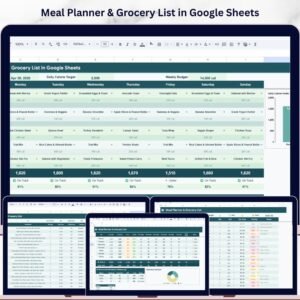
- Meal Planner & Grocery List in Google Sheets: a fuller meal planner with a shopping list
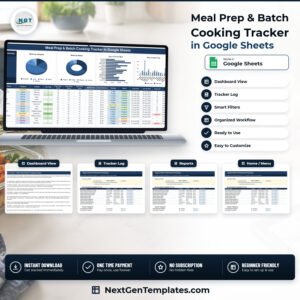
- Meal Prep & Batch Cooking Tracker in Google Sheets: plan batch cooking sessions
- Weekly Meal Prep Checklist Template in Excel: the same checklist for Excel
- Daily Habits Tracker Checklist in Google Sheets: track healthy daily habits
- Checklist & SOP Pack: 12 Excel and Google Sheets checklists in one download
Browse all Google Sheets checklists or the Google Sheets trackers.


























Reviews
There are no reviews yet.