


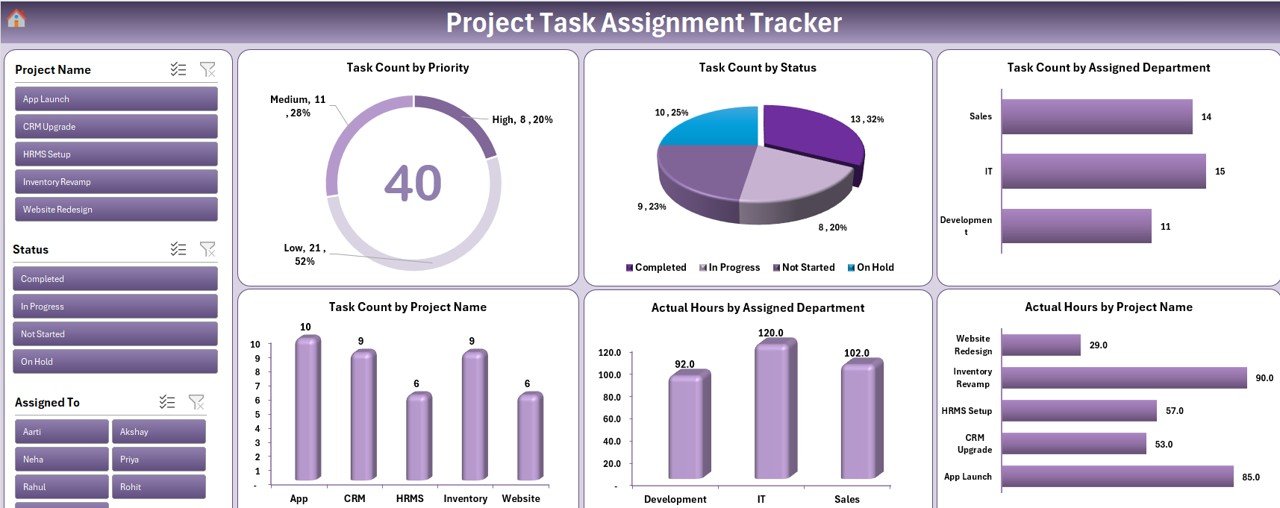

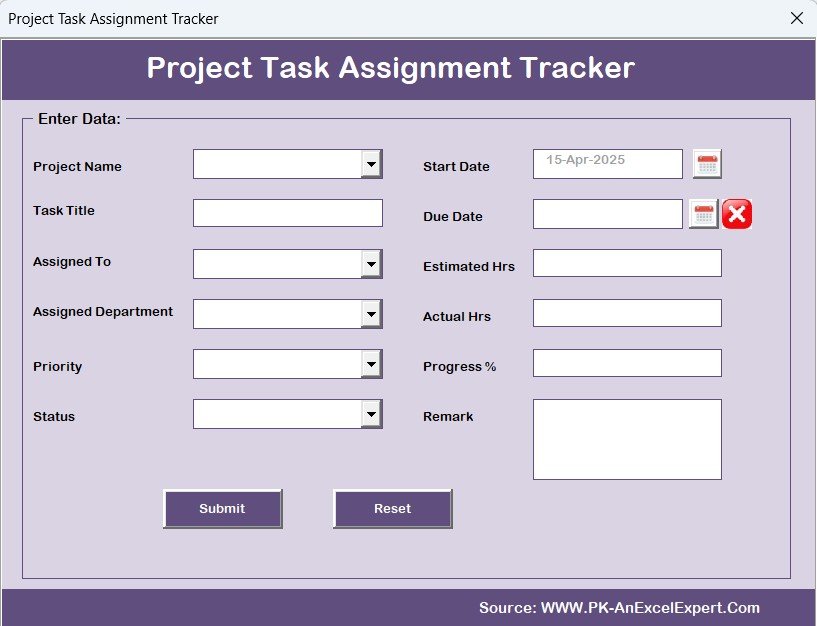
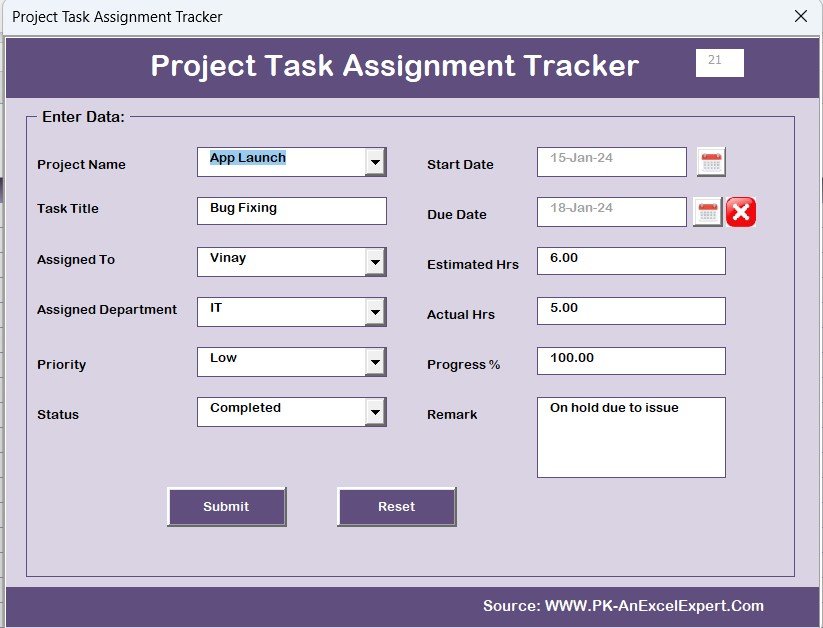
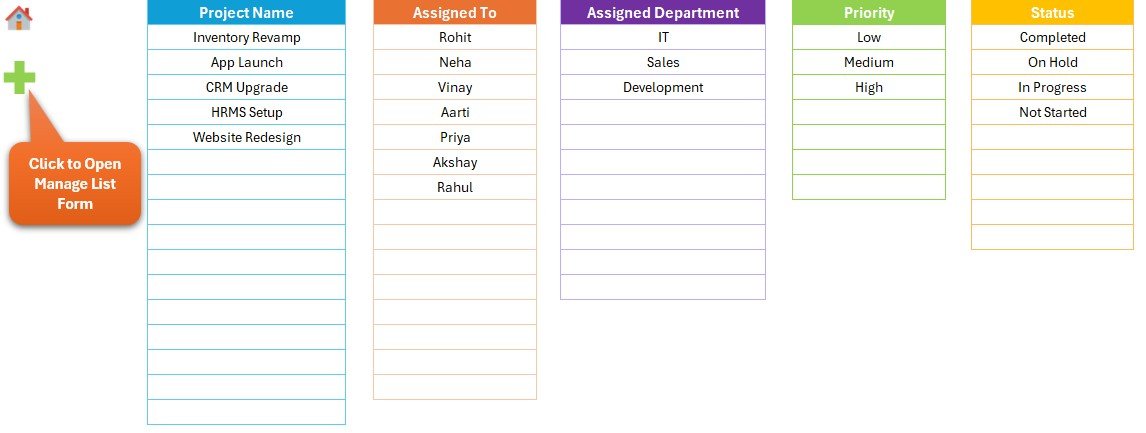
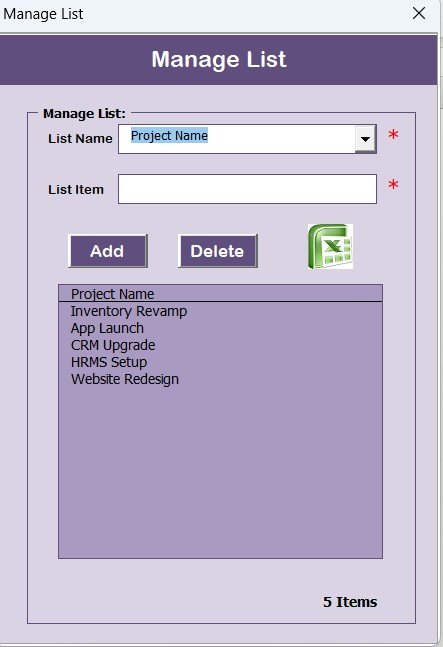
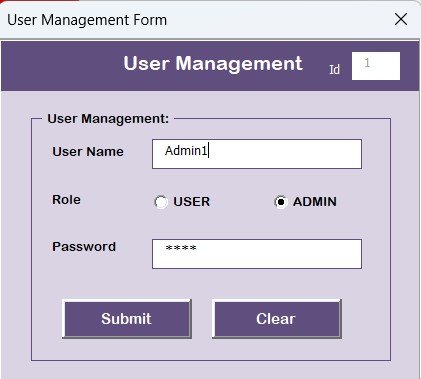

The Project Task Assignment Tracker in Excel is a powerful tool designed to help project managers, team leads, and business owners track and assign tasks efficiently within a project. This Excel-based tracker provides a comprehensive solution to manage project activities, monitor progress, and ensure that every team member is on track to meet deadlines.
From project initiation to completion, this tracker enables users to assign tasks, set priorities, and track task statuses in a visually organized manner. It’s ideal for both small teams and large-scale projects, offering an intuitive interface that helps streamline task management, reduce bottlenecks, and ensure timely project delivery.
Key Features of the Project Task Assignment Tracker in Excel
📋 Task Assignment & Tracking
Assign tasks to specific team members, set deadlines, and monitor progress. Ensure everyone knows their responsibilities, and track the status of each task to keep the project on track.
📅 Time-Based Task Monitoring
Track project tasks based on start and end dates, ensuring timely completion. The time-based features also allow you to monitor project milestones and deadlines to keep the project within scope.
🔑 Priority & Status Management
Categorize tasks by priority level (e.g., high, medium, low) and status (e.g., pending, in progress, completed). This helps you focus on the most critical tasks and ensure that no task is overlooked.
📊 Progress & Completion Tracking
Monitor the overall progress of the project by tracking individual task completion rates. Use this feature to quickly assess whether the project is on schedule and identify tasks that require immediate attention.
⚙️ Customizable for Your Project Needs
Customize the tracker to suit your project’s specific needs. Add extra columns for additional task details, create new categories, and adjust the structure to match your unique workflows.
🔄 Team Collaboration & Updates
Easily share the tracker with your team and keep everyone on the same page. Update task statuses in real time and maintain collaboration across different project phases.
Why You’ll Love the Project Task Assignment Tracker in Excel

✅ Organized Task Management
Easily assign, track, and manage tasks across multiple projects, keeping everything organized in one place.
✅ Improved Team Collaboration
Ensure clear communication by assigning tasks and tracking progress in real-time. Team members can easily see what needs to be done and when.
✅ Timely Project Completion
Monitor deadlines and task progress to keep the project on track. The time-based tracking feature helps you avoid delays and ensure timely project delivery.
✅ Customizable for Any Project Type
Adapt the tracker to fit projects of any scale, from small team projects to large corporate initiatives. Customize it to match your project structure, task categories, and team workflows.
✅ Increase Productivity & Accountability
By assigning tasks and tracking their completion, you increase team accountability and overall productivity. Team members can easily see their responsibilities and deadlines.
What’s Inside the Project Task Assignment Tracker in Excel?
Task Assignment & Tracking: Assign tasks to team members, set deadlines, and monitor progress.
Time-Based Monitoring: Track task deadlines and overall project timelines.
Priority & Status Management: Set task priorities and track their status.
Progress Tracking: Monitor overall project progress and completion rates.
Customizable Columns & Categories: Tailor the tracker to your project’s needs.
Collaboration & Updates: Share the tracker and update statuses in real time.
How to Use the Project Task Assignment Tracker in Excel
1️⃣ Download the Template: Get instant access to the Project Task Assignment Tracker in Excel.
2️⃣ Assign Tasks & Set Deadlines: Input tasks, assign them to team members, and set deadlines.
3️⃣ Track Progress & Status: Monitor task completion and status to ensure deadlines are met.
4️⃣ Prioritize Tasks & Activities: Use the priority categories to focus on the most important tasks first.
5️⃣ Collaborate with Your Team: Share the tracker and keep the team updated on task statuses in real time.
Who Can Benefit from the Project Task Assignment Tracker in Excel?
🔹 Project Managers & Team Leads
🔹 Small & Medium Businesses (SMBs)
🔹 Large Enterprises with Multiple Projects
🔹 Freelancers & Consultants
🔹 IT & Software Development Teams
🔹 Event Planners & Organizers
🔹 Nonprofits & NGOs Managing Projects
Ensure efficient task management and timely project delivery with the Project Task Assignment Tracker in Excel. Assign tasks, track progress, and improve team productivity—all in one easy-to-use tool.
Click here to read the Detailed blog post
Visit our YouTube channel to learn step-by-step video tutorials
Youtube.com/@PKAnExcelExpert
Watch the step-by-step video Demo:
Compatibility and Requirements
- Needs Microsoft Excel desktop on Windows with macros enabled.
- It does not run in Excel for the web, Google Sheets or the Excel mobile apps.
- You can add your own columns and categories to fit the project.
Frequently Asked Questions
What can I track with the Project Task Assignment Tracker?
You assign each task to a team member, set start and end dates and deadlines, and record its priority and status. The tracker then shows progress and completion rates for the whole project.
Which priority and status options does it use?
Tasks are grouped by priority (high, medium, low) and by status (pending, in progress, completed), so the most urgent open tasks are easy to find.
Can I add more task details?
Yes. You can add extra columns, create new categories and adjust the layout to match how your team works.
Can my team work from the same file?
Yes. You can share the tracker with your team and update task statuses as work moves forward.
Related Project and Task Templates
- Project Task Assignment Tracker in Google Sheets: the same tracker in a shared online sheet
- Project Task List in Google Sheets: a simple task list for smaller projects
- Project Task Management Dashboard in Google Sheets: charts for task status and progress
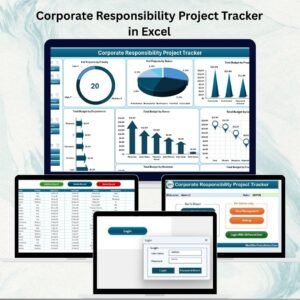
- Corporate Responsibility Project Tracker in Excel: project tracking for CSR initiatives
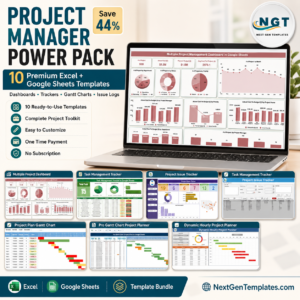
- Project Management Pro Bundle: 9 project management templates in one pack
Browse all Excel trackers or the Excel project management templates.












Reviews
There are no reviews yet.