

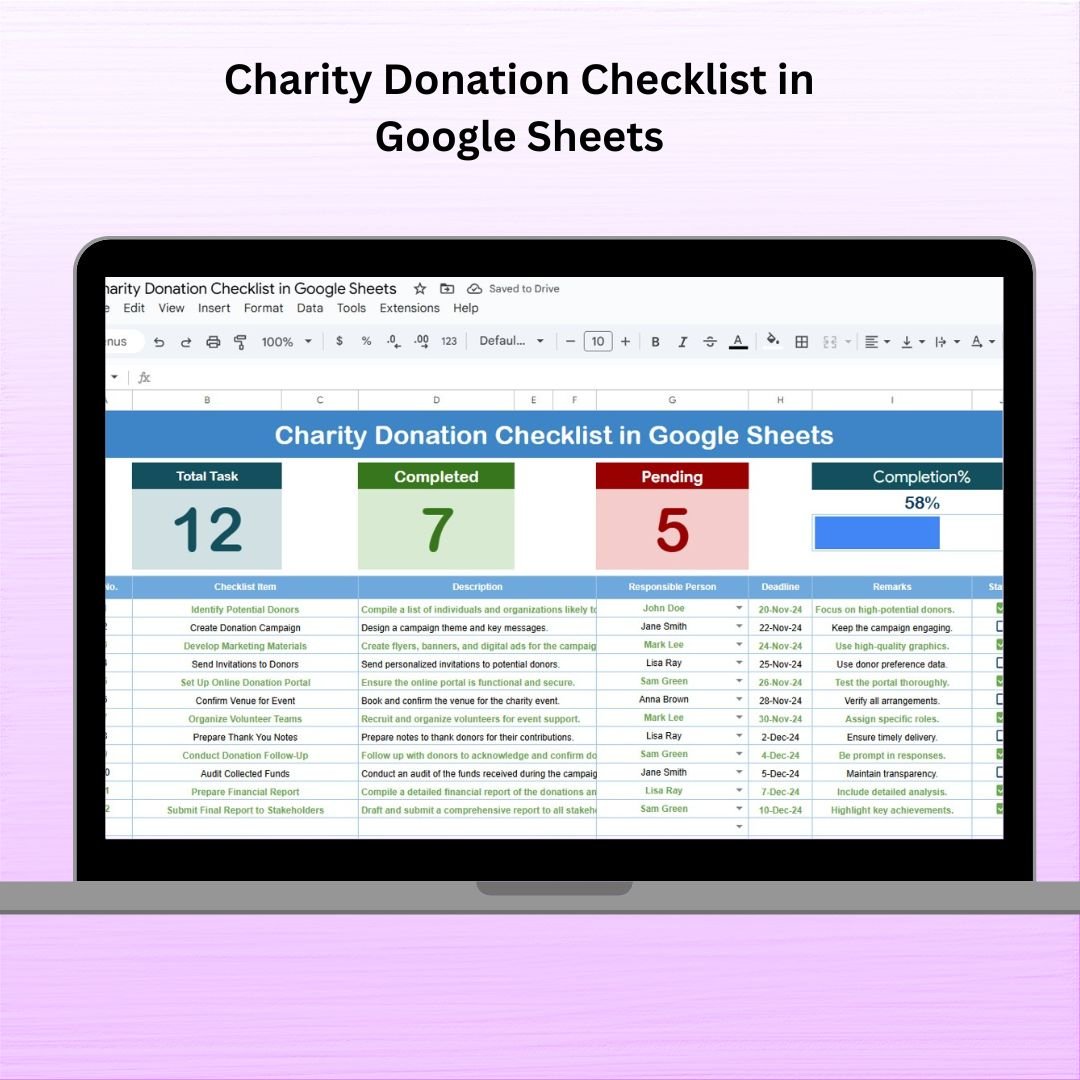

Managing donations for a charity event or campaign can quickly become overwhelming—especially when juggling multiple tasks, deadlines, and volunteers. That’s where the Charity Donation Checklist in Google Sheets comes in! This ready-to-use template is your all-in-one tool to plan, track, and complete donation tasks with confidence and ease.
Whether you’re an NGO, community organizer, or just a generous soul coordinating donations, this interactive Google Sheets checklist will help you stay on track, improve communication, and never miss a deadline again.
⚙️ Key Features of Charity Donation Checklist
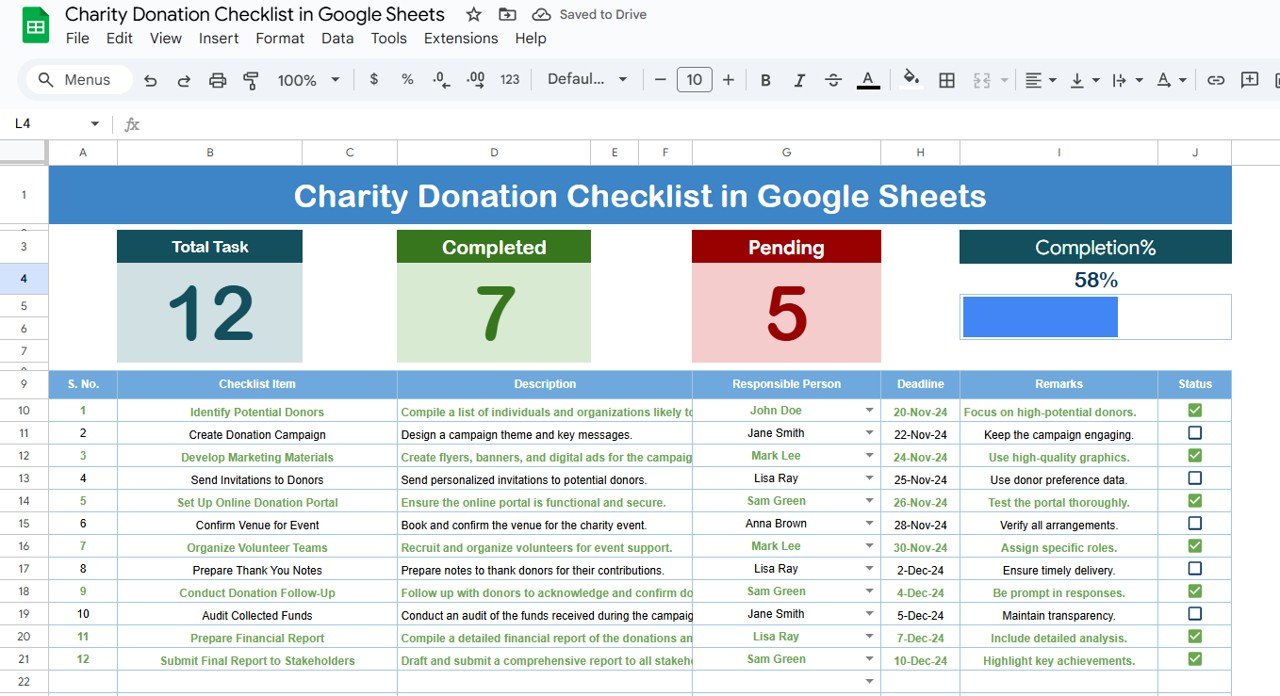
🗂️ Charity Donation Checklist Sheet – Your Main Command Center
📋 Track all donation-related tasks with columns for items, responsible persons, deadlines, remarks, and statuses
🔢 Top Cards: View total task count, completed count, and pending tasks at a glance
📊 Progress Bar: Automatically updates as tasks are completed, giving a visual cue of your progress
✔️❌ Checkbox Status System: Mark each task as done or pending with a single click!
📄 List Sheet – Assign Tasks with Precision
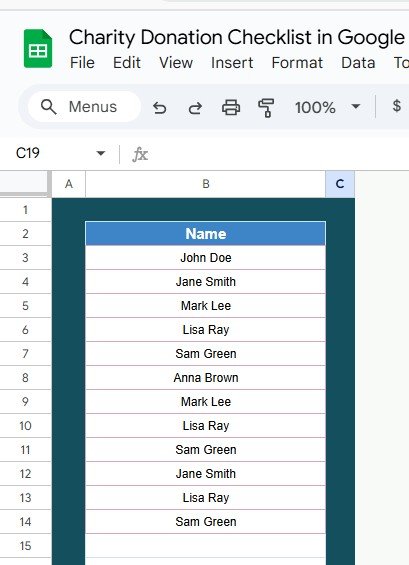
👥 Maintain a clean list of all Responsible Persons
⬇️ Integrated with the checklist sheet for easy dropdown selection
✨ Ensures consistency, avoids manual errors, and improves accountability
📦 What’s Inside the Charity Donation Checklist
✅ 2 Pre-Formatted Google Sheets Tabs
🎯 3 Summary Cards: Total, Completed, Pending
📈 Auto-Updating Progress Bar
👨👩👧👦 Dropdown for Responsible Person
📝 Ready-to-use columns for Checklist Item, Description, Deadline, and Status
🔧 Fully customizable template – add or remove rows/columns as needed
🌐 Easy sharing with team via link or email
📋 How to Use the Charity Donation Checklist
Start by listing your donation tasks in the checklist table
Assign each task to a person using the dropdown list
Add a clear deadline and any helpful remarks
Mark the task as ✔ once completed – the progress bar and summary cards will update automatically
Update regularly and share with your team for real-time collaboration
👥 Who Can Benefit from This Checklist?
🙌 Nonprofits & NGOs managing donation drives
🏫 Schools and Colleges organizing charity events
💒 Churches & Religious Organizations coordinating community help
🧑🤝🧑 Volunteers and Community Leaders planning fundraising activities
🏢 Corporate CSR Teams overseeing donation campaigns
Whether you’re running a small donation event or a large-scale campaign, this tool helps you stay structured, improve task accountability, and hit every milestone.
💡 Pro Tips to Maximize the Checklist
✅ Update regularly to reflect the most accurate status
🧠 Assign clear and achievable deadlines
📆 Review the Pending Count often to prevent delays
🔄 Use remarks to provide extra context for each task
💬 Share access with your team for seamless coordination
✅ Click here to read the Detailed blog post
Watch the step-by-step video Demo:
📺 Visit our YouTube channel to learn step-by-step video tutorials
👉 Youtube.com/@NeotechNavigators
Compatibility and Requirements
- Works in Google Sheets with a free Google account and a web browser.
- Make a copy to your own Google Drive, then share it with your team if you want to work on it together.
- New to Sheets? Google’s guide How to use Google Sheets covers the basics.
Frequently Asked Questions
Which tabs are in the file?
There are two tabs: the Charity Donation Checklist sheet, where you track every task, and the List sheet, where you keep the names of responsible persons.
How do I mark a task as done?
Tick the checkbox in the Status column. The progress bar and the Total, Completed and Pending cards update on their own.
How do I assign tasks to volunteers?
Add their names to the List sheet. They then appear in the Responsible Person dropdown on the checklist.
Can I add my own tasks and columns?
Yes. You can add or remove rows and columns to fit your donation drive.
Related Donation and Nonprofit Templates
- Charity Donation Checklist in Excel: the same checklist in Excel
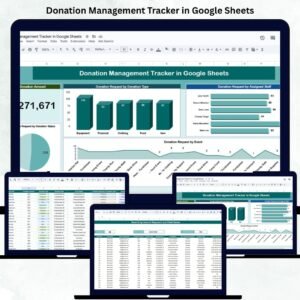
- Donation Management Tracker in Google Sheets: track every donation you receive in Google Sheets
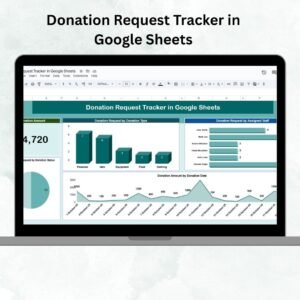
- Donation Request Tracker in Google Sheets: log and follow up on donation requests
- Nonprofit Fundraising Dashboard in Google Sheets: see fundraising results in a Google Sheets dashboard
- Nonprofit & NGO Operations Bundle: 7 nonprofit templates in one bundle
Browse all Google Sheets checklists.












Reviews
There are no reviews yet.