

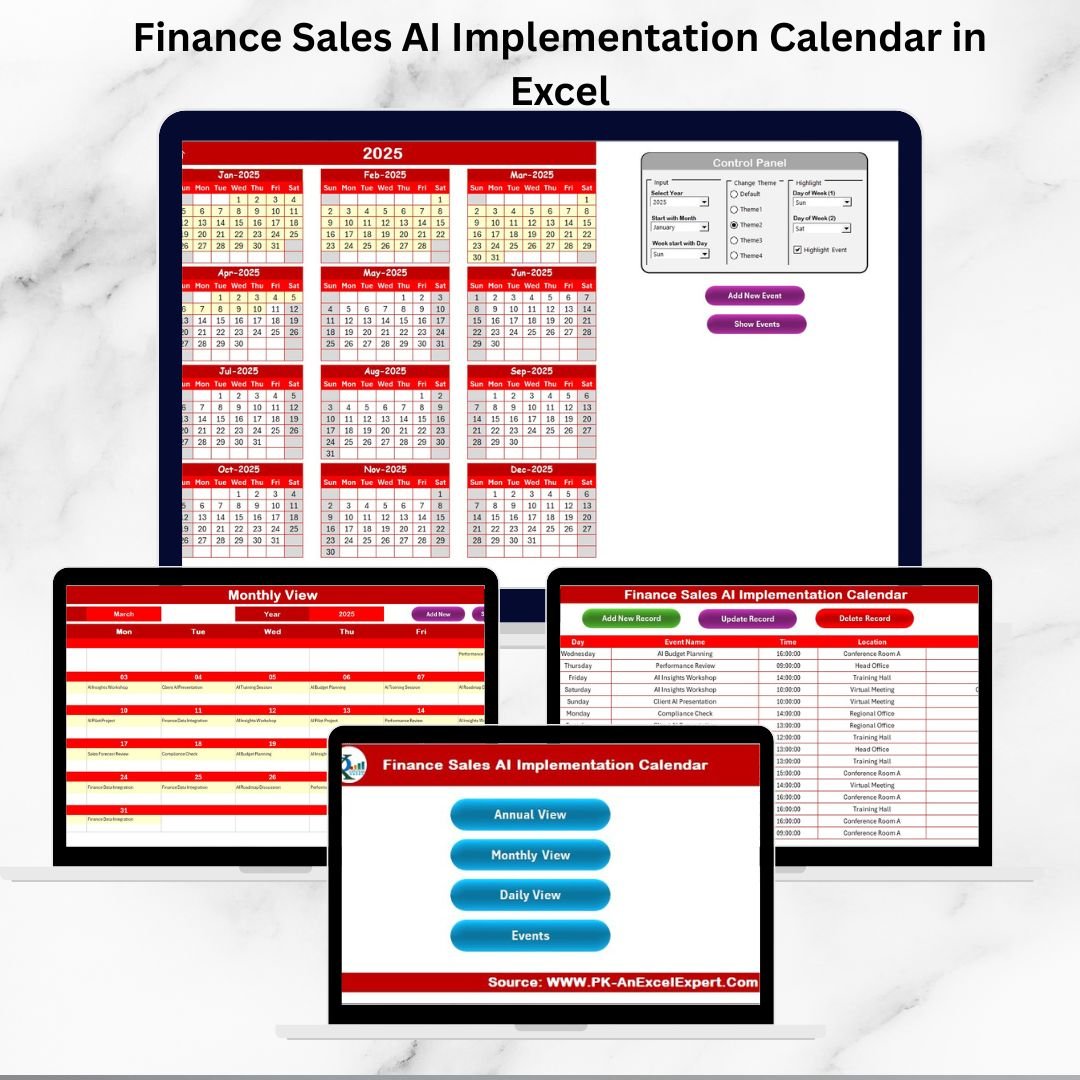
Managing finance and sales operations is tough—deadlines, meetings, approvals, audits, and launches often overlap, creating chaos if not tracked properly. Traditional calendars and manual scheduling just don’t cut it anymore. That’s where the Finance Sales AI Implementation Calendar in Excel steps in 🚀.
This ready-to-use Excel calendar template combines automation, interactive navigation, and AI-inspired features to make scheduling smooth, organized, and error-free. Instead of depending on costly project management tools, you can now streamline everything—annual plans, monthly execution, daily schedules, and event tracking—right inside Excel.
Designed for finance professionals, sales managers, and executives, this template brings together powerful features like event forms, auto-generated IDs, dynamic themes, and highlight options for important dates. With its structured approach, it ensures nothing slips through the cracks.
✨ Key Features of Finance Sales AI Implementation Calendar in Excel
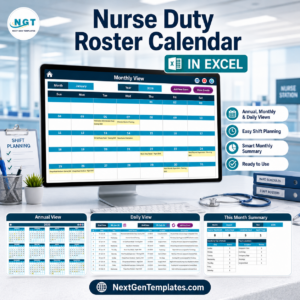
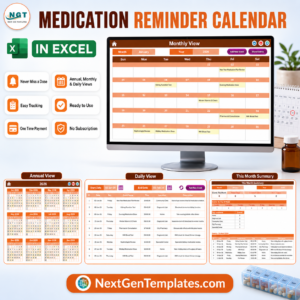
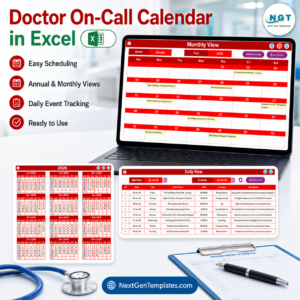
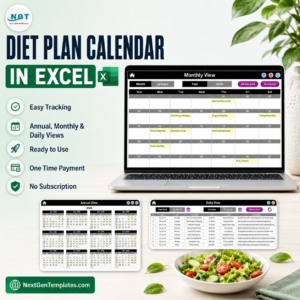
📅 Annual, Monthly & Daily Views – Plan for the year, focus on the month, or drill into daily schedules.
🖱 Interactive Buttons & Forms – Add, update, or delete events with a single click.
🔍 Dynamic Filtering – Instantly filter events by date range or view.
🎨 Custom Themes – Choose from five built-in color themes for personalization.
⏰ Smart Highlighting – Automatically highlight weekends, holidays, or deadlines.
📂 Centralized Events Database – Every task, meeting, or milestone stored in one place.
🔄 Auto-Generated IDs – Unique identifiers to eliminate duplication errors.
💻 Cross-Platform Support – Works on Windows and Mac (with macros enabled).
🔐 User-Friendly Design – No coding or advanced training required.
📦 What’s Inside the Finance Sales AI Implementation Calendar
This Excel calendar comes with five powerful worksheets designed for maximum efficiency:
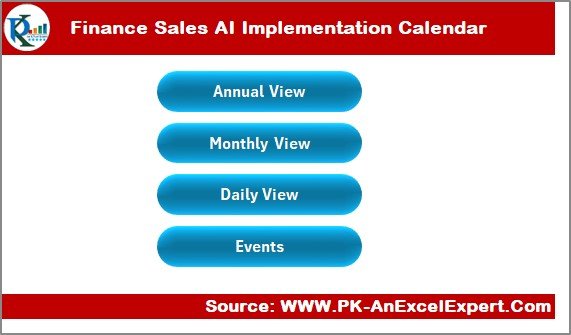
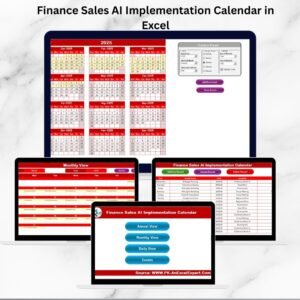
Home Sheet – An index page with navigation buttons to jump between views.
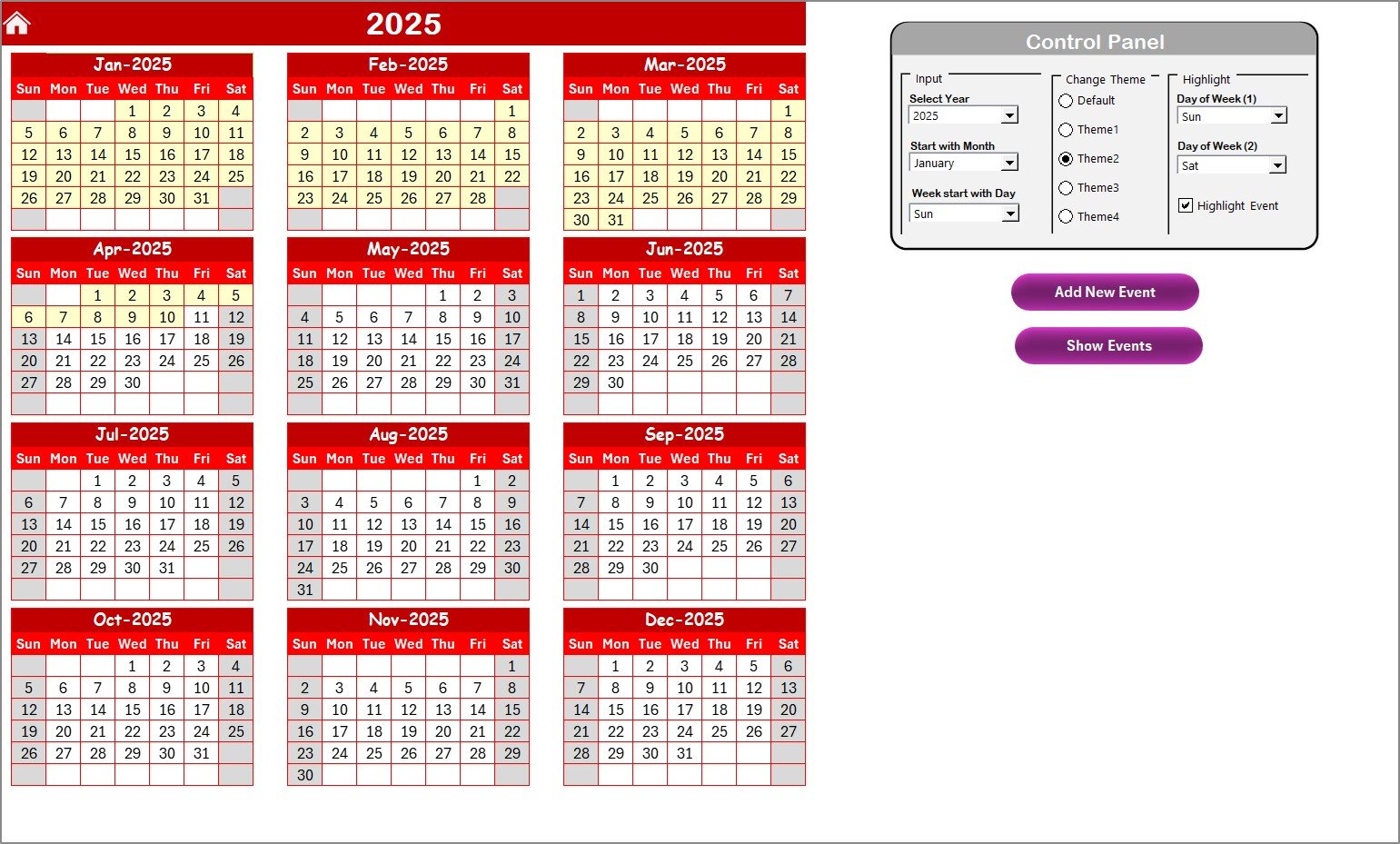
Annual View – A 12-month calendar with theme controls, highlighting, and event management options.
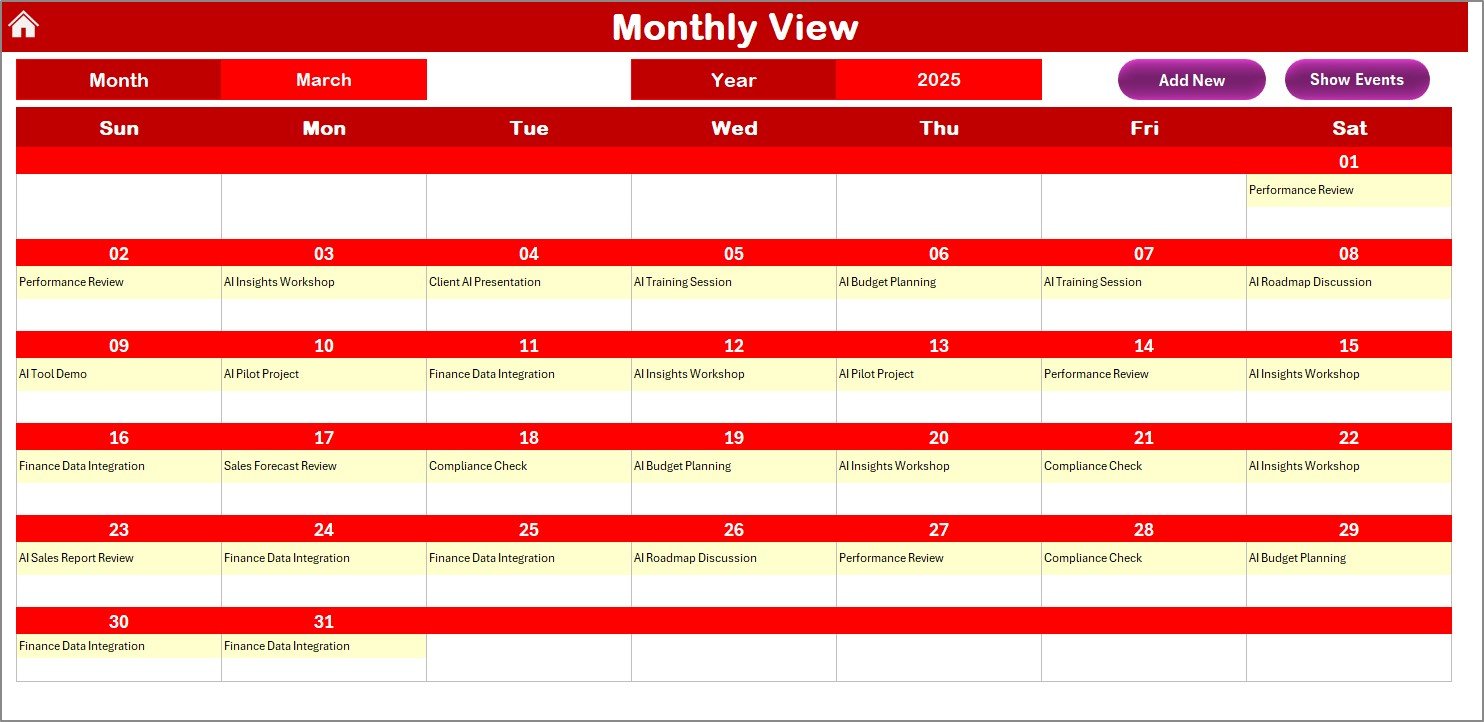
Monthly View – Focus on one month, track events, and manage multiple tasks per date.
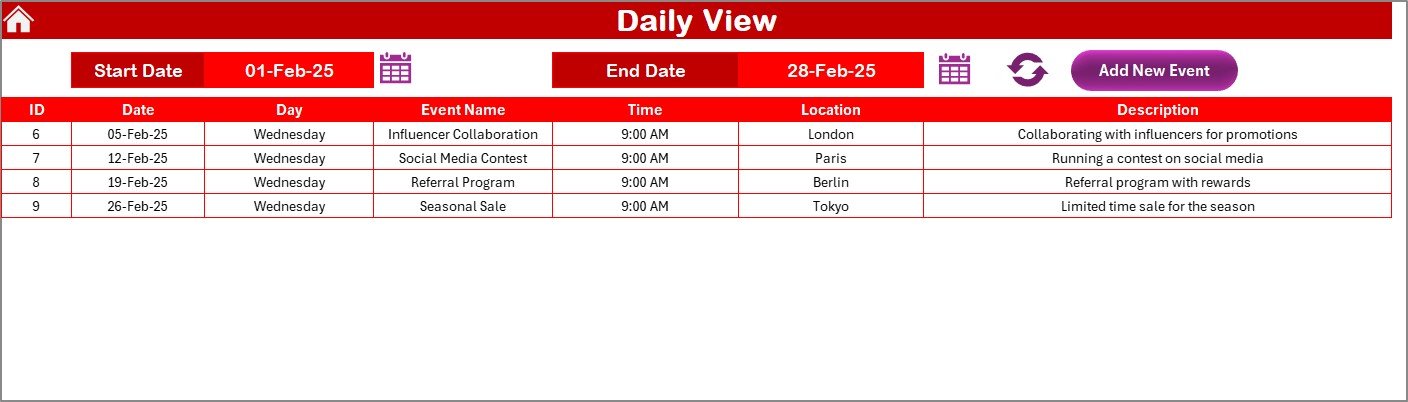
Daily View – Enter custom date ranges and view detailed schedules with ease.
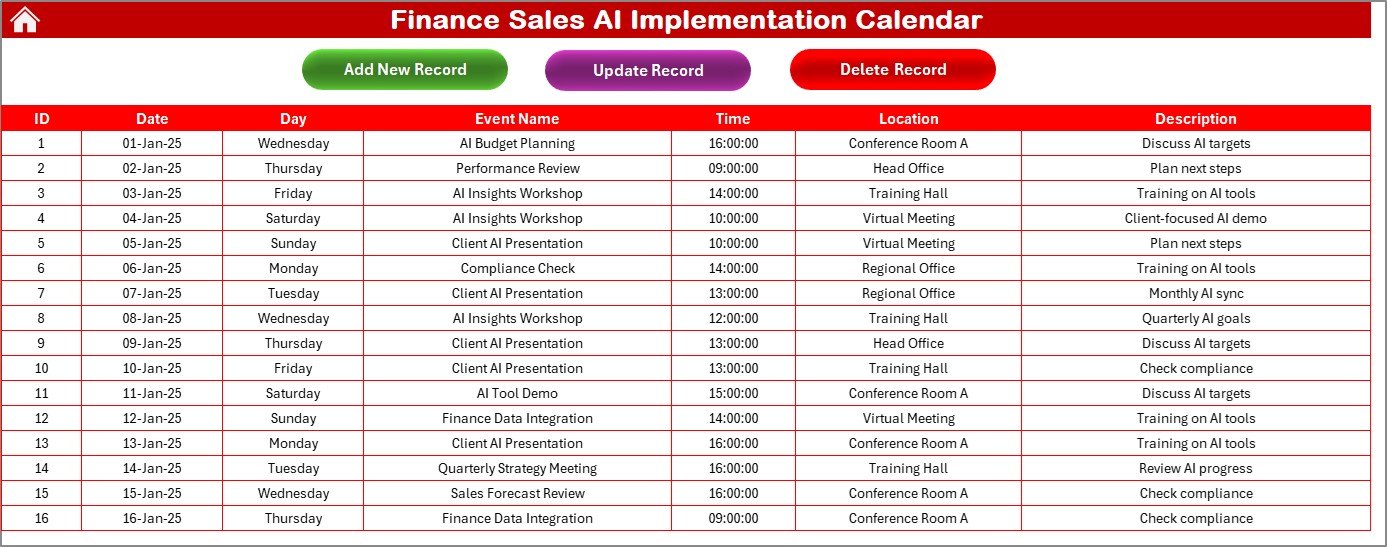
Events Database – The core record-keeping sheet, storing ID, date, event name, time, location, and description.
This structure ensures a seamless flow from planning to execution, all in a single Excel file.
🛠 How to Use the Finance Sales AI Implementation Calendar
Start with the Annual View – Map out closings, launches, and major milestones.
Switch to Monthly View – Track campaigns, client meetings, and approvals.
Use Daily View – Zoom in on high-priority dates and detailed schedules.
Log All Events in the Database – Add new records using the form; update or delete as needed.
Highlight Critical Days – Mark weekends, quarter-end, or deadlines for quick visualization.
Collaborate & Share – Upload the file to OneDrive, Google Drive, or SharePoint.
Everything is designed for click-and-go usability.
👥 Who Can Benefit from This Finance Sales AI Implementation Calendar
💼 Finance Teams – Track audits, reporting deadlines, and closing dates.
📊 Sales Managers – Align meetings, campaigns, and product launches.
🏢 Executives – Get a complete overview of both finance & sales schedules.
📈 Small Businesses – Stay organized without investing in costly software.
🌍 Remote Teams – Share and collaborate easily with cloud platforms.
If you want accuracy, efficiency, and control, this calendar is the ultimate tool.
📖 Click here to read the Detailed blog post
Visit our YouTube channel to learn step-by-step video tutorials
Watch the step-by-step video tutorial:
Compatibility and Requirements
- Works in Microsoft Excel on Windows and Mac, with macros enabled. The event forms and buttons use macros, so the template does not run in Excel for the web, Google Sheets or mobile apps. Microsoft explains how to turn macros on in Enable or disable macros in Microsoft 365 files.
- No coding or advanced training is needed.
- You can upload the file to OneDrive, Google Drive or SharePoint to share it with your team.
Frequently Asked Questions
Which sheets are included?
Five sheets: Home, Annual View, Monthly View, Daily View and Events Database.
How do I add or change an event?
Use the event form with its buttons to add, update or delete a record. Each record is stored in the Events Database sheet with an auto-generated ID, date, event name, time, location and description.
Can I highlight weekends and deadlines?
Yes. The Annual View has highlight options for weekends, holidays and deadlines, and five built-in color themes.
Does it work on a Mac?
Yes, on Windows and Mac, as long as macros are enabled.
Are there other versions for different teams?
Yes. For example, the Finance Marketing AI Implementation Calendar in Excel and the Sales AI Implementation Calendar in Excel use the same calendar design.
Related Calendar Templates
- Sales AI Implementation Calendar in Excel: the same calendar for sales teams only
- Finance Marketing AI Implementation Calendar in Excel: finance and marketing schedules
- Finance Operations AI Implementation Calendar in Excel: finance and operations schedules
- Finance Sales Remote Work Calendar in Excel: a remote work calendar for the same teams
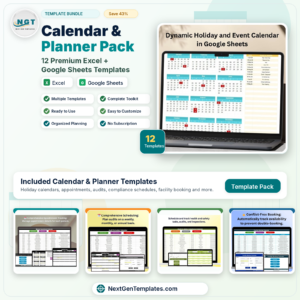
- Calendar & Planner Pack: 12 calendar and planner templates in one download
Browse all Excel calendar templates.













Reviews
There are no reviews yet.