

Key Features of Finance Sales Customer Experience Calendar in Excel ✨
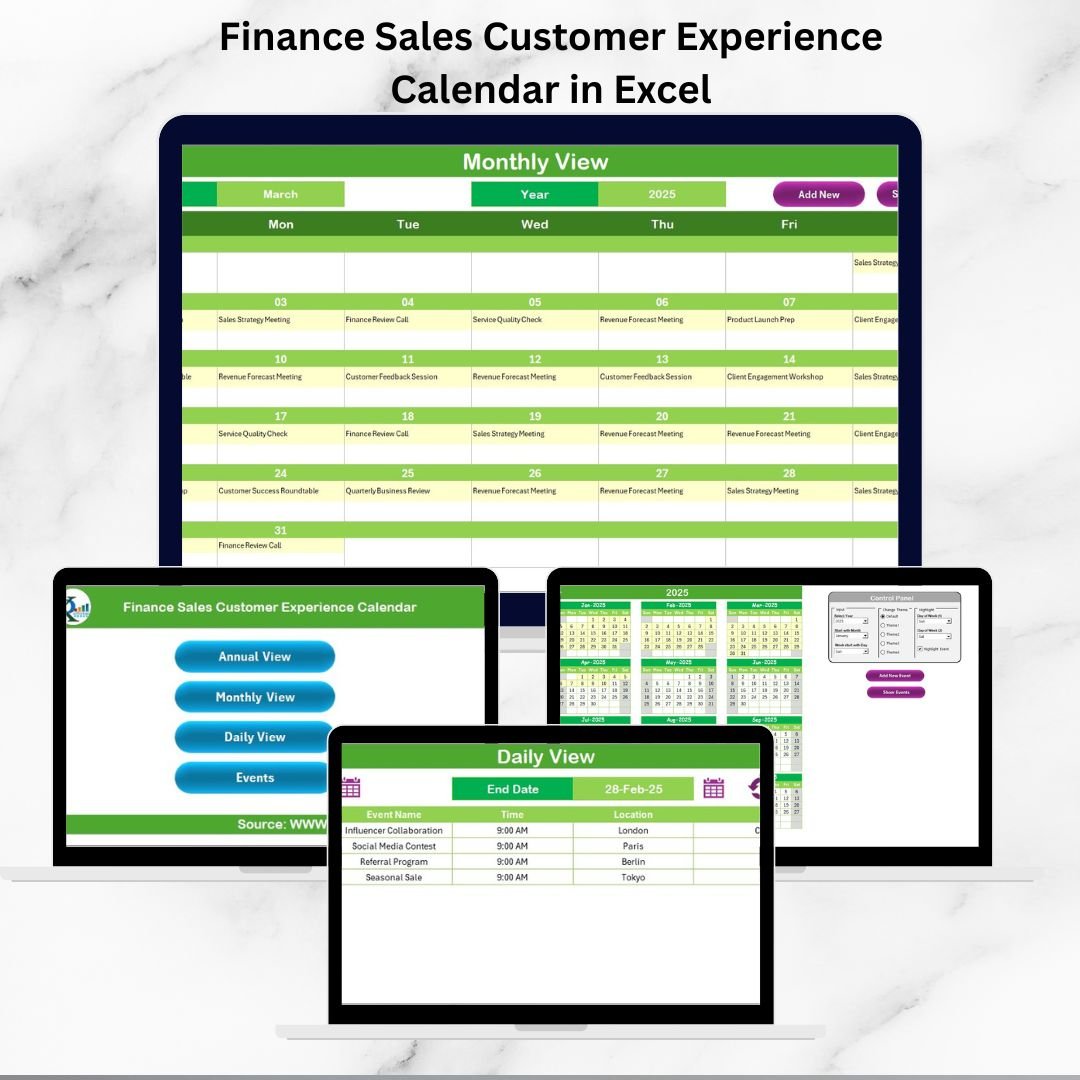
Customer experience is the backbone of long-term growth in finance and sales. But managing client meetings, events, product launches, and wellness programs without a system often leads to missed opportunities and inefficiency. The Finance Sales Customer Experience Calendar in Excel is a ready-to-use, structured solution that helps teams track, manage, and align customer-facing activities seamlessly.
Unlike simple planners, this calendar acts as a comprehensive event management tool, ensuring every customer interaction is well-coordinated and strategically planned.
Key highlights include:
📅 Annual, Monthly, and Daily Views – Plan at different levels.
✅ Event Management Forms – Add, update, or delete records with ease.
🎨 Customizable Themes – Choose from five built-in color schemes.
📊 Highlight Functions – Mark weekends or key events for clarity.
📂 Centralized Event Database – Store all tasks, meetings, and activities.
🚀 Easy to Use – No advanced Excel skills required.
With this calendar, finance and sales teams stay ahead of schedules, strengthen customer relationships, and improve overall productivity.
What’s Inside the Finance Sales Customer Experience Calendar 📂
The template is designed with five interactive worksheets, each supporting different use cases:
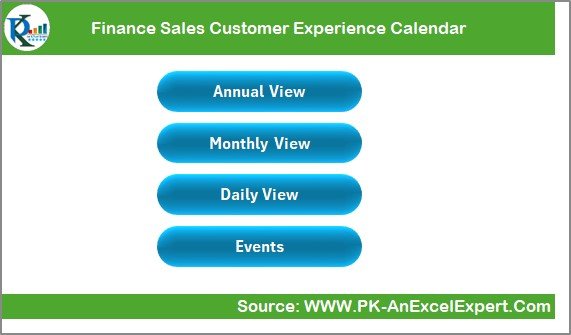
Home Sheet
Functions as the index page.
Four navigation buttons: Annual View, Monthly View, Daily View, Events.
Saves time by eliminating the need to scroll manually.
Annual View
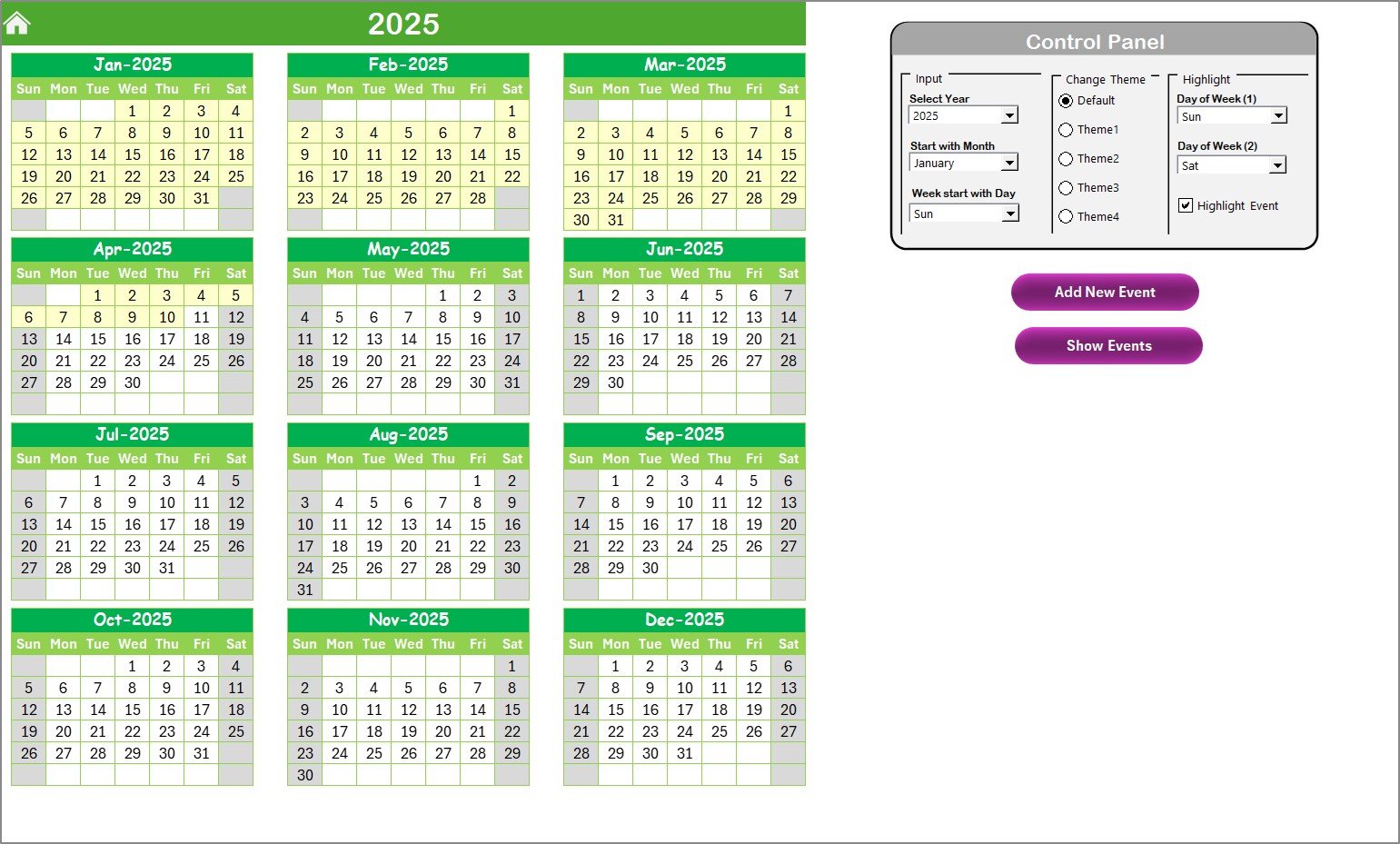
Shows all 12 months in one place.
Control Panel Options:
Input Group – Select year, start month, and week start day.
Change Theme Group – Apply one of five color themes.
Highlight Group – Mark weekends or important days in grey or yellow.
Action buttons: Add New Event and Show Event.
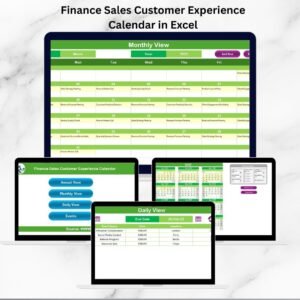
Monthly View
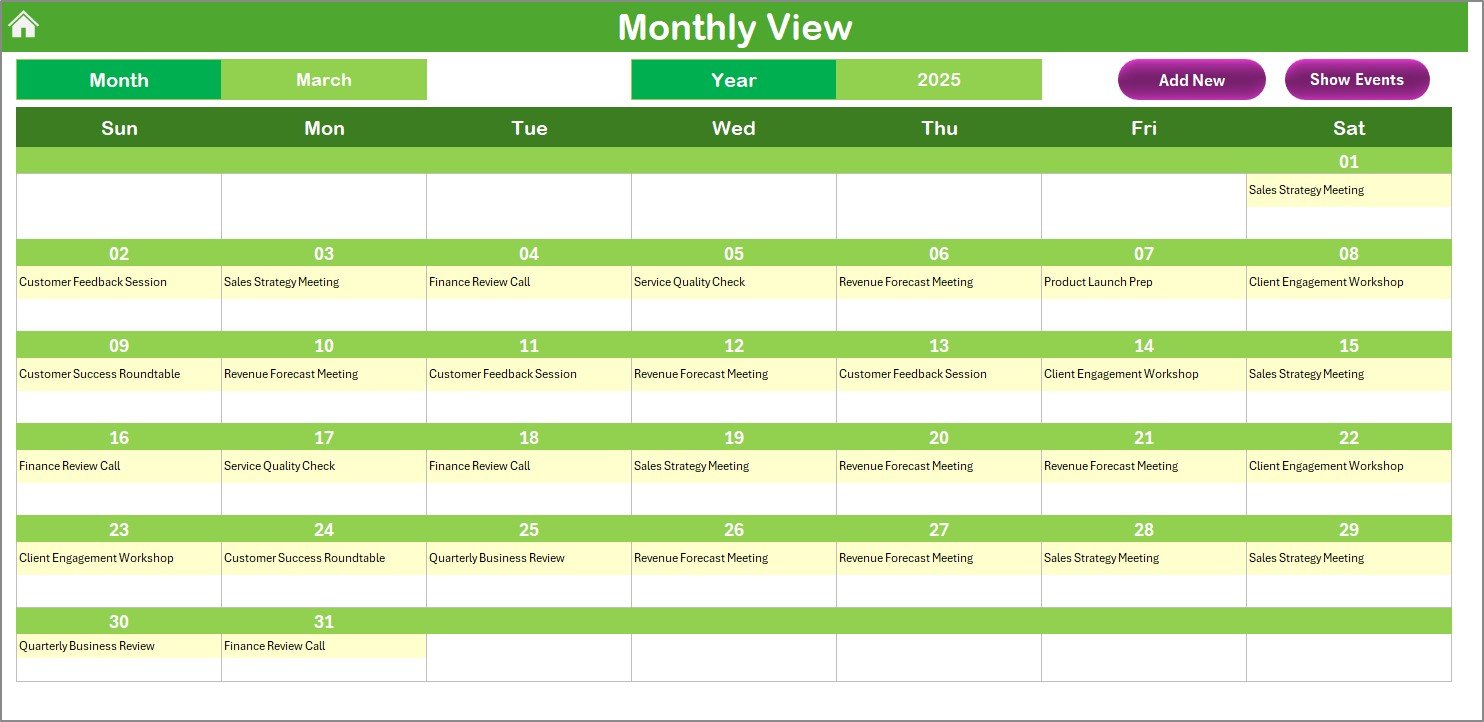
Focuses on one month at a time.
Dynamic drop-down for Month and Year.
Displays one event per day, with “More than 1…” if multiple tasks exist.
Quick buttons for adding or showing events.
Daily View
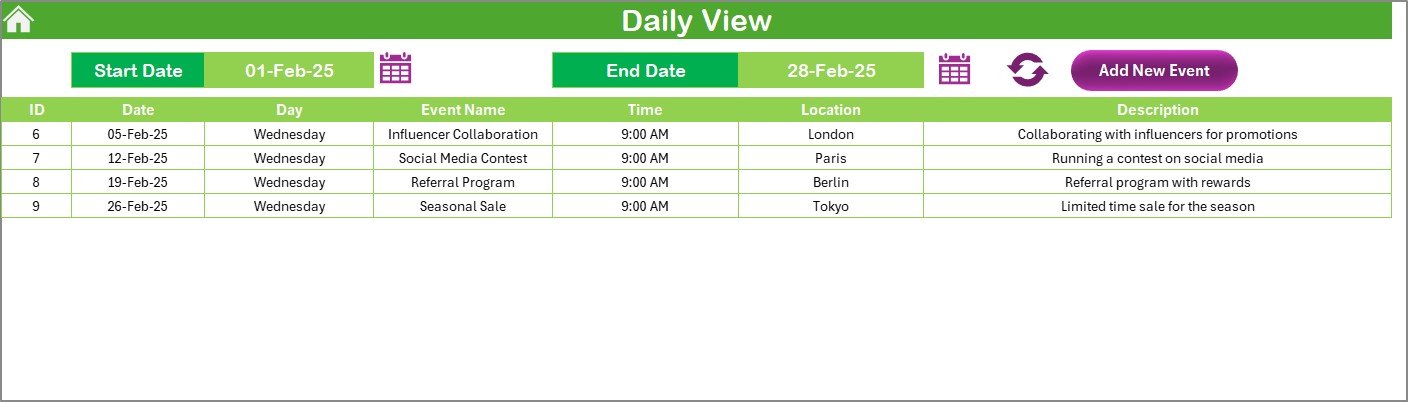
Designed for detailed scheduling.
Select start and end dates with a calendar picker.
Refresh button to update event list instantly.
Add New Event option for direct input.
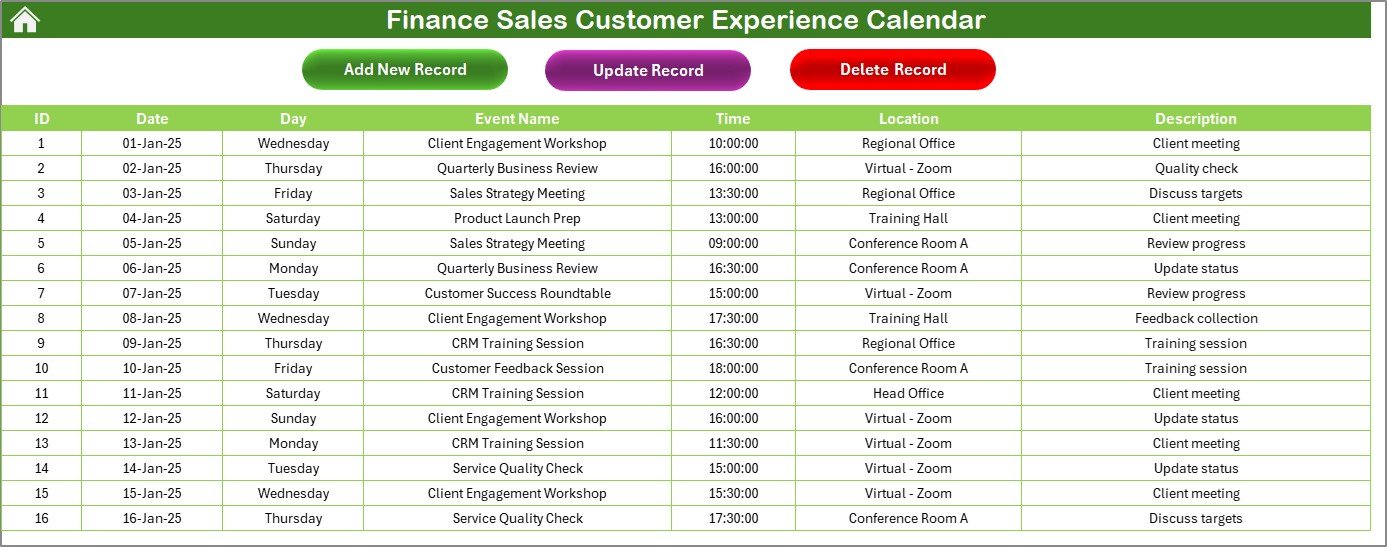
Events Sheet (Database)
Central log of all events.
Columns include ID, Date, Day, Event Name, Time, Location, and Description.
Action buttons: Add Record, Update Record, Delete Record.
Ensures data integrity with auto-generated IDs.
Why Finance and Sales Teams Need This Calendar 🏢
Finance and sales teams juggle multiple customer touchpoints, from compliance reviews to product demos. Without a structured system, deadlines and meetings often slip through the cracks.
This Excel calendar solves those issues by:
Centralizing customer-related activities.
Providing multiple viewing modes (annual, monthly, daily).
Enabling quick entry and tracking of events.
Supporting customization with themes and highlights.
The result? Better planning, smoother operations, and improved customer satisfaction.
Advantages of Finance Sales Customer Experience Calendar 🌟
📌 Improved Organization – All events tracked in one file.
⏳ Time Savings – Quick navigation across sheets.
🎨 Customization – Themes and highlights for personalization.
🖊️ Error Reduction – Auto-generated IDs and forms ensure accuracy.
🚀 Scalable – Works for small teams and large organizations alike.
🤝 Collaboration-Friendly – Easy to share and export.
Opportunities for Improvement 💡
While powerful, the calendar can be enhanced with:
🔔 Automated reminders via Outlook/Teams.
📊 Dashboard summary showing events by type or month.
📝 Integration of customer feedback forms.
🌐 Multi-user access with OneDrive/Google Sheets.
Best Practices for Using the Calendar 🛠️
Update events regularly to avoid gaps.
Use descriptive event titles for clarity.
Leverage the Daily View for client-facing activities.
Apply themes consistently for better visualization.
Back up event data weekly.
Share the calendar with all stakeholders to improve alignment.
How This Calendar Supports Decision-Making 📈
Event Tracking – Identify busy periods and engagement patterns.
Resource Planning – Allocate people and budgets wisely.
Customer Insights – Analyze past events to improve strategies.
Performance Monitoring – Compare planned vs. completed activities.
This ensures leadership can make data-driven decisions to enhance customer journeys and sales outcomes.





























Reviews
There are no reviews yet.