

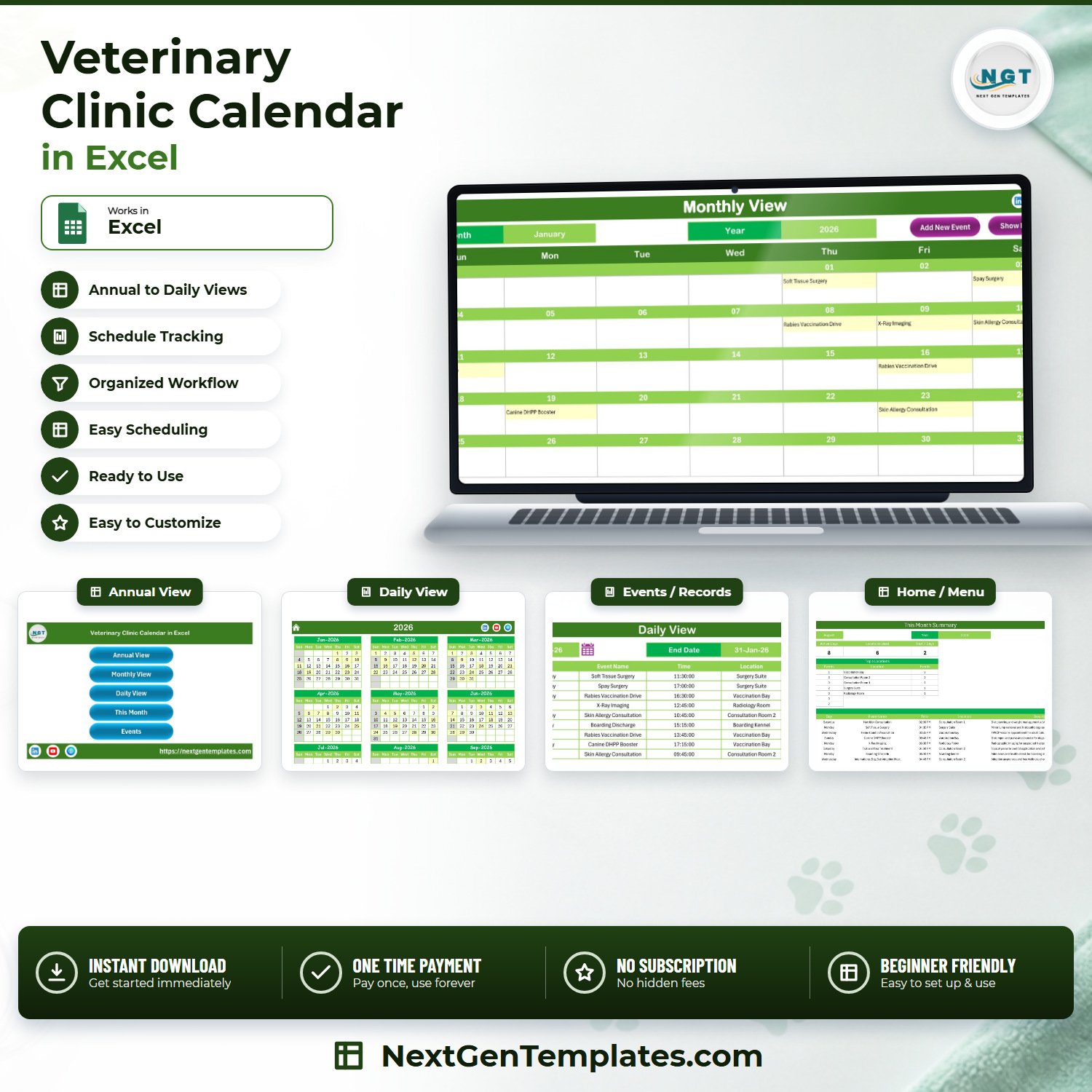

The Veterinary Clinic Calendar in Excel is a macro-enabled scheduling workbook that shows a whole clinic year on one screen and drills down to a single day in two clicks. It ships filled with 100 sample appointments dated 1 January 2026 to 26 December 2026, covering 31 appointment types across 10 clinic locations and 40 distinct start times between 08:00 and 18:45, so you can see exactly how a busy week reads before you type anything. Seven linked sheets, five colour themes, one-time payment, no subscription, no add-ins. Download it, open it in Excel on Windows, enable macros, and it works.
Key Features of the Veterinary Clinic Calendar in Excel
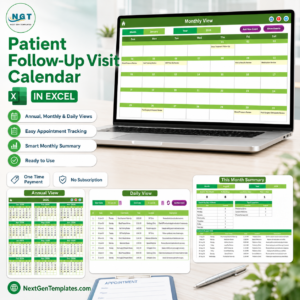
- Four calendar views from one event list. Annual View, Monthly View, Daily View and This Month all read from the same Events sheet – you never maintain a second copy.
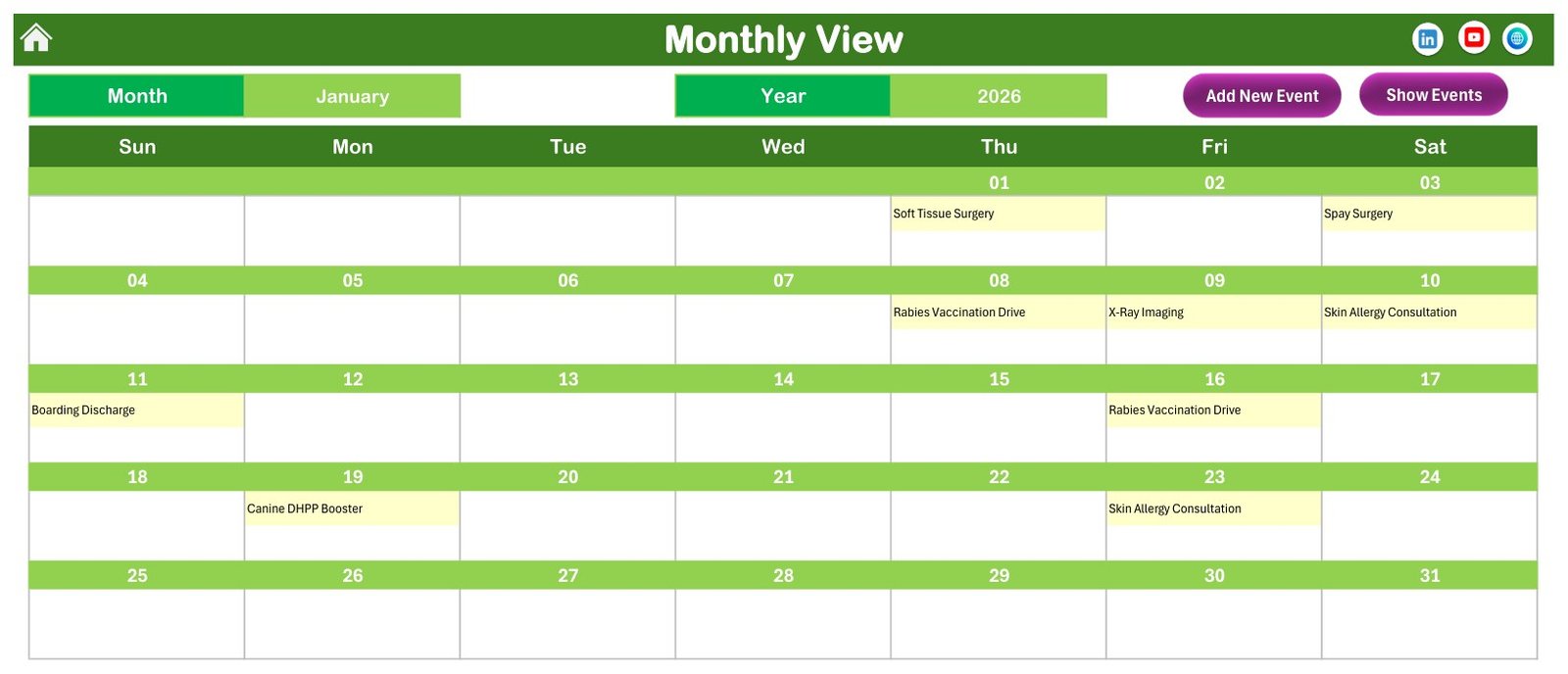
- 100 pre-loaded sample appointments. Every month of 2026 is populated (9, 8, 8, 9, 8, 9, 8, 8, 9, 8, 8, 8), so every view is worth looking at on first open instead of showing an empty grid.
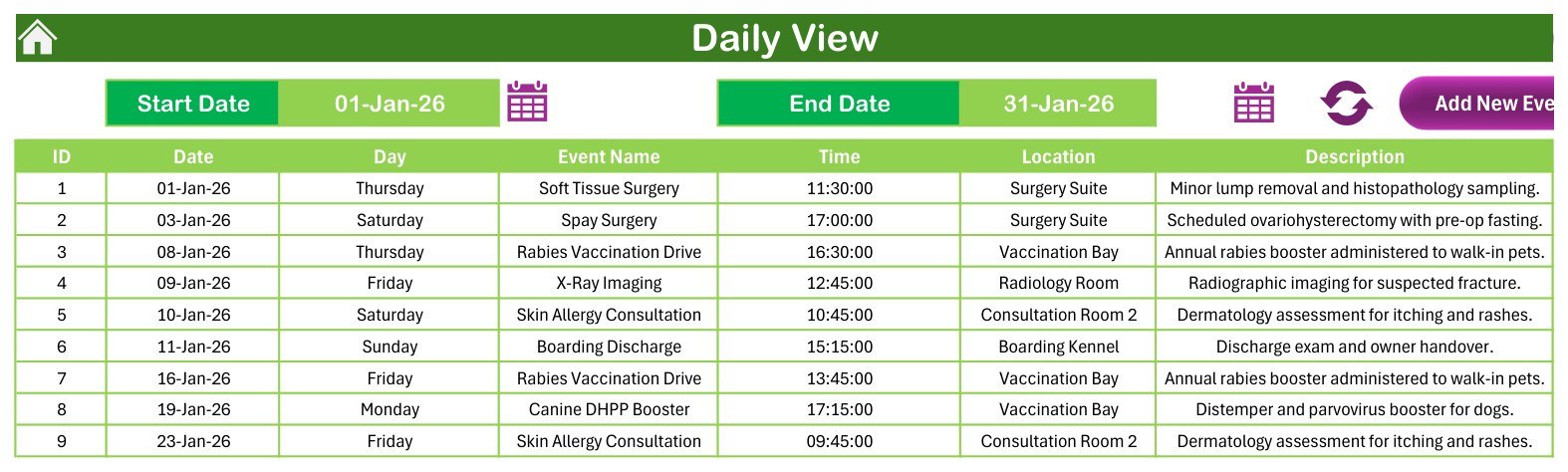
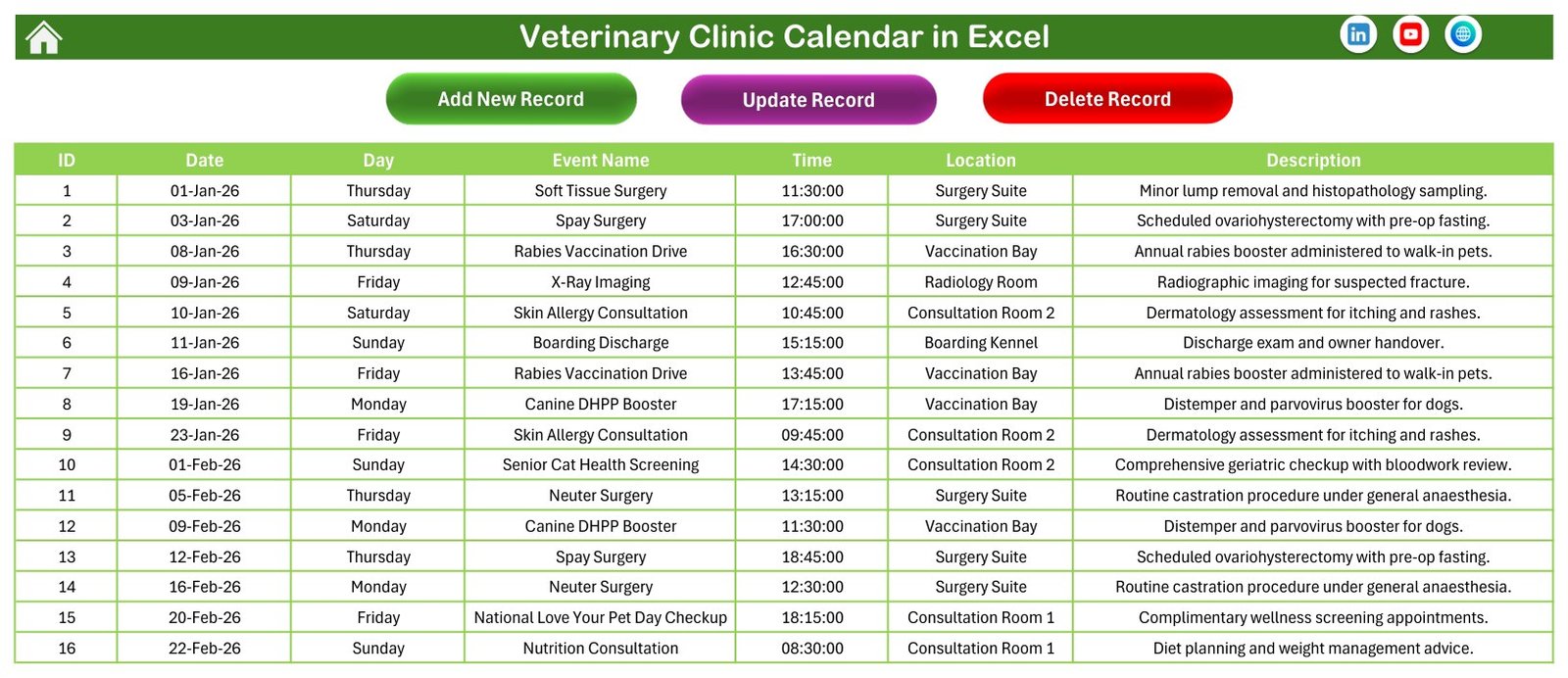
- A seven-column booking record. ID, Date, Day, Event Name, Time, Location and Description – and all 100 sample rows carry a weekday that genuinely matches the date.
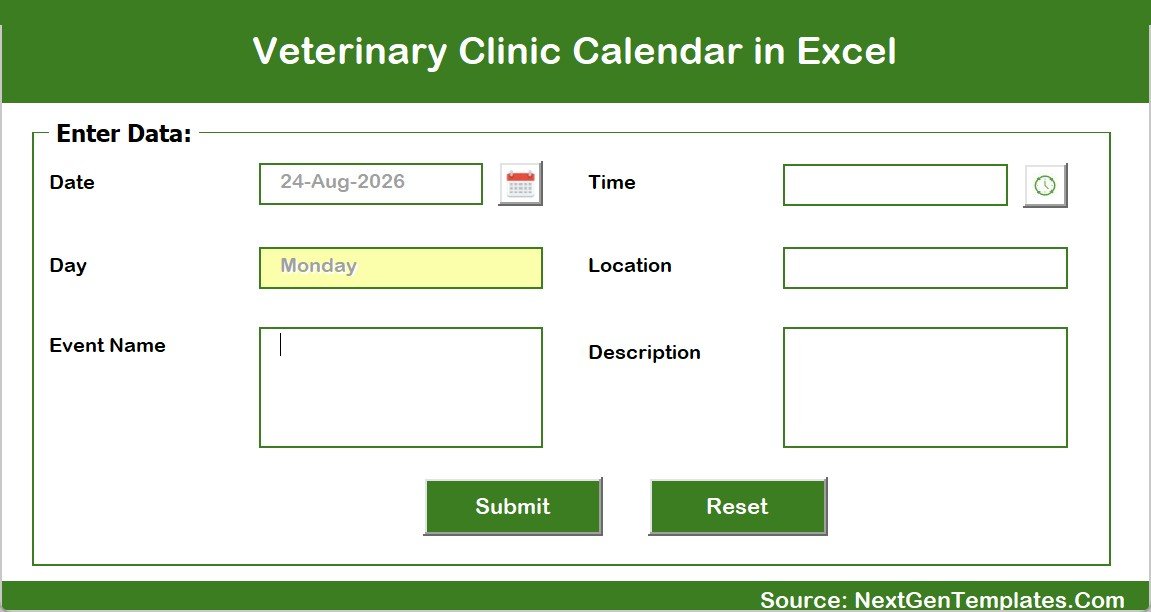
- Add, Update and Delete buttons. Three VBA buttons on the Events sheet, plus Add New Event and Show Events on Monthly and Daily View – bookings go in through a form, not by typing into cells.
- A date-range Daily View. Set a Start Date and an End Date and the list rebuilds for that window – the file ships showing 01-Jan-26 to 31-Jan-26.
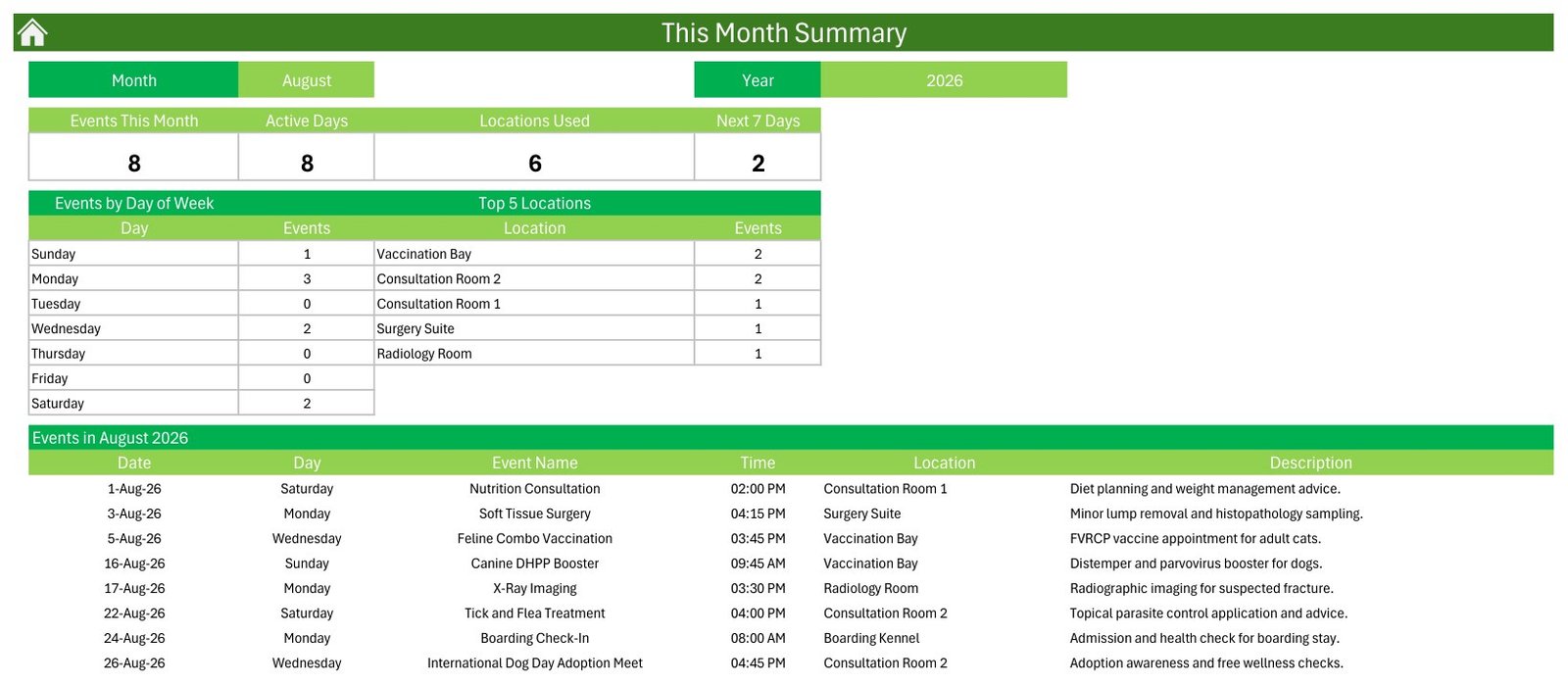
- A This Month summary page. Four cards (Events This Month, Active Days, Locations Used, Next 7 Days), an Events by Day of Week table, a Top 5 Locations table and the full list of that month’s bookings.
- A Setting control panel. Year 2021-2051, the month the calendar starts on, the day the week starts on, two highlight days, and event highlighting on or off.
- Five colour themes. Default, Blue, Red, Black and Orange, applied workbook-wide from one dropdown. The file ships on the green Default theme shown in the screenshots.
- Ten clinic locations in the sample data – Surgery Suite, Vaccination Bay, Radiology Room, two Consultation Rooms, Boarding Kennel, Dental Suite, Emergency Ward, Diagnostic Laboratory and Grooming Studio – all free text, so rename them to your own rooms.
What’s Inside the Veterinary Clinic Calendar in Excel
The download is a single ZIP holding one macro-enabled workbook (.xlsm) and a PDF user manual. The workbook has seven sheets:
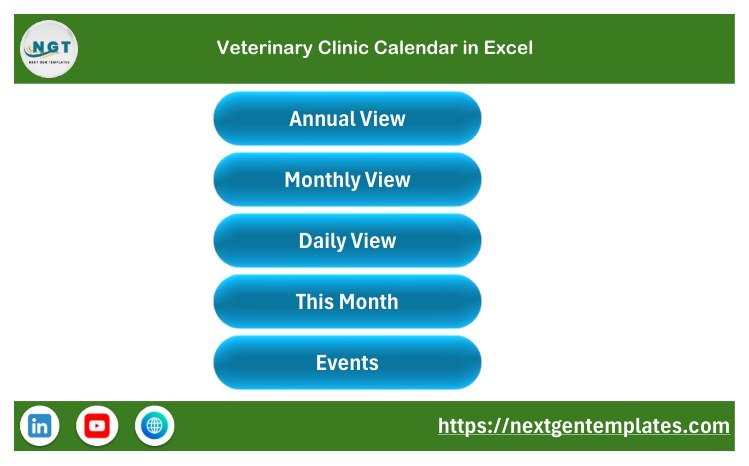
- Home – a menu page with five buttons that jump to Annual View, Monthly View, Daily View, This Month and Events.
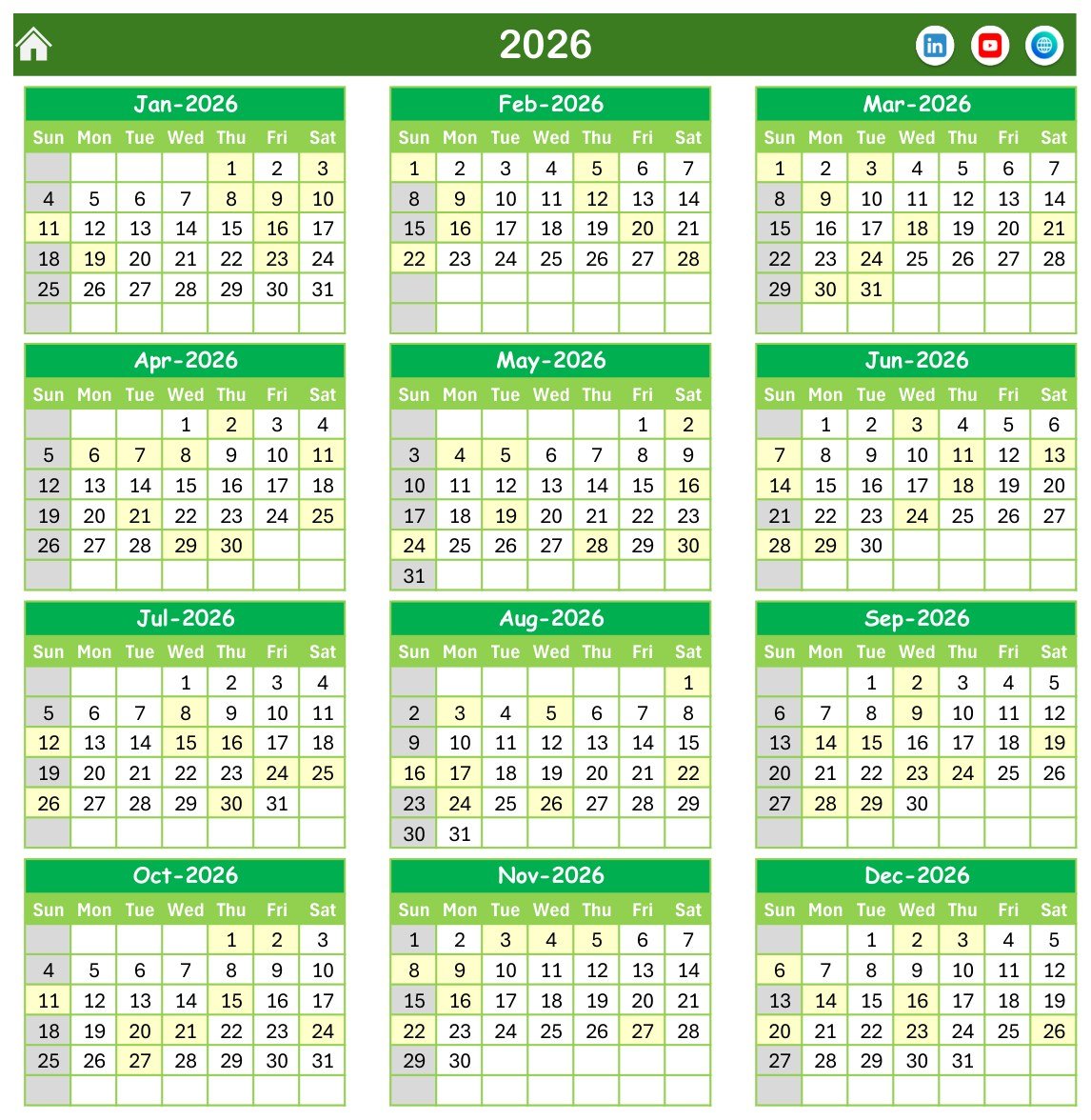
- Annual View – the full 2026 year in a 3×4 grid of month blocks, with dates that carry an appointment shaded so a year’s workload is visible at a glance.
- Monthly View – a seven-column week grid with a Month and Year picker. Each date cell shows the appointment name; where a date has more than one booking it shows the first plus a counter.
- Daily View – the booking list for a Start Date to End Date window, with all seven columns and a refresh button.
- This Month – the summary page described above, driven by its own Month and Year picker.
- Events – the master table of 100 rows with Add New Record, Update Record and Delete Record buttons.
- Setting – the control panel and theme switcher.
The sample bookings are ordinary clinic diary entries: consultations, wellness and senior screenings, surgery bookings, dental appointments, diagnostic imaging and laboratory slots, parasite and grooming appointments, boarding check-ins and discharges, emergency slots, and a handful of awareness-day community events. The Events sheet stores no clinical information at all – there is no animal name, no owner name, no case or patient number, no species, weight, medication, dose or outcome field anywhere in the workbook. It records what is booked, when, and in which room. That is deliberate, and it is the honest description of what you are buying.
Veterinary Clinic Calendar in Excel vs. Google Sheets vs. Paid Veterinary Practice Software – Where This Fits
| This template (Excel) | A Google Sheets calendar | Paid veterinary practice software | |
|---|---|---|---|
| Cost | $4.99 once | Free to $12.99 once | Recurring subscription, priced per user or per clinic |
| Platform | Microsoft Excel on Windows desktop | Browser, any device | Browser and vendor mobile app |
| Setup time | Minutes – open, enable macros, set the year | Minutes | Days to weeks, usually with vendor onboarding |
| Real-time team collaboration | No – one person edits at a time | Yes | Yes |
| Mobile access | Read-only at best; the macros need desktop Excel | Yes | Yes |
| Customisable fields | Yes – rename any column, location or appointment type | Yes | Limited to what the vendor exposes |
| Share with a link | No – you send the file | Yes | Yes |
| Year-1 cost at 5 users | $4.99 total | Up to $12.99 total | Recurring, and it keeps recurring |
| Client and animal records | No – scheduling only | No | Yes, that is the point of the category |
| Reminders, billing, stock | No | No | Yes |
| Works with no internet | Yes | No | Rarely |
The comparison is not close, and it is not meant to be. Practice software runs a clinic. This runs a diary. If you already pay for a practice management system, buy this only as an offline planning view; if you are still running the diary on paper or a wall planner, this is the cheap step up.
Who This Template Is For – and Who It’s Not For
It fits single-vet and two-vet practices planning the surgery list and consultation rooms a month ahead; practice managers who want the year’s vaccination camps, open days and community clinics laid out before January; mobile and part-time vets who need a diary that works with no internet; and anyone building a room- and equipment-booking plan where the constraint is the space, not the animal.
It does not fit a clinic that needs client and patient records, automated reminders, invoicing, stock control or lab integration – that is practice management software, and this is not it. It does not fit a team that needs several people booking into the same diary at once, because an Excel file is one editor at a time. It does not fit a Mac-only or tablet-only practice, because the buttons and forms are VBA and need Excel for Windows on the desktop. And it does not fit anyone who wants to store client or patient information in it, for the reason in the FAQ below.
How to Use the Veterinary Clinic Calendar in Excel
- Unzip and open the .xlsm in Excel for Windows. Click Enable Content when the yellow bar appears – without macros the buttons and forms do nothing.
- Open Setting and set your year. Pick the year from the dropdown (2021-2051), the month the calendar should start on, and the day your week starts on. Highlight up to two days of the week if you close on, say, Sunday.
- Pick a theme. Choose Default, Blue, Red, Black or Orange and press Change Theme.
- Clear the sample rows. Delete the 100 demonstration bookings from the Events sheet once you have seen how the views behave, or keep January as a reference while you learn the buttons.
- Enter your own locations and appointment types. Both are free text – type “Theatre 2” or “Branch Surgery” and the views pick it up.
- Book through the form. Press Add New Event on Monthly View or Daily View, or Add New Record on the Events sheet, fill in Date, Time, Event Name, Location and Description, and Submit. Use Update Record and Delete Record for changes.
- Review the month on This Month. Check Active Days, Locations Used and the Top 5 Locations table before you agree to another booking.
- Print what the team needs. Every sheet has a print area already set, so the month grid and the day list come out clean.
Real-World Use Cases
Dr Anita, sole practitioner, small-animal clinic. She blocks her surgery mornings for the quarter in Monthly View, keeps grooming and boarding on the same grid so the front desk can see the building is full, and prints the week every Friday. Her whole diary is one file on one laptop, and it works on the drive to a farm call.
Ravi, practice manager, three consultation rooms. He uses This Month to see how many days a room actually gets used before agreeing to add a Saturday clinic, and uses the Locations Used card to argue for the fourth room. The Top 5 Locations table is the whole business case.
A community animal-welfare team. They plan the year’s awareness-day camps and open days in Annual View each December, hand the printout to volunteers, then add routine bookings around them.
Frequently Asked Questions
Is this a veterinary practice management system or an animal medical record?
No. It is a scheduling workbook and nothing more. It is not practice management software, not an electronic medical record, not an EMR or EHR, not a patient or client database, and not a medical device. It stores no clinical data – the Events sheet holds only an ID, a date, a weekday, an appointment name, a time, a location and a short free-text description.
Can I store client or animal details in it?
No, and please do not. An Excel workbook on a local drive is unencrypted, has no access control, no audit trail and no backup, which makes it the wrong place for client contact details or any animal health record. Keep identifying information in whatever system your practice already uses for records, and let this file hold only the booking slot.
Does it certify compliance with any veterinary or data-protection standard?
No. This template makes no compliance claim of any kind – not to any veterinary regulator, licensing board, animal-health authority or data-protection regime. It is a spreadsheet. Meeting your own professional, record-keeping and privacy obligations remains entirely your responsibility.
Do I have to enable macros?
Yes. The file is a macro-enabled .xlsm and the Home navigation, the Add/Update/Delete buttons, the entry form, the refresh control and the theme switcher are all VBA. With macros disabled you can still read the calendar, but nothing will click.
Does it work on Mac, on the web, or on my phone?
It is built and tested for Microsoft Excel on Windows desktop. Excel for Mac, Excel for the web and the mobile apps do not run these VBA forms reliably, so treat those as view-only at best.
Can two people book into it at the same time?
No. It is a single file, so it is one editor at a time. If you need several people booking simultaneously, you want a shared cloud calendar or practice software, not this.
Does it send appointment reminders or stop double bookings?
No on both counts. There are no reminders, no SMS or email, and nothing checks whether a room is already taken at that time – it will accept two bookings in the same room at the same minute. There is also no duration or end-time field, so you cannot calculate room utilisation from it. Reading the grid before you book is the control.
Can I use a year other than 2026?
Yes. The Setting sheet’s year dropdown runs from 2021 to 2051, and every view rebuilds from it. You can also start the calendar on a month other than January if your year runs April to March.
About the Author
Built by PK – Microsoft Certified Professional with 15+ years of Excel, Google Sheets, and Power BI experience. Founder of NextGenTemplates, reaching 300K+ subscribers across YouTube channels. Every template is hand-built and tested before release.
Explore Related Templates
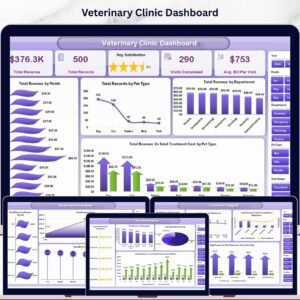
- Veterinary Clinic Dashboard in Excel – the analytics companion to this diary, if you want charts rather than a grid.
- Pet Boarding Data Entry System in Excel – for practices where the kennel is a business line of its own.
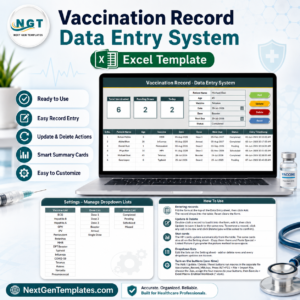
- Vaccination Record Data Entry System in Excel – a record-keeping workbook rather than a calendar.
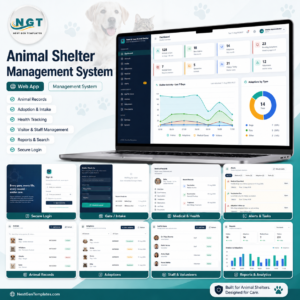
- Animal Shelter Management System Web App – a multi-user browser system for shelters and rescues.
- Dental Clinic Appointment Calendar in Excel – the same calendar engine, built for a dental practice.
- Browse the whole Calendar category or every MS Excel template.
Get the Veterinary Clinic Calendar in Excel for $4.99 (regular $8.99) – instant download, one-time payment, no subscription. Unzip it, enable macros, set your year, and start booking.
Last updated: 31 August 2026.
Watch the demo video:
Compatibility and Requirements
- Made for Microsoft Excel on Windows (desktop app). The file is a macro-enabled .xlsm, and the navigation, buttons, entry form and theme switcher run on VBA, so macros must be enabled. Microsoft explains how to turn them on in Enable or disable macros in Microsoft 365 files.
- Excel for Mac, Excel for the web and the mobile apps do not run the VBA forms reliably.































genson.nenwat (verified owner) –
4/5