

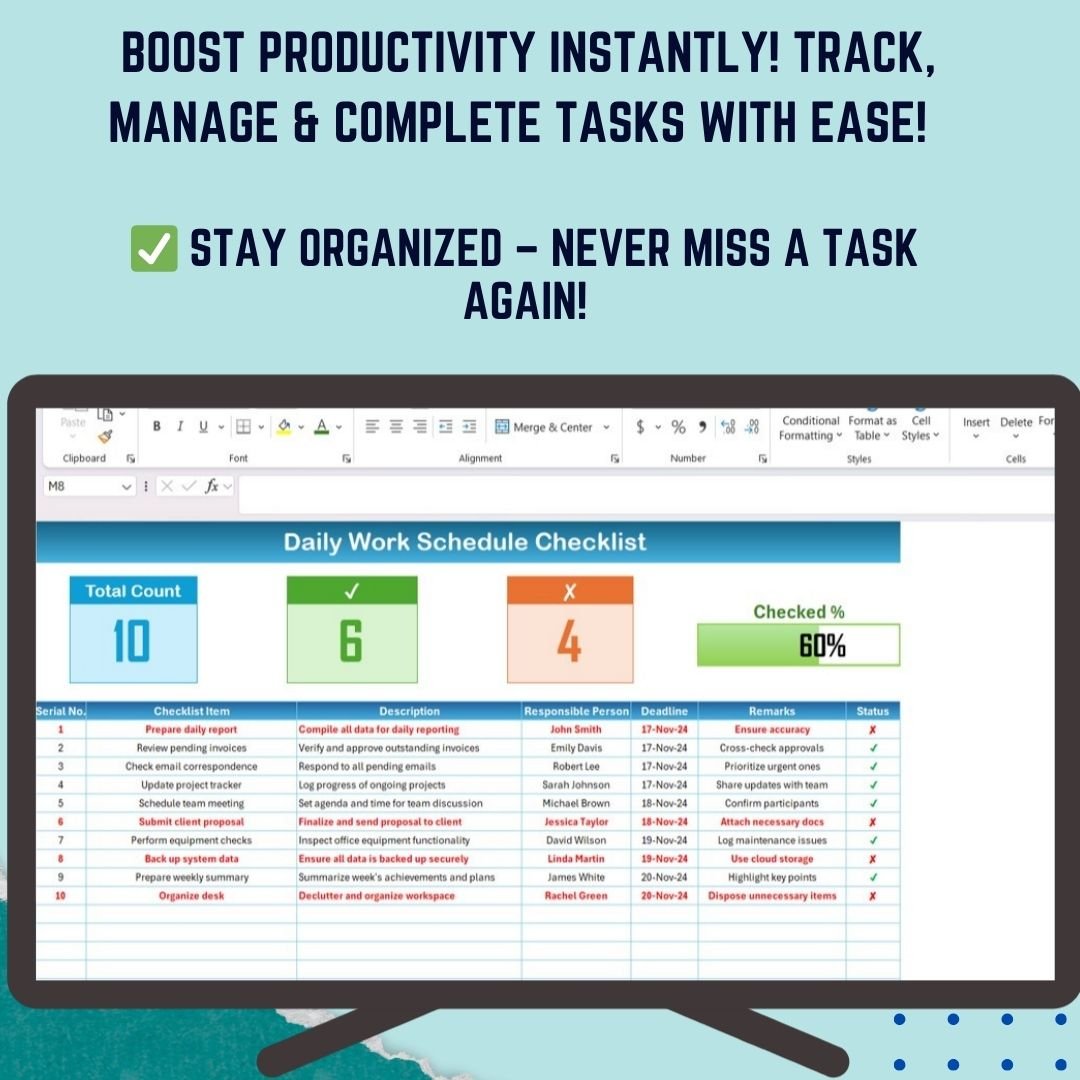

Managing your daily tasks effectively is the key to increased productivity and stress-free work management. Our Daily Work Schedule Checklist Template in Excel is designed to help individuals and teams stay on track with their tasks, ensuring nothing gets missed. This professionally designed template offers a structured way to organize, monitor, and track your daily work schedule, making it easier to manage workload distribution and project deadlines.
Whether you’re a team leader, project manager, or an individual professional, this template will help you track progress efficiently.
Key Features of the Daily Work Schedule Checklist Template
1. Organized Two-Worksheet Structure for Seamless Task Management
This template comes with two dedicated sheets to help you plan, assign, and track your daily tasks efficiently.
✅ Daily Work Schedule Checklist Sheet – The primary sheet where you record and manage all daily tasks.
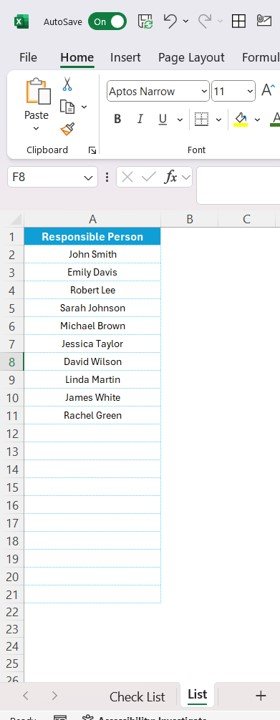
✅ List Sheet – A structured sheet that helps maintain a unique list of responsible persons for task assignments.
This simple yet powerful structure helps maintain clarity and consistency in task delegation.
Daily Work Schedule Checklist Sheet: Your Ultimate Task Tracker
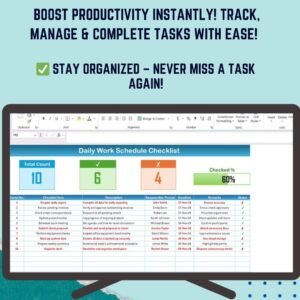
Top Section Overview – Instant Progress Tracking
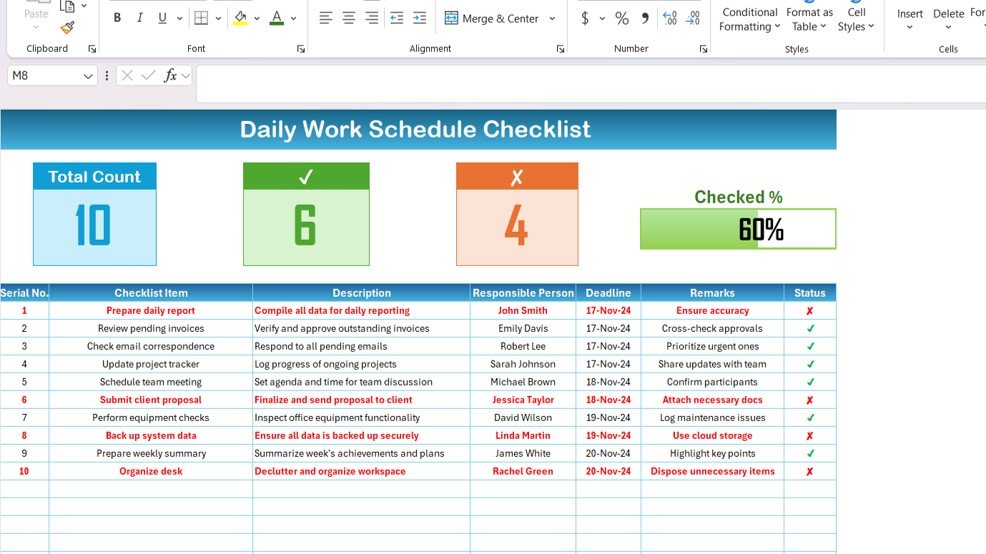
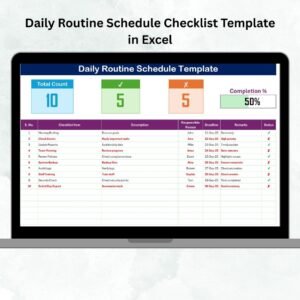
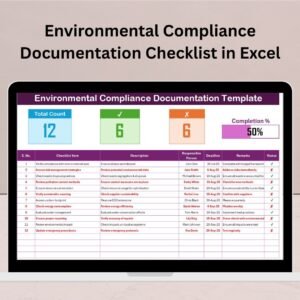
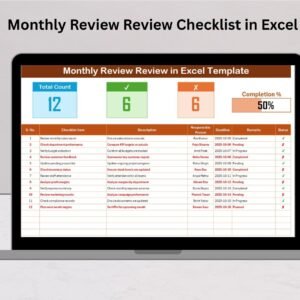
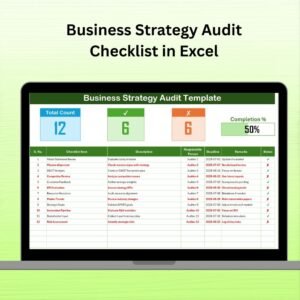
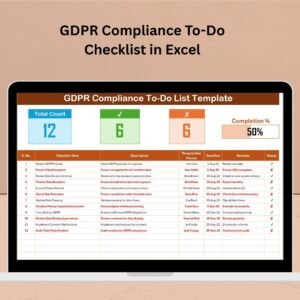
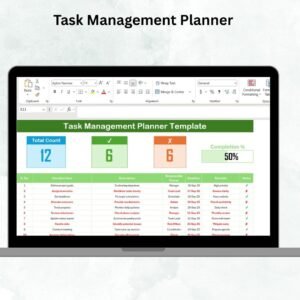
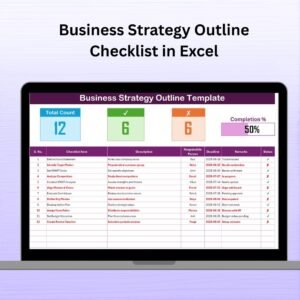
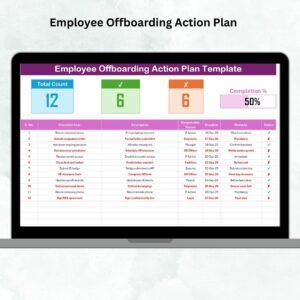
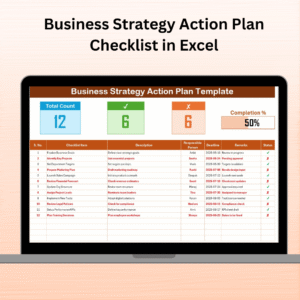
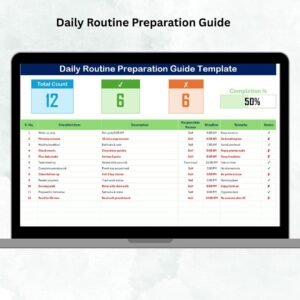
The top section of the template provides a visual summary of your daily work schedule at a glance.
🔹 Total Task Count – Displays the number of tasks for the day.
🔹 Checked Count – Shows how many tasks have been successfully completed.
🔹 Crossed Count – Indicates the tasks that are still pending.
🔹 Progress Bar – A visual representation of the completion percentage, making it easy to gauge overall progress.
This section updates dynamically as you update the status of tasks, providing real-time insights into your workflow.
Task Management Area – Detailed Checklist Table
The Checklist Table is the core of this template, where all tasks are documented and monitored. It is structured with the following columns:
📌 Serial No. – A unique identifier for each task.
📌 Checklist Item – Name of the task or activity.
📌 Description – A brief explanation of what the task entails.
📌 Responsible Person – The individual assigned to the task.
📌 Deadline – The due date for task completion.
📌 Remarks – Any additional notes or instructions.
📌 Status – Mark tasks as ✔ (Completed) or ✘ (Pending) to track progress effectively.
This well-structured table ensures that tasks are assigned, tracked, and completed efficiently.
List Sheet: Simplified Task Assignment & Consistency
The List Sheet enhances ease of use by storing a predefined list of responsible persons, allowing for:
✔ Easy Dropdown Selection – Assign tasks to individuals effortlessly from a pre-populated list.
✔ Minimized Errors – Ensures data consistency and avoids duplication.
✔ Time-Saving Feature – Eliminates repetitive manual entry, making task assignments quicker and smoother.
This sheet ensures that task delegation remains structured, reducing confusion and increasing accountability.
Why Choose This Daily Work Schedule Checklist?
By using this checklist, you gain access to an intuitive and structured approach to daily task management. Here’s how it benefits you:
🎯 Enhanced Organization – Easily categorize, prioritize, and assign tasks for a streamlined workflow.
🎯 Better Time Management – Plan tasks in advance and meet deadlines without last-minute stress.
🎯 Increased Productivity – Stay focused and efficient by having a clear roadmap of daily work.
🎯 Visual Progress Tracking – Instantly see how much work is completed vs. pending using the progress indicators.
🎯 Flexibility & Customization – Modify task categories, deadlines, or priority levels to fit your unique workflow.
Best Practices for Maximizing This Template
To get the most out of the Daily Work Schedule Checklist Template, follow these expert tips:
✅ Clearly Define Tasks – Use specific task names to avoid ambiguity. Instead of “Check Emails,” write “Respond to Client Emails.”
✅ Keep It Updated – Regularly update task statuses to reflect real-time progress.
✅ Use the Remarks Column Effectively – Add relevant notes to provide clarity and guidance on specific tasks.
✅ Review at the End of Each Day – Conduct a daily review of completed and pending tasks to plan effectively for the next day.
Who Can Benefit from This Template?
This template is versatile and can be used by:
👨💼 Business Professionals – To stay on top of daily responsibilities and meetings.
📊 Project Managers – To delegate tasks and track team progress.
💼 Freelancers – To maintain productivity while working independently.
🏢 Small & Large Teams – To keep team members aligned with their tasks.
No matter the industry, this checklist ensures a structured and systematic approach to daily work management.
Click hare to read the Detailed blog post
Visit our YouTube channel to learn step-by-step video tutorials
Compatibility and Requirements
- Works in Microsoft Excel desktop (Excel 2016 or later, or Microsoft 365).
- The Responsible Person column uses a dropdown list fed by the List Sheet.
- Microsoft’s guide Create a drop-down list explains the Excel feature this file is built on.
Frequently Asked Questions
What sheets are in the file?
Two sheets: the Daily Work Schedule Checklist Sheet, where you record tasks, and the List Sheet, which holds the names of responsible persons.
How do I mark a task as done?
Set the Status column to the check mark for completed or the cross for pending. The task counts and progress bar at the top update as you go.
What columns does the checklist have?
Serial No., Checklist Item, Description, Responsible Person, Deadline, Remarks and Status.
How do I add a new team member?
Add the name to the List Sheet. It then appears in the Responsible Person dropdown.
Related Daily Task Checklists
- Daily Work Schedule Checklist in Google Sheets: the same checklist in Google Sheets
- Task Completion Checklist in Excel: track task completion across a list
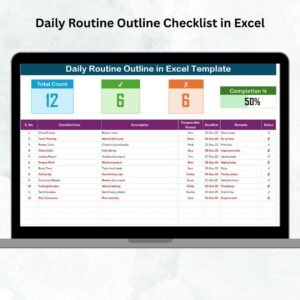
- Daily Routine Schedule Checklist Template in Excel: plan recurring daily routines
- Automated Daily Task Manager with auto Check boxes: a free task manager with checkboxes
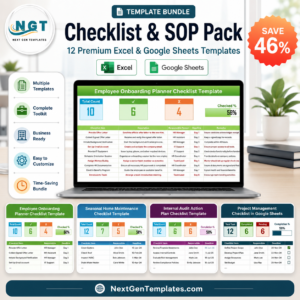
- Checklist & SOP Pack: 12 checklist templates in one download
Browse all Excel checklist templates or the Excel project management templates.





Reviews
There are no reviews yet.