

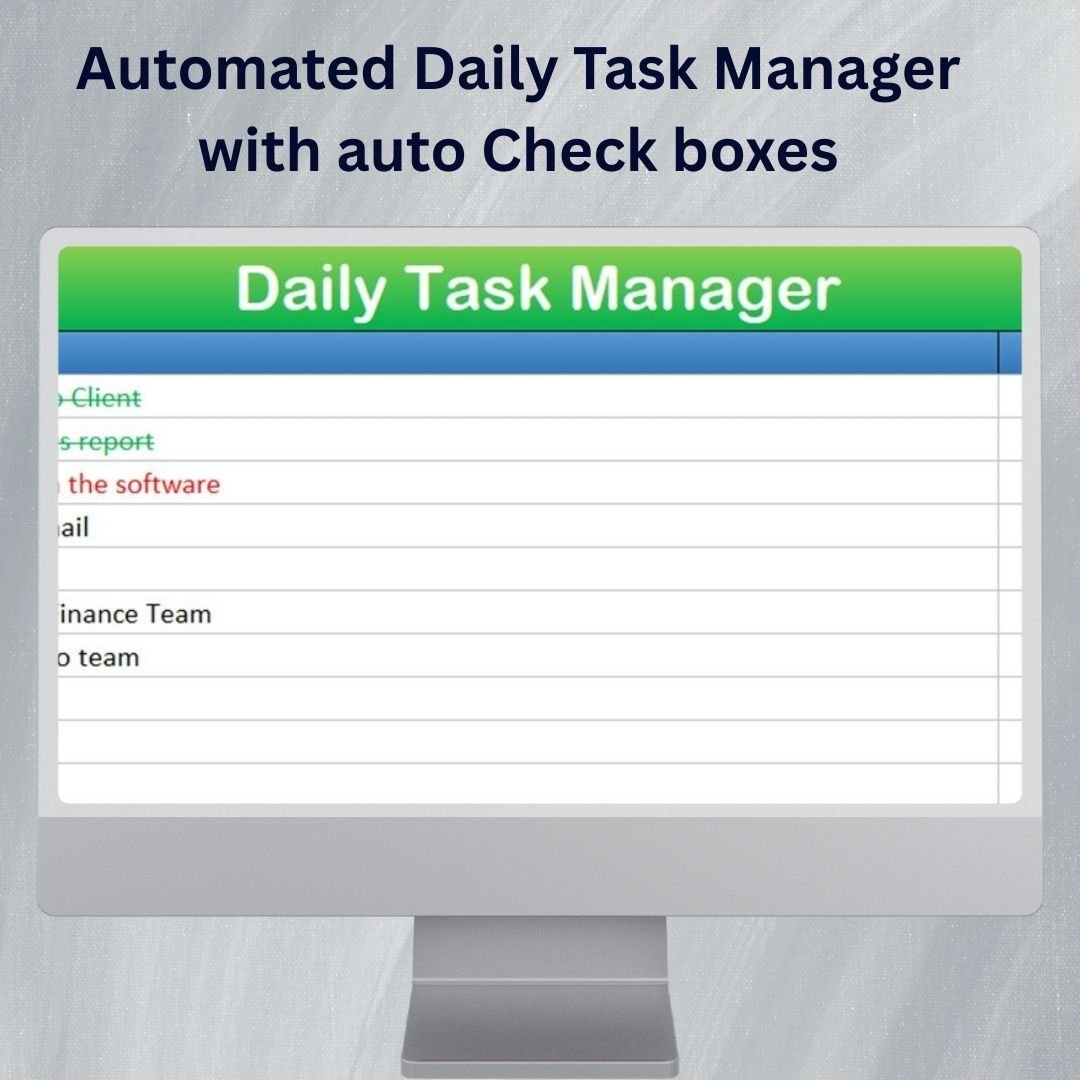

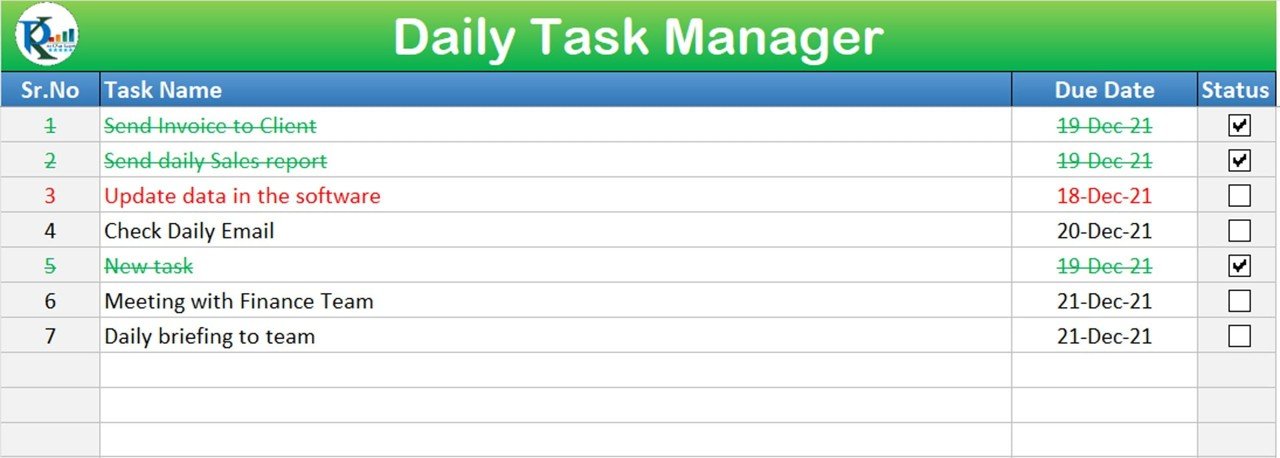
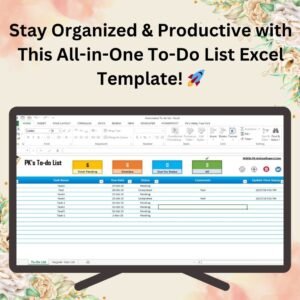
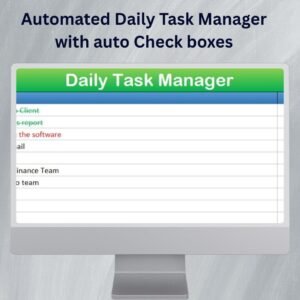
The Automated Daily Task Manager with Auto Checkboxes in Excel is a free task planning workbook for recording daily work and marking completion. Enter tasks, categories and deadlines, then use the generated checkboxes to track finished items. The editable layout supports personal plans and workplace task lists.
This tool automatically generates checkboxes for each task, allowing you to easily mark tasks as complete with just a click. The automation also includes date tracking, so tasks are automatically updated each day, ensuring you never forget an important task again. The template is fully customizable, allowing you to adjust task priorities, deadlines, and categories to suit your specific needs.
Key Features of the Automated Daily Task Manager with Auto Checkboxes
📌 Automated Task Management
Set it up once, and let the tool automatically update your tasks for each day. No more manually entering new tasks or tracking progress—everything is automated!
🛠 Auto-Checkbox Functionality
Each task has an auto-generated checkbox that you can click to mark as complete. This saves you time and keeps your to-do list organized.
💡 Task Categorization
Organize tasks into different categories such as Work, Personal, or Urgent. You can easily prioritize tasks based on their importance, ensuring you always focus on the most pressing items.
🔢 Automatic Date Updates
The template automatically updates daily tasks based on the current date, so you never have to worry about forgetting a task from the previous day. It’s a simple and automated way to stay organized.
🚀 Time-Saving
With the task manager, you can focus more on your work and less on managing your to-do list. The automation and easy interface allow you to quickly add, track, and complete tasks in no time.
📋 Customizable
You can easily add new tasks, adjust deadlines, and even create new categories, making it perfect for both personal and professional use.
⚙ Built-in Reminders
The template allows you to set reminders for important tasks, making sure you’re always on track to meet deadlines.
🚀 Why You’ll Love This Automated Daily Task Manager
✅ Stay Organized – Manage your daily tasks with ease using auto-generated checkboxes. ✅ Increase Productivity – Focus on your tasks, not on keeping track of them. ✅ Automated Updates – Tasks automatically update daily, ensuring nothing is missed. ✅ Customizable Layout – Tailor the template to fit your specific needs and categories. ✅ Easy to Use – Simple to set up and get started, with no complex setup required.
📂 What’s Inside the Automated Daily Task Manager with Auto Checkboxes?
- Auto-Checkbox Functionality: Mark tasks as complete with just a click.
- Daily Task Updates: Automatically updates tasks based on the current date.
- Categorization and Prioritization: Organize tasks into work, personal, and urgent categories.
- Reminders and Deadlines: Set reminders to help you meet deadlines.
- Simple and Customizable Layout: Easy to use with options to adjust the template to fit your needs.
🔍 How to Use the Automated Daily Task Manager with Auto Checkboxes
1️⃣ Download the Template – Download the free Excel file from this product page. 2️⃣ Set Up Your Tasks – Enter your tasks, assign categories, and set deadlines. 3️⃣ Mark Tasks Complete – Use the auto-checkboxes to mark tasks as done. 4️⃣ Automated Updates – The template will automatically update tasks daily. 5️⃣ Stay on Track – Use reminders and prioritization to stay organized and meet deadlines.
🎯 Who Can Benefit from This Automated Daily Task Manager? 🔹 Busy Professionals 🔹 Project Managers 🔹 Students and Learners 🔹 Home and Office Organizers 🔹 Anyone looking to stay organized and productive
Maximize your productivity and stay on top of your daily to-do list with the Automated Daily Task Manager with Auto Checkboxes. This tool will help you automate task tracking, prioritize your work, and keep you organized, every day.
Click here to read the Detailed blog post
https://www.pk-anexcelexpert.com/automated-daily-task-manager-with-auto-check-boxes/
Visit our YouTube channel to learn step-by-step video tutorials
Watch the step-by-step video tutorial:
Also check our Incentive Dashboard in Excel
Compatibility and Requirements
- Works in Microsoft Excel desktop (Excel 2016 or later, or Microsoft 365).
- The task list uses checkboxes to mark items complete. Microsoft explains how they work in Using check boxes in Excel.
Frequently Asked Questions
Is the Automated Daily Task Manager free?
Yes. It is a free Excel download from this page.
How do I mark a task as complete?
Each task gets its own checkbox. Click it to mark the task as done.
Can I change the task categories?
Yes. It comes with categories such as Work, Personal and Urgent, and you can add your own categories, tasks and deadlines.
Does it update tasks by date?
Yes. The template updates the daily task view based on the current date, so tasks from the previous day are not lost.
Related Task and To-Do Templates
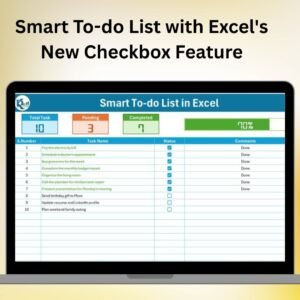
- Smart To-do List with Excel’s New Checkbox Feature: a free to-do list built on Excel’s newer checkbox feature
- Fully Functional To-do List in Excel: a fuller to-do list for Excel with more tracking options
- Task Management Dashboard in Excel: turns your task data into a dashboard
- Task Management Tracker in Google Sheets: task tracking in Google Sheets for shared teams
Browse all Excel project management templates or the Excel trackers.
















Reviews
There are no reviews yet.