

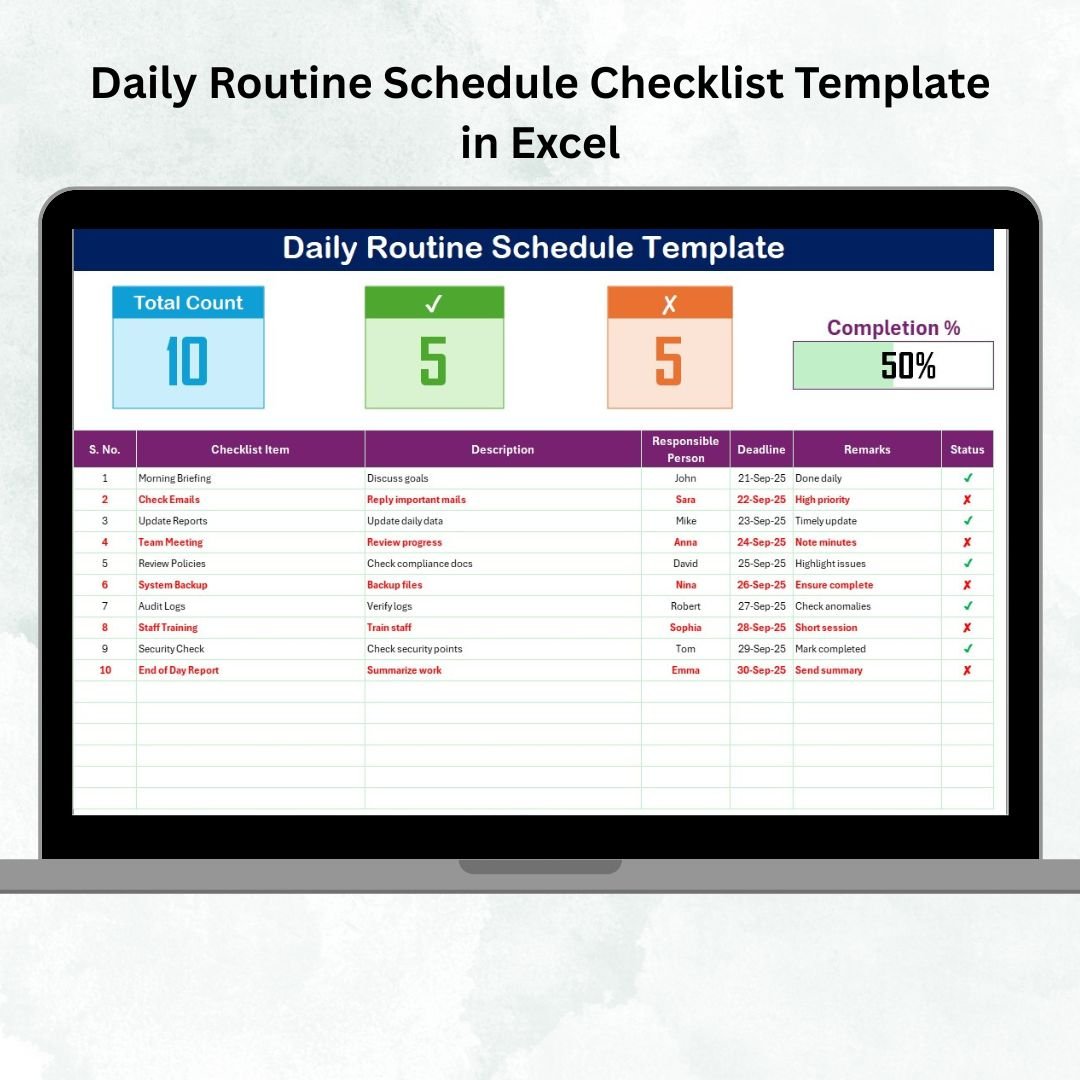
Staying organized every day can mean the difference between achieving your goals and feeling overwhelmed. Without a structured plan, tasks slip through the cracks, priorities get lost, and productivity suffers. That’s why we created the Daily Routine Schedule Checklist Template in Excel — a simple, ready-to-use solution to help you plan, track, and complete your daily tasks effectively. ✅📅Daily Routine Schedule Checklist Template in Excel
This template is designed for professionals, students, families, or anyone who wants to stay consistent with their routines. With built-in progress tracking, dropdowns for responsible persons, and visual indicators, it makes daily planning clear and motivating.Daily Routine Schedule Checklist Template in Excel
🔑 Key Features of Daily Routine Schedule Checklist in Excel
📋 Main Checklist Sheet
-
Capture all daily activities in one central table.
-
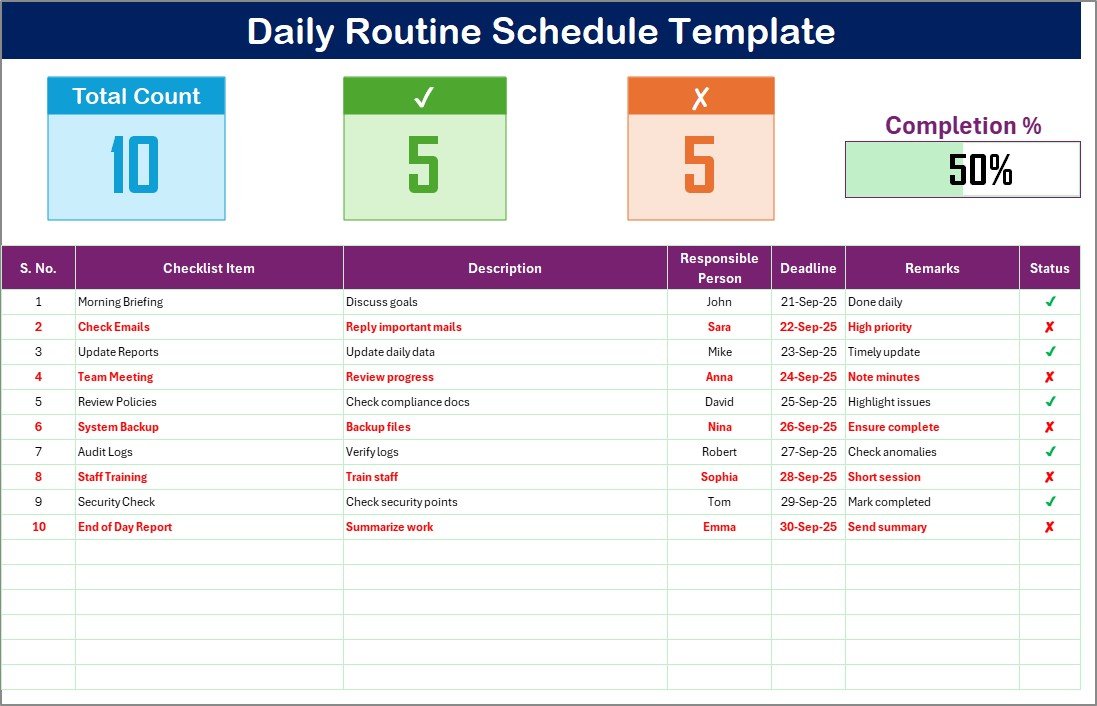
Summary cards for Total Count, Completed, Pending Tasks, plus a Progress Bar.
-
Task table with columns: Serial No., Checklist Item, Description, Responsible Person, Deadline, Remarks, and Status (✔ for completed, ✘ for pending).
📑 List Sheet
-
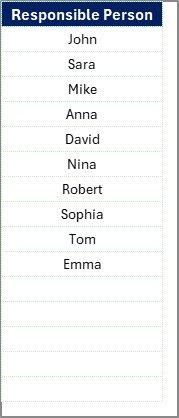
Stores unique “Responsible Person” entries.
-
Enables dropdown selection for accuracy and faster data entry.
-
Keeps team-based or family-based task assignments organized.
📊 Progress Tracking
-
Visual progress bar updates automatically as you complete tasks.
-
See at a glance how productive your day has been.
📦 What’s Inside the Template?
✅ Main Checklist Tab – Organize and monitor your daily tasks
✅ List Tab – Dropdown-powered data consistency
✅ Summary Cards & Progress Bar – Real-time daily performance overview
✅ Pre-Loaded Sample Data – Easy-to-understand examples
✅ Customizable Layout – Add columns or categories to suit your needs
✅ User-Friendly Design – No coding or complex formulas required
🎯 Who Can Benefit from This Template?
👨💼 Professionals – Track meetings, calls, and project deadlines.
👩🎓 Students – Organize study schedules and assignments.
👨👩👧 Families – Manage chores, routines, and family tasks.
💪 Fitness Enthusiasts – Keep track of workouts and health goals.
📚 Teachers – Plan lessons and monitor daily teaching tasks.
👥 Teams – Assign responsibilities and ensure accountability.
🧠 How to Use the Daily Routine Schedule Checklist
-
Download the template and open it in Excel.
-
Enter your tasks into the Checklist Table.
-
Assign responsibility (optional, for teams) using dropdowns.
-
Set deadlines to prioritize time-sensitive tasks.
-
Update the Status column as you complete tasks.
-
Review the progress bar and summary cards for motivation.
It’s a straightforward way to make your day more productive.
🚀 Advantages of Using This Template
-
Better Organization – A clear roadmap for your day.
-
Higher Productivity – Track completed vs. pending tasks.
-
Accountability – Perfect for teams and shared routines.
-
Time-Saving – Pre-formatted checklist, ready to use.
-
Motivational – Visual progress bar to keep you on track.
-
Flexible – Adaptable for personal, professional, or academic use.































Reviews
There are no reviews yet.