

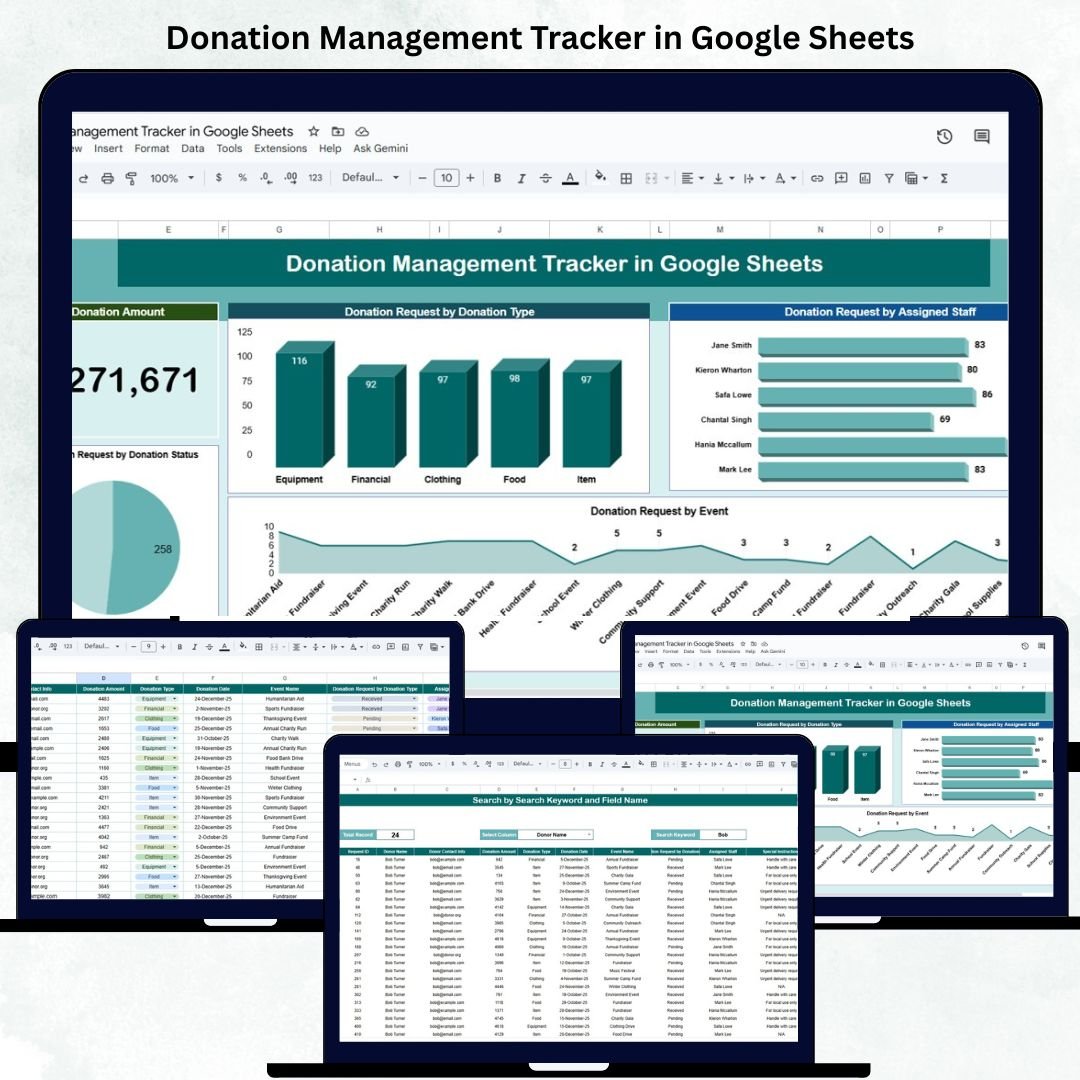

Managing donations efficiently is crucial for nonprofit organizations, NGOs, and fundraising teams. The Donation Management Tracker in Google Sheets is a ready-to-use, automated, and collaborative solution designed to help you organize, monitor, and analyze donation data — all in one powerful yet simple Google Sheets template. 💰📊
This tracker provides real-time insights into donation requests, approvals, and receipts, ensuring full transparency and accountability. Whether you’re managing small fundraising campaigns or large charity events, this tool helps you visualize progress, track contributions, and streamline your entire donation management process.
🔑 Key Features of the Donation Management Tracker in Google Sheets
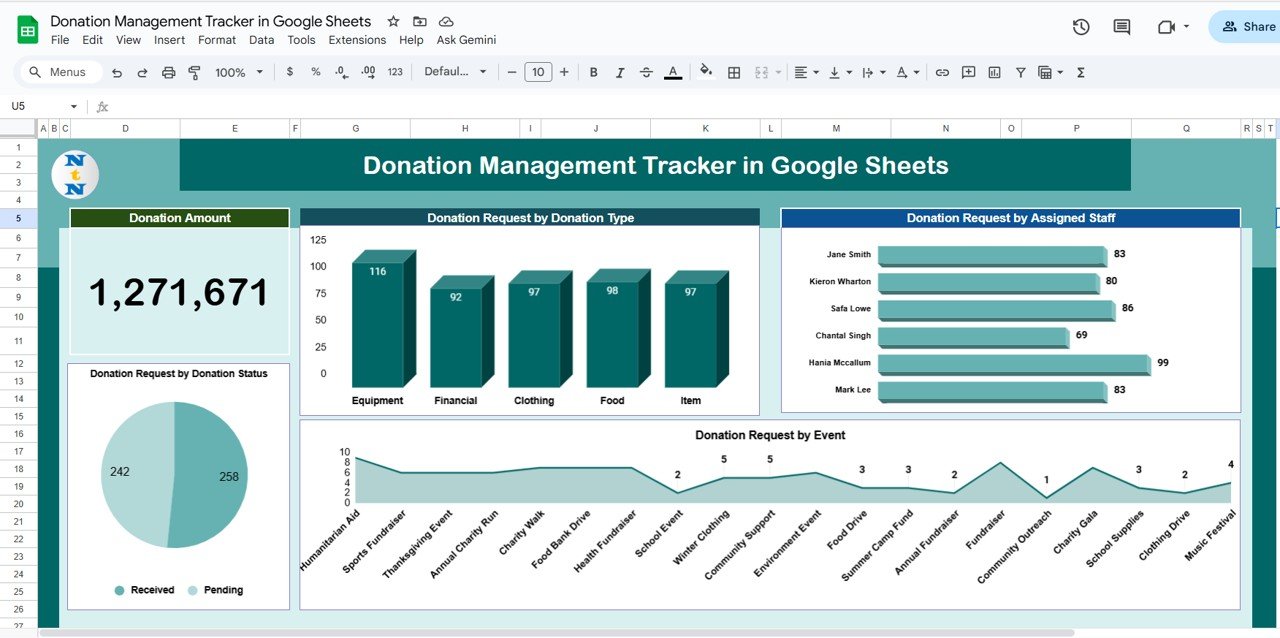
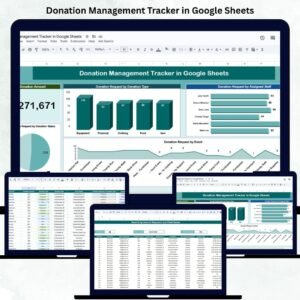
📋 Tracker Sheet Tab (Main Dashboard)
Your central control panel — combining visual analytics and summary metrics for complete donation visibility.
KPI Cards:
Donation Amount (USD): Shows total donations received or pledged.
Pending Approvals: Displays donation requests awaiting review.
Received Donations: Tracks all funds confirmed and processed.
Charts Included:
Donation Requests by Type: Analyze performance of Monetary, Material, Sponsorship, or In-Kind donations.
Donations by Staff: View workload and accountability per fundraiser or coordinator.
Donations by Event: Identify which fundraising events generate the highest contributions.
Donations by Status: Track pipeline stages — Pending, Approved, Received, or Cancelled.
These visuals automatically update from live data, giving you instant access to your donation insights.
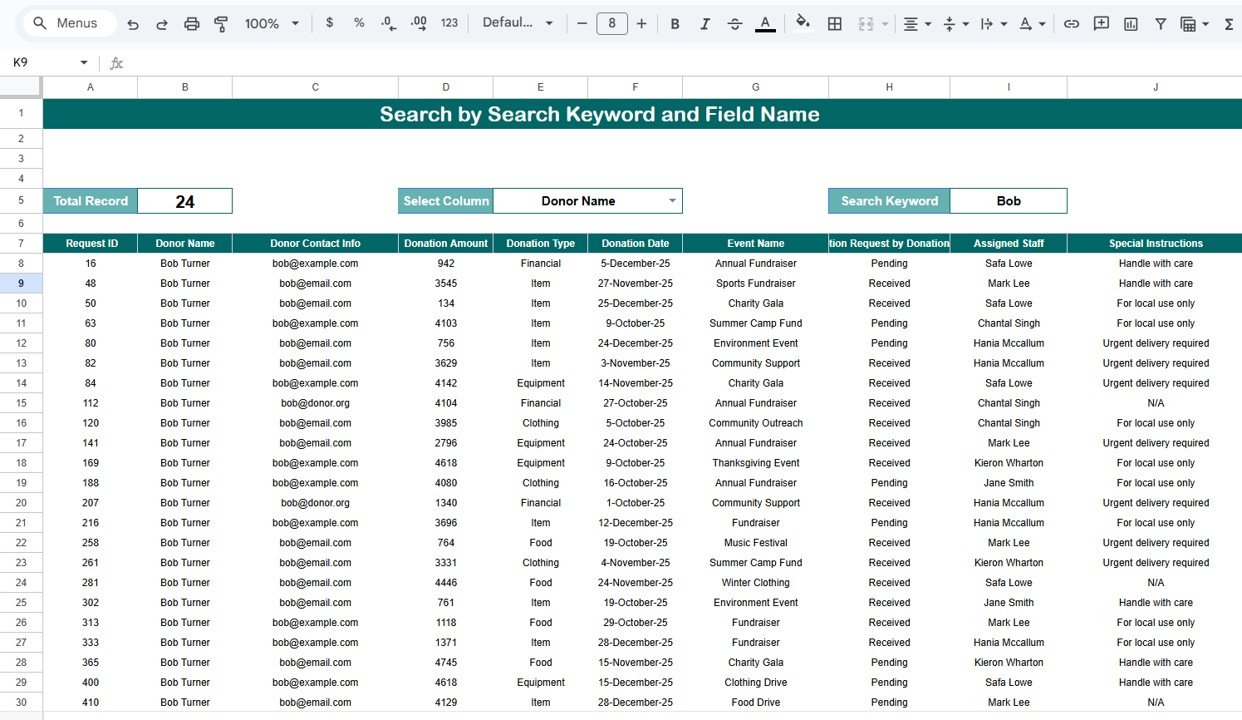
🔍 Search Sheet Tab
Find any donation record instantly by entering a keyword or filtering fields such as:
Donor Name
Donation Type
Event Name
Assigned Staff
Donation Status
💡 Example: Type “Approved” to instantly see all approved donation entries for quick reporting.
🧾 Data Sheet Tab
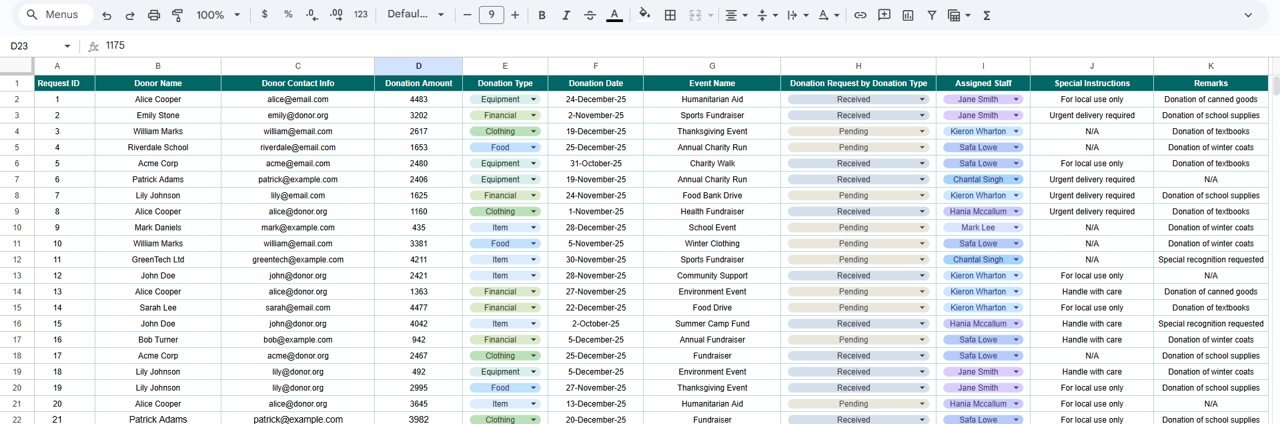
The heart of the tracker where all records are stored.
Includes key columns for:
Donor Name | Donation Type | Event | Department | Assigned Staff | Date | Status | Amount | Remarks
Every entry here automatically updates charts and KPIs on the Dashboard.
⚙️ Support Sheet Tab
Contains dropdown source lists for clean, standardized data entry — ensuring accuracy across donation types, events, and statuses.
📦 What’s Inside the Donation Management Tracker
✅ Interactive Dashboard – Visualize all donation activities in one view
✅ Real-Time KPIs – Auto-updating totals and charts
✅ Smart Search – Quickly locate specific donations
✅ Dropdown Menus – Consistent and error-free data entry
✅ Collaboration Ready – Multiple team members can work simultaneously
✅ Event & Staff Analysis – Understand performance by campaign and individual
✅ Customizable Structure – Add more KPIs, charts, or fields easily
✅ Google Sheets Based – No software, no coding — 100% online
🧑💼 Who Can Benefit from This Tracker
🎗️ Nonprofit Organizations: Track fundraising events, donors, and pledged amounts.
💰 Fundraising Teams: Manage donation approvals and staff accountability.
📅 Event Managers: Link donations to specific campaigns and monitor progress.
📊 Finance & Audit Teams: Ensure financial transparency and accuracy.
Whether you’re a small charity or a global foundation, this tracker provides the insights you need to run donation operations efficiently.
🧪 How to Use the Donation Management Tracker
1️⃣ Enter Donations: Input new donation records into the Data Sheet.
2️⃣ View Dashboard: All KPIs and charts update automatically.
3️⃣ Search Quickly: Use the Search Tab to find donations by donor or status.
4️⃣ Monitor Progress: Analyze which events or donation types perform best.
5️⃣ Collaborate: Allow team members to add and update records in real time.
💡 Pro Tip: Connect the tracker to Google Forms for automated donation submissions directly from your donors or volunteers.
🌟 Why Choose This Tracker
Centralized donation tracking system
Real-time visual dashboards
Accountability across staff and campaigns
No coding or setup required
Collaborative and cloud-based
Fully customizable for any organization size
The Donation Management Tracker in Google Sheets helps charities and NGOs maintain transparency, accountability, and operational efficiency — all while simplifying the way they handle donations. 🌍💖
🔗 Click here to read the Detailed blog post
Watch the step-by-step video Demo:
🔗 Visit our YouTube channel to learn step-by-step tutorials
Compatibility and Requirements
- Works in Google Sheets with a free Google account and a web browser. Nothing to install.
- The Support sheet feeds the dropdown lists. Google explains dropdowns in Create an in-cell dropdown list.
Frequently Asked Questions
What do the KPI cards show?
Three cards: total donation amount in USD, pending approvals and received donations.
Which charts are included?
Donation requests by type, donations by staff, donations by event and donations by status. They update from the Data sheet.
Which donation types can I record?
Monetary, Material, Sponsorship and In-Kind donations, with statuses of Pending, Approved, Received or Cancelled. You can edit these lists on the Support sheet.
How do I find a donation record?
Use the Search tab. Type a keyword, such as a donor name or the word Approved, to list the matching records.
Related Nonprofit and Fundraising Templates
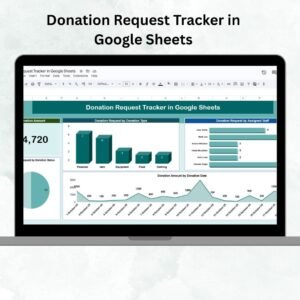
- Donation Request Tracker in Google Sheets: log incoming donation requests
- Fundraising Event Calendar in Google Sheets: plan the events your donations come from
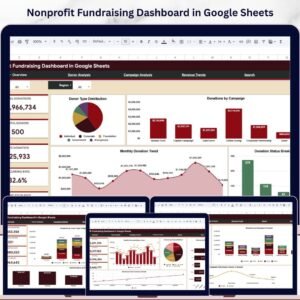
- Nonprofit Fundraising Dashboard in Google Sheets: fundraising results in one dashboard
- Charity Donation Checklist in Google Sheets: steps for handling each donation
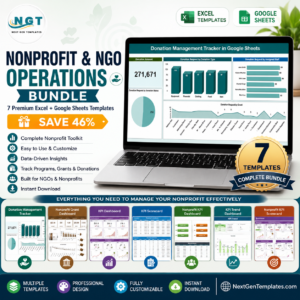
- Nonprofit & NGO Operations Bundle: 7 Excel and Google Sheets templates for nonprofits
Browse all Google Sheets tracker templates or the Google Sheets dashboards.




























Reviews
There are no reviews yet.