

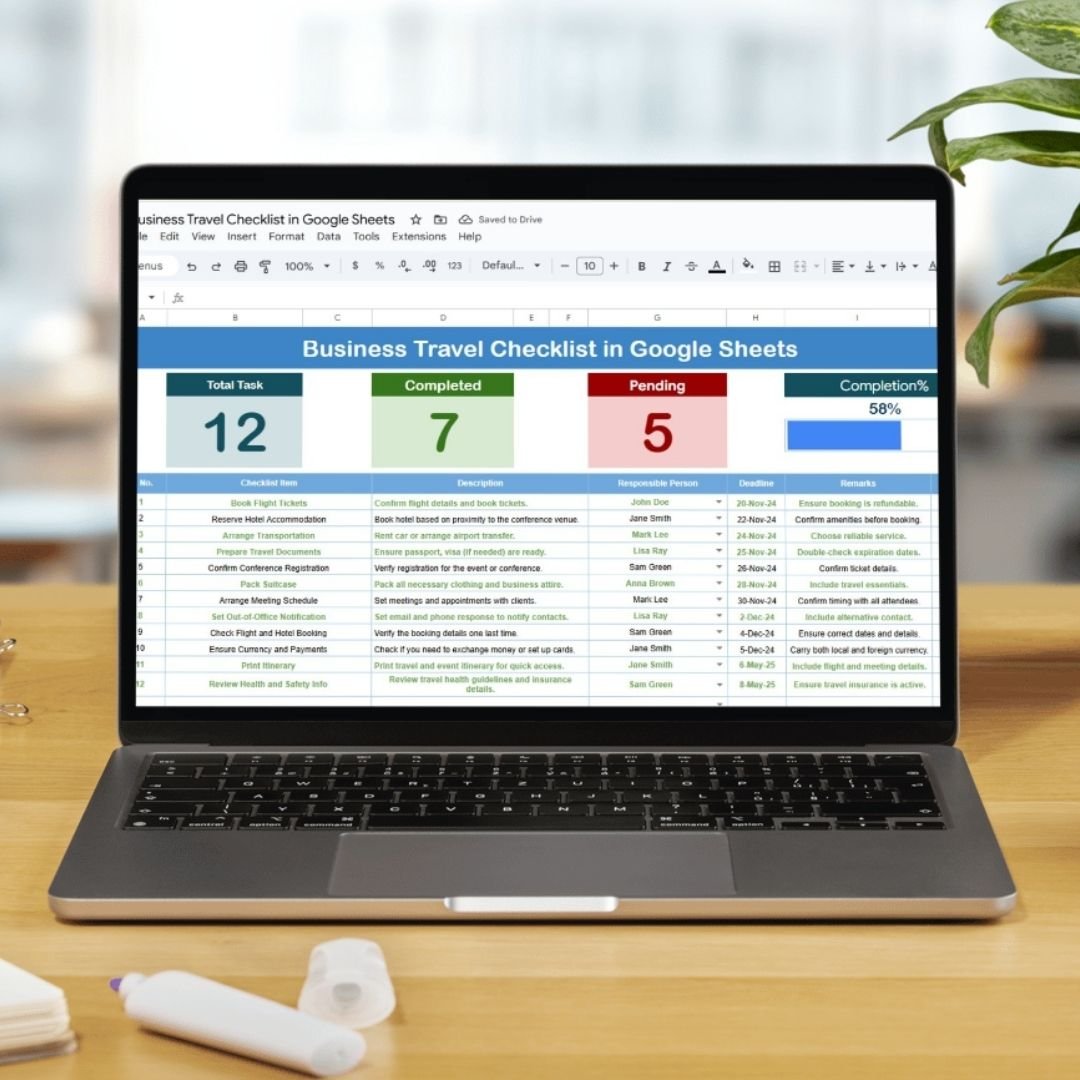
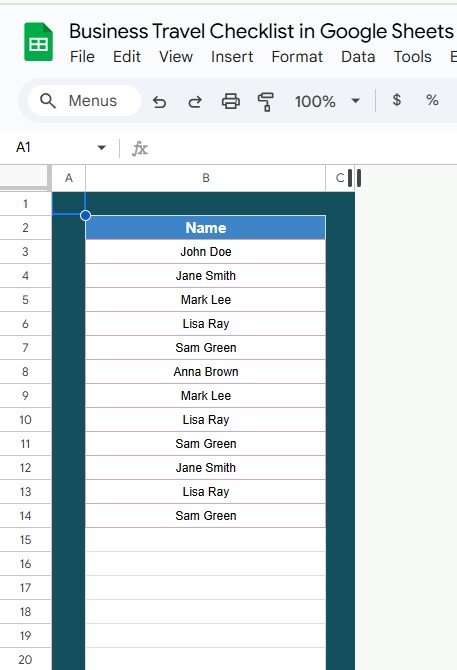

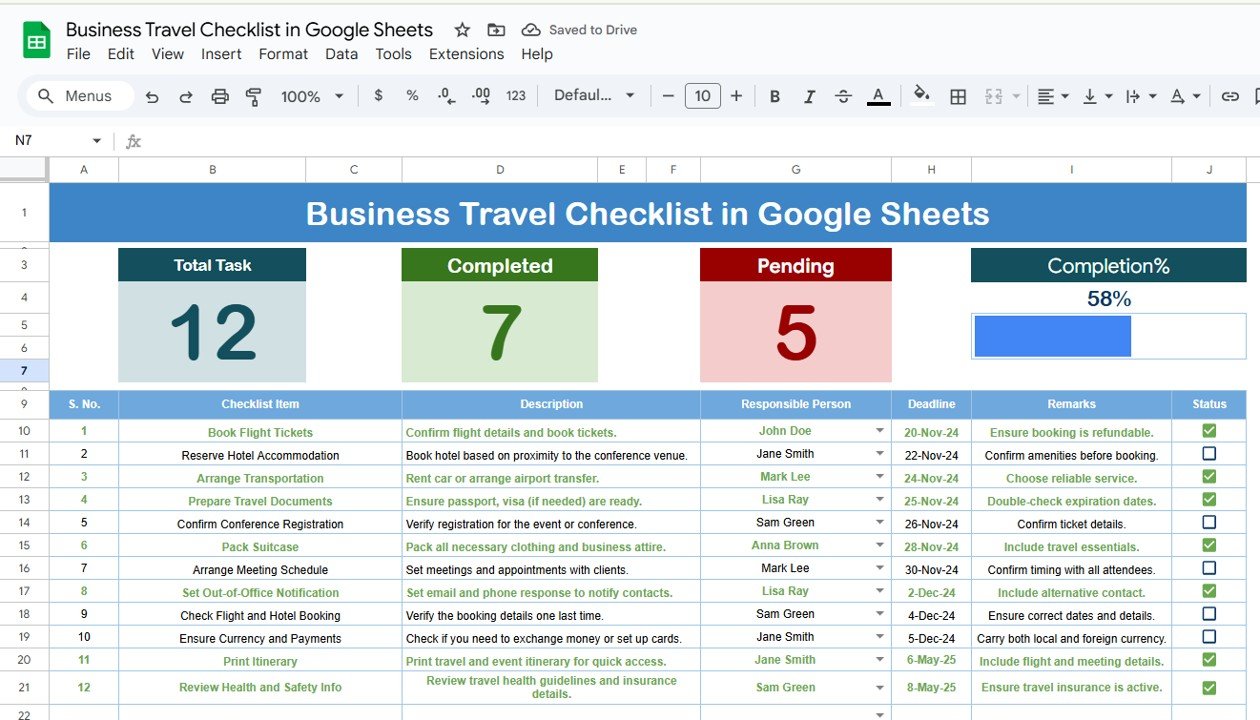
Embarking on a business trip requires careful planning to ensure everything goes smoothly. The Business Travel Checklist in Google Sheets is a comprehensive tool designed to help you stay organized and prepared for all aspects of your trip. Whether you’re traveling for meetings, conferences, or client visits, this checklist ensures that no detail is overlooked, from packing to managing your expenses.
Key Features:
Pre-Trip Preparation: A dedicated section for all the tasks that need to be completed before your departure. This includes confirming flight bookings, arranging transportation, notifying colleagues and clients, and ensuring all necessary documents are prepared.
Packing List: A categorized checklist to help you pack everything you need for your trip, including clothes, toiletries, electronics, and any business materials like presentations, contracts, and business cards.
Itinerary Tracker: A space to input all the key travel details, such as flight information, hotel reservations, meeting schedules, and other important appointments, ensuring everything is in one place for easy access.
Expense Tracker: Keep track of your travel expenses with this simple tool that allows you to log each cost, helping you stay within your budget and easily manage reimbursements when you return.
Post-Trip Follow-Up: A section to note down any follow-up tasks required after your trip, such as sending thank-you emails, completing reports, or following up on client discussions.
Benefits:
Centralized Organization: Everything you need for your business trip is in one place. The checklist reduces the risk of forgetting important tasks or items, keeping your travel planning simple and organized.
Time-Saving Efficiency: The checklist simplifies the planning process, allowing you to focus on your work without worrying about the small details. With everything mapped out, you can save time and reduce stress.
Customization: Easily adaptable to fit individual preferences or specific trip requirements. Add or remove items to make it work for your unique needs.
Accessibility: Since the checklist is in Google Sheets, you can access and update it from any device with an internet connection, whether you’re at the office, on the go, or at the airport.
How to Use:
Access the Template: Open the provided Google Sheets link to access the checklist template.
Customize the Checklist: Modify the checklist to match your specific travel requirements. Add, remove, or update items as necessary.
Input Travel Details: Enter your flight, hotel, meeting, and itinerary information into the appropriate sections.
Track Expenses: Use the expense tracker to log and monitor your spending, making sure you stay within your budget.
Review and Update: Regularly check the checklist as tasks are completed or updated, ensuring that you don’t miss anything important.
Conclusion:
The Business Travel Checklist in Google Sheets is an essential tool for anyone looking to streamline their travel planning process. By organizing your tasks, packing, expenses, and schedule in one accessible place, it ensures a hassle-free business trip and helps you focus on what truly matters: the success of your work.
🔗 Click here to read the Detailed blog post
Visit our YouTube channel to learn step-by-step video tutorials
Youtube.com/@PKAnExcelExpert
Watch the step-by-step video Demo:
Compatibility and Requirements
- Works in Google Sheets. You need a free Google account and a web browser.
- New to Google Sheets? Google’s guide How to use Google Sheets covers the basics.
Who Can Use This Checklist
It suits frequent business travelers, sales teams, consultants and assistants who plan trips for managers.
Frequently Asked Questions
Which sections does the checklist include?
It has pre-trip preparation, a packing list, an itinerary tracker, an expense tracker and post-trip follow-up.
What does the packing list cover?
It groups clothes, toiletries, electronics and business materials such as presentations, contracts and business cards.
Can I log travel expenses?
Yes. The expense tracker logs each cost, which helps you stay on budget and claim reimbursements.
Can I add my own items?
Yes. You can add, remove or update items to fit each trip.
Is there an Excel version?
Yes. The Business Travel Checklist in Excel does the same job in Excel.
Related Business Travel Templates
- Business Travel Checklist in Excel: the same checklist in Excel
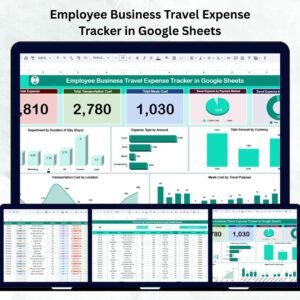
- Employee Business Travel Expense Tracker in Google Sheets: track trip expenses in detail
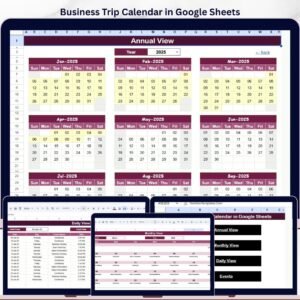
- Business Trip Calendar in Google Sheets: plan trips on a calendar
- Travel Itinerary Checklist in Google Sheets: check off itinerary items
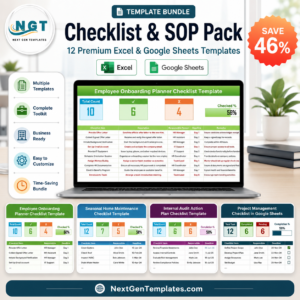
- Checklist & SOP Pack: 12 checklist templates in one download
Browse all Google Sheets checklists or the Google Sheets trackers.



Reviews
There are no reviews yet.