

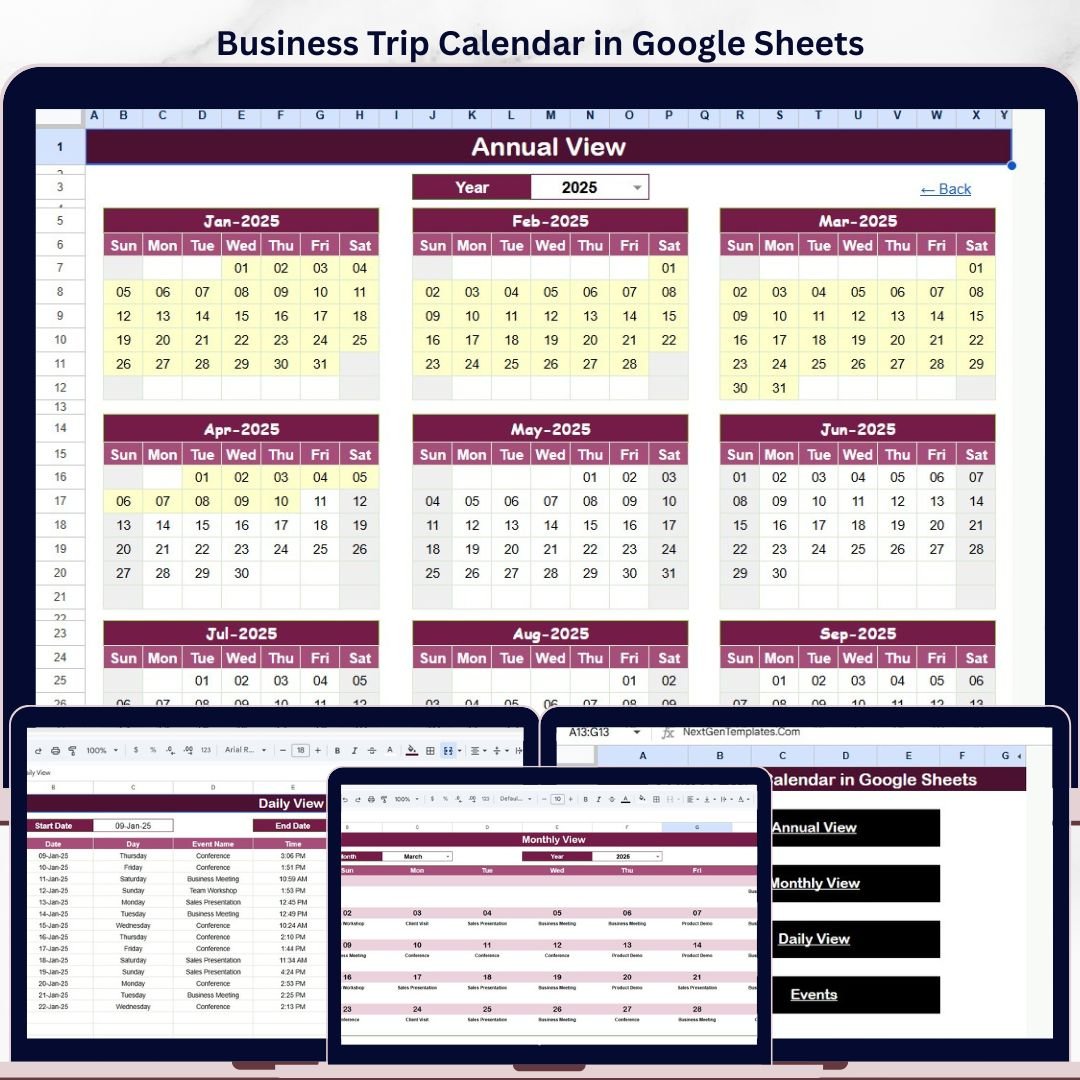
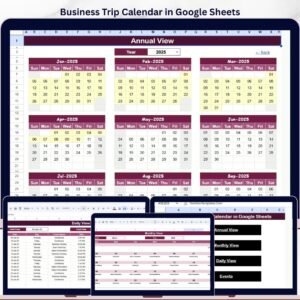
The Business Trip Calendar in Google Sheets gives travel coordinators a 5-worksheet scheduling system with a 12-month annual calendar, a selected-month calendar, a daily date-range view, and a 7-field Events database. One business trip can involve flights, hotels, client meetings, visa notes, local transport, and expense follow-ups; this template keeps those moving parts in one shared Google Sheets file. Join 8,400+ teams in 40+ countries using NextGenTemplates for one-time-purchase Excel, Google Sheets, Power BI, and HTML templates.
Instant access. One-time payment. No subscription. No per-user fee. Lifetime use.
Business Trip Calendar in Google Sheets
Key Features of Business Trip Calendar in Google Sheets
- 5 worksheet layout – Home, Annual View, Monthly View, Daily View, and Events.
- Annual 12-month view – see the full year of business trips, meetings, site visits, and travel deadlines at once.
- Monthly calendar view – select a month and year, then review trip events inside a clean calendar grid.
- Daily date-range view – enter a Start Date and End Date to list all business travel activities in that period.
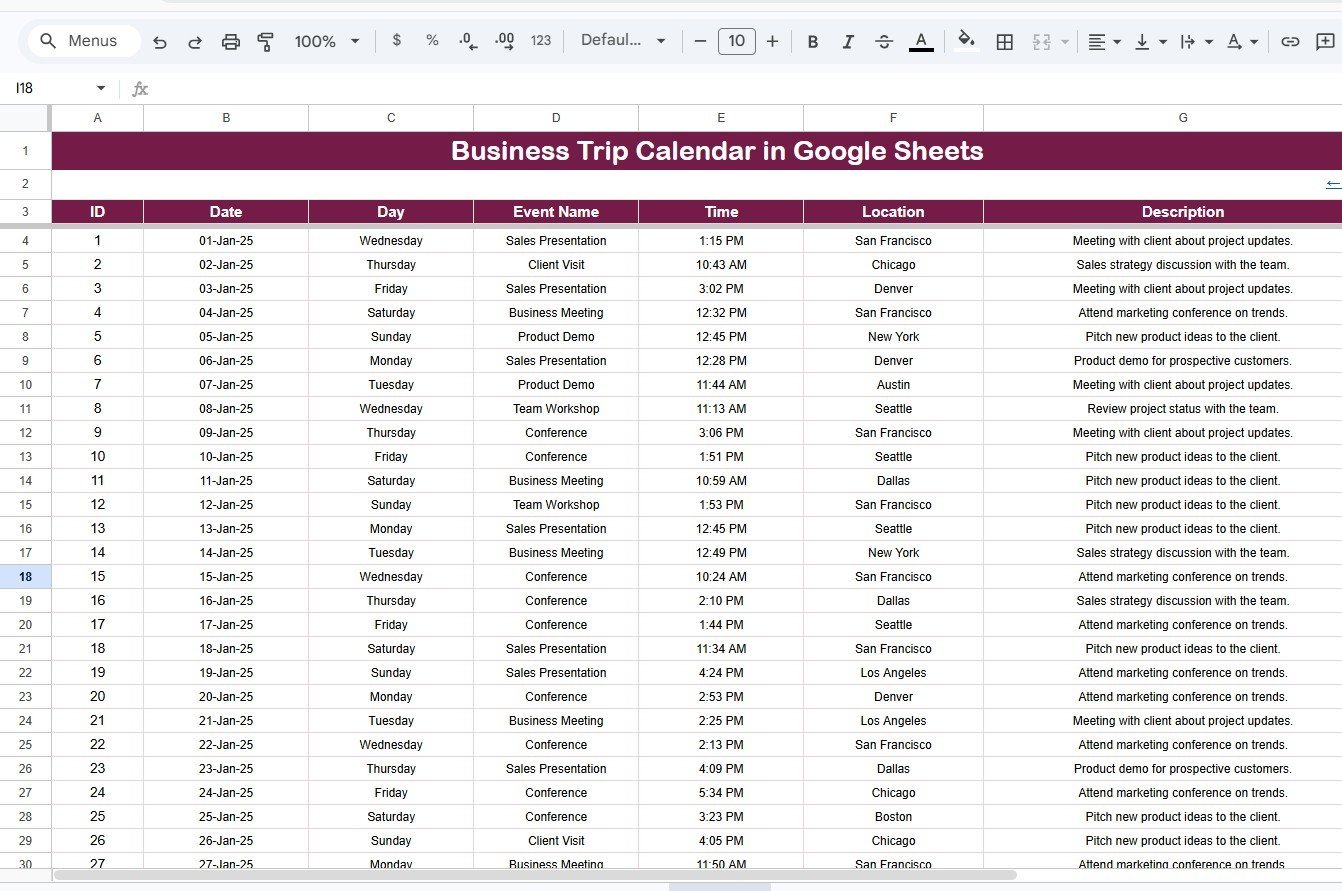
- Events database – capture ID, Date, Day, Event Name, Time, Location, and Description for every travel item.
- Multiple-event indicator – when one date has more than one event, the monthly calendar shows a clear more-than-one marker.
- Google Sheets collaboration – share the calendar with managers, assistants, employees, and travel coordinators through Google Drive.
What’s Inside the Business Trip Calendar in Google Sheets
Home Sheet Tab
The Home sheet is the index page. It includes four navigation buttons: Annual View, Monthly View, Daily View, and Events. Use this page when you want a simple launchpad instead of searching through sheet tabs during a travel planning meeting.
Annual View Sheet Tab
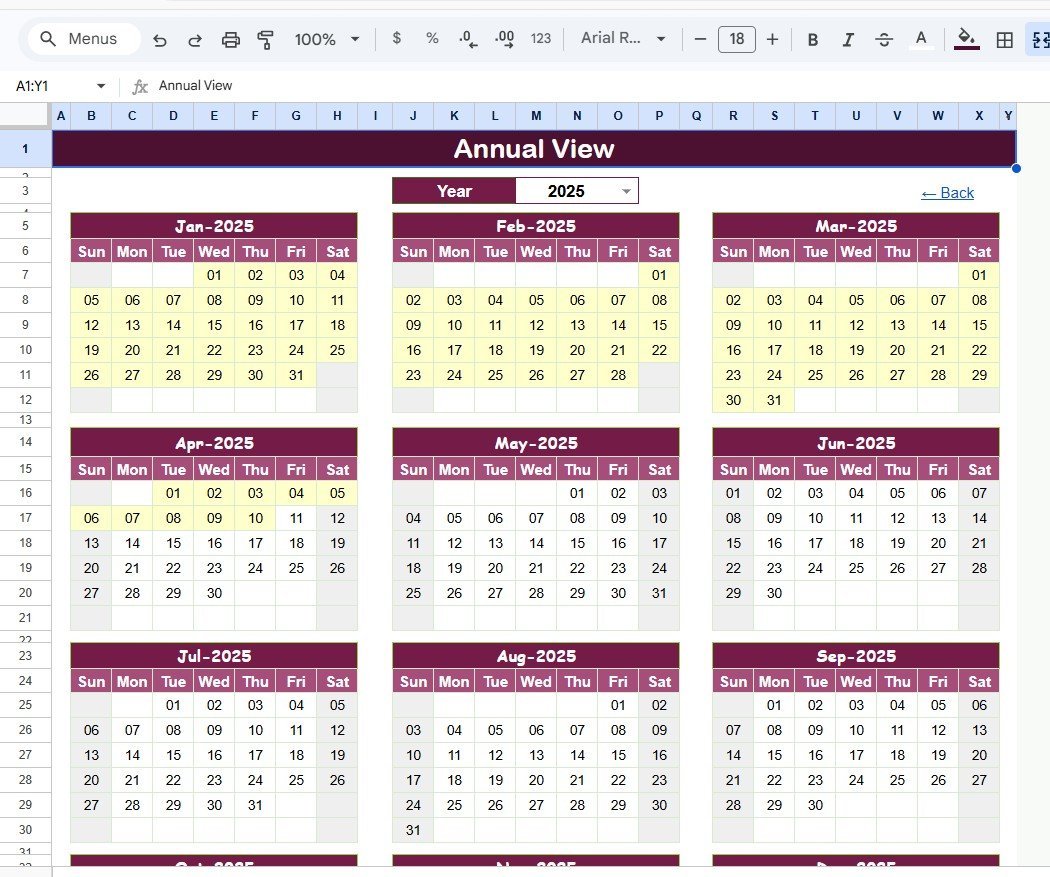
The Annual View sheet shows 12 months on one page. It is useful for spotting heavy travel periods, planning quarterly client visits, avoiding overlap between departments, and reviewing travel commitments before budgets are finalized.
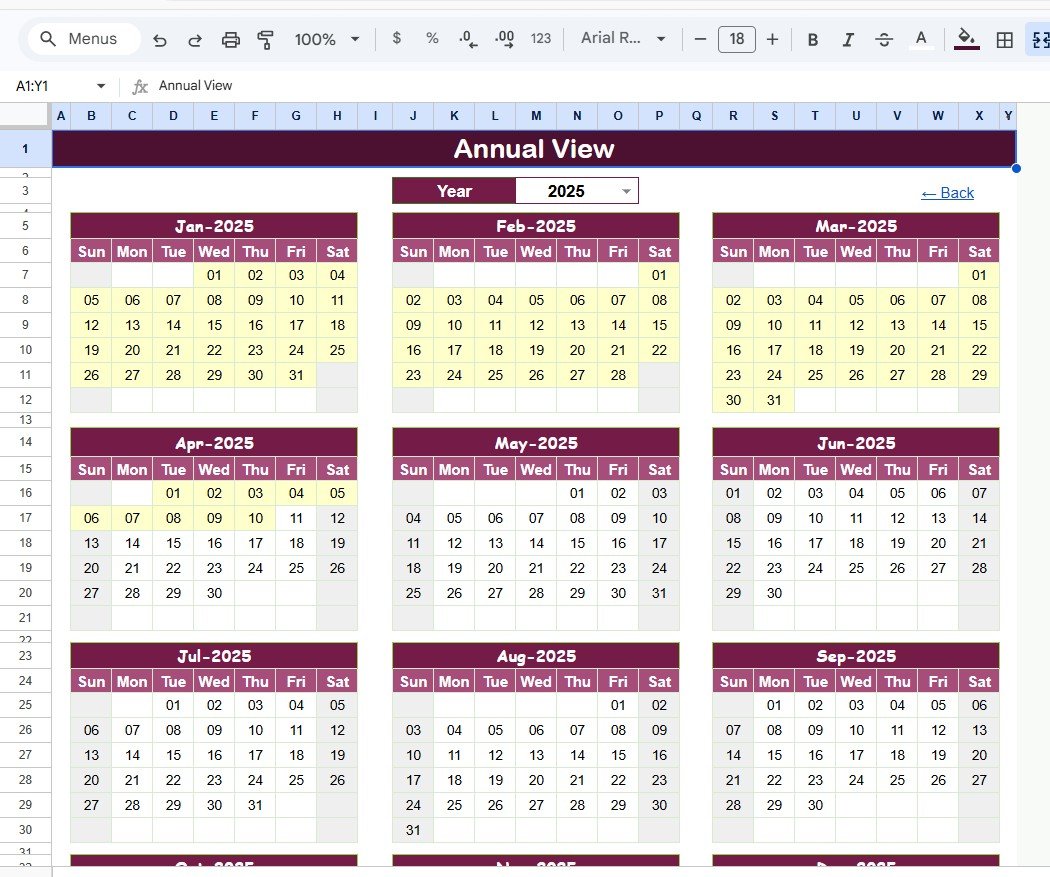
Annual View Sheet tab
Monthly View Sheet Tab
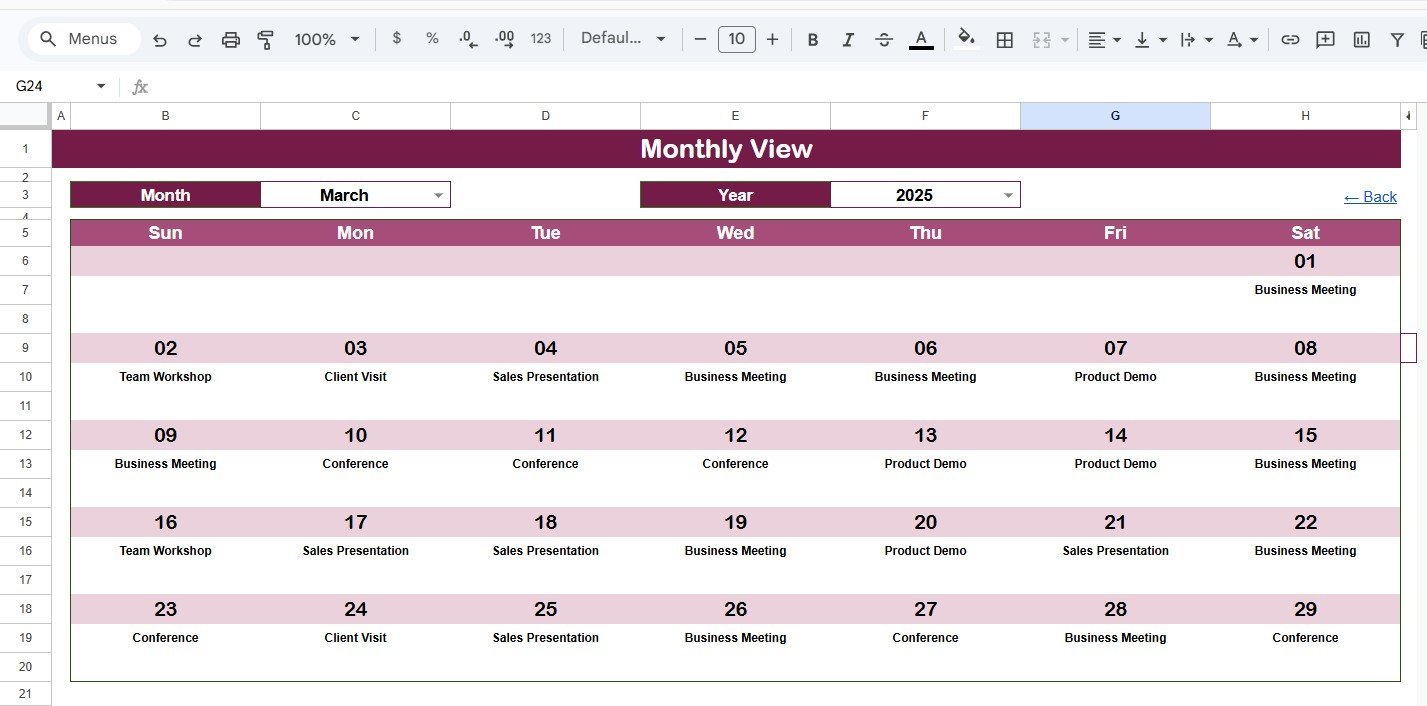
The Monthly View sheet displays a single selected month. Choose the Month and Year at the top and the calendar updates accordingly. The template shows one event directly on a calendar date, and if a date has more than one event it displays a more-than-one indicator so you know to open the full event list.
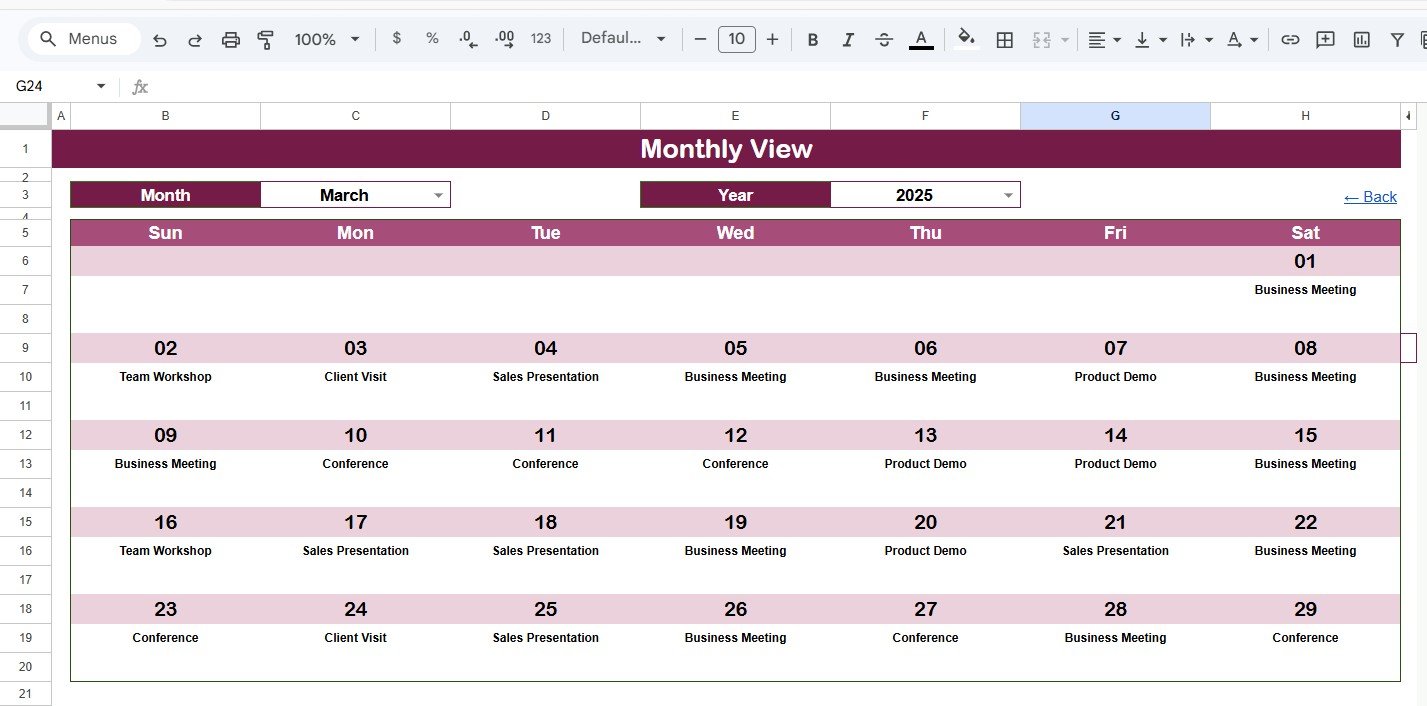
Monthly View Sheet tab
Daily View Sheet Tab
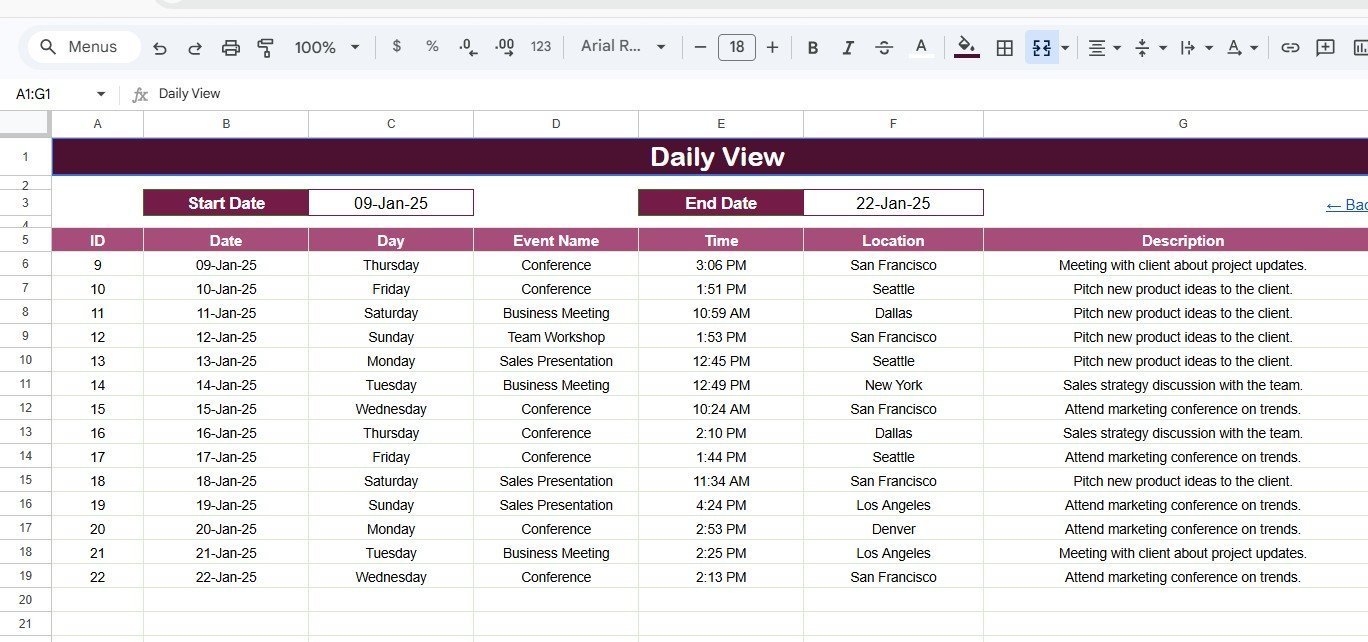
The Daily View sheet lists events for a selected date range. Enter the Start Date and End Date at the top, or double-click the date cells to open the native Google Sheets calendar picker. This view is practical for weekly trip briefings, manager approvals, employee reminders, and day-by-day coordination.
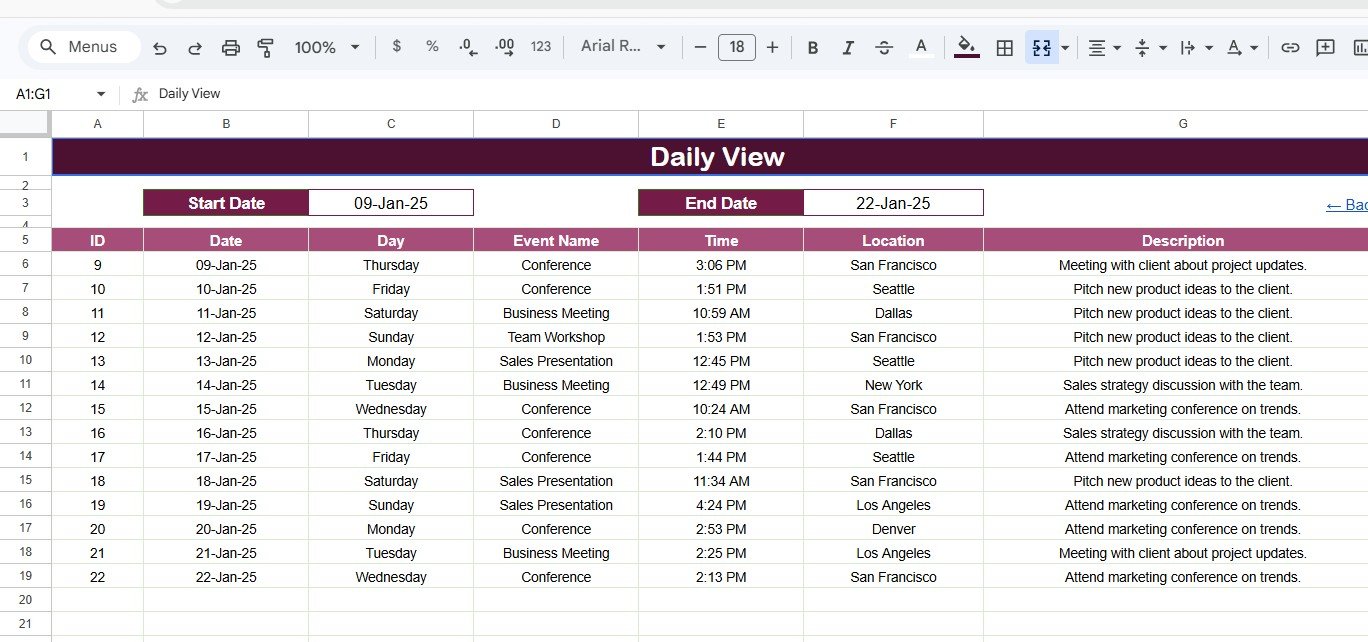
Daily View Sheet tab
Events Sheet Tab
The Events sheet is the database behind the calendar. It stores every trip-related activity with auto-generated ID, Date, Day, Event Name, Time, Location, and Description. You can manually add a new event row whenever a trip, meeting, travel deadline, or follow-up needs to appear on the calendar.
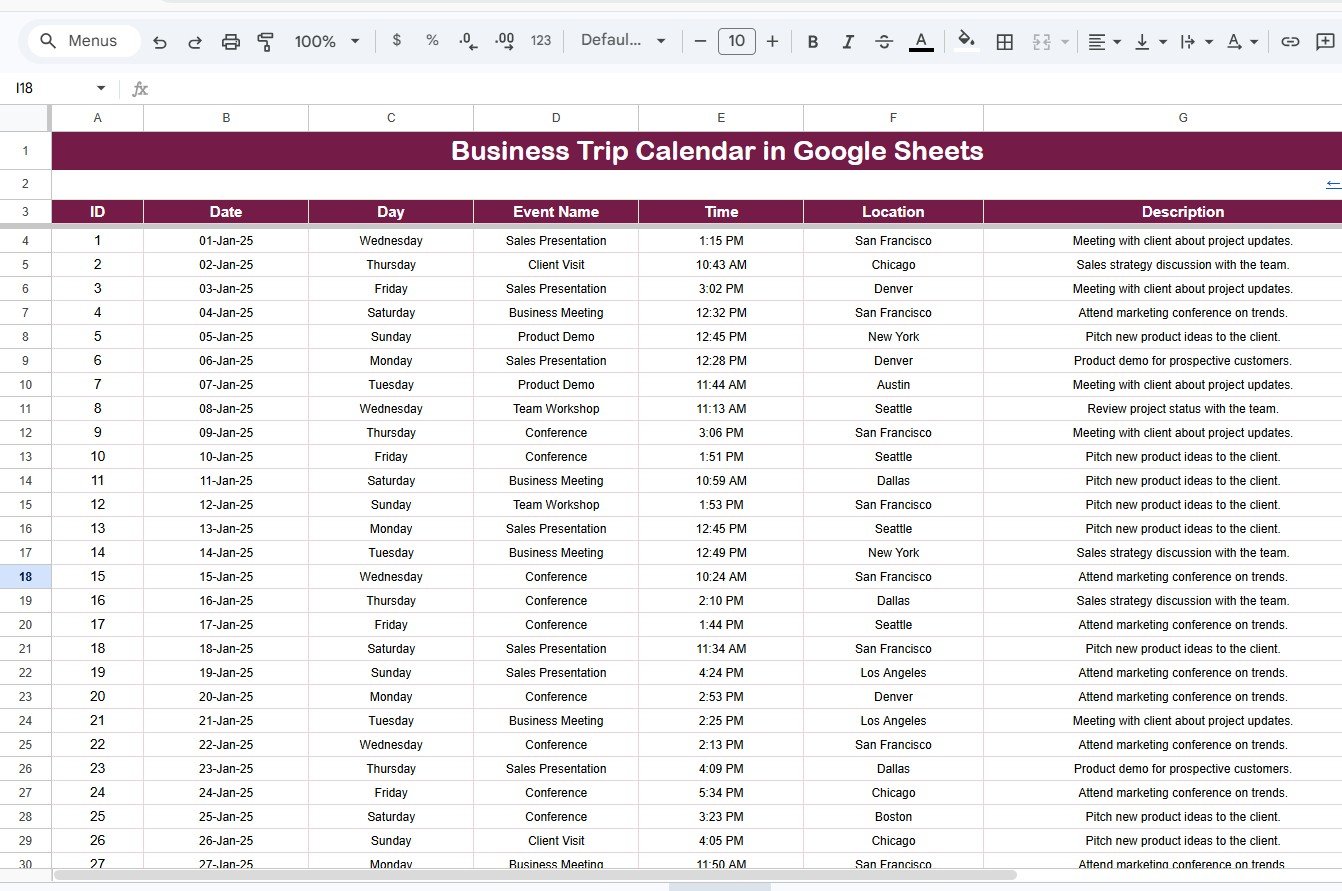
Events Sheet tab
Business Trip Calendar in Google Sheets vs. Microsoft Excel Calendar vs. Paid Travel SaaS – Where This Fits
| Feature | Business Trip Calendar in Google Sheets | Microsoft Excel Calendar | TravelPerk / Navan / TripActions |
|---|---|---|---|
| Cost | $4.99 one-time | $4.99-$12.99 one-time | Monthly platform or per-booking fees |
| Platform | Google Sheets in browser | Desktop Excel or OneDrive | Cloud SaaS portal |
| Setup time | Under 5 minutes | 5-15 minutes | Days to weeks for policy setup |
| Real-time team collaboration | Built in | Requires cloud sharing | Built in |
| Mobile access | Google Sheets app or browser | Limited on phones | Mobile app |
| Customizable fields | Fully editable | Fully editable | Plan and admin dependent |
| Share with link | Yes | Usually file attachment or OneDrive | Invite-based access |
| Year-1 cost at 5 users | $4.99 total | $4.99-$12.99 total | Often hundreds to thousands per year |
| Best use case | Scheduling and visibility | Offline planning | Booking, policy, and expense automation |
Who This Template Is For – and Who It’s Not For
Best fit for: executive assistants, office managers, sales teams, consulting teams, HR coordinators, project managers, and small businesses that need a shared business travel calendar without buying a full travel management platform.
Not a fit for: companies that need flight booking, hotel booking, travel policy enforcement, card reconciliation, approval routing, or automatic expense reimbursement inside the same system. For those workflows, a dedicated travel SaaS tool is more appropriate.
How to Use the Business Trip Calendar in Google Sheets
- Open the PDF guide from your download and click the Google Sheets copy link.
- Create your own editable copy in Google Drive.
- Go to the Events sheet and enter each trip activity with date, time, location, and description.
- Use Annual View for year-level planning and Monthly View for active trip coordination.
- Use Daily View to filter events for this week, next week, or a custom travel window.
- Share the Google Sheet with the team members who need visibility or edit access.
Real-World Use Cases
Anika, executive assistant: Anika tracks leadership travel across client meetings, conferences, and board visits. The Monthly View helps her avoid date conflicts while the Daily View gives her a quick briefing for the next 7 days.
Marcus, sales manager: Marcus schedules regional sales trips for five account executives. He logs every city visit in the Events sheet so the team can see where colleagues are traveling and coordinate shared customer meetings.
Priya, operations coordinator: Priya manages site inspections for a distributed services company. The Annual View helps her plan travel-heavy months before approving budgets and vendor visits.
Frequently Asked Questions
Can I track more than one business trip on the same date?
Yes. Add every trip activity to the Events sheet. The Monthly View shows one event in the calendar cell and displays a more-than-one indicator when multiple events fall on the same date.
Does this template work for teams?
Yes. Because it runs in Google Sheets, you can share it through Google Drive and allow different team members to view, comment, or edit based on their role.
Can I customize the Events sheet fields?
Yes. The default fields are ID, Date, Day, Event Name, Time, Location, and Description. You can add extra columns such as Employee Name, Trip Type, Approval Status, Cost Center, or Booking Reference.
Does it include travel expense tracking?
This template focuses on trip scheduling. For a calendar that combines travel and expense planning, see the Travel and Expense Calendar in Google Sheets.
Is any add-on required?
No. The Business Trip Calendar in Google Sheets works inside a standard Google Sheets file. No paid add-ons, scripts, or desktop software are required.
Can I use it on mobile?
Yes. Open it in the Google Sheets mobile app or a browser. Editing is easiest on desktop, but reviewing dates and event details works well on mobile.
About the Author
Built by PK – Microsoft Certified Professional with 15+ years of Excel, Google Sheets, and Power BI experience. Founder of NextGenTemplates, reaching 300K+ subscribers across YouTube channels. Every template is hand-built and tested before release.
Explore Related Templates
- Travel and Expense Calendar in Google Sheets
- Maintenance Tasks Calendar in Google Sheets
- Trade Show and Conference Calendar in Google Sheets
- Browse all Google Sheets Calendar Templates and Google Sheets Templates.
Download the Business Trip Calendar in Google Sheets today and turn business travel planning into a clear, shared calendar system.
Last updated: May 2026
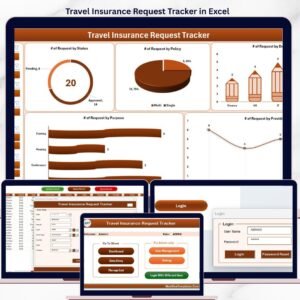
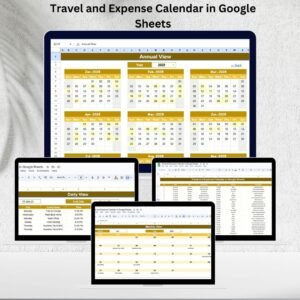








Reviews
There are no reviews yet.