

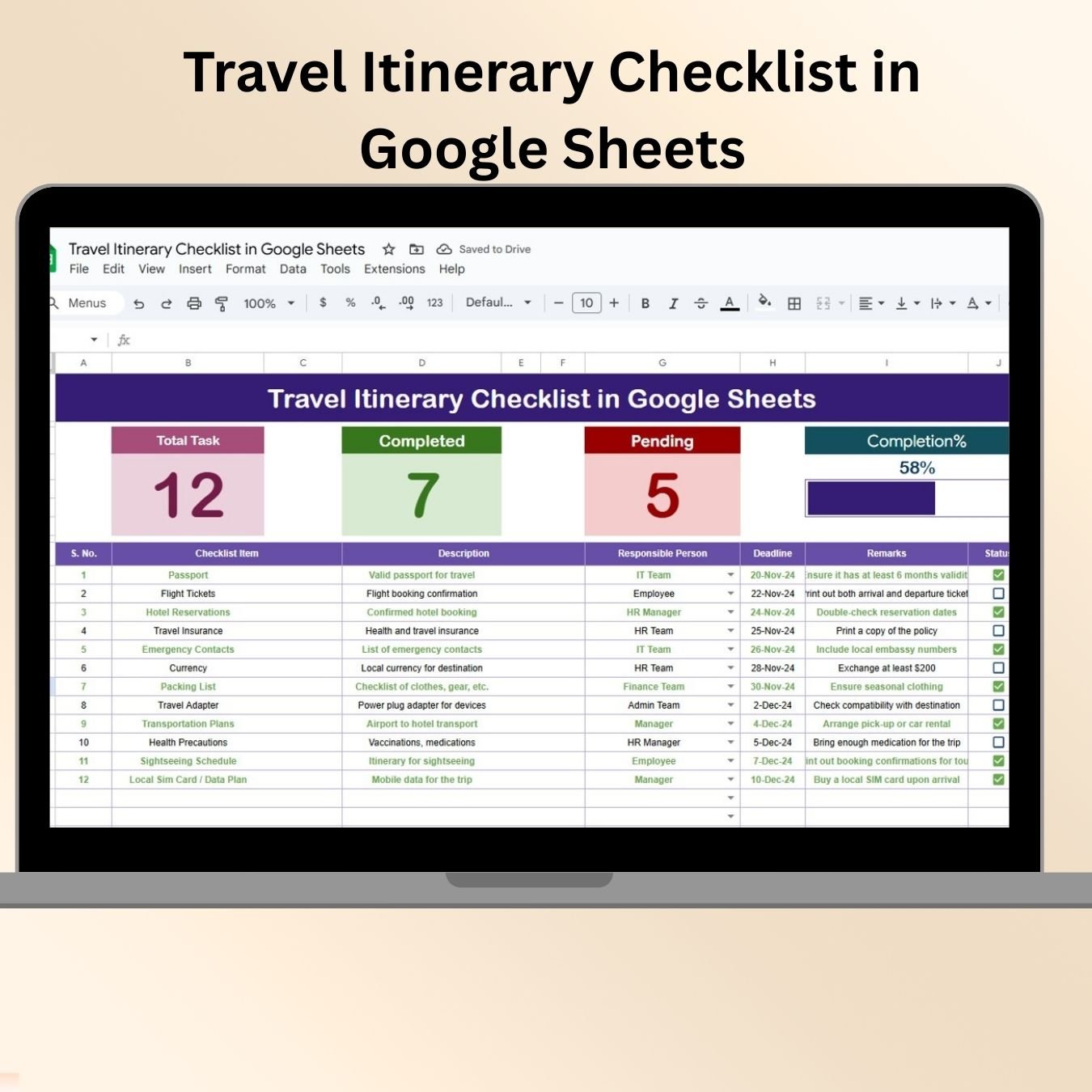
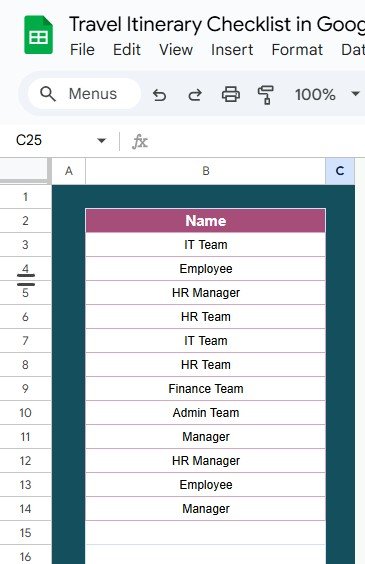
The Travel Itinerary Checklist in Google Sheets is a meticulously designed tool aimed at helping travelers organize and optimize their trips. Whether you’re planning a weekend getaway, a business trip, or an international vacation, this checklist ensures you stay organized and never miss a detail.
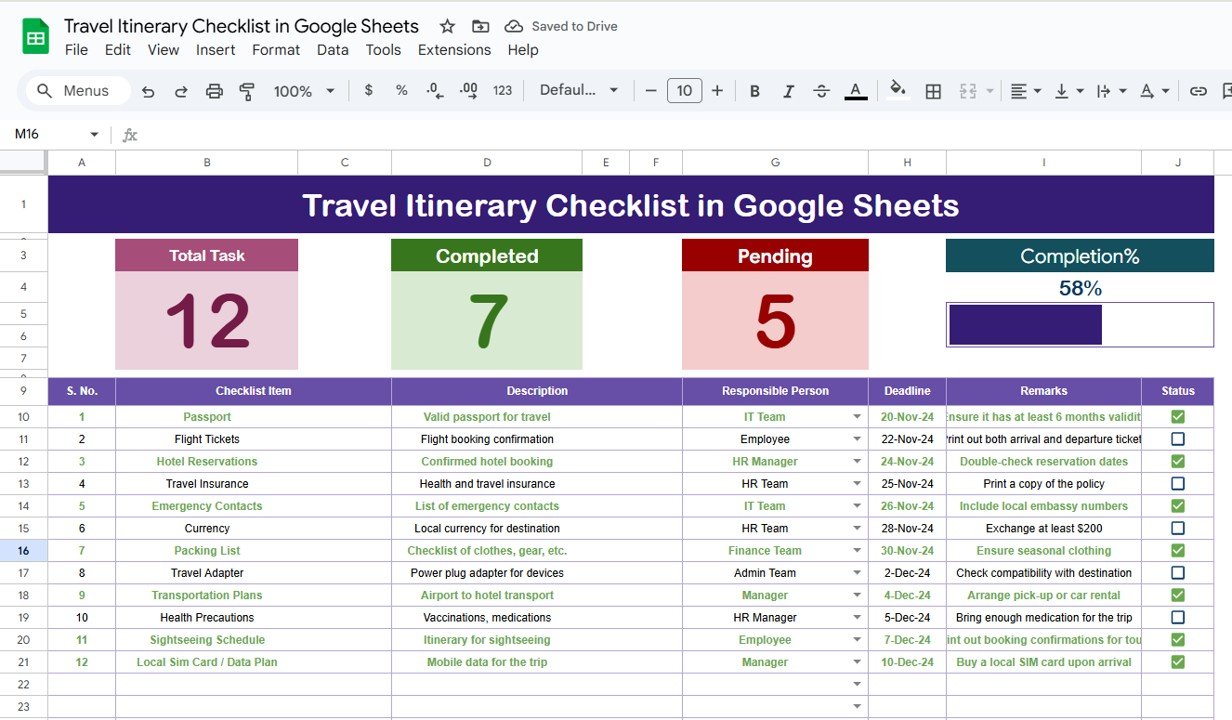
Key Features:
Customizable Categories: Tailor the checklist to your specific needs by adding or removing categories such as flights, accommodations, activities, and dining options.
Interactive Checkboxes: Easily mark items as completed with checkboxes, providing a visual representation of your progress.
Date and Time Tracking: Specify the dates and times for each activity, ensuring a well-structured itinerary.
Notes Section: Add personal notes or reminders for each item, helping you remember specific details or instructions.
Shareable Access: Collaborate with travel companions by sharing the checklist, allowing everyone to contribute and stay informed.
Benefits:
Enhanced Organization: Keep all your travel details in one place, reducing the risk of forgetting important information.
Time-Saving: Streamline your planning process by having a predefined list, saving time and reducing stress.
Flexibility: Customize the checklist to fit the unique requirements of your trip, whether it’s a solo adventure or a group vacation.
Accessibility: Access the checklist from any device with internet connectivity, ensuring you can update and review it on the go.
How to Use:
Access the Template: Open the provided Google Sheets template link.
Customize Categories: Modify existing categories or add new ones to suit your trip’s requirements.
Input Details: List all the activities, accommodations, and other relevant information under the appropriate categories.
Specify Dates and Times: Assign dates and times to each item to create a structured itinerary.
Add Notes: Include any relevant notes or reminders for each item.
Share the Checklist: Collaborate with travel companions by sharing the checklist and allowing them to contribute.
Mark Items as Completed: As you finalize each detail, check the corresponding checkbox to track your progress.
Who Can Benefit:
Solo Travelers: Stay organized and ensure you don’t forget any essentials.
Families: Coordinate travel plans among family members, ensuring everyone is on the same page.
Business Travelers: Keep track of meetings, accommodations, and other professional commitments.
Travel Planners: Assist clients in preparing for their trips by providing them with a comprehensive checklist.
By implementing the Travel Itinerary Checklist in Google Sheets, travelers can enhance their ability to monitor their plans, make informed decisions, and ultimately enjoy a more organized and stress-free travel experience.
Click here to read the Detailed blog post
Visit our YouTube channel to learn step-by-step video tutorials
Youtube.com/@PKAnExcelExpert


























Reviews
There are no reviews yet.