

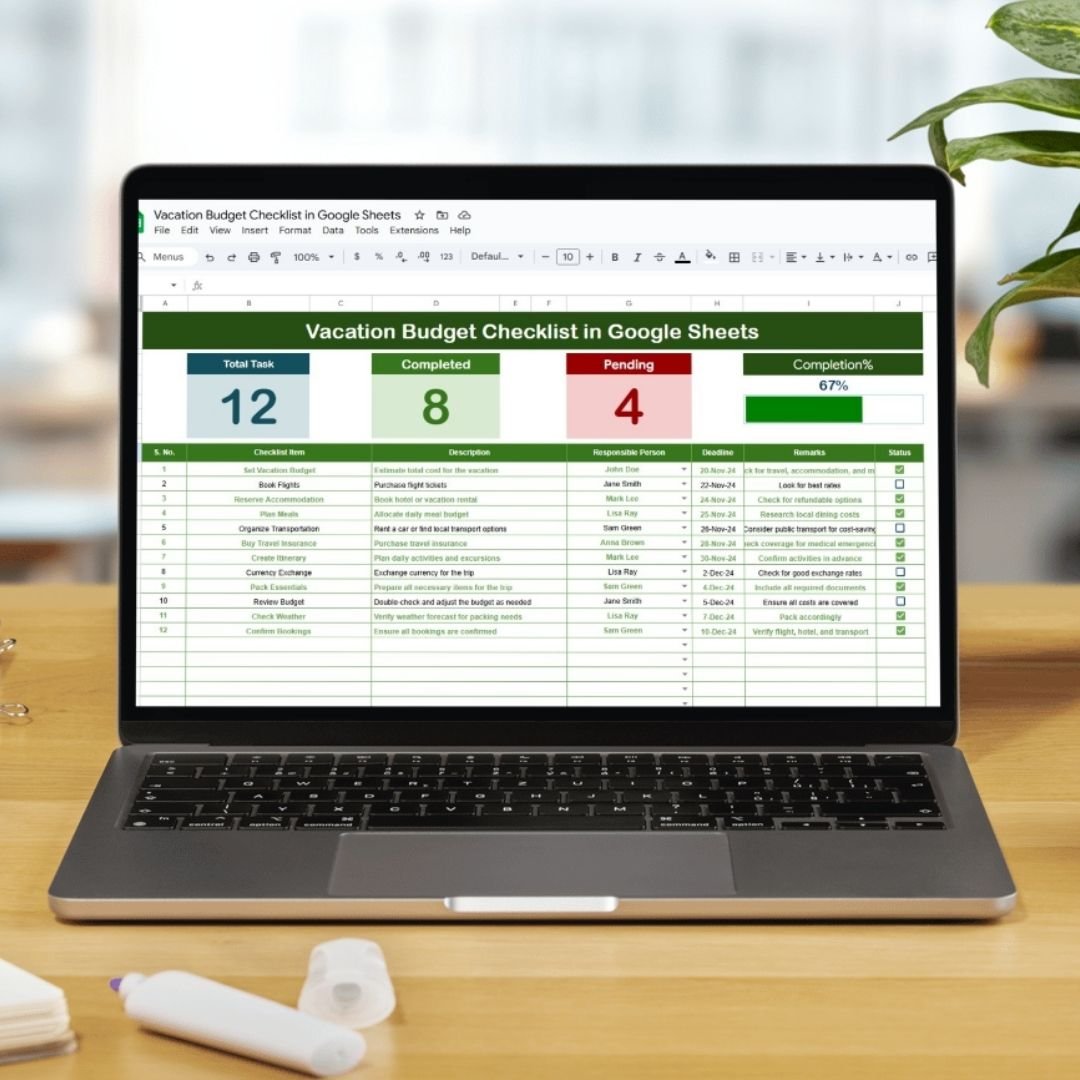
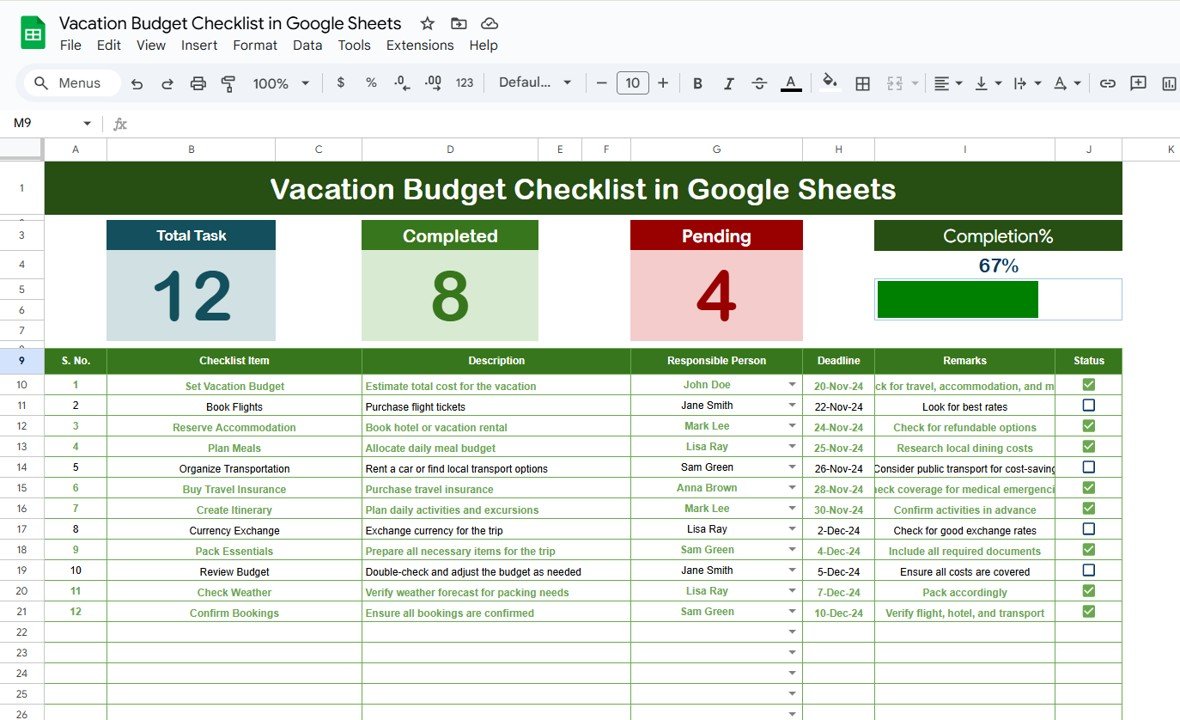
Planning a vacation involves more than just booking flights and accommodations; managing your expenses is crucial to ensure a stress-free experience. The Vacation Budget Checklist in Google Sheets is a comprehensive tool designed to help you plan and track your vacation expenses effectively. Whether you’re traveling solo, with family, or friends, this checklist provides a structured approach to budgeting, ensuring you stay within your financial limits while enjoying your trip.
Key Features:
Budget Overview: A summary sheet that provides a snapshot of your total budget, estimated expenses, and actual spending. This overview helps you monitor your financial progress and make adjustments as needed.
Expense Categories: The checklist includes various categories such as transportation, lodging, meals, activities, and miscellaneous expenses. Each category has predefined fields to input estimated and actual costs, allowing for detailed tracking.
Daily Expense Tracker: A daily log to record your expenditures throughout the trip. This feature helps you stay on top of your spending and identify areas where you can cut costs.
Currency Converter: An integrated tool to convert expenses into your home currency, making it easier to manage international trips.
Customizable Fields: The template allows you to add or remove categories and fields to tailor the checklist to your specific needs.
Benefits:
Comprehensive Budgeting: The checklist covers all aspects of your vacation expenses, ensuring nothing is overlooked.
Real-Time Tracking: By updating the checklist daily, you can monitor your spending in real-time and make necessary adjustments.
Easy Access: Being hosted on Google Sheets, the checklist is accessible from any device with an internet connection, allowing you to update and review your budget on the go.
Collaboration: If you’re traveling with others, the checklist can be shared, enabling everyone to contribute to the budgeting process.
How to Use:
Access the Template: Open the provided Google Sheets link to access the checklist template.
Customize the Categories: Modify the expense categories to fit your travel plans. Add new categories or remove unnecessary ones as needed.
Set Your Budget: Input your total budget and allocate amounts to each category based on your estimates.
Track Your Expenses: As you incur expenses during your trip, record them in the appropriate category and update the actual costs.
Review and Adjust: Regularly review your spending to ensure you’re staying within your budget. Make adjustments to future spending if necessary.
Conclusion:
The Vacation Budget Checklist in Google Sheets is an invaluable tool for anyone looking to manage their vacation expenses effectively. By providing a structured approach to budgeting and real-time tracking, it helps ensure that your trip remains enjoyable without financial stress.
🔗 Click here to read the Detailed blog post
Visit our YouTube channel to learn step-by-step video tutorials
Youtube.com/@PKAnExcelExpert





























Reviews
There are no reviews yet.