

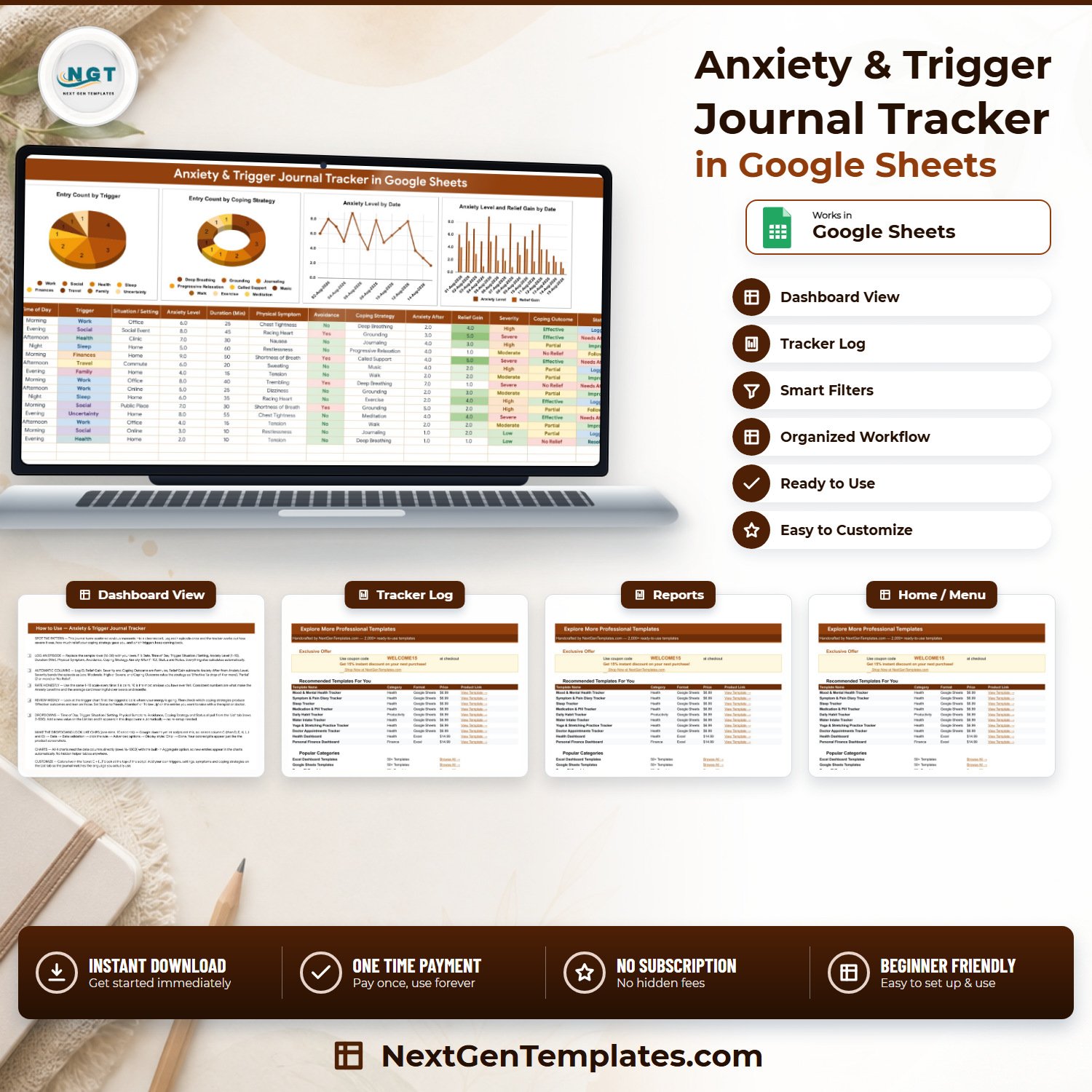

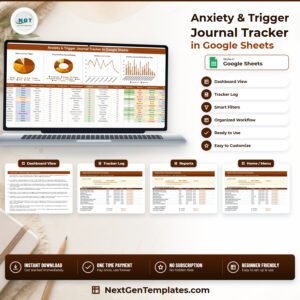
The Anxiety & Trigger Journal Tracker in Google Sheets logs each anxious episode across 16 columns on one sheet, fills 4 of them by formula, and updates 1 KPI card and 4 charts automatically. Seven dropdown lists arrive pre-loaded with 58 values — 14 triggers, 12 coping strategies, 11 physical symptoms, 9 settings, 5 times of day, 5 statuses and a Yes/No avoidance flag — so an entry takes about thirty seconds. Setup is one click on the copy link inside the PDF.
🌍 Join 8,400+ people in 40+ countries using NextGenTemplates to replace subscription apps with one-time-purchase Excel, Google Sheets, Power BI and HTML templates.
✅ Instant download · One-time payment · No subscription · No per-user fees · Lifetime access
⚠️ Please read first. This is a personal self-reflection journal, not a clinical tool. It is not a medical device, it makes no diagnosis, it offers no treatment or therapy, it uses no validated screening scale, and it is not a substitute for professional care. A Google Sheet is not appropriate storage for clinical records, and nothing here is HIPAA- or GDPR-compliant storage. If anxiety is affecting your daily life, please speak to a qualified doctor or therapist — and in an emergency, contact your local emergency number.
🔑 Key Features of the Anxiety & Trigger Journal Tracker
🧾 One row per episode, sixteen columns. Log ID, Date, Time of Day, Trigger, Situation / Setting, Anxiety Level, Duration (Min), Physical Symptom, Avoidance, Coping Strategy, Anxiety After, Relief Gain, Severity, Coping Outcome, Status and Notes. You type eleven; the sheet writes four.
➗ Relief Gain is calculated, not remembered. The sheet subtracts your Anxiety After rating from your Anxiety Level rating, so every entry carries a number showing how far the coping strategy actually moved things.
🚦 Severity bands each episode automatically as Low, Moderate, High or Severe from the 1–10 rating you entered, and colours the cell to match. It is an arithmetic band over your own number, never an assessment of you.
🎯 Coping Outcome grades the strategy, not the person. A drop of 4 or more reads “Effective”, 2 or more reads “Partial”, anything smaller reads “No Relief” — the column that shows which of your twelve coping options is earning its place.
📈 One KPI card and four live charts sit above the log and read the data columns directly, with no hidden helper tables anywhere in the file. Add a row and the visuals move on their own.
🔽 Dropdowns that grow with you. Every list reads rows 2–500 of the List tab, so typing a new trigger or coping strategy there makes it appear in the dropdown immediately — no re-setup, no data-validation editing.
🔒 It stores no clinical identifiers at all — by design. No name, no date of birth, no medical record or patient number, no clinician, diagnosis, medication, dose, insurance or claim field exists anywhere in the file. The only free text is Notes, and what goes in it is entirely your choice.
📦 What’s Inside the Anxiety & Trigger Journal Tracker
One Google Sheet with four tabs: the Anxiety Journal, a List tab holding the dropdown values, a How to Use tab, and an Explore More Templates tab.
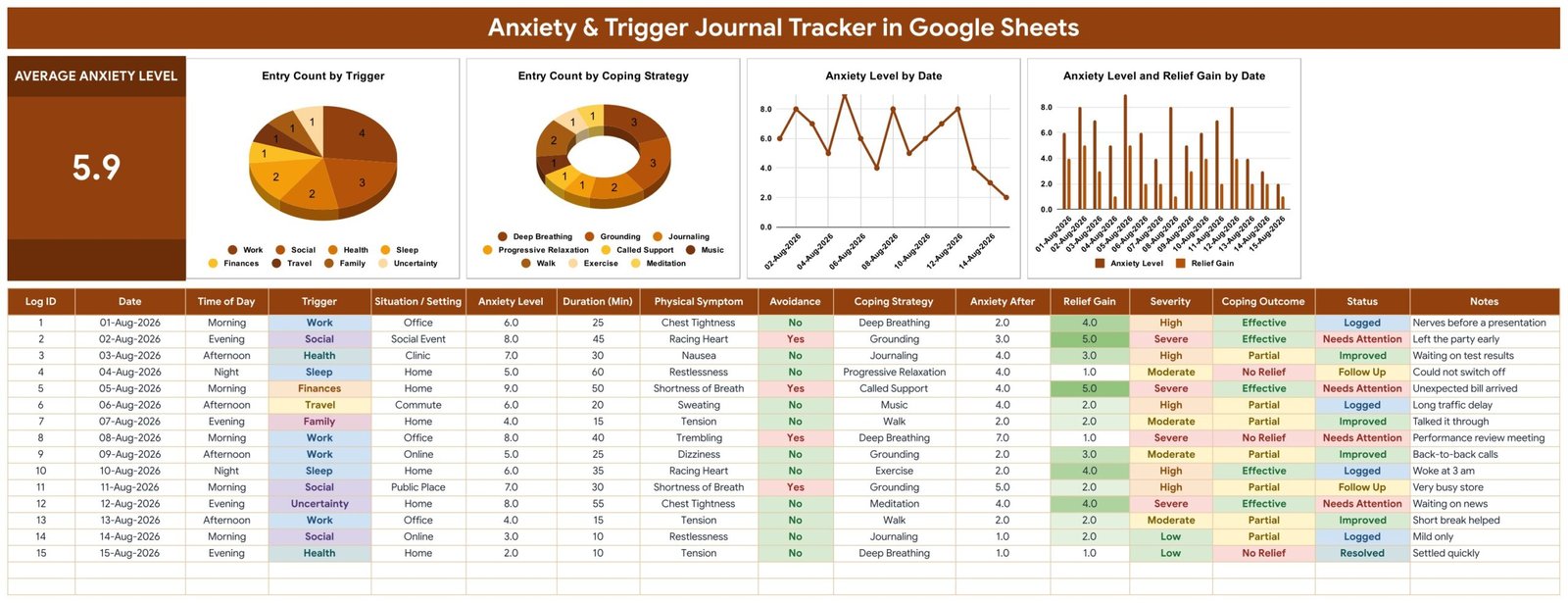
Page 1: Anxiety Journal — KPI card, charts and the log
The working page. A KPI card shows Average Anxiety Level across every entry, beside four charts: Entry Count by Trigger, Entry Count by Coping Strategy, Anxiety Level by Date, and Anxiety Level and Relief Gain by Date. The log starts at row 16 with 15 sample entries you overwrite, and the charts read rows 16 to 1000 — roughly 985 episodes of room.
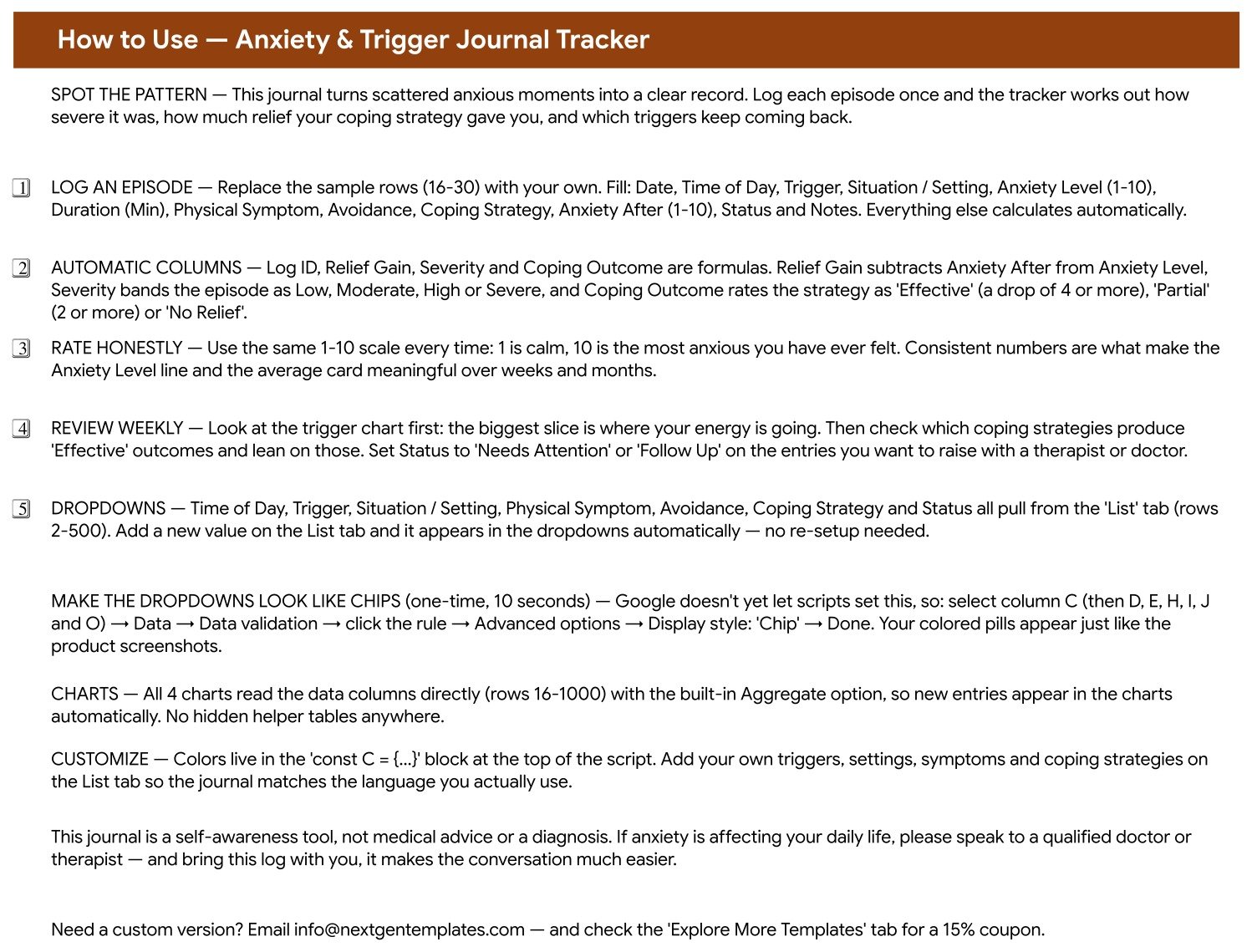
Page 2: How to Use — the setup guide that ships inside the file
Which columns to fill, which four calculate themselves, how the Severity and Coping Outcome rules work, how to extend the dropdown lists, and the ten-second Data validation tweak that turns the dropdowns into the coloured chips shown in the screenshots. It closes with the same reminder this listing opens with.
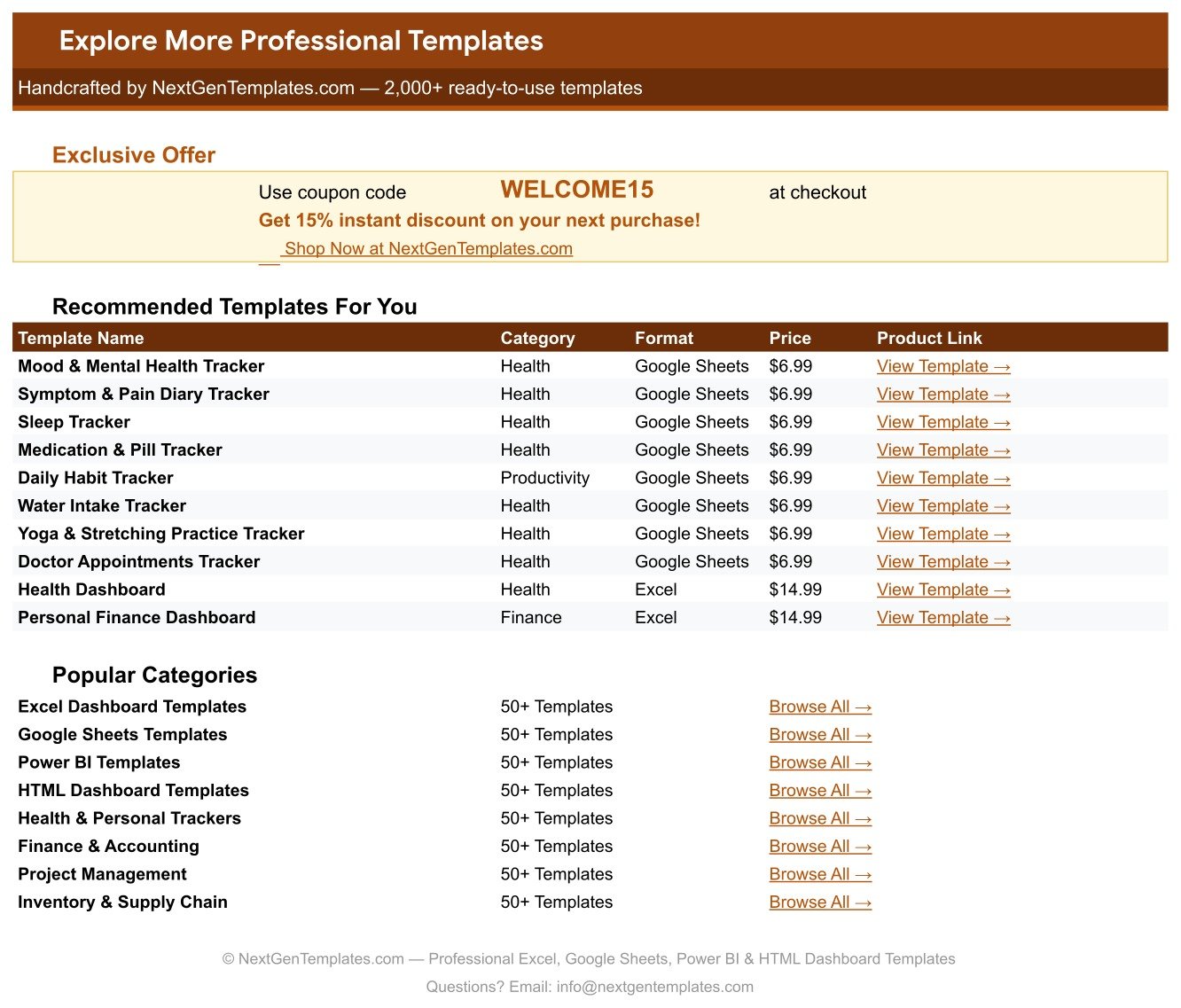
Page 3: Explore More Templates
A shortcut tab listing related NextGenTemplates products with prices and direct links, plus a WELCOME15 coupon worth 15% off your next purchase. The fourth tab, List, is the one you will edit most after week one — seven columns of dropdown values you extend with the words you actually use.
📊 Anxiety & Trigger Journal Tracker vs. a Microsoft Excel Journal vs. a Paid Mood-Tracking App
| Feature | Anxiety & Trigger Journal Tracker | Excel journal you build yourself | Paid mood-tracking app |
|---|---|---|---|
| Cost | $6.99 one-time | Free, plus your build time | Recurring subscription |
| Year-1 cost | $6.99, then nothing, ever | $0 plus several hours | Renews every year you keep it |
| Setup time | Under 5 minutes — click the copy link | Hours of formula and chart work | Minutes, after creating an account |
| Phone and desktop | ✅ Google Sheets app and any browser | Excel mobile, with layout compromises | ✅ Built phone-first |
| You own the raw data file | ✅ Your Drive, exportable to CSV or Excel | ✅ Your own file | Export depends on the vendor’s plan |
| Account required | A Google account only | None | Vendor account, on vendor servers |
| Custom triggers and coping strategies | ✅ Type them on the List tab — dropdowns update instantly | ✅ If you wire the validation yourself | Limited to what the app allows |
| Relief Gain and Coping Outcome scoring | ✅ Built in, two formula columns | Build it yourself | Varies by app |
| Reminders and notifications | ❌ None — this is a manual journal | ❌ None | ✅ Usually included |
For people who want their own anxiety data in a file they control, without an account on someone else’s servers and without a renewing subscription, the Anxiety & Trigger Journal Tracker sits in the sweet spot — as long as you are happy to open it yourself, because it will never nudge you.
👥 Who This Template Is For — and Who It’s Not For
✅ Built for:
- Anyone keeping a personal anxiety or trigger journal who wants patterns rather than pages of prose
- People preparing for an appointment who would rather arrive with a dated log than reconstruct six weeks from memory
- Spreadsheet-comfortable users who would rather own a file than rent an app
❌ Not for:
- Clinicians or clinics — this stores no patient identifiers and is not an EHR, EMR or practice record; a Google Sheet is not appropriate storage for clinical records
- Anyone who needs reminders or alerts — the sheet sends nothing at all, ever
- Anyone looking for a screening or assessment tool — there is no PHQ-9, GAD-7 or other validated scale here, and no interpretation of your scores
- People who prefer tapping an app on a phone lock screen; a spreadsheet takes a few taps more
⚙️ How to Use the Anxiety & Trigger Journal Tracker
- Open the PDF in your download and click the “Make a copy” link. The sheet lands in your own Google Drive.
- On the List tab, add your own triggers, settings, symptoms and coping strategies below the seeded ones.
- Delete the 15 sample rows from row 16 down, then log your first episode: date, time of day, trigger, setting, anxiety level 1–10, duration, symptom, avoidance, coping strategy, anxiety after, status and a short note.
- Leave Log ID, Relief Gain, Severity and Coping Outcome alone — they fill themselves.
- Rate on the same 1–10 scale every time. Consistency is what makes the trend line and the average card mean anything.
- Review weekly: read the trigger chart first, then check which coping strategies produce “Effective” outcomes, and mark anything you want to raise with a professional as “Needs Attention” or “Follow Up”.
- Optional, ten seconds: select column C (then D, E, H, I, J and O) → Data → Data validation → click the rule → Advanced options → Display style: Chip.
💼 Real-World Use Cases
Maya journals before her monthly check-in. She logs each episode as it happens rather than reconstructing the month on the morning of the appointment, and arrives with a trigger chart instead of a guess.
Daniel is testing what actually helps him. He had four coping habits and no idea which were worth the time. Six weeks of Coping Outcome told him plainly: two read “Effective” most of the time, one almost always read “No Relief”. He dropped the one that was not working.
Priya wanted her data in her own hands. She disliked that her most private notes lived on a company’s servers behind a renewing subscription. The tracker gave her the same journal in a file she owns, exports and deletes on her own terms.
❓ Frequently Asked Questions
Is the Anxiety & Trigger Journal Tracker a medical or diagnostic tool?
No. The Anxiety & Trigger Journal Tracker is a personal journalling spreadsheet. It is not a medical device, it makes no diagnosis, it provides no treatment or therapy, and it uses no validated clinical scale. Severity and Coping Outcome are plain formulas over numbers you typed yourself.
Does it store any patient or clinical information?
No, and that is deliberate. The Anxiety & Trigger Journal Tracker has no name, date of birth, record number, clinician, diagnosis, medication or insurance column anywhere in its 16 fields. A Google Sheet is not appropriate storage for clinical records, and this file makes no HIPAA or GDPR compliance claim.
Which columns calculate automatically?
Four of the sixteen. The Anxiety & Trigger Journal Tracker fills Log ID, Relief Gain (Anxiety Level minus Anxiety After), Severity (Low, Moderate, High or Severe) and Coping Outcome (Effective, Partial or No Relief). You enter the other eleven yourself.
Will it remind me to log an entry?
No. The Anxiety & Trigger Journal Tracker sends no reminders, alerts, emails or push notifications of any kind. It is a manual journal that updates only when you open it and type — the main trade-off against a subscription phone app.
Can I add my own triggers and coping strategies?
Yes. Every dropdown in the Anxiety & Trigger Journal Tracker reads rows 2 to 500 of its column on the List tab, so you type a new value underneath the seeded ones and it appears in the dropdown straight away. No data-validation editing is required.
How long does setup take?
Under five minutes. Open the PDF in your download, click the “Make a copy” link, and the Anxiety & Trigger Journal Tracker appears in your own Google Drive with all formulas, charts and dropdown lists already working. Clear the 15 sample rows and start logging.
How does it compare to a paid mood-tracking app?
The Anxiety & Trigger Journal Tracker is a one-time $6.99 purchase with no account on anyone else’s servers and full ownership of the raw file. A subscription app wins on phone convenience and reminders; this wins on cost over time, on customisable triggers, and on the data being yours to export or delete.
👤 About the Author
Built by PK — Microsoft Certified Professional with 15+ years of Excel, Google Sheets and Power BI experience. Founder of NextGenTemplates, reaching 300K+ subscribers across YouTube channels (@PK-AnExcelExpert, @NextGenTemplates, @NeoTechNavigators). Every template is hand-built and tested before release.
🔗 Explore Related Templates
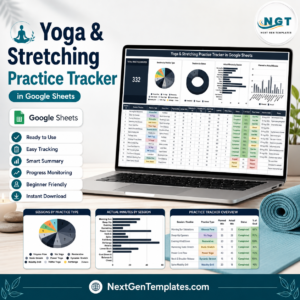
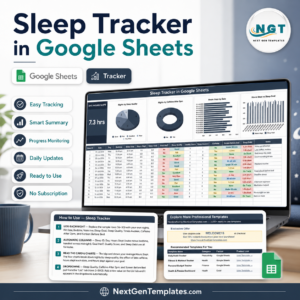
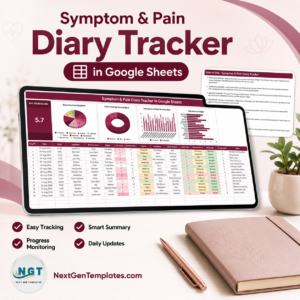
The closest neighbour is the Symptom & Pain Diary Tracker in Google Sheets, which follows the same one-row-per-episode shape for physical symptoms. The Sleep Tracker in Google Sheets pairs naturally with it, and the Yoga & Stretching Practice Tracker records the practice side of the same routine. For appointments and results rather than day-to-day feelings, see the Doctor Appointments & Medical History Tracker and the Lab Results & Health Metrics Tracker. Browse the whole shelf under Google Sheets Trackers or the wider Google Sheets Templates collection.
📖 Click here to read the detailed blog post
🎥 Visit our YouTube channel for step-by-step video tutorials
👉 YouTube.com/@NextGenTemplates
Watch the step-by-step video Demo:
📅 Last updated: September 2026
Compatibility and Requirements
- Works in Google Sheets. You need a free Google account and a web browser, or the Google Sheets app on your phone.
- Seven dropdown lists read their values from the List tab. Google explains dropdowns in Create an in-cell dropdown list.































Reviews
There are no reviews yet.