Healthcare projects move fast — compliance audits, accreditation renewals, vaccination drives, infrastructure upgrades, staff training, and public health campaigns all run simultaneously. One missed deadline can create serious operational issues.
If your team still relies on scattered spreadsheets or manual planners, it’s time for a smarter system.
Introducing the Healthcare Project Calendar in Excel — a ready-to-use, structured, and interactive planning tool designed specifically for hospitals, clinics, and healthcare institutions.
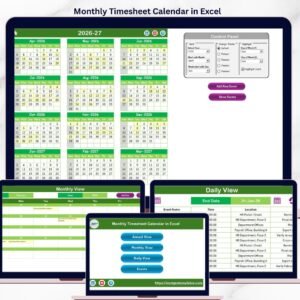
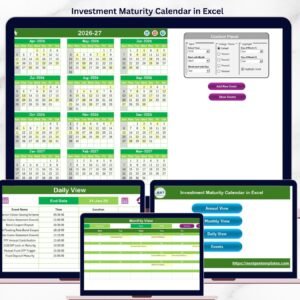
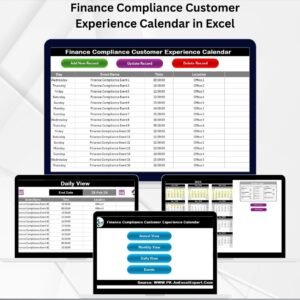
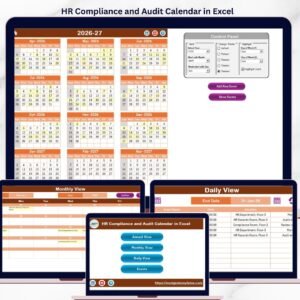
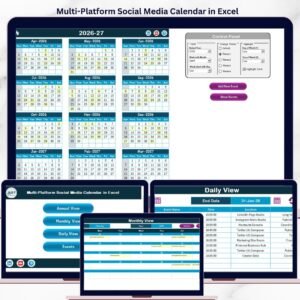
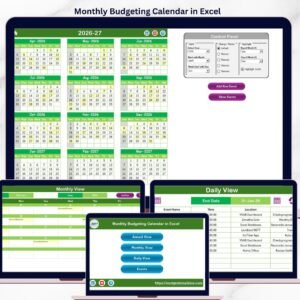
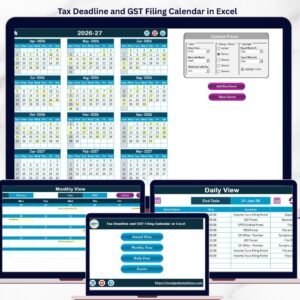
This powerful Excel calendar centralizes annual planning, monthly scheduling, and daily tracking — all inside one professional workbook.
📌 Key Feature of Healthcare Project Calendar in Excel
This template includes 5 well-structured worksheets that work together to create a complete healthcare project management system.
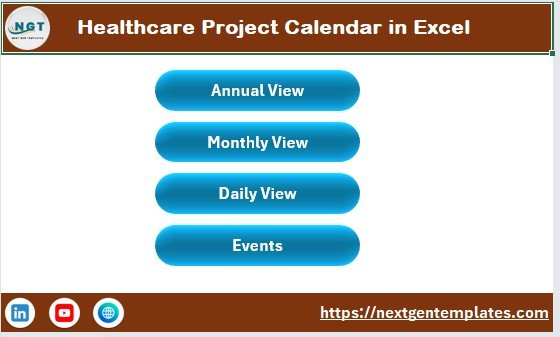
🏠 Home Sheet – Smart Navigation Hub
✔ 4 Quick Navigation Buttons
✔ Annual View
✔ Monthly View
✔ Daily View
✔ Events Database
Switch between sheets instantly without searching manually.
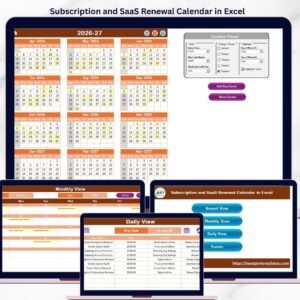
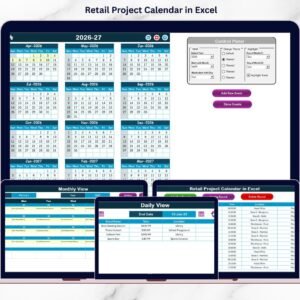
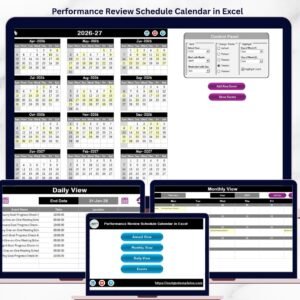
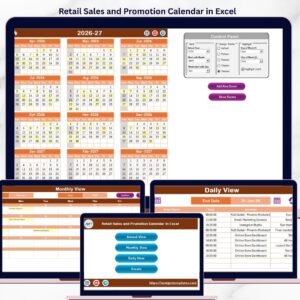
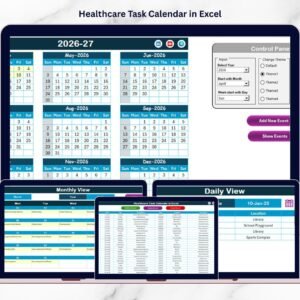
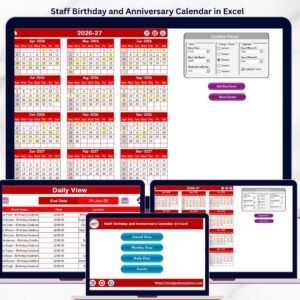
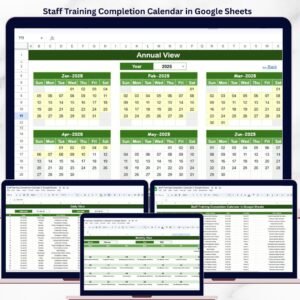
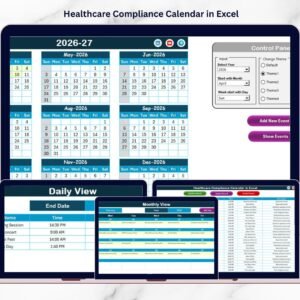
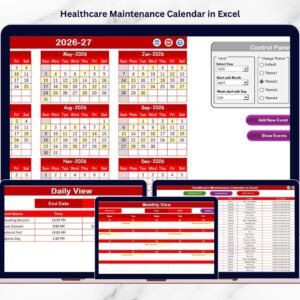
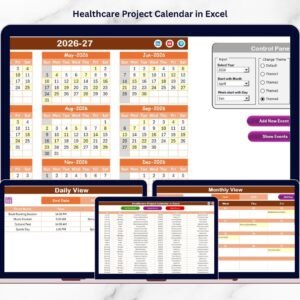
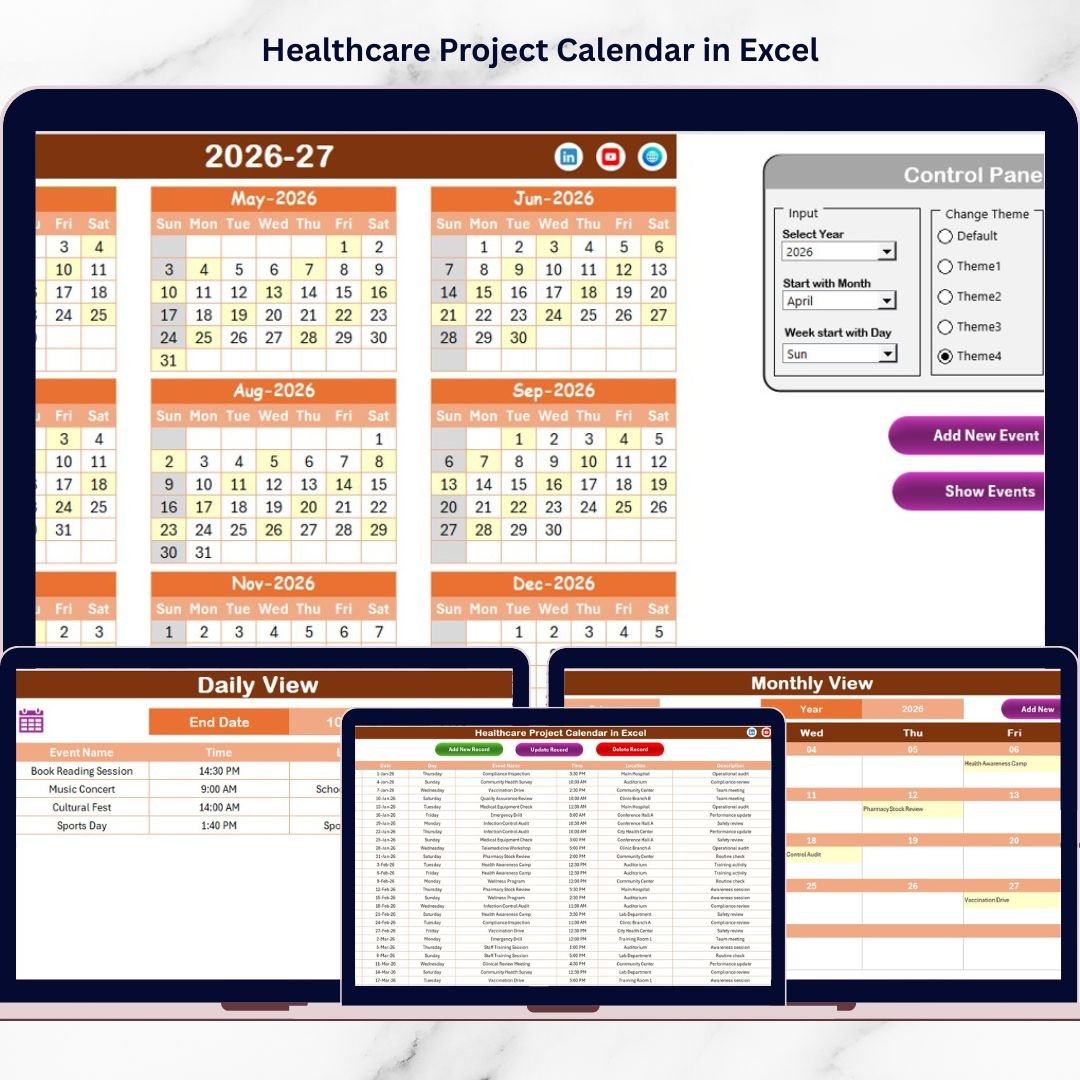
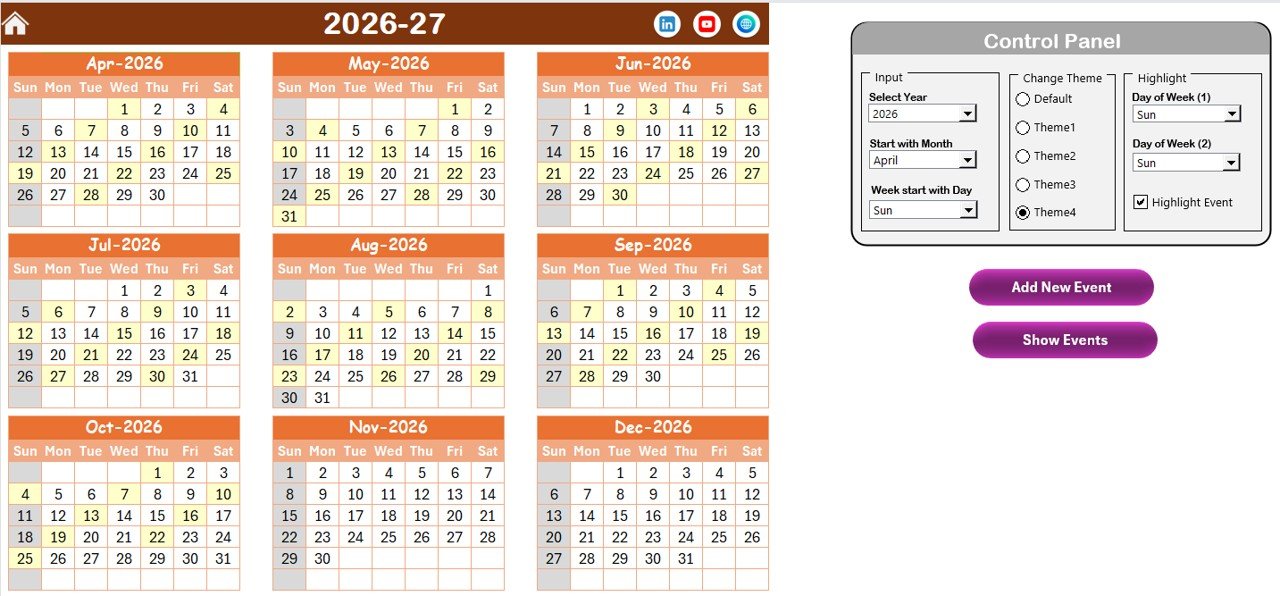
📅 Annual View – 12-Month Strategic Planning
✔ Full Year Overview
✔ Control Panel with:
-
Year Selection
-
Starting Month Adjustment
-
Starting Day Customization
✔ 5 Professional Color Themes
✔ Highlight Weekends or Specific Days
✔ Highlight Events in Yellow
✔ Add New Event Button
✔ Show Event Button
Plan audits, accreditation cycles, medical camps, and infrastructure upgrades clearly across the entire year.
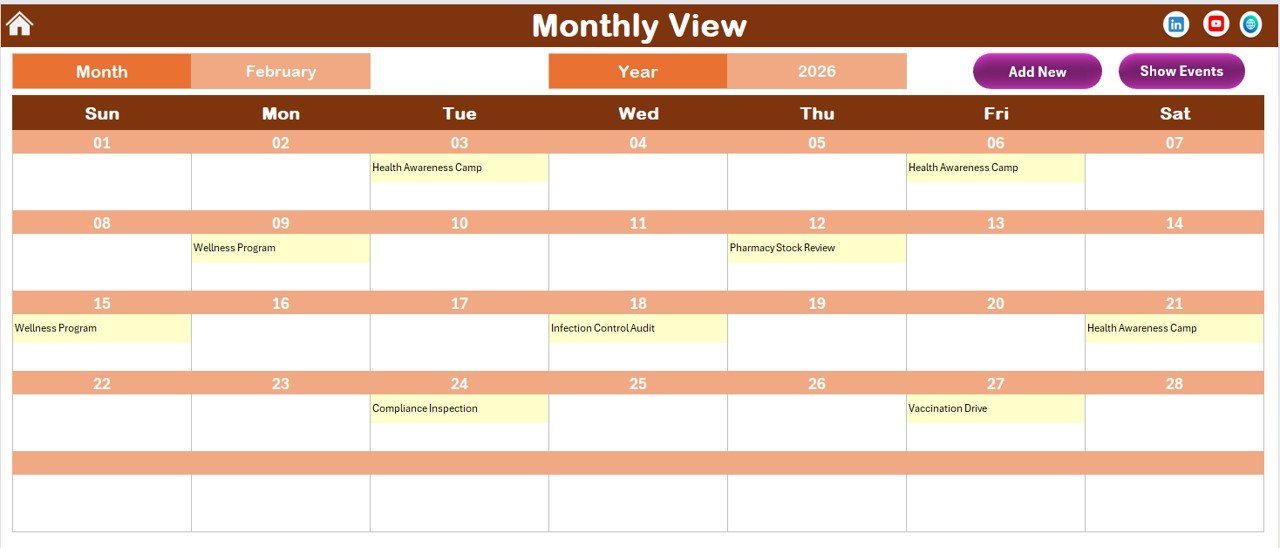
🗓 Monthly View – Focused Operational Planning
✔ Select Month & Year
✔ Displays Events Directly on Calendar
✔ “More than 1…” Indicator for Multiple Events
✔ Add & View Events Instantly
Perfect for vaccination drives, staff rotations, training programs, and monthly compliance tracking.
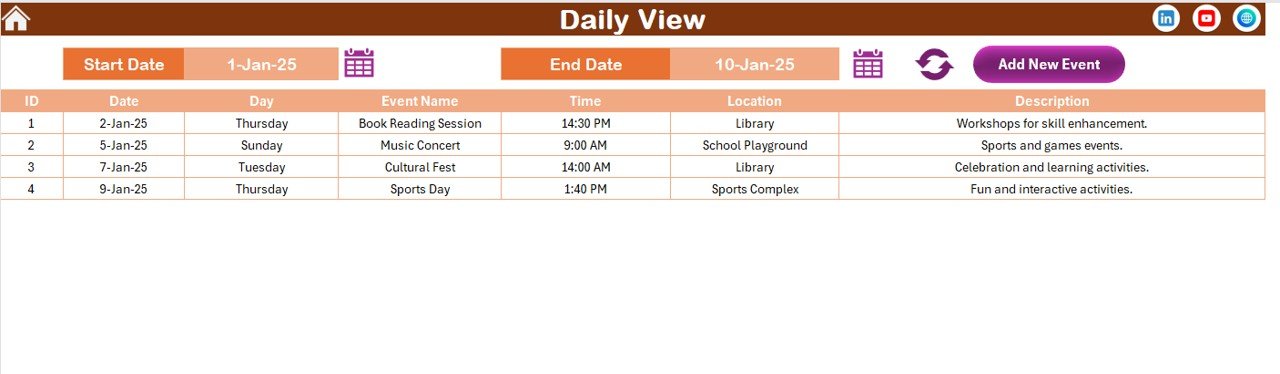
📋 Daily View – Detailed Event Tracking
✔ Select Start Date & End Date
✔ Click Refresh
✔ View Event Name, Date, Time, Location & Description
Ideal for reviewing weekly schedules and workload distribution.
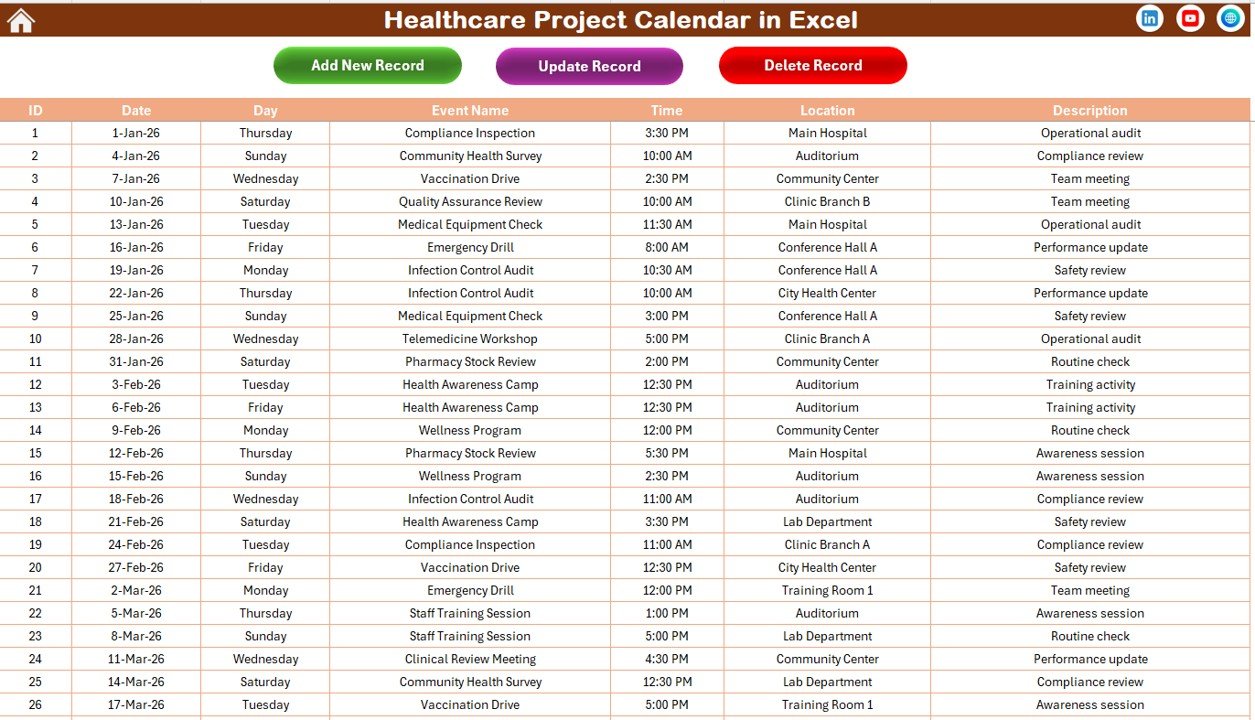
🗂 Events Sheet – Central Database Engine
✔ Auto-Generated Event ID
✔ Structured Columns (Date, Day, Event Name, Time, Location, Description)
✔ Add New Record
✔ Update Existing Record
✔ Delete Record
Maintain full control over your healthcare project data.
📦 What’s Inside the Healthcare Project Calendar in Excel
✔ 5 Structured Worksheets
✔ Automated Annual, Monthly & Daily Views
✔ Dynamic Control Panel
✔ 5 Color Themes
✔ Event Highlighting Features
✔ Interactive Event Forms
✔ Centralized Event Database
✔ Easy-to-Use Buttons
✔ Professional Layout
This is not just a calendar — it’s a complete healthcare planning system.
🛠 How to Use the Healthcare Project Calendar in Excel
1️⃣ Select Year & Settings in the Annual View control panel
2️⃣ Add events using Add New Event button
3️⃣ Review Monthly schedules
4️⃣ Monitor detailed tasks in Daily View
5️⃣ Update or delete records from Events sheet
Everything updates automatically — no complex Excel knowledge required.
👥 Who Can Benefit from This Healthcare Project Calendar?
This template is ideal for:
🏥 Hospitals
🏩 Clinics
🧑⚕ Healthcare Administrators
📋 Compliance Officers
📊 Healthcare Project Managers
🏢 Diagnostic Centers
🎓 Medical Training Institutes
🌍 Public Health Organizations
If you manage healthcare schedules, this tool keeps everything organized.
🎯 Why Choose Healthcare Project Calendar in Excel?
✔ Centralized project tracking
✔ Annual strategic visibility
✔ Monthly operational clarity
✔ Daily detailed review
✔ Easy customization
✔ Reduced scheduling conflicts
✔ Improved team coordination
✔ Budget-friendly solution
✔ Works fully offline
Stop missing deadlines. Start planning proactively.
Click here to read the Detailed blog post
Visit our YouTube channel to learn step-by-step video tutorials:
👉 https://youtube.com/@PKAnExcelExpert